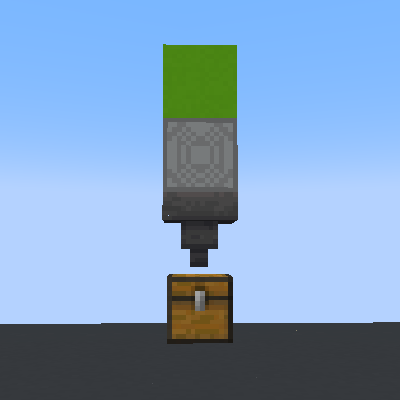
Infinite Blocks
Java mod listed for Minecraft 1.20. Downloads from the MC Java Mods app on Android.
⬇ Download on CurseForgeThe author built this one for Minecraft 1.20.1 on Forge. On other versions it may install and then do nothing.
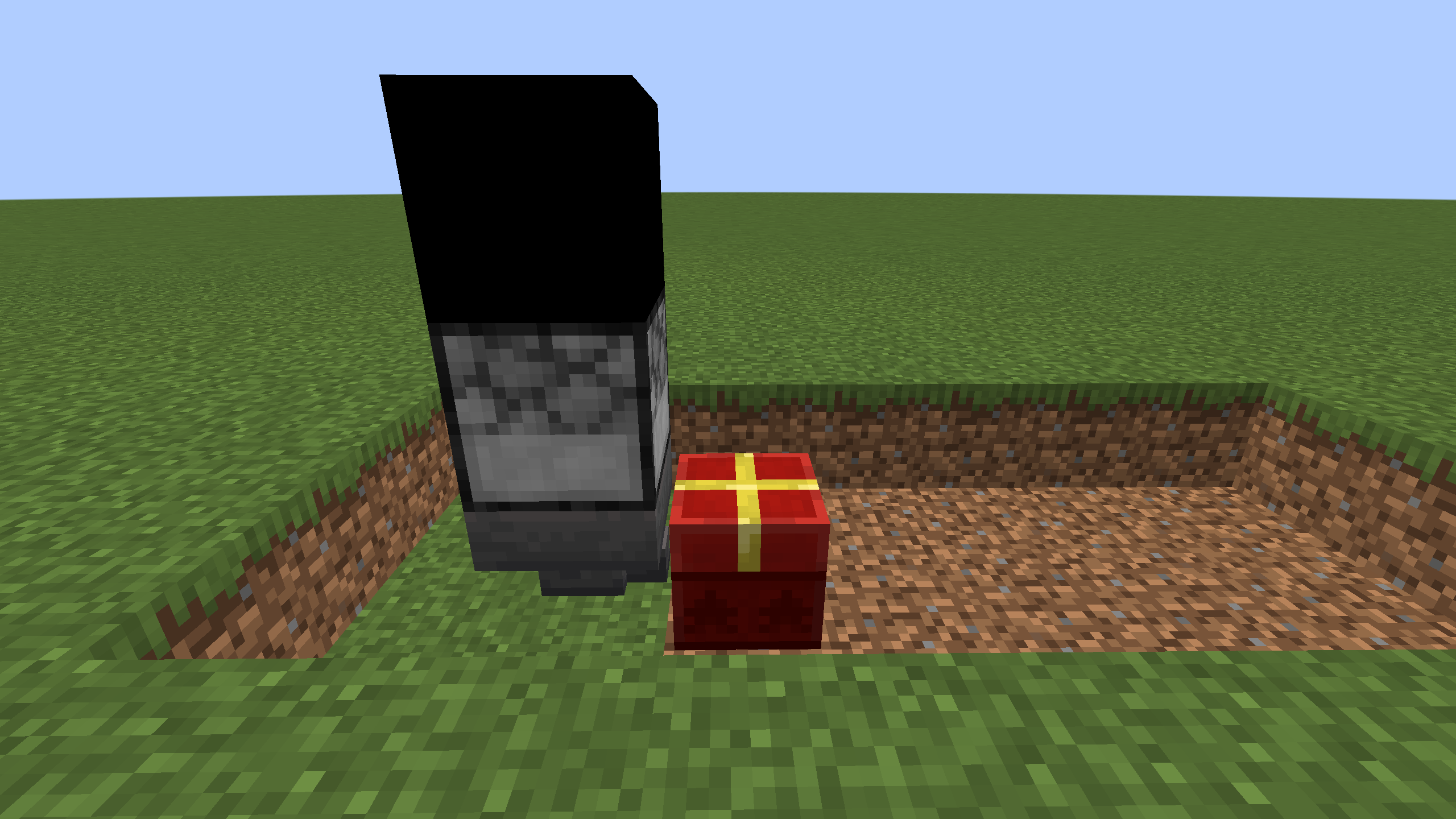
This mod adds 2 blocks, an Infinite Block Generator and Blackest Stone. Blackest Stone is just a pure black building block and is used to craft the Infinite Block Generator.
HOW IT WORKS
Place the Infinite Block Generator underneath the block you want to generate.
The block you wish to generate must have the block tag of "infinite_blocks:infinite_blocks".
The Infinite Block Generator will generate the block type as an item in its internal inventory.
By default anything in the block tags "minecraft:dirt", "forge:stone", and the Blackest Stone block are all tagged as "infinite_blocks:infinite_blocks".
BLOCK TAGS, NOT ITEM TAGS!
No config is available but it works off tags, so you can easily have a tag editor like KubsJS to have a basic script to do so. There is a basic "how to" below, but if you are unfimiliar with it and the below still doesn't help, there is plenty of detailed documentation offered from their page.
Below is a basic KubeJS script to add tags to blocks. This is a Server Script to go in the server_scripts folder. You can name the anything you want as long as it is a .js file, like tags.js or anything else. A code editor is not needed, but can be used, otherwise a notepad file is fine as long as it is placed in the correct folder and is a .js file type (you may need to turn on the ability to change file extensions as most devices do not have that on by default). If this is not enough information please check their documentation. Below is the filepath of where to place the file.
whereverCurseforgeIsInstalledOnYourPC\curseforge\minecraft\Instances\yourModpackName\kubejs\server_scripts\thisIsTheFileJustNameItWhateverYouWant.js"
// Listen to block tag eventServerEvents.tags('block', event => { event.add('infinite_blocks:infinite_blocks', [ 'xtonesreworked:xtone_tile', '#forge:concrete', '#minecraft:terracotta', ])})- Edition: Minecraft Java
- File type: .jar
- Minecraft version listed: 1.20.1
- How to install: Install the matching mod loader (Forge, Fabric or NeoForge) for your Minecraft version. → Download the .jar. → Put it in the .minecraft/mods folder and launch that loader profile.
- Where to get it: Opens on CurseForge — not every file is mirrored on our own servers.
Install steps are the general flow for this file type — How to install Minecraft Java mods & modpacks walks through it step by step.
- Ships as InfiniteBlocksJAR1.01.jar — drop this file into the mods folder
- Download size: 50 KB
- Download link checked 26 Sept 2026 — working
These come from our own check of the pack file, not from the source page.