
Cobalt Wireless
The author built this one for Minecraft 1.20.1 on Forge. On other versions it may install and then do nothing.
About this Mod.
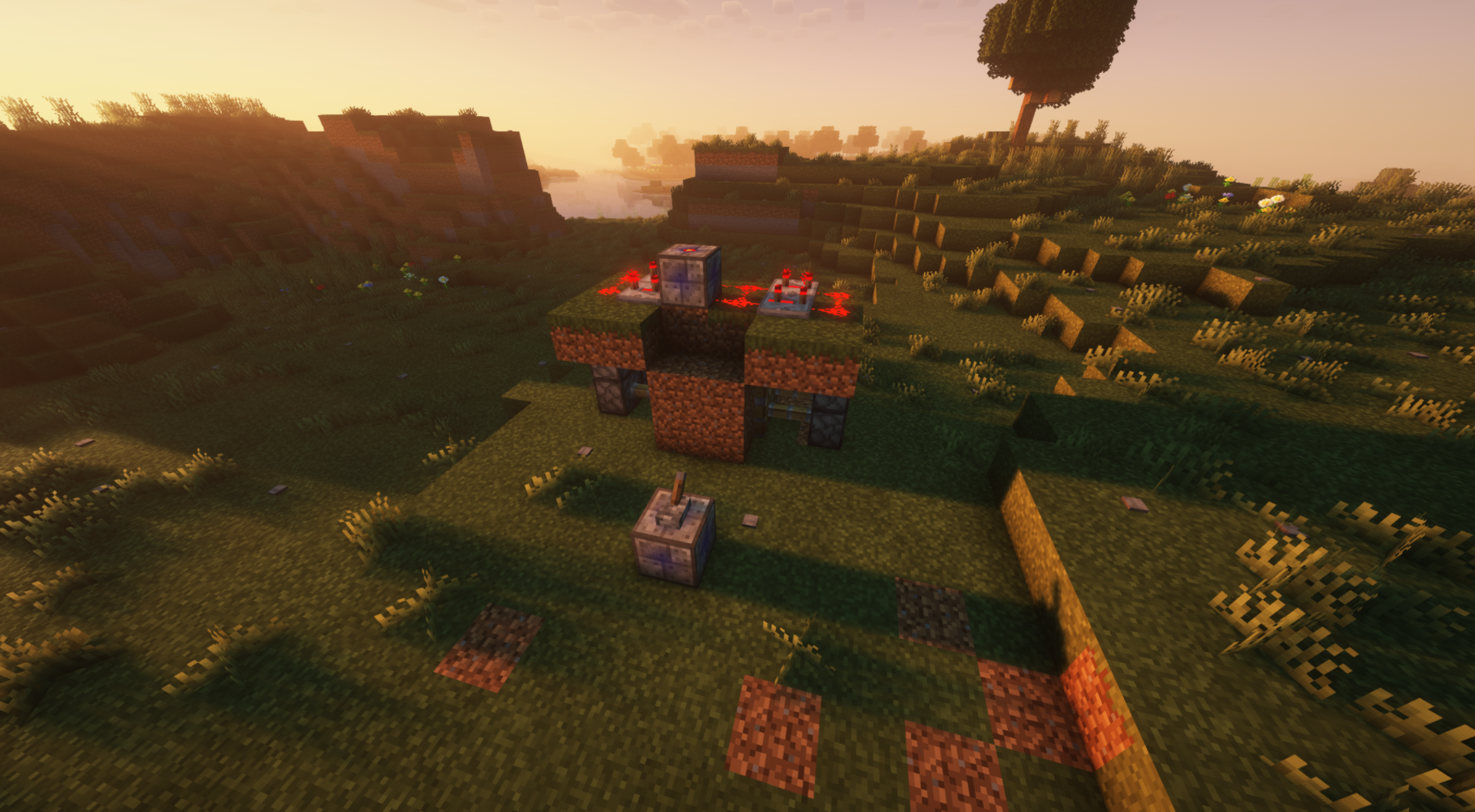
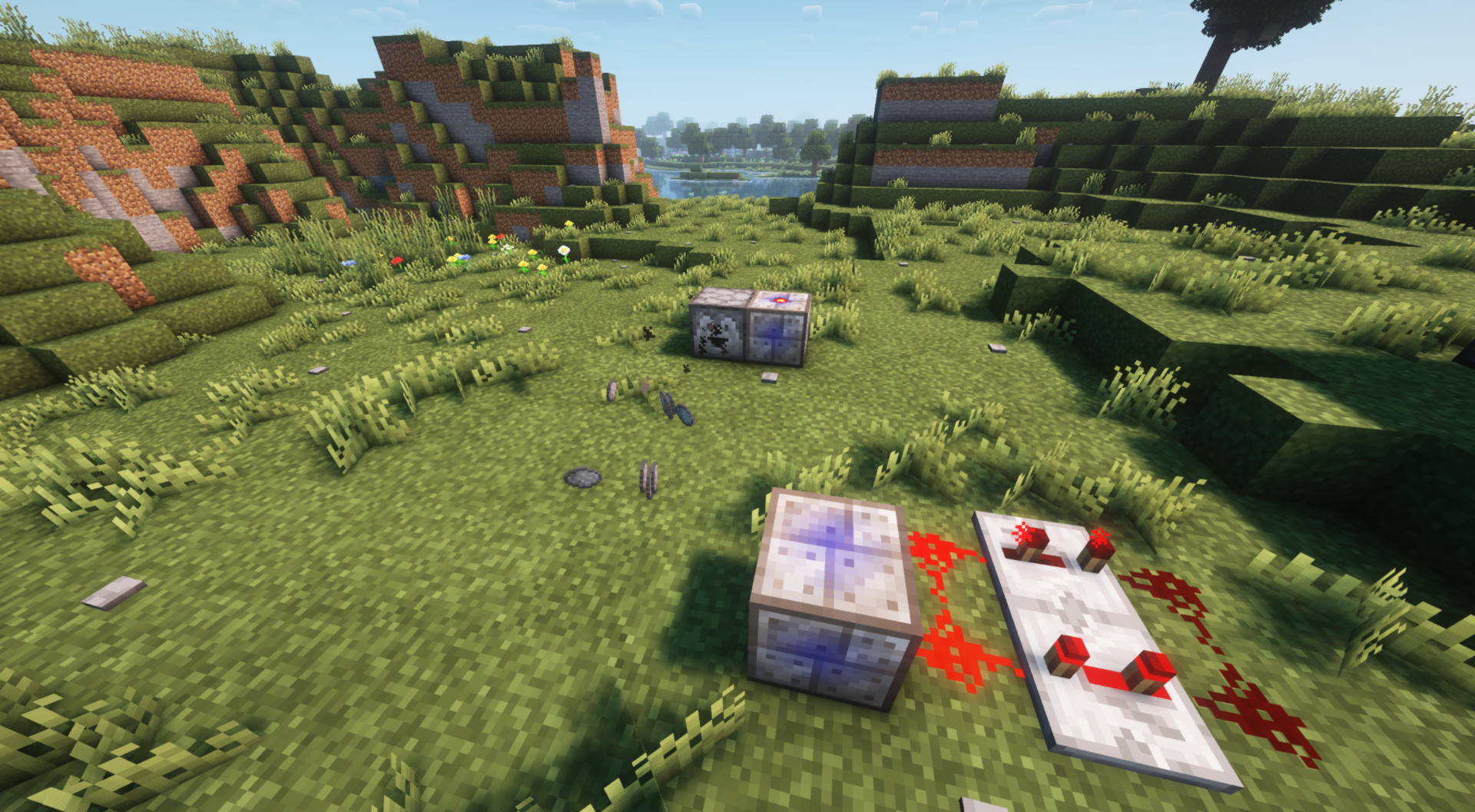
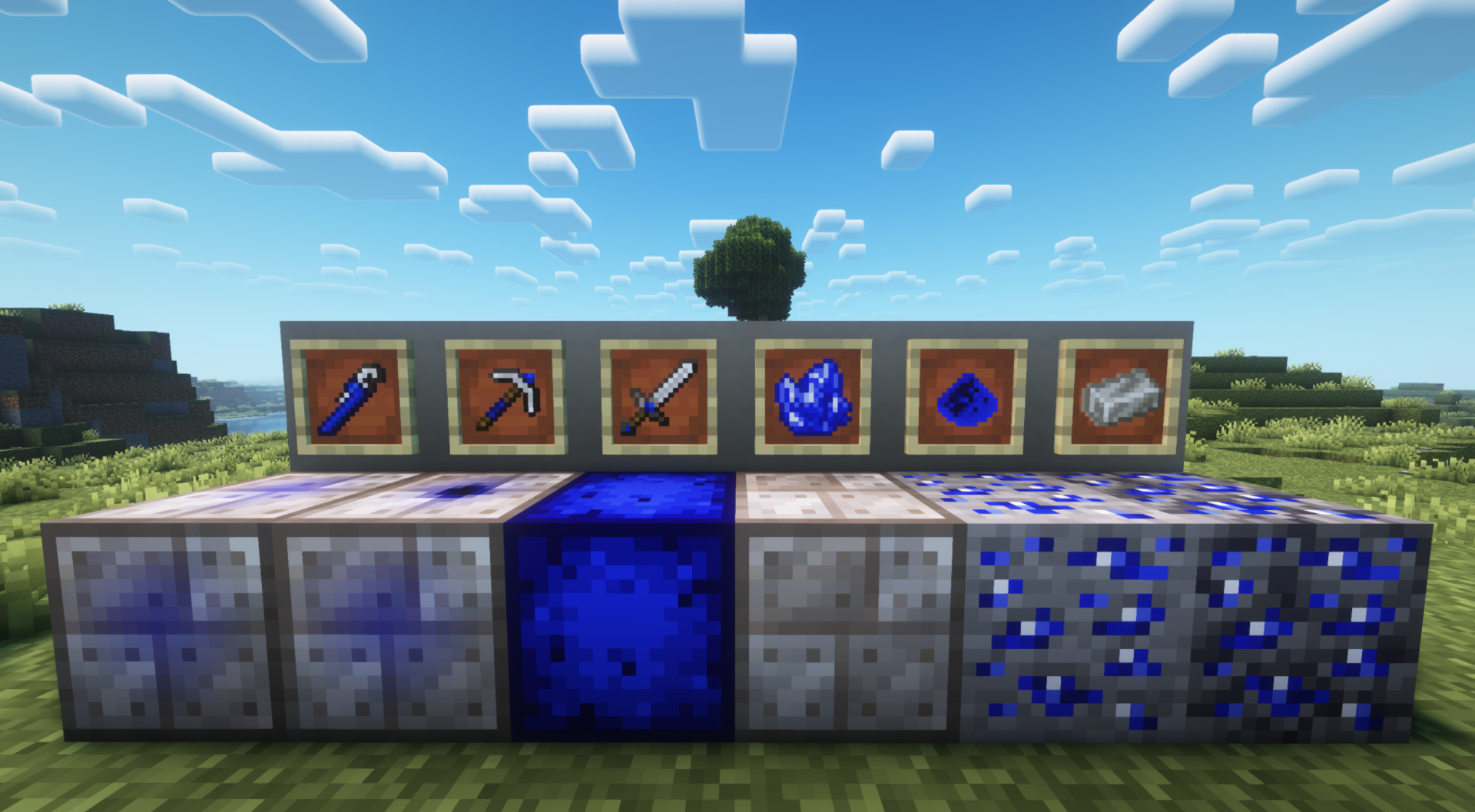
This mod was made to add wireless redstone and a new ore that can be found in the overworld. Within the mod are a couple of other things, like a new sword and pickaxe that you can use.
You can access the wireless redstone mechanic within the mod by obtaining the new ore that the mod has added.
Smelting and crafting this ore into the new wrench and blocks that have been added will allow you to create and connect the wireless redstone blocks.
The wireless redstone mechanic works by you using the wrench on the new signal block and wireless block that has been added; after connecting these two blocks, you will be able to give the signal block a redstone input then the wireless block will provide a redstone output which will power any redstone it's connected to.
(This mod is made for Forge.)
(Report any bugs or issues you find here: Issue tracker)
- Edition: Minecraft Java
- File type: .jar
- Minecraft version listed: 1.20.1
- How to install: Install the matching mod loader (Forge, Fabric or NeoForge) for your Minecraft version. → Download the .jar. → Put it in the .minecraft/mods folder and launch that loader profile.
- Where to get it: Opens on CurseForge — not every file is mirrored on our own servers.
Install steps are the general flow for this file type — How to install Minecraft Java mods & modpacks walks through it step by step.
- Ships as cobaltwireless1.0.0.jar — drop this file into the mods folder
- Download size: 851 KB
- Download link checked 27 Sept 2026 — working
These come from our own check of the pack file, not from the source page.