ModsJava
Doctor Who - Sonic Screwdriver
Java mod listed for Minecraft 1.19–1.20. File opened and checked on 4 Oct 2026; downloads from the MC Java Mods app on Android.
I don't know my version or loader
Open the Minecraft launcher and look at the profile you play on — it names both, like fabric-loader-1.21.4. The version also shows in the bottom-right corner of the game's main menu.
No loader in the profile name? Then it's plain Minecraft, and these mods won't run — you need Fabric or NeoForge installed first.
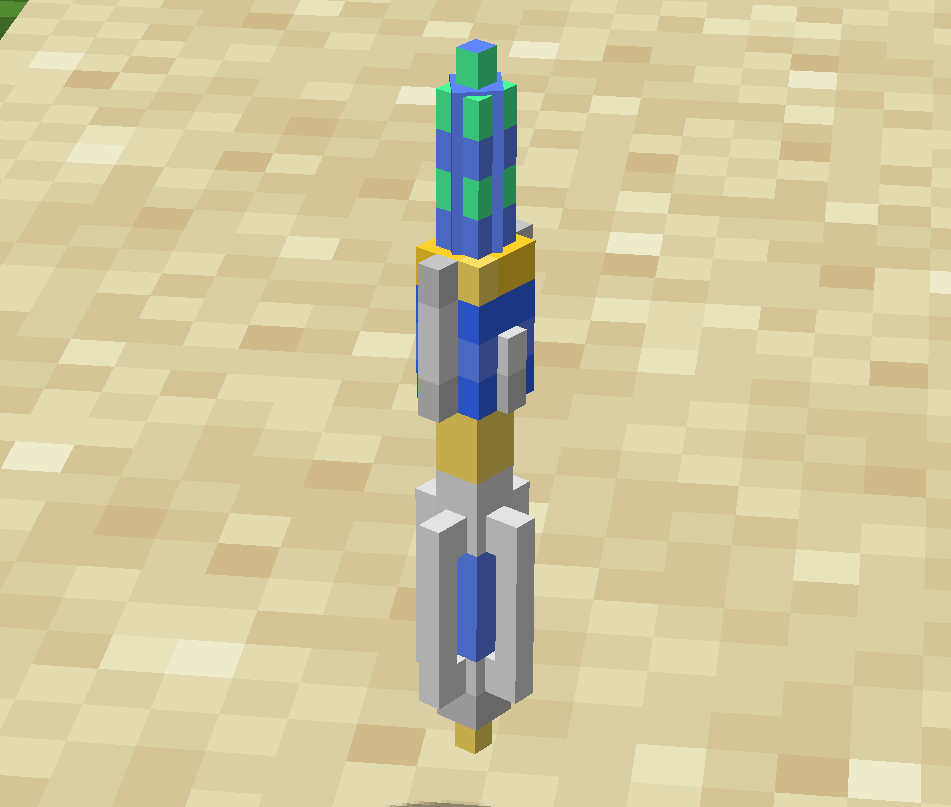
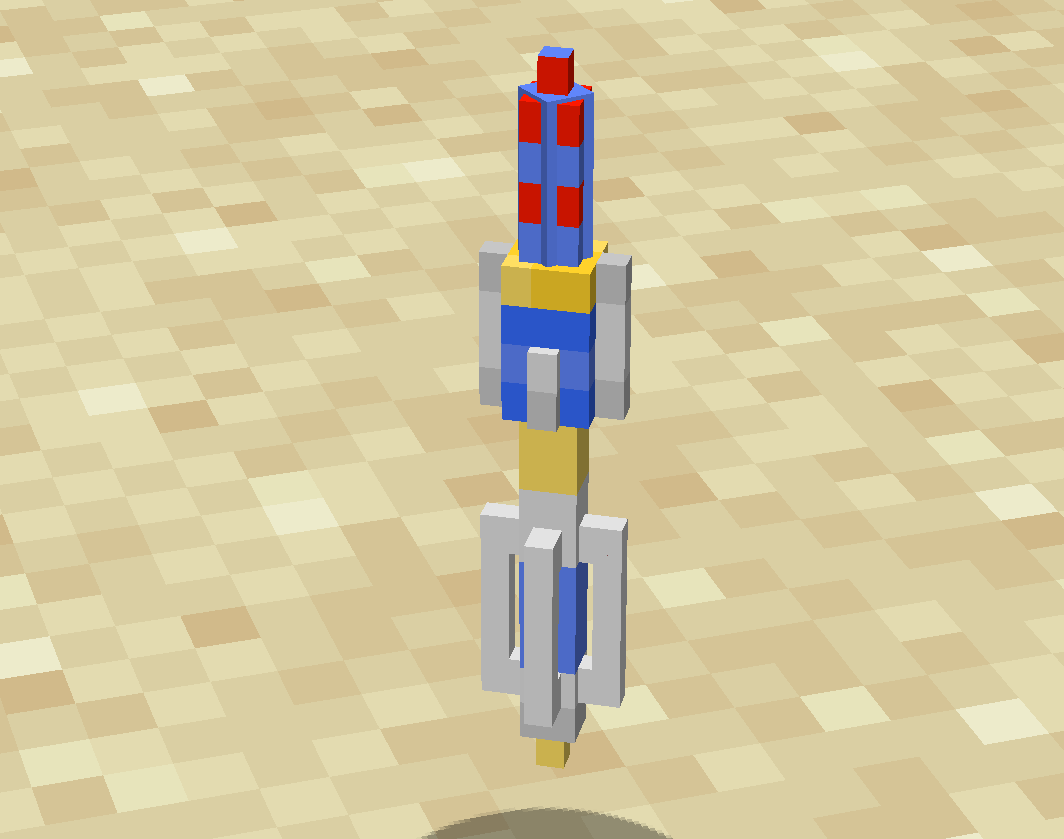
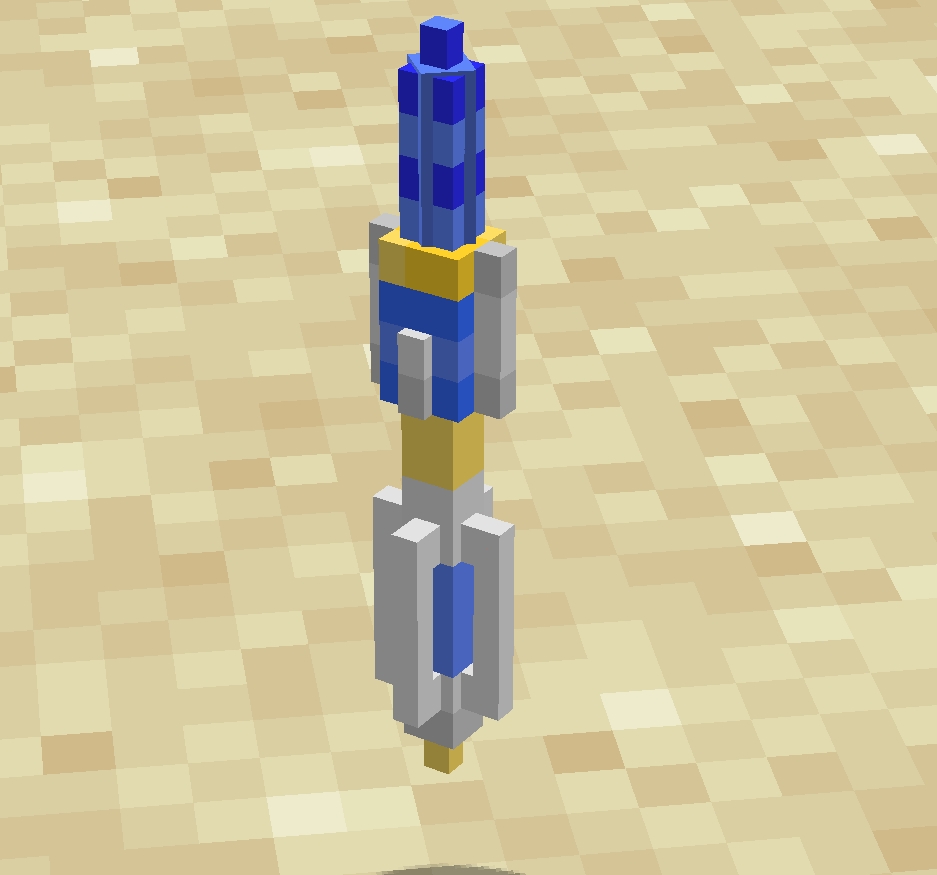
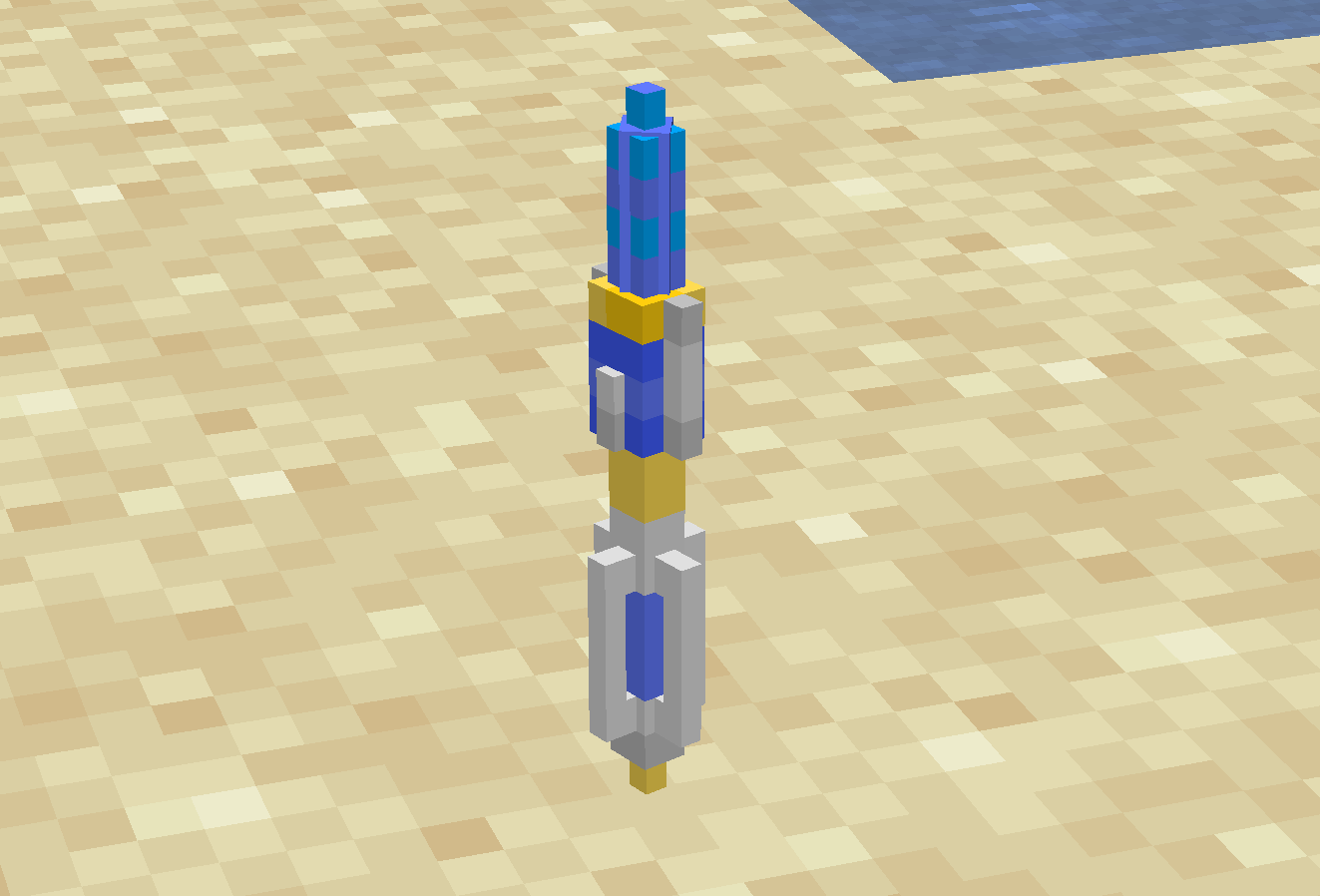
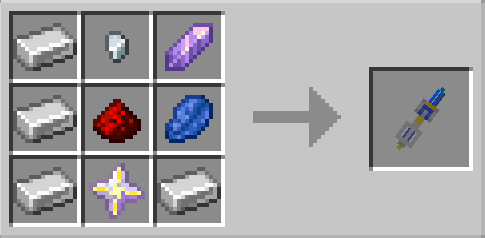
(you can add this mod in any modpack,no need to ask)
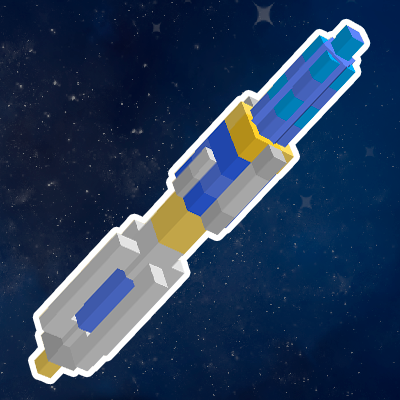
This mod has added the Sonic Screwdriver from the Doctor Who.
If you don`t like the model,you can change it by using resource pack.
Such as this:Click me(Tip:****_e.png,is the glowing texture,need OptiFine)
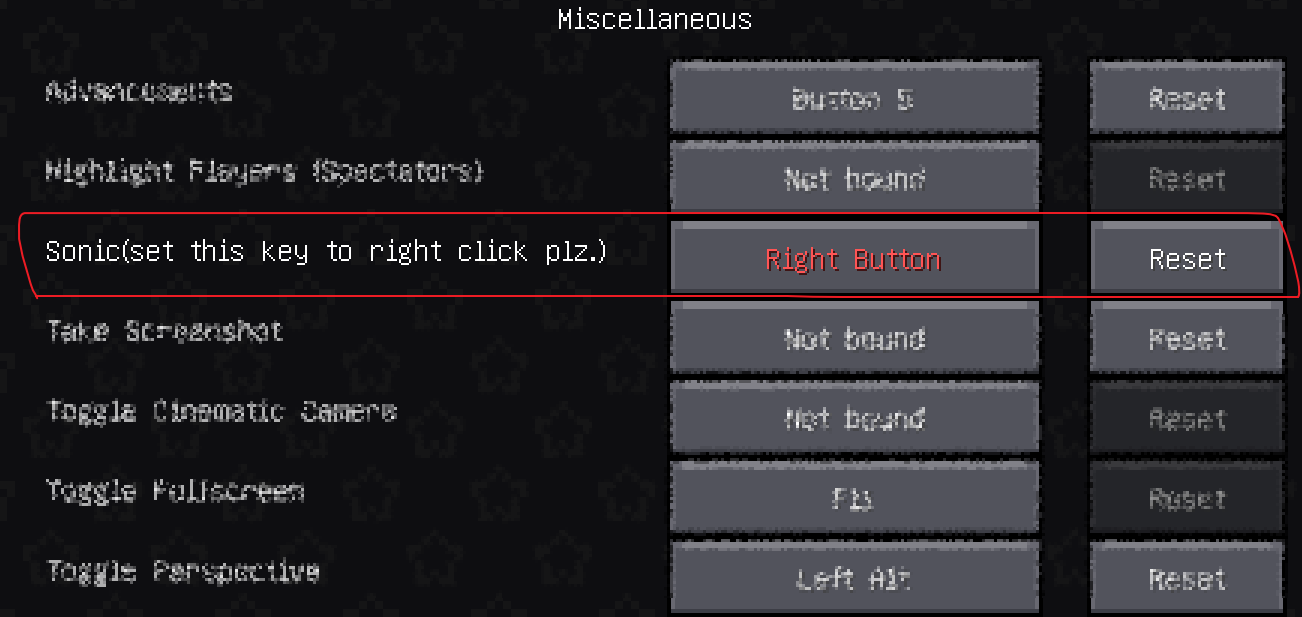
First of all,change the sonic key button to Right Button to get better experience
Sonic Screwdriver has 4 different modes,Scan, Redstone, Attack, Mining
To change the Sonic Screwdriver`s mode,you need put the Sonic Screwdriver on you Off Hand,then left click any block you want
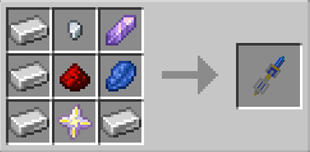
Scan mode
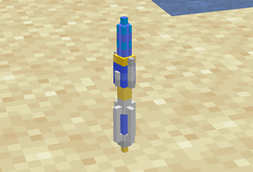
- You can scan any block you want,to get the block`s type,hardness,mining level,enchantments and opacity.
- Also can scan any mob you want,to get there name,race,health,hunger,saturation,master,dimension and xp level.
Redstone mode
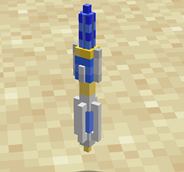
- You can turn on the Redstone Lamp,Redstone Torch,Heavy/Light Weighted Pressure Plate by right click.Turn on the Redstone Wire by sneak+right click
- You can turn off the RedStone Lamp,Redstone Torch,Heavy/Light Weighted Pressure Plate,Redstone Repeater/Comparator by sneak+right click
- But be attention,if you turn on a Redstone Lamp with out power,it will turn off after a few seconds,same to the Redstone Torch and Heavy/Light Weighted Pressure Plate
- Also if you turn off a powered Redstone Lamp,it will turn on after a few seconds,same to the Redstone Repeater/Comparator,Redstone Torch and Heavy/Light Weighted Pressure Plate
- You can also open the Iron Door/Trapdoor,ignite TNT by right click.
- Activate Dispenser/Dropper,locked the hopper by sneak+right click
- To unlocked the hopper,just left click it.
- And the last,you can right click the floating Sand/Red sand/Gravel,if you do that,it will falling after 3 seconds
Attack mode
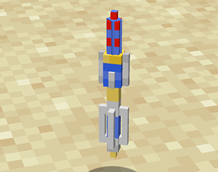
- To use this mode,you need at least 1 XP level
- Right click any mob you want,sonic them!it`s will cost you 10 experience values to hurt the mob you choose.
Mining mode
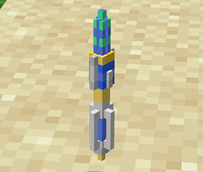
- To use this mode,you need at least 1 XP level
- Right click any block you want,sonic the block,and get the block.it`s will cos you 1 XP Level to do that.
That`s all,have fun:)
Quick facts
- Edition: Minecraft Java
- File type: .jar
- Minecraft versions listed: 1.20.1, 1.19.4, 1.19.2
- How to install: Install the matching mod loader (Forge, Fabric or NeoForge) for your Minecraft version. → Download the .jar. → Put it in the .minecraft/mods folder and launch that loader profile.
- Where to get it: Opens on CurseForge — not every file is mirrored on our own servers.
Install steps are the general flow for this file type — How to install Minecraft Java mods & modpacks walks through it step by step.
File checked by MCModsHub
- Ships as Sonic Screwdriver-MC1.20.1Forge-1.0.0.jar — drop this file into the mods folder
- Download size: 1.6 MB
- Download link checked 26 Sept 2026 — working
These come from our own check of the pack file, not from the source page.