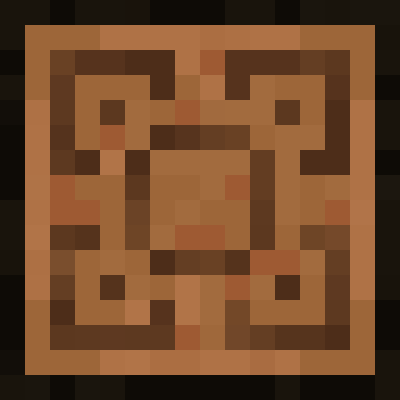
Tetra tables looking neat
Java mod listed for Minecraft 1.18–1.20. Downloads from the MC Java Mods app on Android.
I don't know my version or loader
Summary
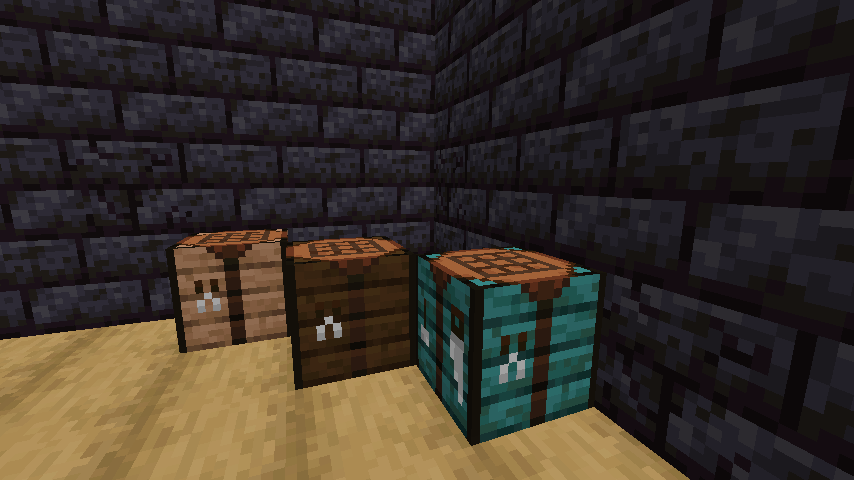
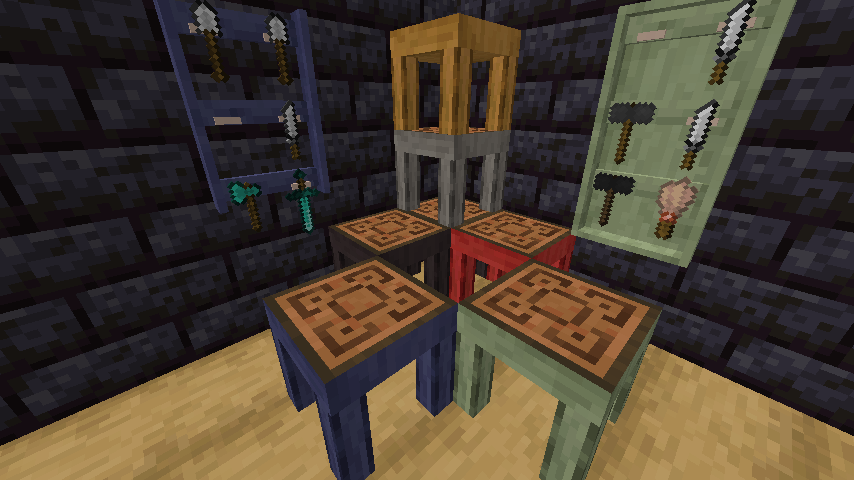
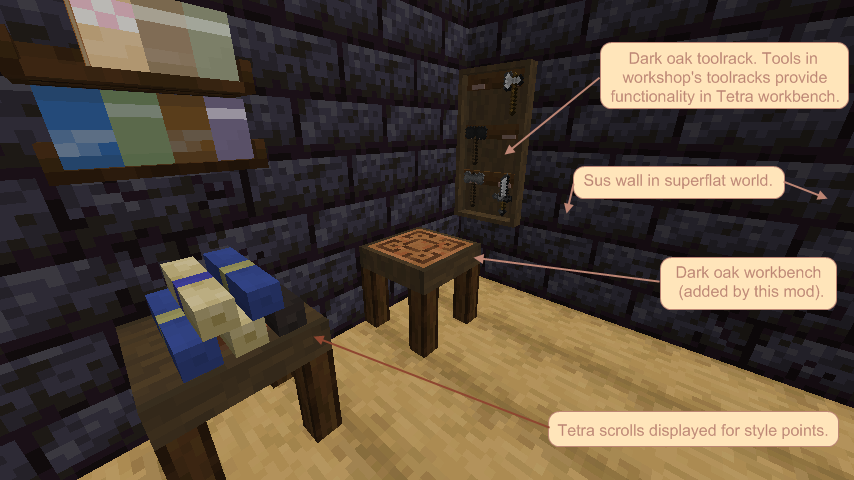
Addon to Tetra mod which gives you workbenches in many wood variations (including mod-added woods, of course).
You deserve a a nice looking workbench that fits the rest of the environment.
Let us answer your questions right away:
How do we obtain these in-game?
Grab a tetra hammer and right-click a birch crafting table to get a birch workbench. Right click a maple crafting table to get a maple workbench.
...so, more dependencies?
Yes. We need variant crafting tables to turn them into variant workbenches and this mod doesn't add those.
This is intended to go hand-in-hand with Workshop for handsome adventurer. Workshop adds (objectively awesome) crafting tables we need.
More importantly, workshop has a system to create blocks in any wood type you have in your modpack (* almost any) and this mod relies on that system.
Which biome mods are supported?
Yes.
How about mods that add only one wood type? Which ones?
Yes* (if it's a full set wood type (with slabs and stripped logs), then yes).
So can this work without this workshop mod you're making me add too?
What is wrong with you?
Okay, yes... but only for vanilla woods, and even for those you need some mod to add crafting tables. (variant crafting tables, more crafting tables....). That will work.
But workshop will automatically add both crafting tables (superior ones) and tetra tables in all(*) wood types you have in your mod pack.
Please use discord for issues and other temporary information and use comments below for permanent information.
- Edition: Minecraft Java
- File type: .jar
- Minecraft versions listed: 1.18.2, 1.19.2, 1.20.1
- How to install: Install the matching mod loader (Forge, Fabric or NeoForge) for your Minecraft version. → Download the .jar. → Put it in the .minecraft/mods folder and launch that loader profile.
- Where to get it: Opens on CurseForge — not every file is mirrored on our own servers.
Install steps are the general flow for this file type — How to install Minecraft Java mods & modpacks walks through it step by step.
- Ships as tetra_tables--mc1.18--1.2.jar — drop this file into the mods folder
- Download size: 33 KB
- Download link checked 26 Sept 2026 — working
These come from our own check of the pack file, not from the source page.