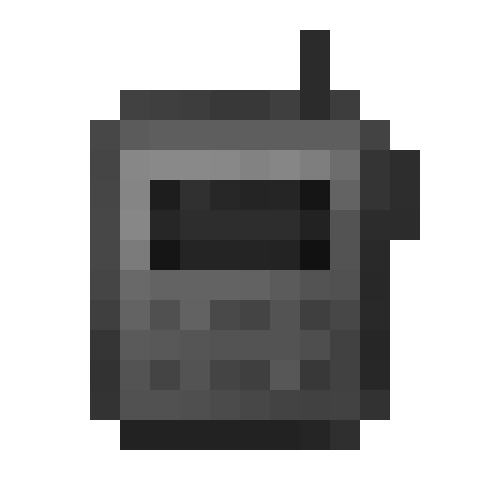
Super Simple Voice Radio
The author built this one for Minecraft 1.19.2 on Forge. On other versions it may install and then do nothing.
This is a simple handheld radio addon created for the Dimensional Ascension modpack. It is an addon for the Simple Voice Chat mod.
Use the keybind or right click with the radio in your hand to speak over a radio's frequency. The keybind will look for the first radio in your inventory, starting with your hotbar and then going left to right, top to bottom.
If you want an updated or more feature-complete version of a radio mod, check out CodinGlitch's Simple Radio for 1.20.X.
To use the radio, you need to hold it in your hand and hold right click, or use the keybind (default Grave). The keybind will look for the first radio in your Curios inventory, then your hotbar, then your inventory, from left to right, top to bottom. To change the radio's frequency, you need to hold it in your hand and use the configure radio keybind (default C)
Features:
- a handheld radio
- a way to change that radio's frequency
- keybinds
- curio support
Requires Curios API to work.


- Edition: Minecraft Java
- File type: .jar
- Minecraft version listed: 1.19.2
- How to install: Install the matching mod loader (Forge, Fabric or NeoForge) for your Minecraft version. → Download the .jar. → Put it in the .minecraft/mods folder and launch that loader profile.
- Where to get it: Opens on CurseForge — not every file is mirrored on our own servers.
Install steps are the general flow for this file type — How to install Minecraft Java mods & modpacks walks through it step by step.
- Ships as simplevoiceradio-1.19.2-1.4.0.3.jar — drop this file into the mods folder
- Download size: 77 KB
- Download link checked 6 Sept 2026 — working
These come from our own check of the pack file, not from the source page.