
DinoXy's Currency
Minecraft Java mod. Downloads from the MC Java Mods app on Android.
⬇ Download on CurseForge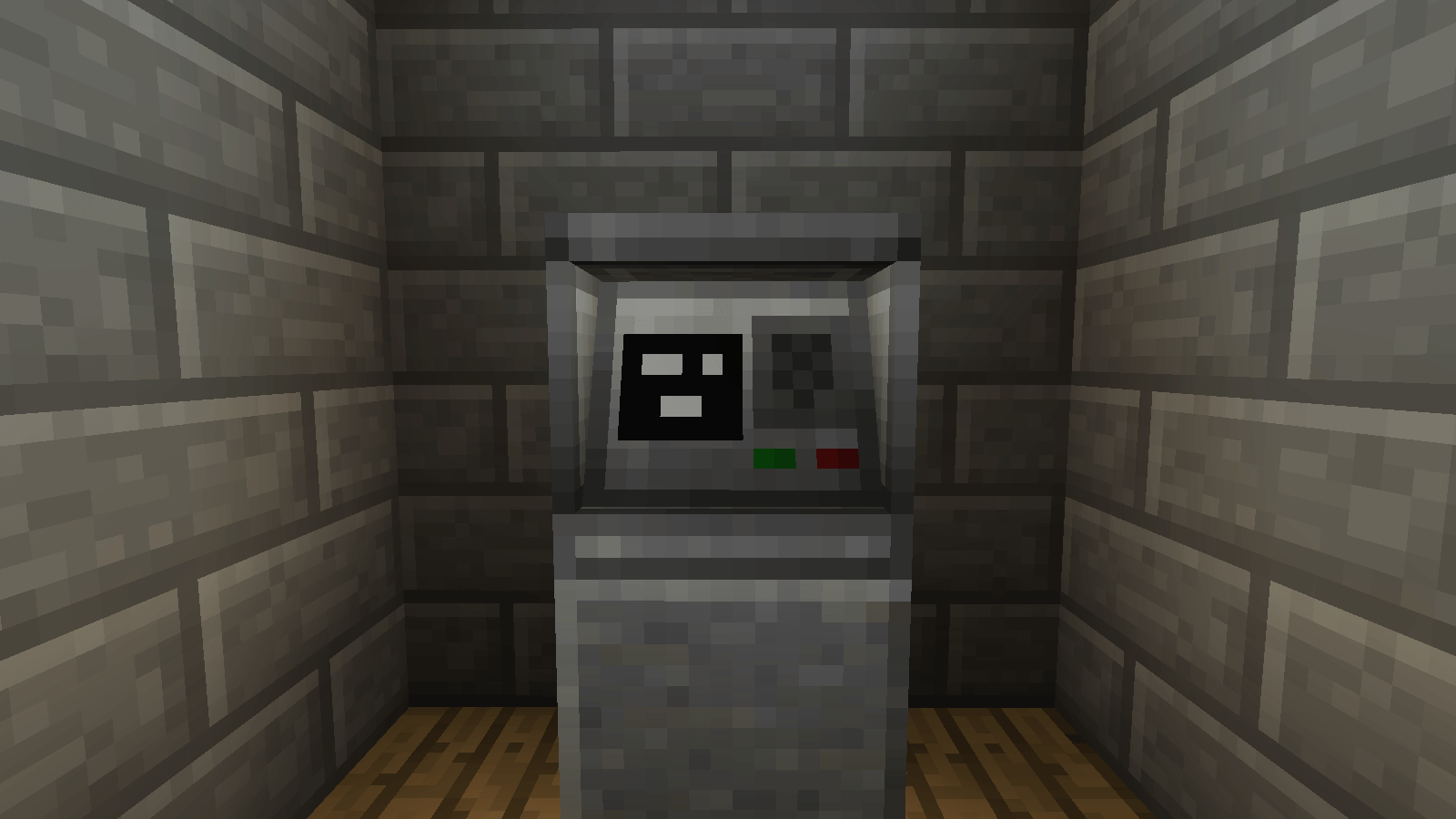
Welcome to DinoXy's Currency, a mod where you can get money.
Your first step will be to get a shipping container, with the container you will be able to sell certain items for money.
Once you get money you must store it. To store your money you have 2 options, carry it in a wallet or keep it in an ATM.
For the wallet it is simple, you place the money to be saved in your secondary hand and click repeatedly in the air to save it and to remove it right click on the ground.
On the other hand, if you want to use an ATM you must make a credit card which is only yours and only you can see the 4-digit PIN. To use it you must access the ATM and place it in the first slot in the text box above, put the pin and in the central slot the money to deposit/withdraw.
Go follow me on my Instagram:
- Edition: Minecraft Java
- File type: .jar
- How to install: Install the matching mod loader (Forge, Fabric or NeoForge) for your Minecraft version. → Download the .jar. → Put it in the .minecraft/mods folder and launch that loader profile.
- Where to get it: Opens on CurseForge — not every file is mirrored on our own servers.
Install steps are the general flow for this file type — How to install Minecraft Java mods & modpacks walks through it step by step.
- Ships as DinoXy's Currency 1.12.2 beta.jar — drop this file into the mods folder
- Download size: 426 KB
- Download link checked 17 Oct 2026 — working
These come from our own check of the pack file, not from the source page.