
Fluorine
Java mod listed for Minecraft 1.20–1.21. Downloads from the MC Java Mods app on Android.
I don't know my version or loader
Mod Fluorine
Description :
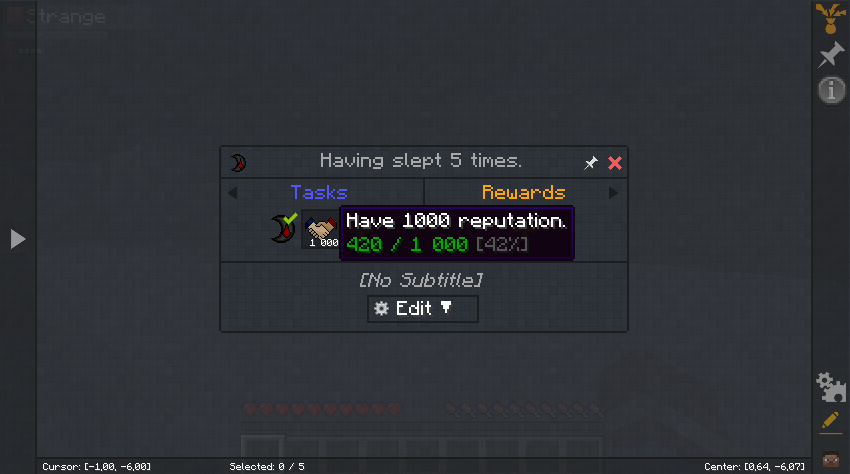
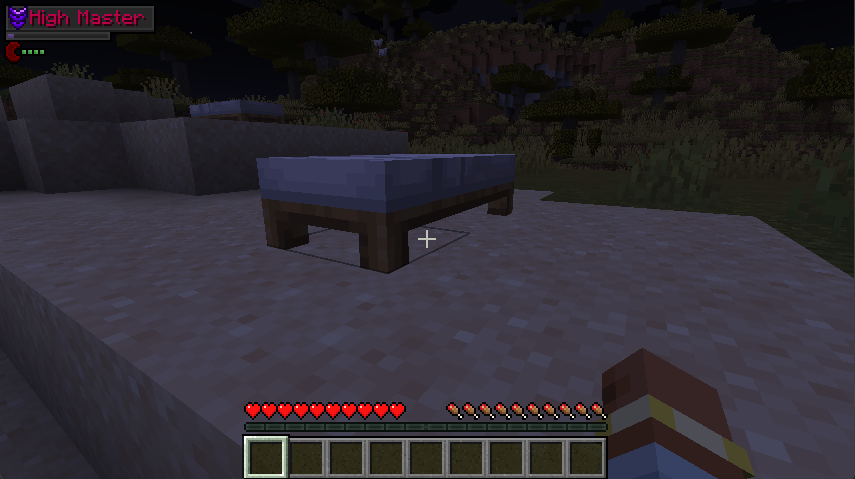
The night system is modified adding tiredness, requiring the player to sleep regularly.
Some nights cannot be passed.
A reputation system is added (currently in development)
The mod is compatible with FTB Quest mod.
Ingame :
Tiredness increse by 1 par night.
Sleep reduce by 2 tiredness (can be change).
Over 7 tiredness, player take damage during night (can be change).
Reputation is gained by sleeping, being on the server or with Quests via the FTB Quest mod (1 every 9s. Can be change).
Reputation is lost if a person is not present on the server (1 every 90s. Can be change).
Once the reputation is high enough, the player changes rank
Command :
- Change reputation
/fluorine reputation value add <player> <value> Add reputation exp/fluorine reputation value set <player> <value> Set reputation exp/fluorine reputation level add <player> <value> Add reputation level/fluorine reputation level set <player> <value> Set reputation level/fluorine reputation config presence amount <value> Define the amount of reputation gained while being on the server/fluorine reputation config presence tick <value> Time between reputation gained/fluorine reputation config absence amount <value> Define the amount of reputation lost by not being on the server/fluorine reputation config absence tick <value> Time between reputation lost/fluorine reputation config enable <value> Enables/disables reputation
- Change tiredness
/fluorine tiredness value add <player> <value> Add tiredness/fluorine tiredness value set <player> <value> Set tiredness/fluorine tiredness config enable <value> Enables/disables tiredness
- Edition: Minecraft Java
- File type: .jar
- Minecraft versions listed: 1.21, 1.20.2, 1.20.3
- How to install: Install the matching mod loader (Forge, Fabric or NeoForge) for your Minecraft version. → Download the .jar. → Put it in the .minecraft/mods folder and launch that loader profile.
- Where to get it: Opens on CurseForge — not every file is mirrored on our own servers.
Install steps are the general flow for this file type — How to install Minecraft Java mods & modpacks walks through it step by step.
- Ships as fluorine-0.7-1.20.1.jar — drop this file into the mods folder
- Download size: 36 KB
- Download link checked 17 Oct 2026 — working
These come from our own check of the pack file, not from the source page.