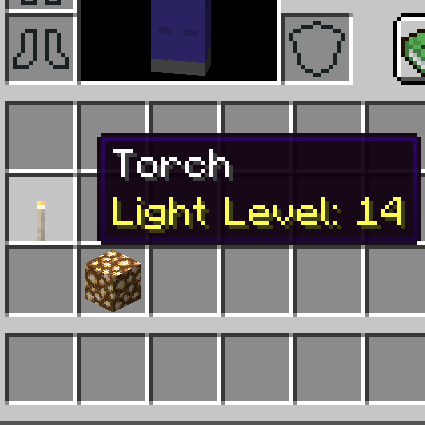
Light Level Description
Java mod listed for Minecraft 1.18–1.20. Downloads from the MC Java Mods app on Android.
I don't know my version or loader
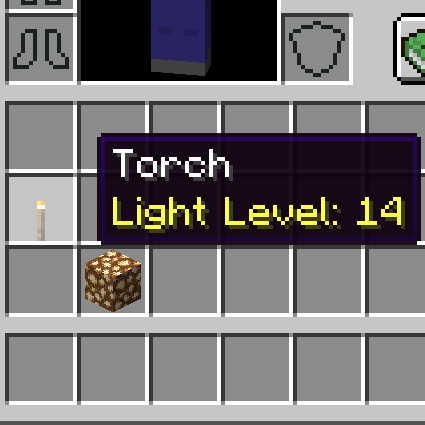
This mod simply adds a description to glowing blocks including modded blocks.
The described light emisson levels reflect the default state of the block. For example, Redstone Lamp doesn't have the description because the default state is off.
This mod works at client-side only. You can add this mod to multi-playing environment even if other players are not using this.
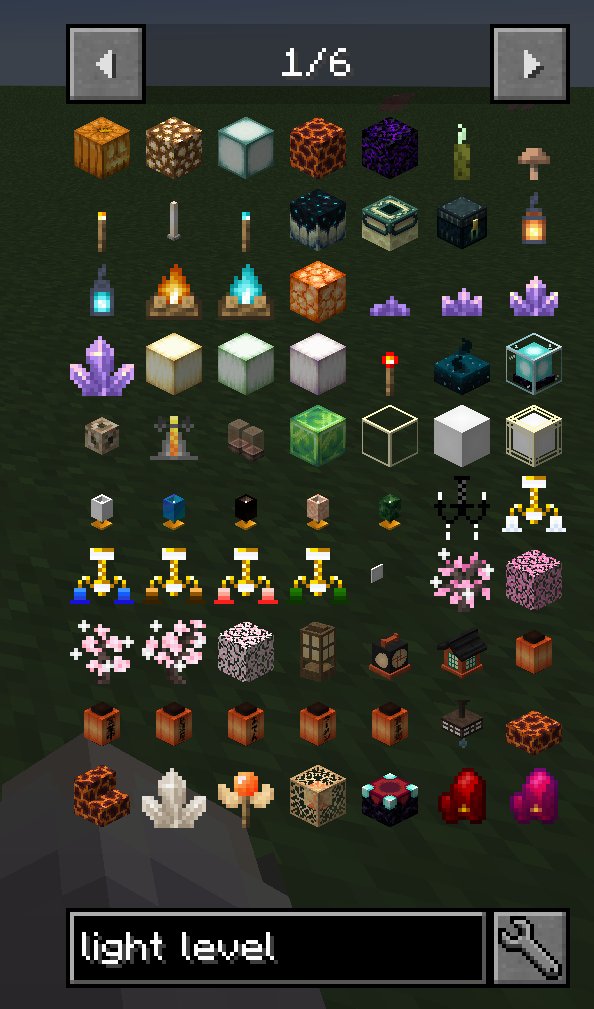
It is useful to search for "light level" on JEI when you are building a house and choosing illumination.
MOD環境で建築に使う光源を選ぶとき、どんな光源が存在するのかわからなくて困ったことはありませんか?
このMODは光源ブロックに光源レベルの説明文を追加します。それだけ。他MODの光源にも対応しています。
JEIで「光源レベル」と検索すれば、使っているMOD環境にはどんな光源があるのか一目でわかるので、建築物に何の光源を使うかを決めやすいです。
ブロックのデフォルト状態での光量を参照して説明文に記述しているので、デフォルトでは明るさ0の光源、例えばレッドストーンランプなどには説明文が書かれないです。また、ロウソクのように設置方法が特殊な光源にも説明文はつきません。
また、このMODはクライアント側の処理しかないため、ほかのプレイヤーがこのMODを導入していなくてもマルチプレイ環境に導入することができます。
- Edition: Minecraft Java
- File type: .jar
- Minecraft versions listed: 1.20.1, 1.19.2, 1.18.2
- How to install: Install the matching mod loader (Forge, Fabric or NeoForge) for your Minecraft version. → Download the .jar. → Put it in the .minecraft/mods folder and launch that loader profile.
- Where to get it: Opens on CurseForge — not every file is mirrored on our own servers.
Install steps are the general flow for this file type — How to install Minecraft Java mods & modpacks walks through it step by step.
- Ships as light_level_description-1.20.1-3.0.jar — drop this file into the mods folder
- Download size: 6 KB
- Download link checked 27 Sept 2026 — working
These come from our own check of the pack file, not from the source page.