ModsJava
Belgian Signal & Catenary - Voxel Pack
Java mod listed for Minecraft 1.16–1.20. File opened and checked on 12 Oct 2026; downloads from the MC Java Mods app on Android.
🚂 Belgian Signal & Catenary voxel pack 🚂 🚧 WARNING: This pack is under development! 🚧 Pack " Belgian Signal & Catenary - Voxel Pack " made by SimNoLuc…
I don't know my version or loader
Open the Minecraft launcher and look at the profile you play on — it names both, like fabric-loader-1.21.4. The version also shows in the bottom-right corner of the game's main menu.
No loader in the profile name? Then it's plain Minecraft, and these mods won't run — you need Fabric or NeoForge installed first.
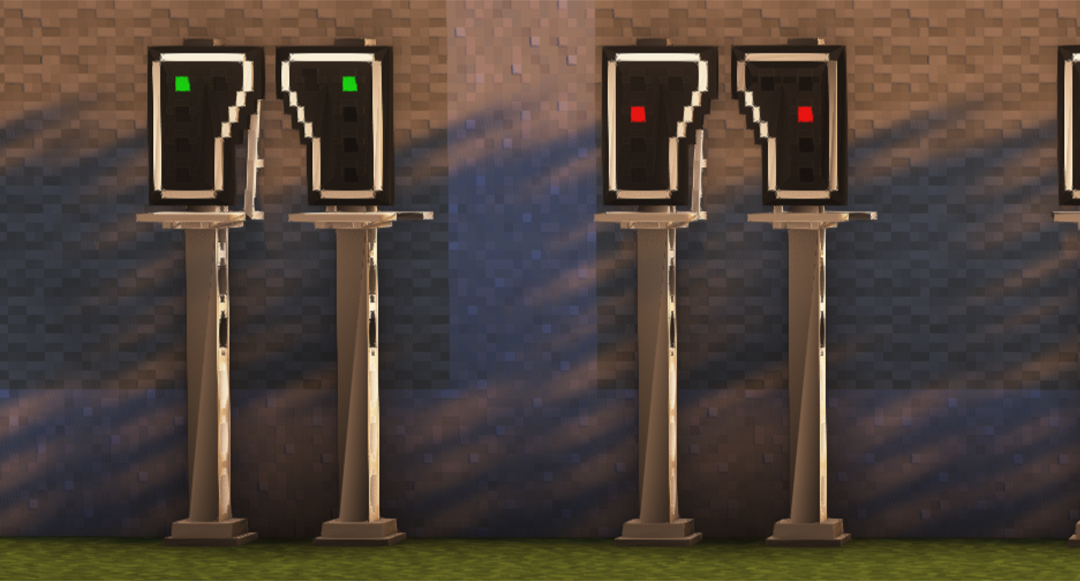
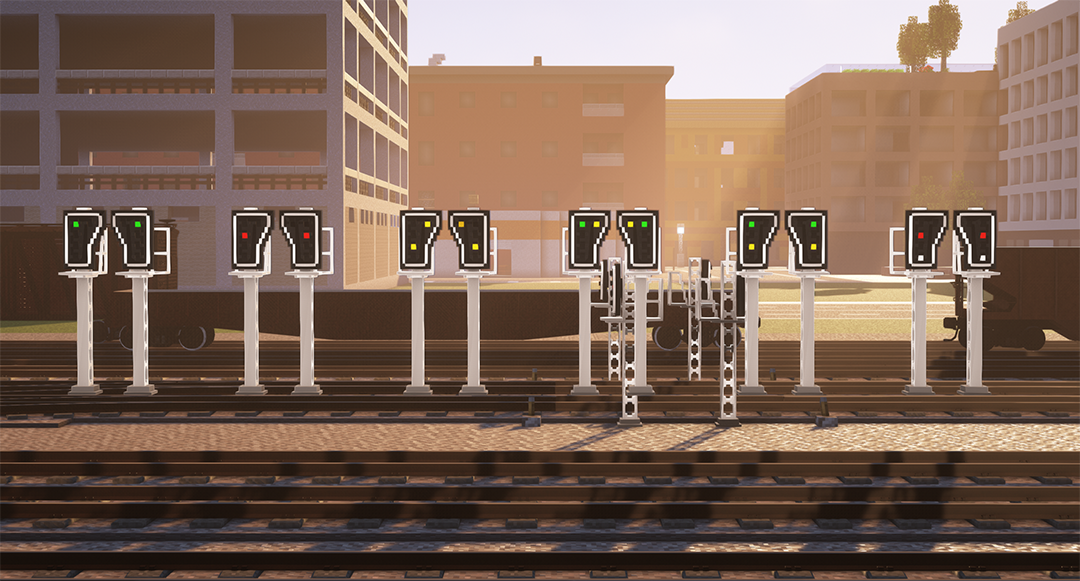
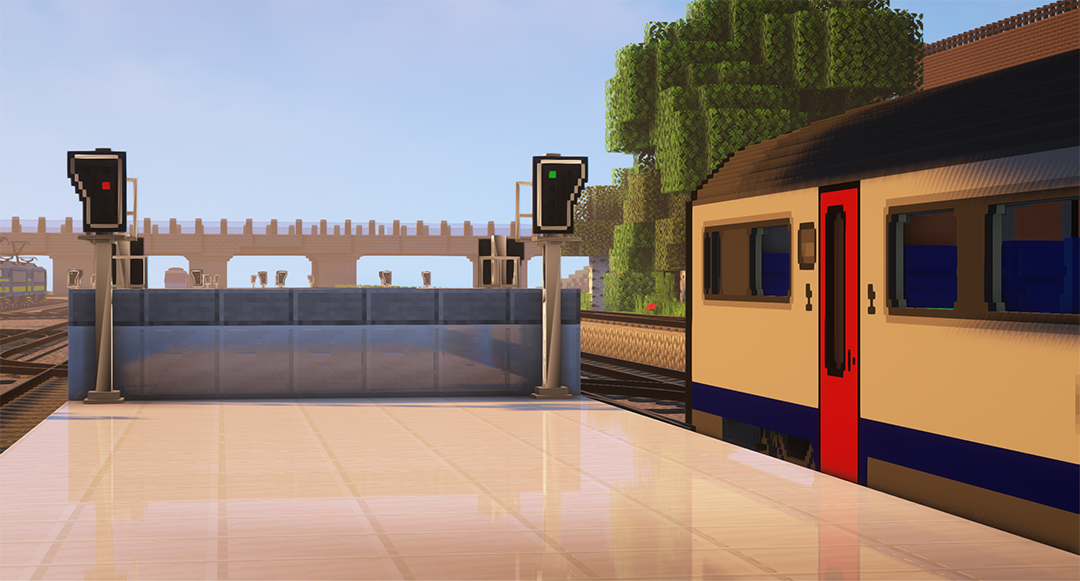
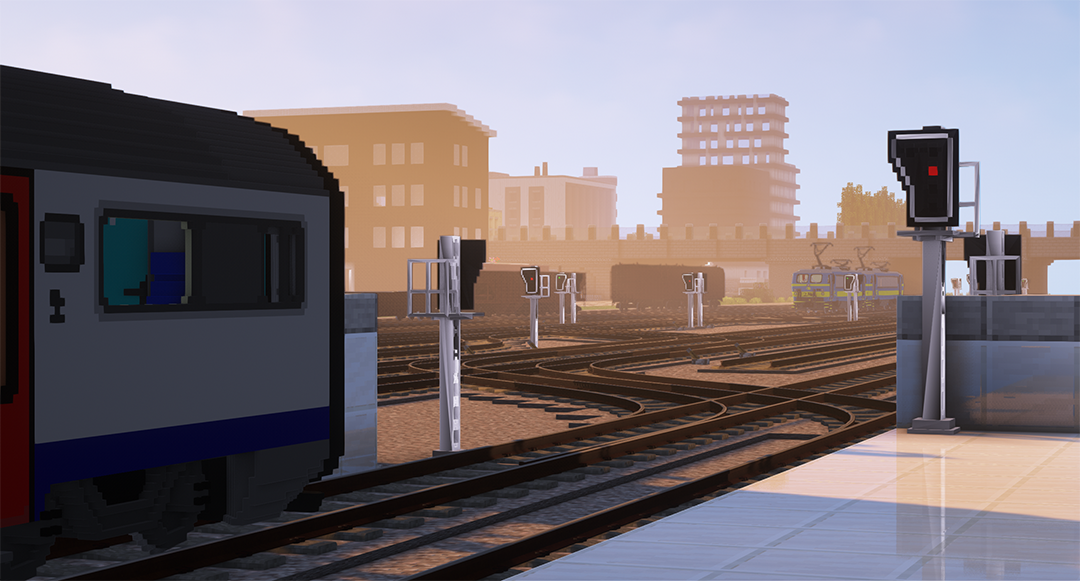
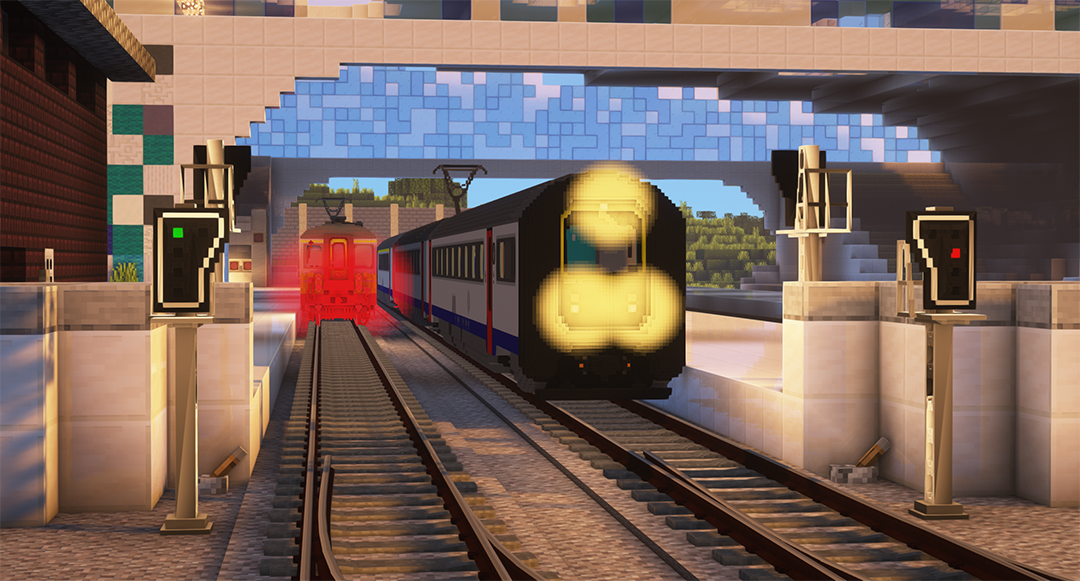
🚂 Belgian Signal & Catenary voxel pack 🚂

🚧 WARNING: This pack is under development! 🚧
Pack "Belgian Signal & Catenary - Voxel Pack" made by SimNoLuc
Creation of Belgian signals and catenary of the SNCB / NMBS and Infrabel networks.
The models are chosen according to my crush and my desire. If you want to see other models or contribute to the project, contact me! You can also support me by making a donation via Paypal to the following address: contact@sim-studio.be
This mod is also a logical continuation of my pack "Belgian Voxel Trains Pack" that I strongly advise you to use for more realism and fun.


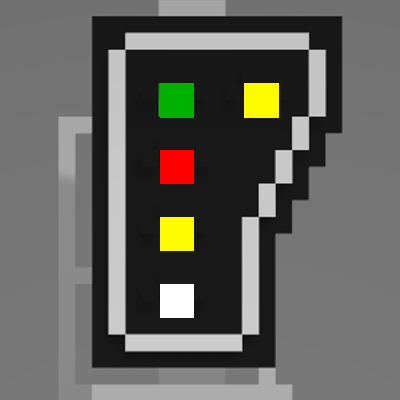
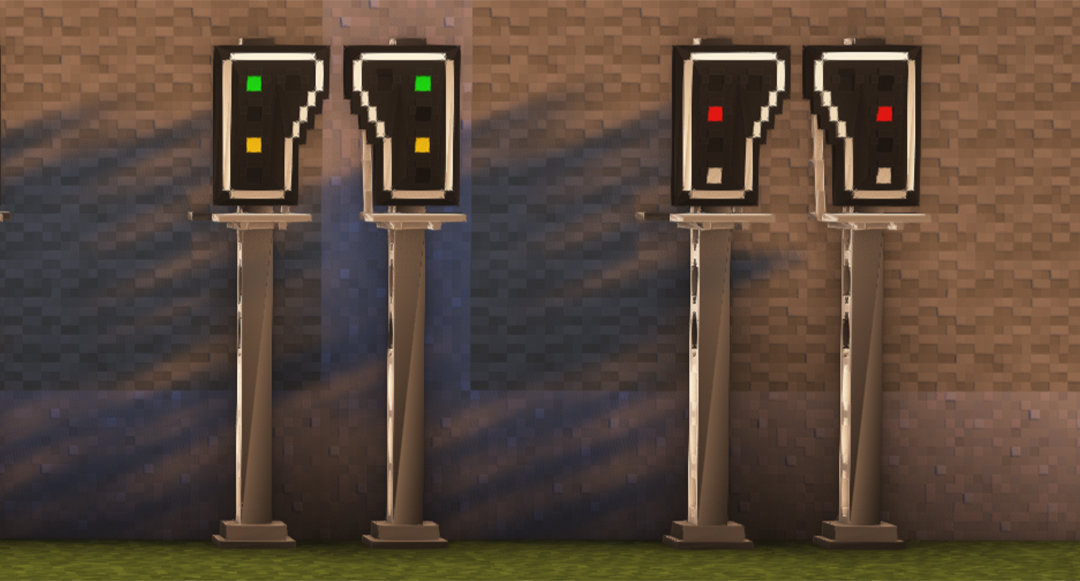
➡️  🟢 (Green = No Redstone at all)
➡️  🔴 (Red = Redstone On - West or East)
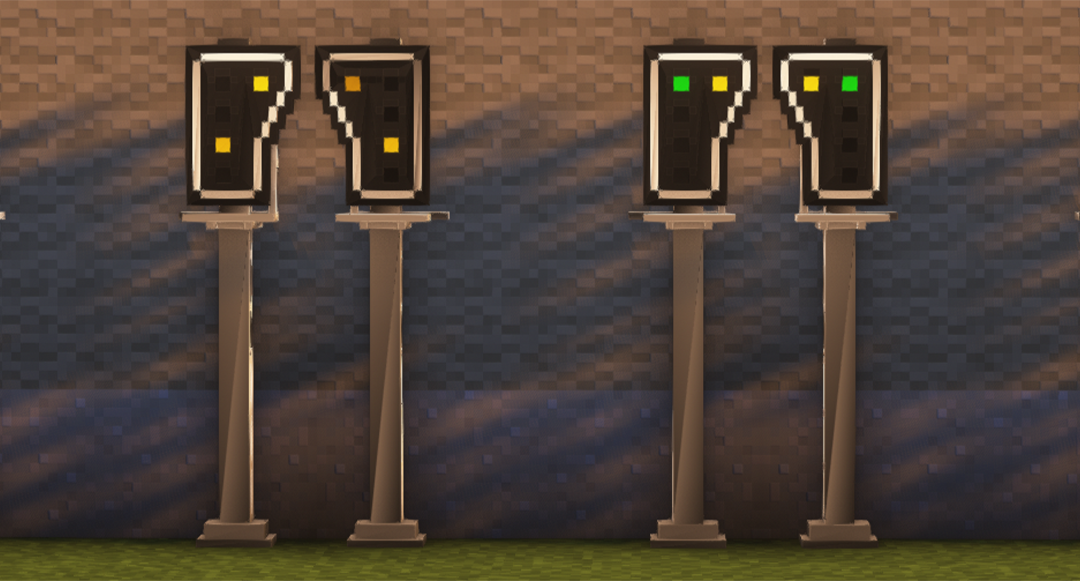
➡️  🟡 (Yellow = Redstone On - North or South)
(Screens coming soon...)

🔘 This mod does not require any other mod to work.

🔘 Here is my project to make some signals, catenary and stuff from Belgium in voxel. I am very inspired by my pack "Belgian Voxel Trains Pack". I also recommend that you use it for more immersion.

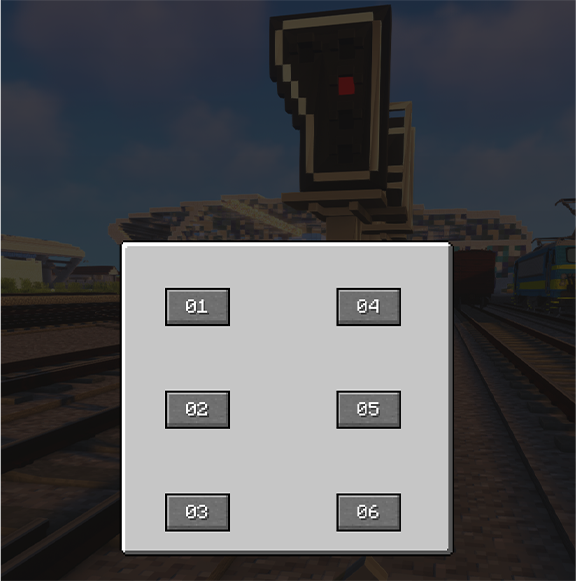
🔘 You can now change the signal with Redstone! You can also put the lights by hand and change them via the built-in menu. I planned to add uses with "wifi" signals but Redstone is cool and it's working fine!


Current version: V0.9.3
Last update: 21/02/2024
Quick facts
- Edition: Minecraft Java
- File type: .jar
- Minecraft versions listed: 1.20.1, 1.19.4, 1.18.2
- How to install: Install the matching mod loader (Forge, Fabric or NeoForge) for your Minecraft version. → Download the .jar. → Put it in the .minecraft/mods folder and launch that loader profile.
- Where to get it: Opens on CurseForge — not every file is mirrored on our own servers.
Install steps are the general flow for this file type — How to install Minecraft Java mods & modpacks walks through it step by step.
File checked by MCModsHub
- Ships as BSC-Voxel Pack-V0.9.3-mc1.20.1.jar — drop this file into the mods folder
- Download size: 3.5 MB
- Download link checked 17 Oct 2026 — working
These come from our own check of the pack file, not from the source page.