Berry Fix
Java mod listed for Minecraft 1.20. Downloads from the MC Java Mods app on Android.
I don't know my version or loader
Berry Fix
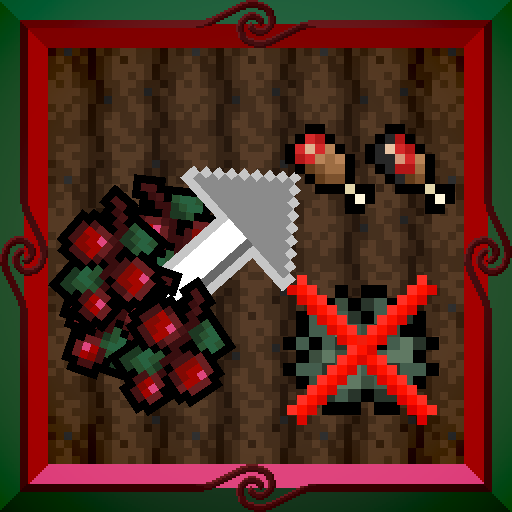
This small, simple mod fixes a mild annoyance of mine, wherein right clicking with edible items that also function as blocks, such as sweet berries, it can be very easy to accidentally place them down instead of eating them. This mod allows you to always eat berries and similar blocks if you have the hunger to eat them in the first place, allowing them to be placed only if you're at full hunger, or are holding the override key (Left Alt by default). In Creative mode, the berries maintain their vanilla behavior.
This mod is compatible with Forge and Fabric via Architectury, and should also work with NeoForge and Quilt, however they haven't been fully tested yet.
- Edition: Minecraft Java
- File type: .jar
- Minecraft version listed: 1.20.1
- How to install: Install the matching mod loader (Forge, Fabric or NeoForge) for your Minecraft version. → Download the .jar. → Put it in the .minecraft/mods folder and launch that loader profile.
- Where to get it: Opens on CurseForge — not every file is mirrored on our own servers.
Install steps are the general flow for this file type — How to install Minecraft Java mods & modpacks walks through it step by step.
- Ships as berryfix-1.0.0-transformProductionFabric.jar — drop this file into the mods folder
- Download size: 7 KB
- Download link checked 26 Sept 2026 — working
These come from our own check of the pack file, not from the source page.