Sounds Cool
Minecraft Java mod. Downloads from the MC Java Mods app on Android.
⬇ Download on CurseForge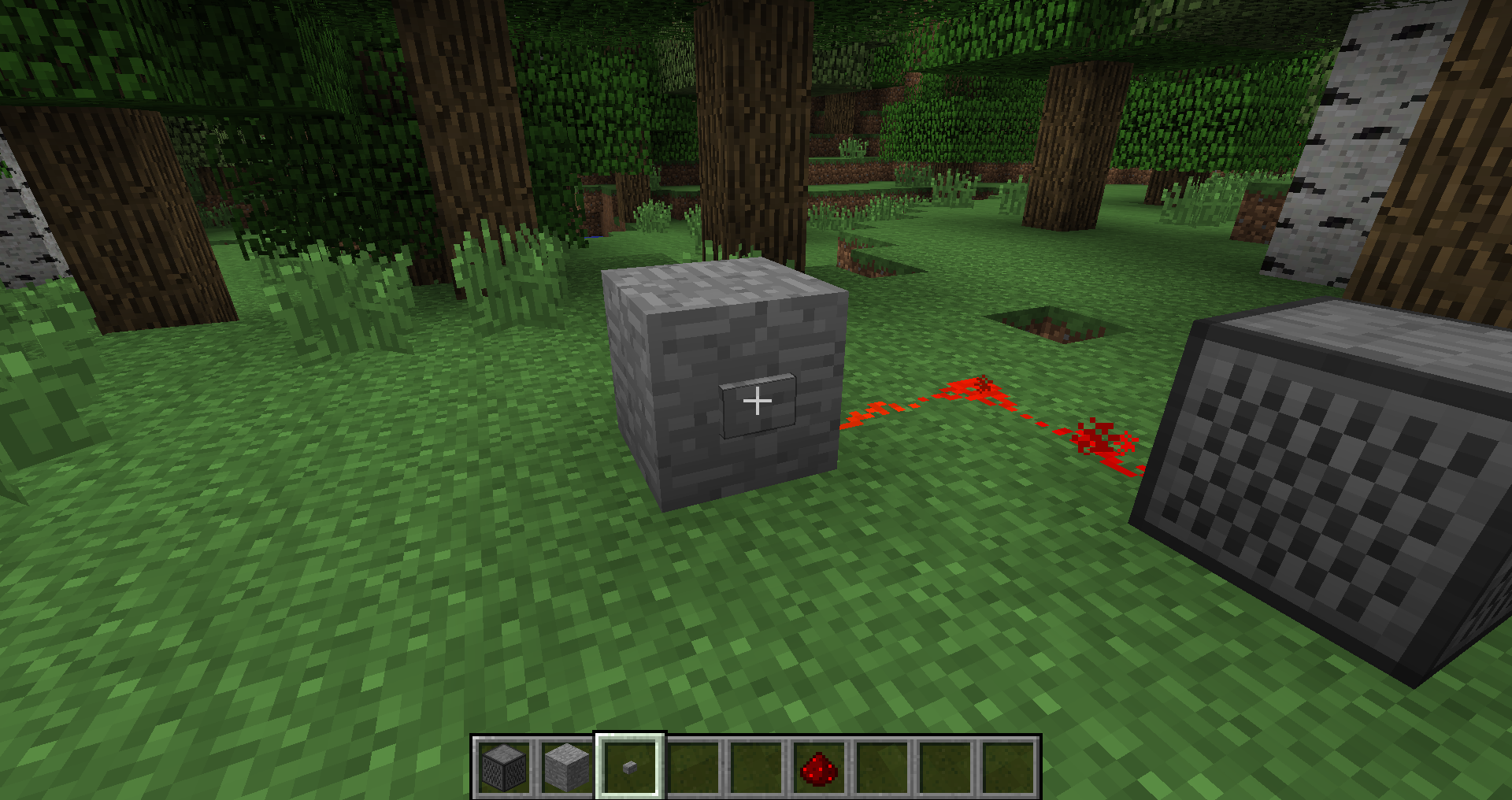
SOUNDS COOL
Add your own sounds to Minecraft through sound player blocks!

Ever wanted to have a custom greeting when you enter your base? Ever wanted to listen to your favorite music with your friends in Minecraft? This and much more is now possible with Sounds Cool! Sounds Cool is an easy-to-use, open-source and advanced Minecraft mod, which let‘s you upload your own .mp3, .wav or .ogg sound files to the server. When uploaded everyone can hear the sounds you uploaded when you play in-game!
How to use?
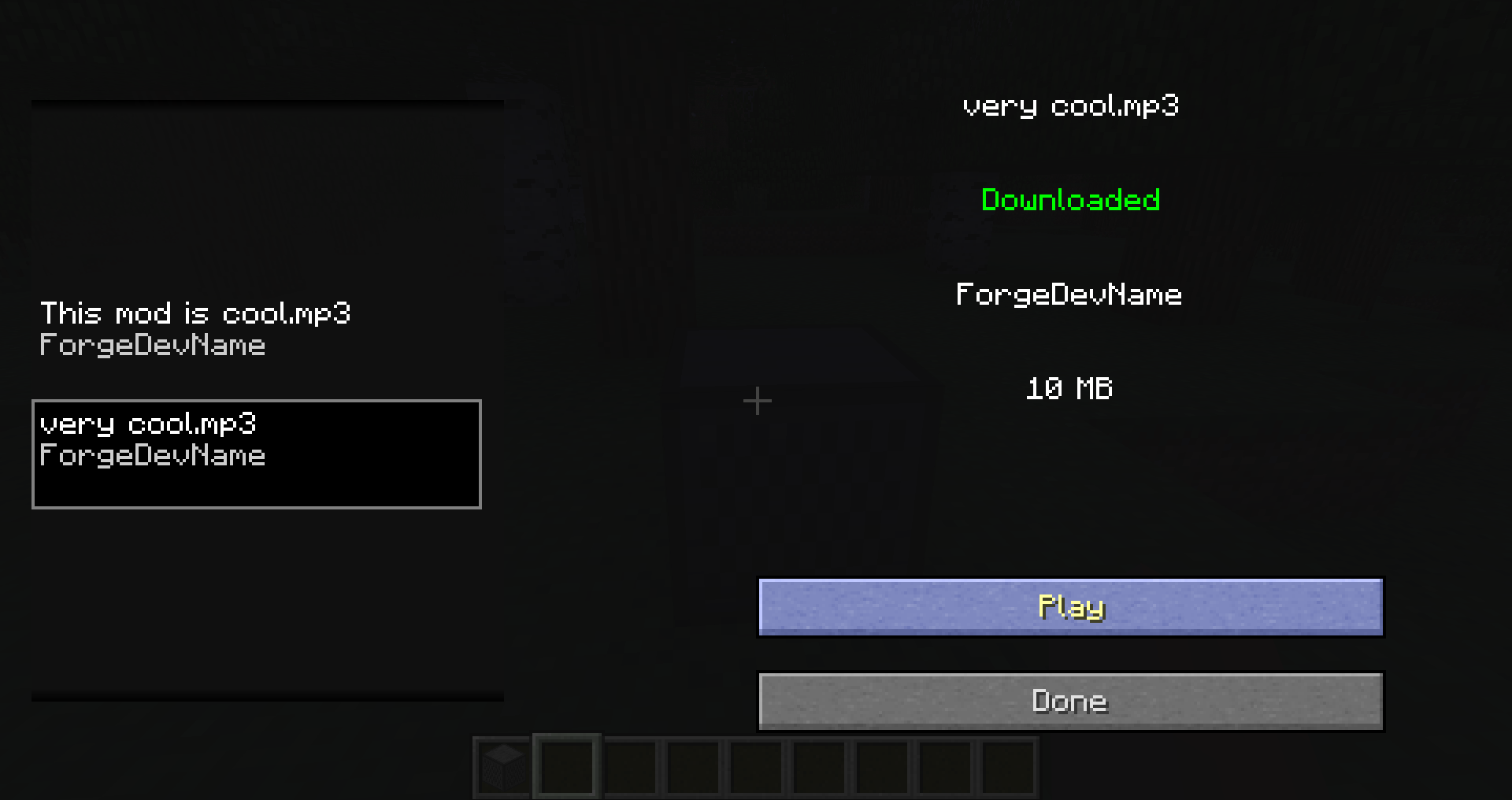
- Craft a Sound Player and place it in the world
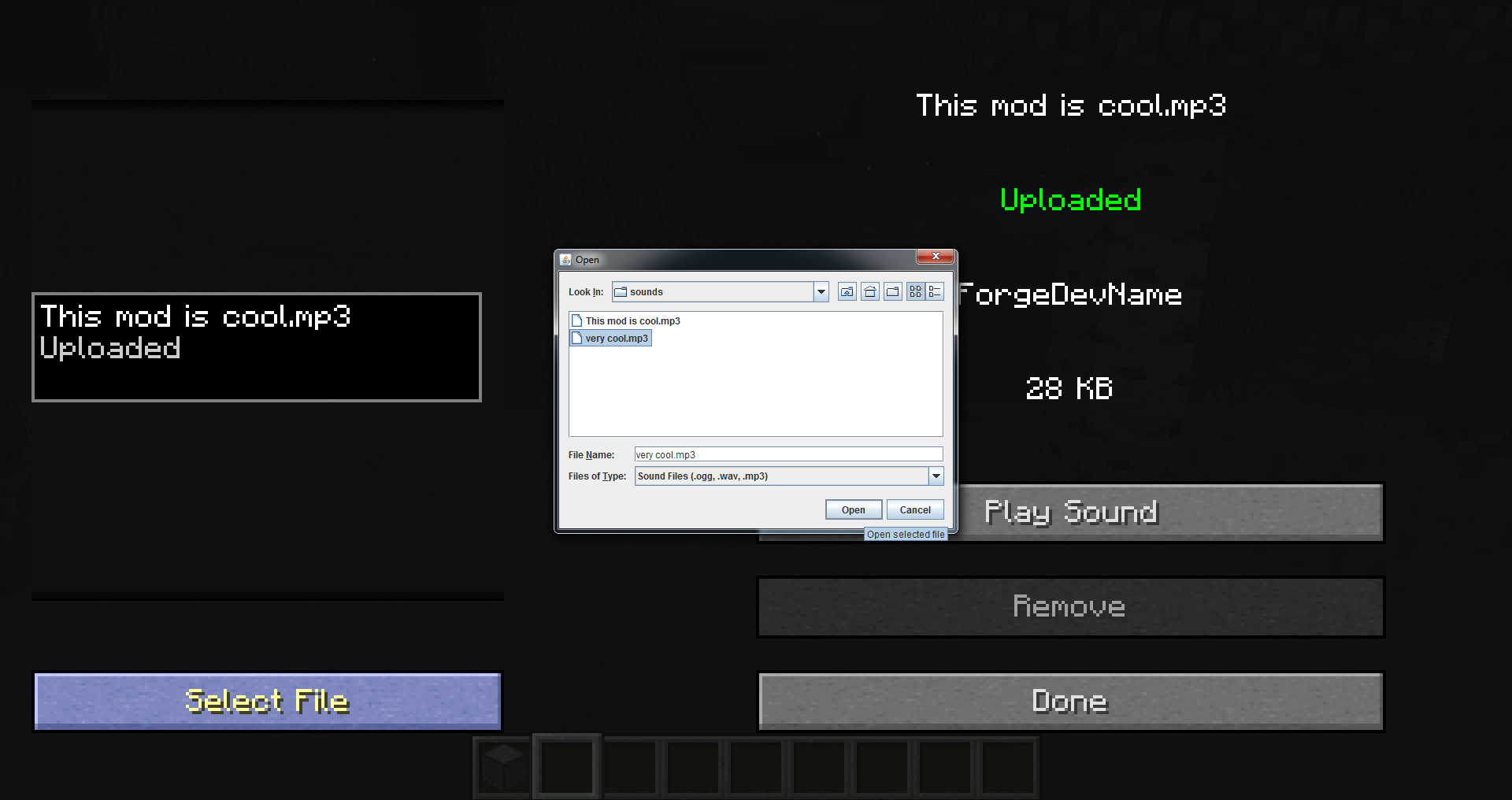
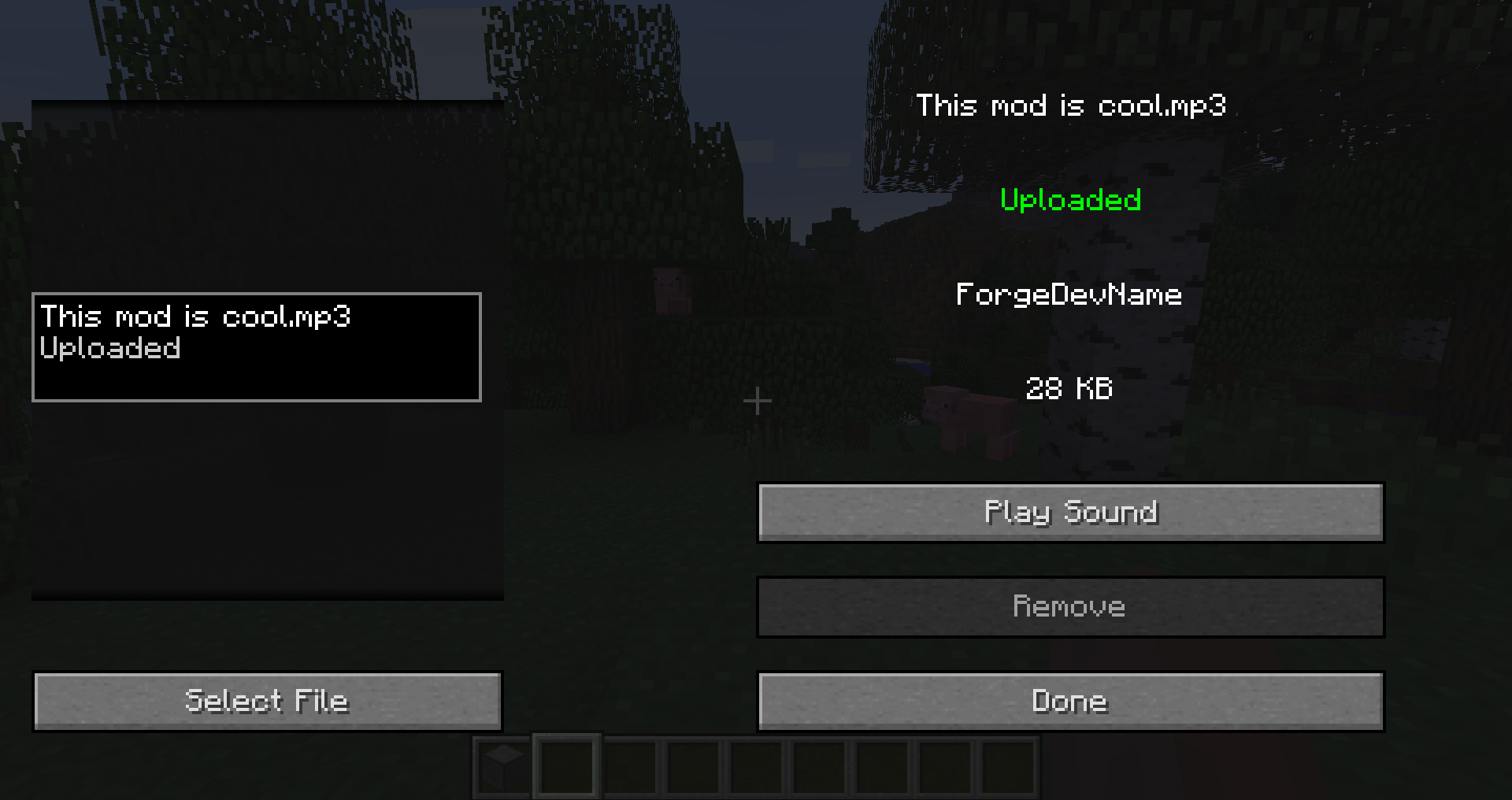
- Right-click it and click
Select File, this will open a file selector - Pick the sound that you want in the file selector (.mp3, .wav or .ogg)
- Click
Play Soundto preview the sound - Click
Uploadto upload the sound to the server - Click
Playor apply a redstone pulse to play the sound in the game
Sound Player Recipe

—
NOTICE: This is a 1.12 port of the mod Sounds Cool, originally made by Dynious for 1.7 and updated by zoonie for 1.8.
- Edition: Minecraft Java
- File type: .jar
- How to install: Install the matching mod loader (Forge, Fabric or NeoForge) for your Minecraft version. → Download the .jar. → Put it in the .minecraft/mods folder and launch that loader profile.
- Where to get it: Opens on CurseForge — not every file is mirrored on our own servers.
Install steps are the general flow for this file type — How to install Minecraft Java mods & modpacks walks through it step by step.
- Ships as SoundsCool-1.12.2-1.0.1.jar — drop this file into the mods folder
- Download size: 1.1 MB
- Download link checked 17 Oct 2026 — working
These come from our own check of the pack file, not from the source page.