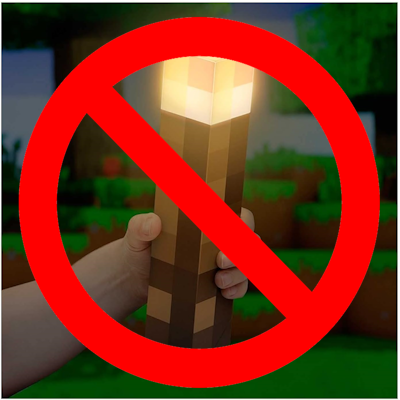
Stop Off-Hand Torch Placement
Java mod listed for Minecraft 1.20. File opened and checked on 5 Oct 2026; downloads from the MC Java Mods app on Android.
⬇ Download on CurseForgeThe author built this one for Minecraft 1.20.1 on Forge. On other versions it may install and then do nothing.
About: Have you ever had a torch in your off-hand while eating food or using a tool, and then accidentally place your torches all over the place? The "Stop Off-Hand Torch Placement" mod is a simple yet effective solution for Minecraft players who want more control over their torch placement mechanics. With this mod, you can prevent unintentional placement of torches when using your off-hand slot, ensuring a smoother and more intentional gameplay experience.
Use: Currently, the mod achieves this by toggling the game rule called "Off-hand Torch Toggle" to false. However, as Minecraft evolves, this functionality is anticipated to become standard behavior, with off-hand torch placement being disabled by default. When creating your world, just go to the "More" tab and under the "Player" section you can find the game rule:


Note: As this mod will continue development, there will be a convenient command to enable off-hand torch placement should you desire it.
Features:
- Prevents accidental placement of torches from the off-hand slot.
- Seamlessly integrates with your Minecraft experience.
- Future-proof solution for upcoming changes to off-hand torch placement mechanics.
- Game rule to enable/disable torch placement in your world on creation
Installation:
- Download and install Minecraft Forge (if not already installed).
- Download the latest version of "Stop Off-Hand Torch Placement" mod.
- Place the downloaded JAR file into the "mods" folder of your Minecraft installation.
- Launch Minecraft and enjoy the improved torch placement mechanics!
Note: This mod requires Minecraft Forge to be installed.
Feedback and Support: Your feedback is invaluable in improving this mod. If you encounter any issues or have suggestions for enhancements, please don't hesitate to reach out.
- Edition: Minecraft Java
- File type: .jar
- Minecraft version listed: 1.20.1
- How to install: Install the matching mod loader (Forge, Fabric or NeoForge) for your Minecraft version. → Download the .jar. → Put it in the .minecraft/mods folder and launch that loader profile.
- Where to get it: Opens on CurseForge — not every file is mirrored on our own servers.
Install steps are the general flow for this file type — How to install Minecraft Java mods & modpacks walks through it step by step.
- Ships as stop_placing_offhand_torches-alpha-0.1.0.jar — drop this file into the mods folder
- Download size: 35 KB
- Download link checked 26 Sept 2026 — working
These come from our own check of the pack file, not from the source page.