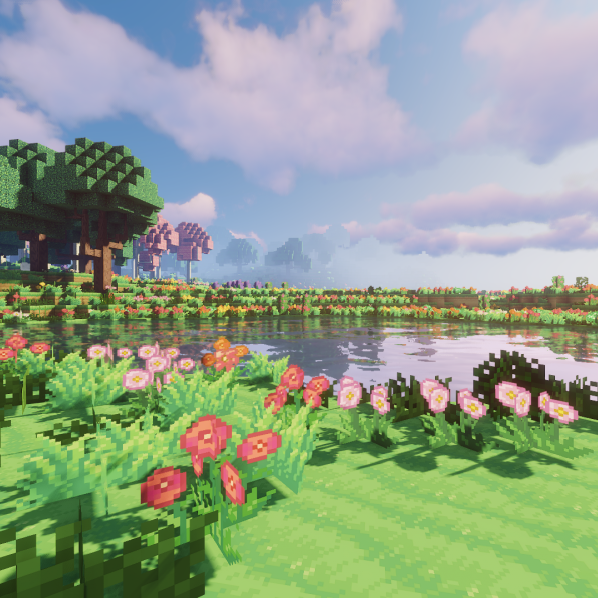
AdoriiCraft - Cottagecore Adventure
Minecraft Java modpack. Download on the author's site.
For anyone who enjoy's watching Adoriity's 'AdoriiCraft' series, or anyone looking for a new cottagecore magical mod pack!!
⬇ Download on CurseForge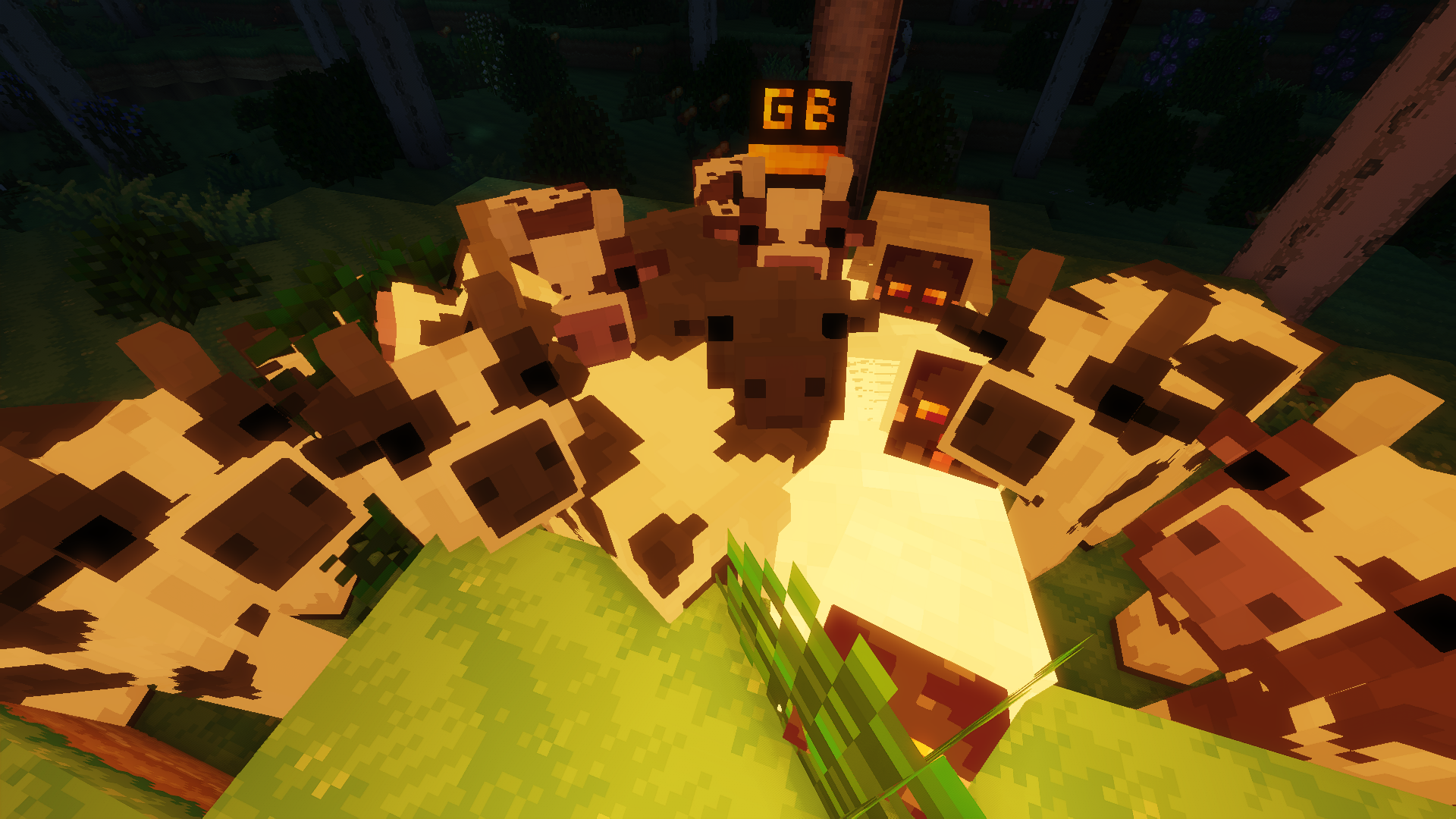
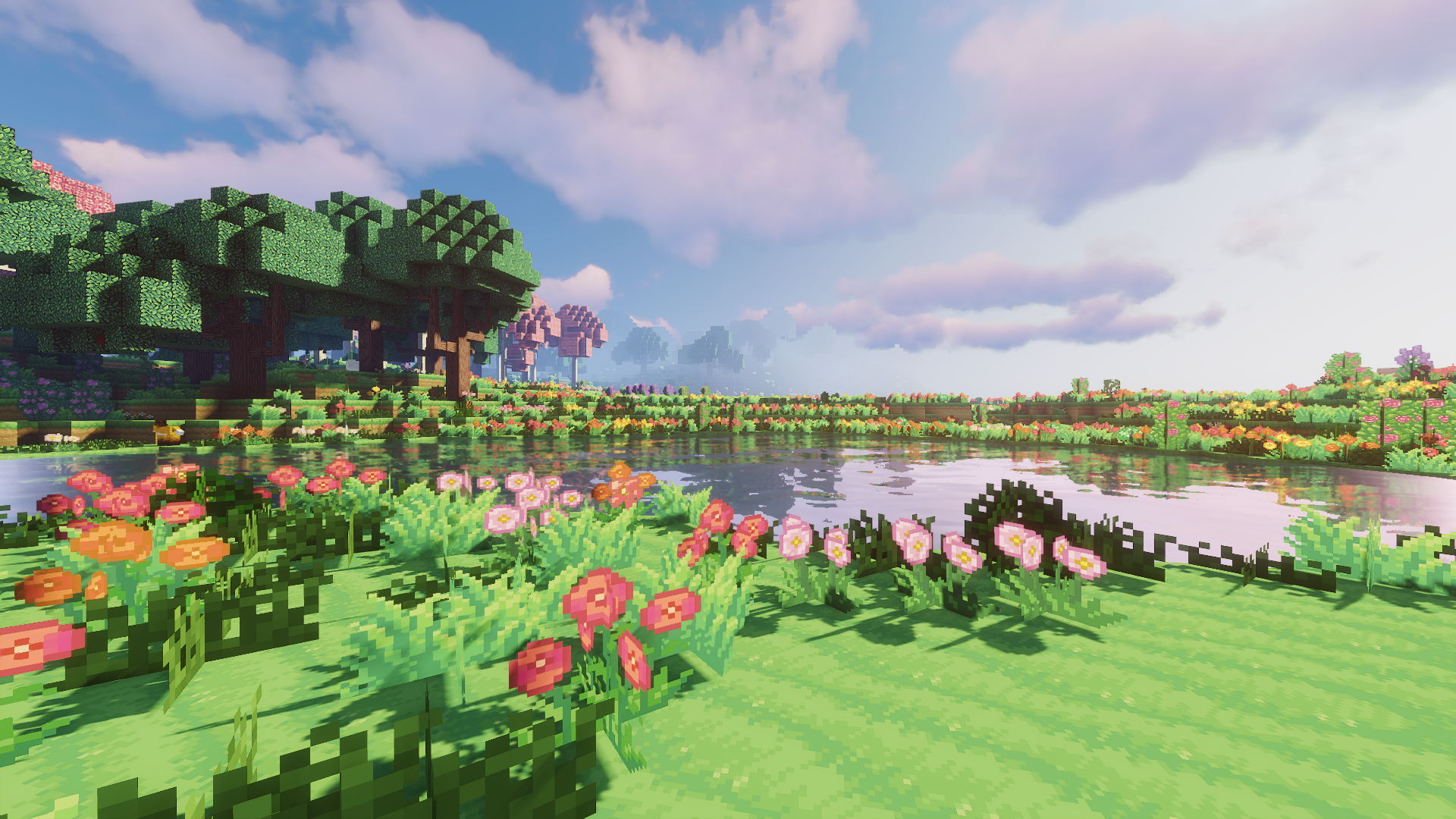
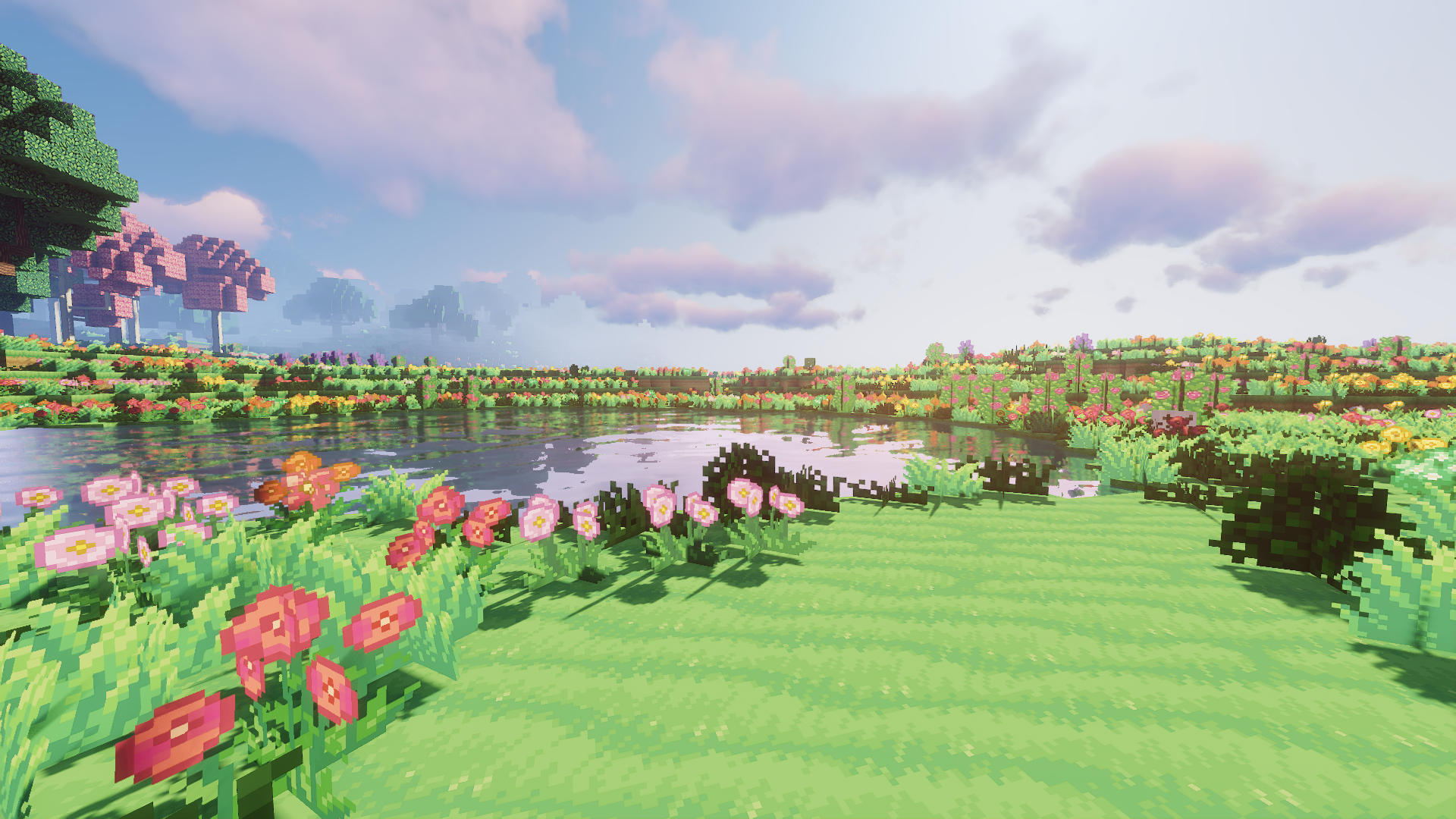
Welcome to Adoriity's new modpack!!
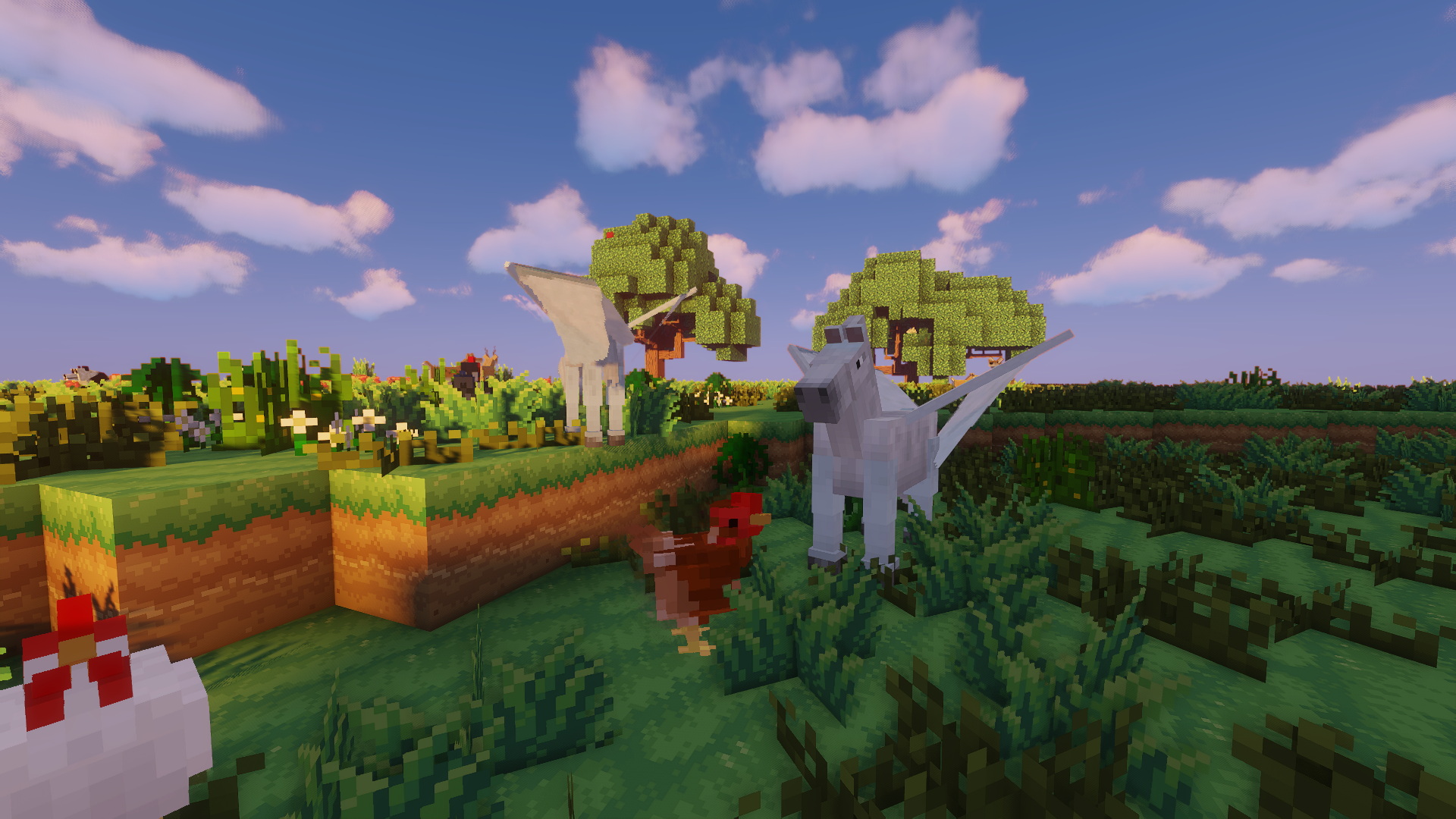
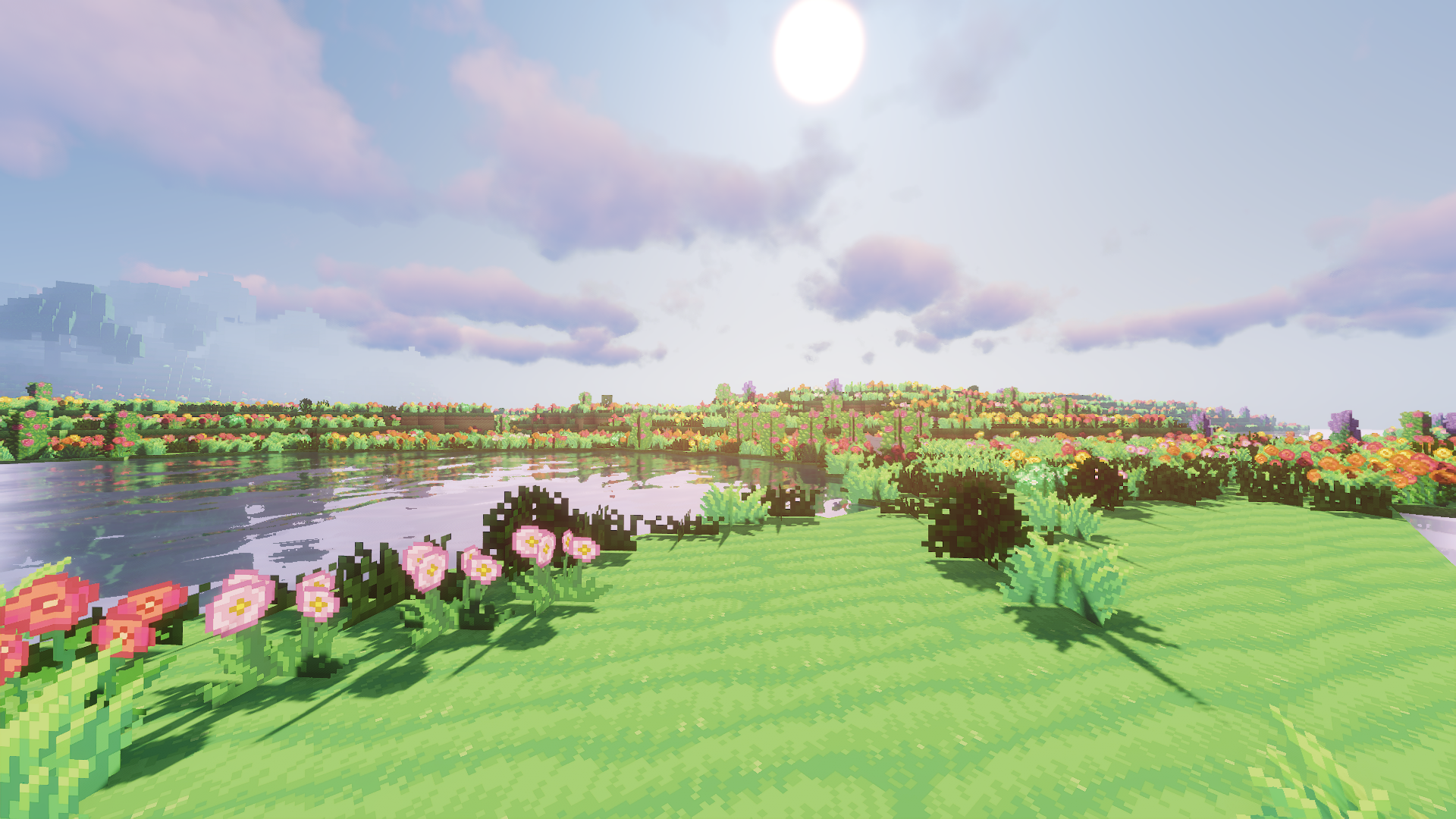
This is a modpack based in 1.12.2 and has sooo many different features! Live out your cottagecore fantasies and befriend all different kinds of animals and become the farmer of your dreams!! This modpack offers many different features ranging from crop farming, cooking, animal taming, exploring spooky dungeons, magic, building, biomes, realms, and even more!!
Watch the Let's Play Series created by Adoriity here!! https://www.youtube.com/channel/UCniiU6j6PdvIwefJfSuO0XA
If you play this modpack, please feel free to send me screenshots of your worlds and creations because I would love to see what you guys come up with!!
If you plan on creating a let's play series on youtube, or streaming it, please give credit to me as the modpack creator. I would also love to come show my support to your guys' series as well!! <33
If you want to use the shaders included, please go to google, and search for optifine 1.12.2 download, and then download it into the mods folder for this modpack!! Otherwise the shaders will NOT work. You can access the modpack folder by going to the modpack on curseforge, and clicking the 3 dots next to the PLAY button, then clicking OPEN FOLDER.
- Edition: Minecraft Java
- File type: .jar
- How to install: Install the matching mod loader (Forge, Fabric or NeoForge) for your Minecraft version. → Download the .jar. → Put it in the .minecraft/mods folder and launch that loader profile.
- Where to get it: Opens on CurseForge — not every file is mirrored on our own servers.
Install steps are the general flow for this file type — How to install Minecraft Java mods & modpacks walks through it step by step.
AdoriiCraft - Cottagecore Adventure is a free Minecraft Java modpack. Downloaded 503 times (via CurseForge). Download it and open it directly in the game.