Block Clover (Black Clover)
Java mod listed for Minecraft 1.20–1.21. File opened and checked on 11 Oct 2026; downloads from the MC Java Mods app on Android.
I don't know my version or loader
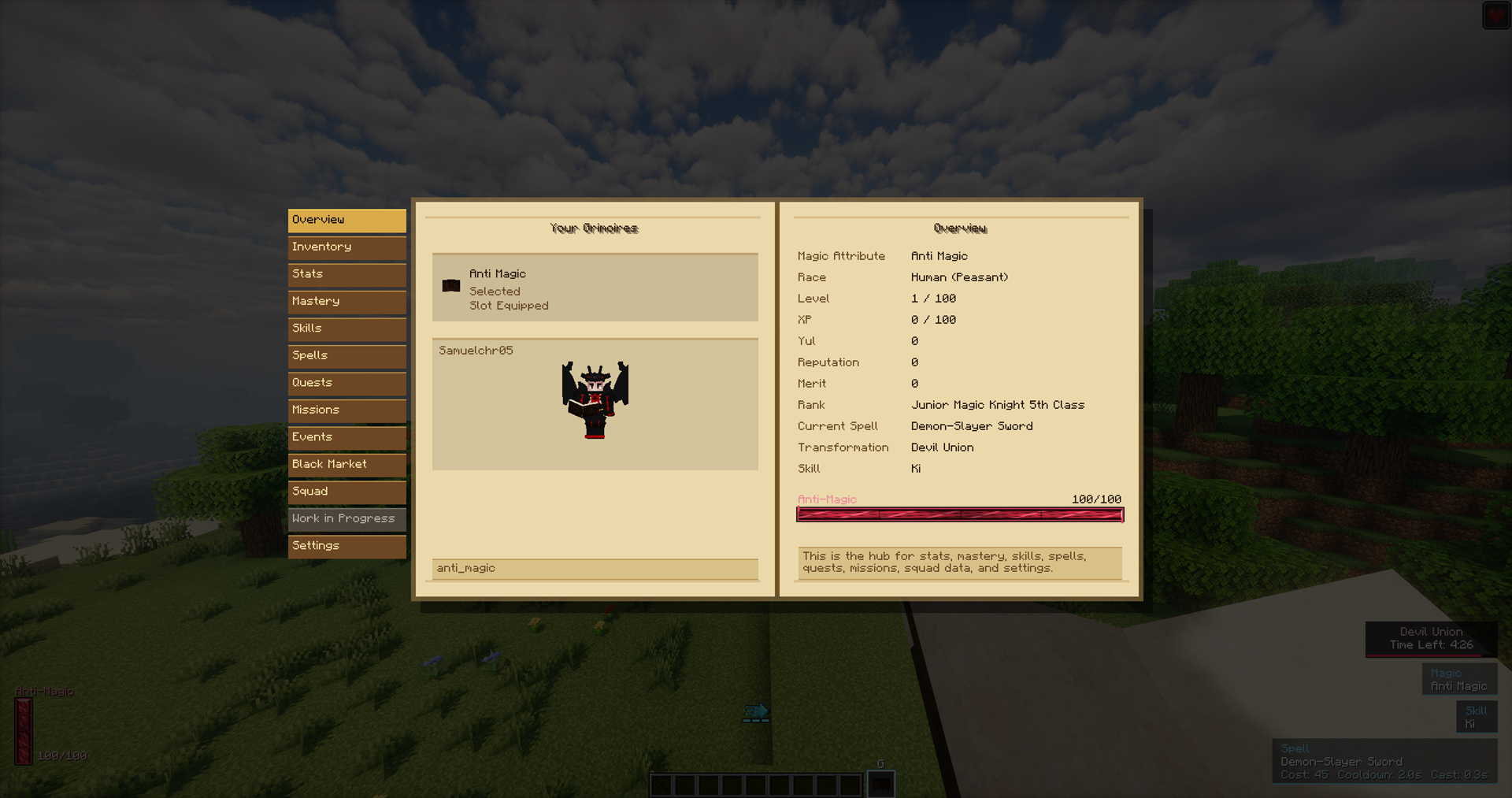
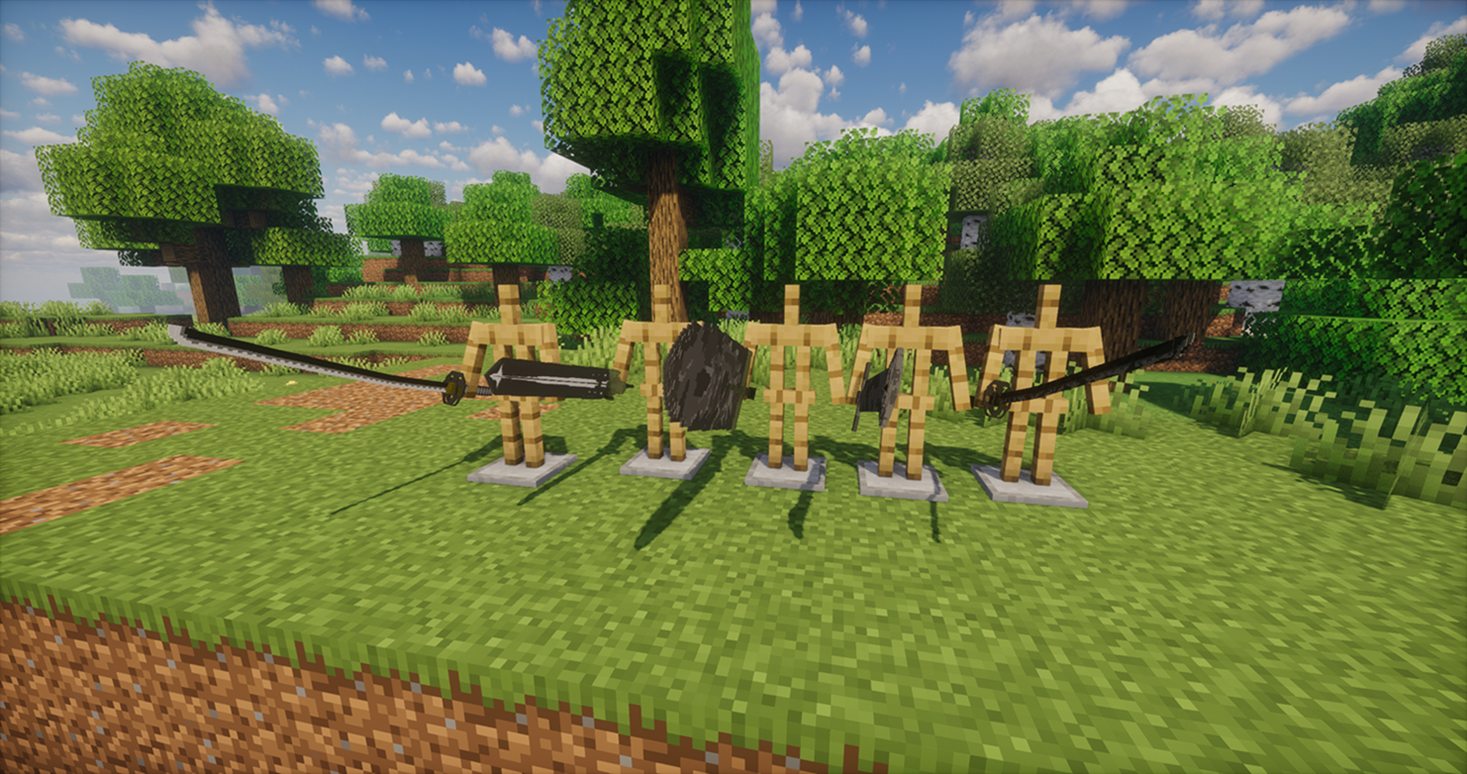
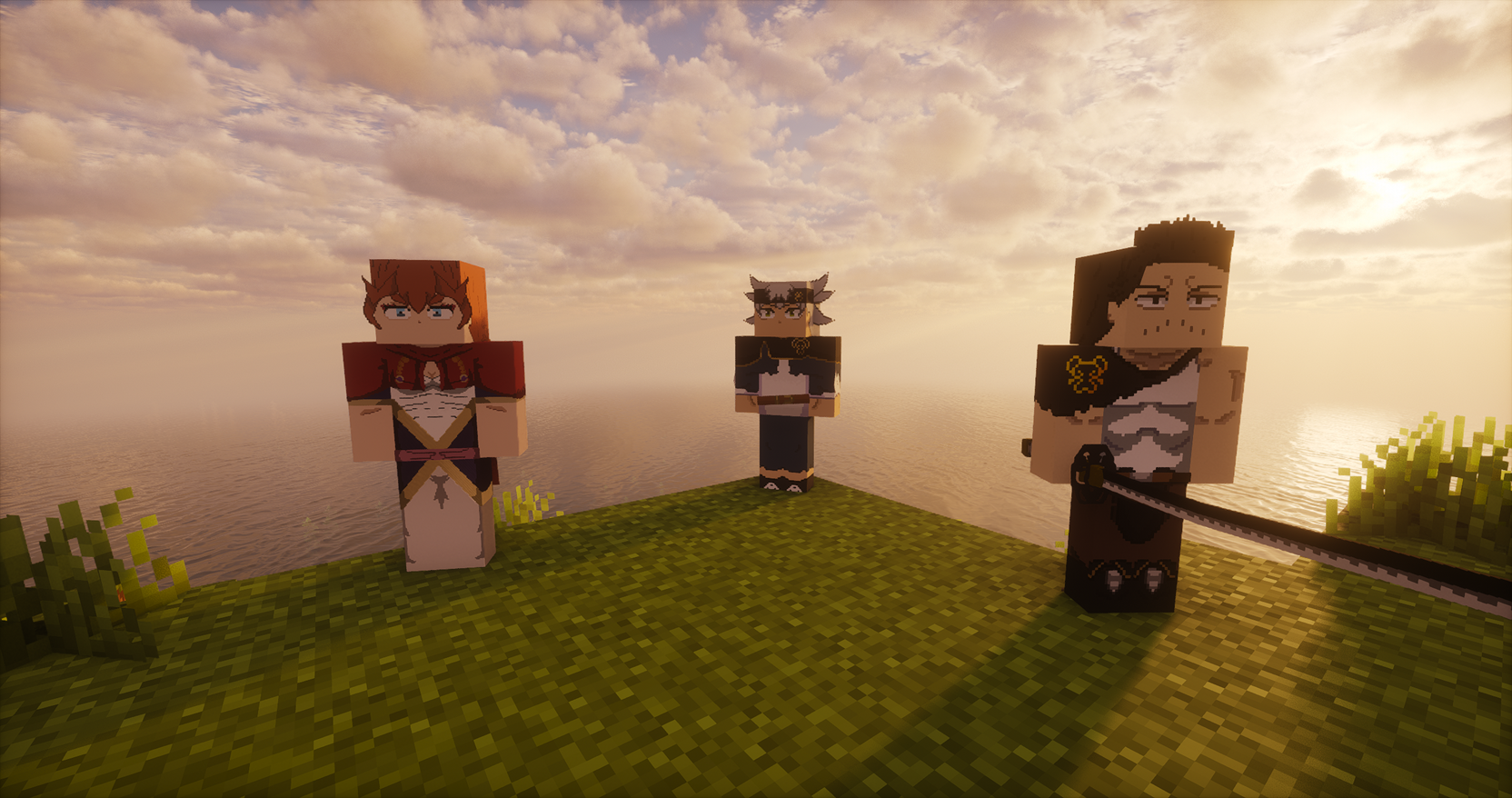
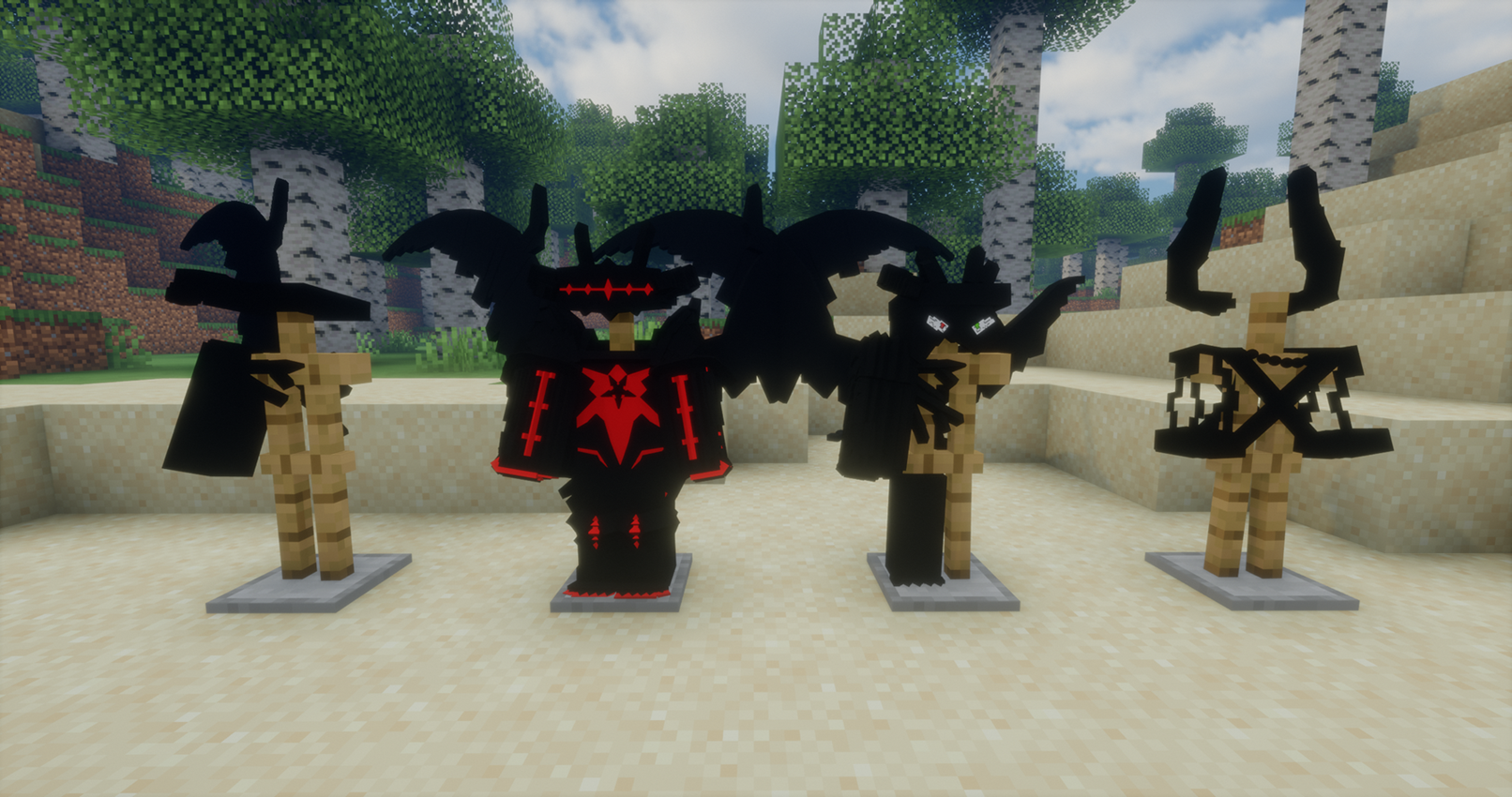
Block Clover
Block Clover is a Minecraft mod inspired by the anime and manga Black Clover.
Use the NeoForge 1.21.1 version.
The Forge 1.20.1 version is the old port and is no longer the current version.
This mod is still in development!
Links
Questions or suggestions? Add me on Discord: Samuelchr
Subscribe to my YouTube channel
Credits
Big thanks to Telec, Renan, Uzume and wagenboi (VK). This would not have been possible without them.
How to Start
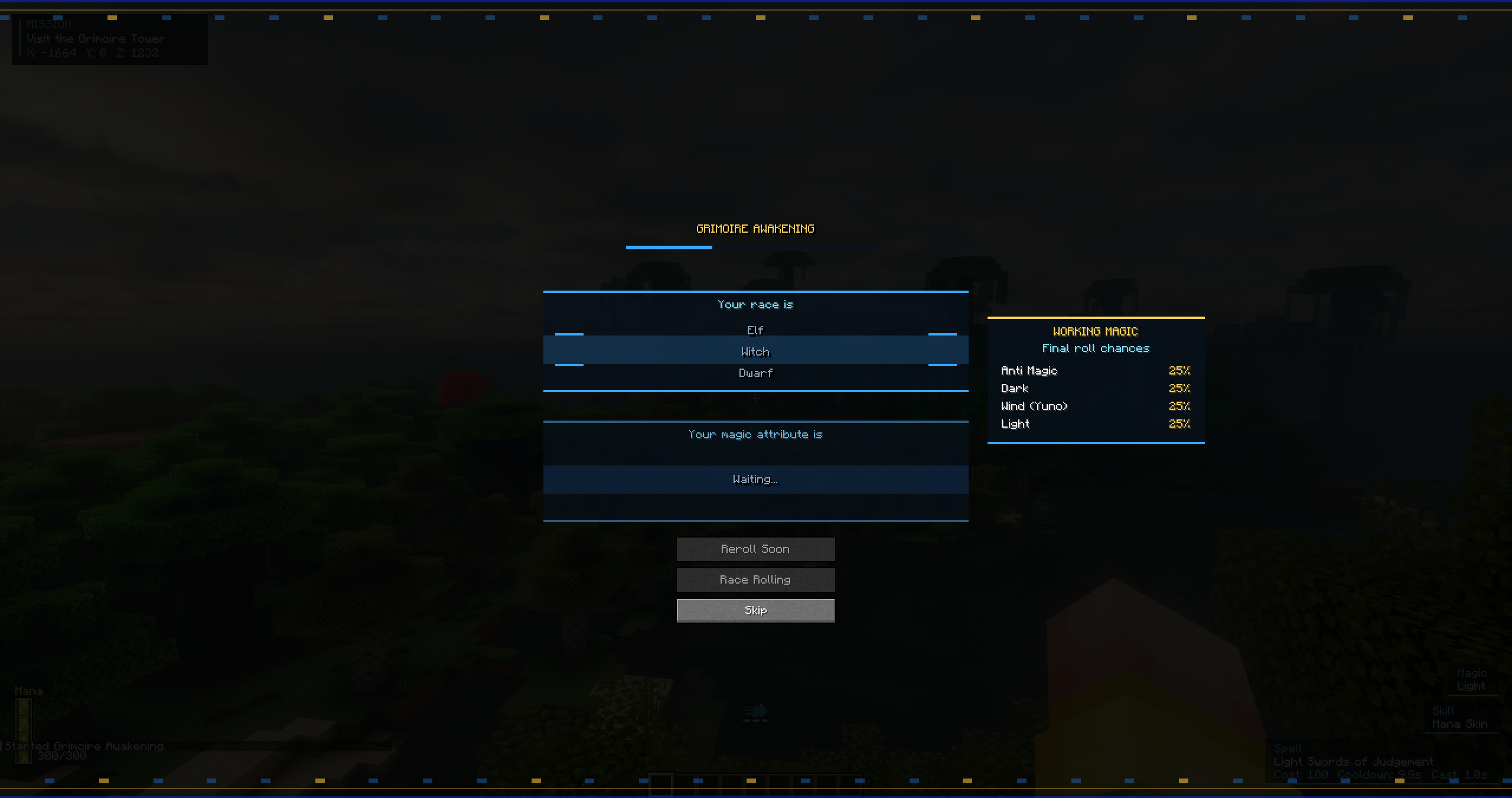
When you enter a new world, your race and magic are rolled.
Your first mission is to visit the Grimoire Tower. Its coordinates appear on the mission tracker in the top-left of the screen.
Travel to the tower and speak to Drouot, the tower master. He gives you your grimoire, which begins your real progression.
After getting a grimoire, you start with one spell and can discover more through combat.
Controls
All controls can be changed in Minecraft’s Controls menu.
- R — Switch spell. Hold to open the spell wheel.
- Z — Use your selected spell. Hold for Mana Output on spells that support charging.
- C — Hold to select a skill.
- V — Use selected skill.
- G — Open the Grimoire Menu.
- H — Hold to select a transformation.
- X — Switch mode. Hold to switch magic if you have multiple attributes.
- B — Dash. (Recommend changing this)
Progression
Your main progression comes from missions, combat, spells, and your squad.
- Complete missions for XP, Yul, Reputation, Merit, and other rewards.
- New normal missions refresh every 10 minutes.
- Defeating Bandits gives Merit and Reputation based on their tier and magic rarity.
- Merit determines your Magic Knight Rank.
- Use spells and fight to earn XP.
- Spend Stat Points, Skill Points, and Mastery Points in the Grimoire Menu.
- Create or join a squad for squad missions, stars, pay, and the Star Festival.
Unlocking Spells
Your grimoire begins with one spell.
New spells are mainly discovered through combat:
- Using spells gives a chance to discover new spells.
- Melee combat can also discover spells, but less often.
- Fighting while low on health increases the chance.
- Having only a few spells makes early discoveries easier.
- Spell Insight increases your chance to discover spells. (Unlocked in the mastery Menu)
- Some powerful spells require other progression before they can be discovered.
Transformations are also discovered and unlocked through progression.
Magic, Races, and Skill Trees
The mod includes magic attributes such as Anti-Magic, Dark, Wind and Light, with more content still in development.
Races affect your base stats and race skill tree. Hybrid races combine two races, receiving averaged base stats and half of both race-tree bonuses.
The Grimoire Menu includes progression for:
- Stats
- Mastery
- Skills
- Spells
- Race
- Missions
- Squads
- Black Market
- Edition: Minecraft Java
- File type: .jar
- Minecraft versions listed: 1.21.1, 1.20.1
- How to install: Install the matching mod loader (Forge, Fabric or NeoForge) for your Minecraft version. → Download the .jar. → Put it in the .minecraft/mods folder and launch that loader profile.
- Where to get it: Opens on CurseForge — not every file is mirrored on our own servers.
Install steps are the general flow for this file type — How to install Minecraft Java mods & modpacks walks through it step by step.
- Ships as blockclover-0.4.0-forge-1.20.1.jar — drop this file into the mods folder
- Download size: 21.3 MB
- Download link checked 26 Sept 2026 — working
These come from our own check of the pack file, not from the source page.