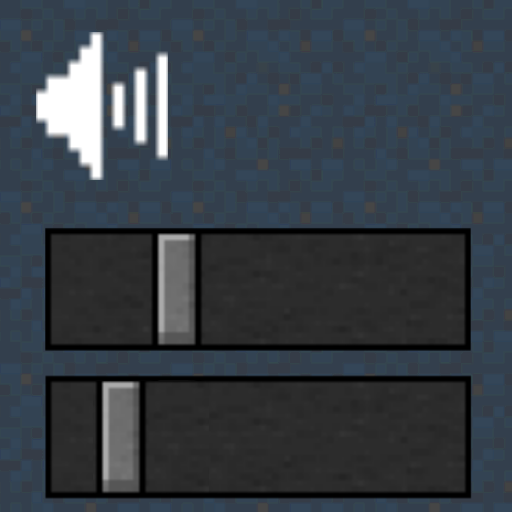
Mod Sound Volume Options
Java mod listed for Minecraft 1.16–1.21. Downloads from the MC Java Mods app on Android.
I don't know my version or loader



If you install this, you can change the volume of sounds added by mods.
Industrial mods can be especially noisy, so we created this to solve that problem.
Required mods (for using the GUI): MCPitanLib, Architectury API
(When using on Fabric Loader, Fabric API is also required)
Mod Loader: Fabric Loader, Minecraft Forge Loader, NeoForge Loader
License: MIT License
Modpack: Useable
If MCPitanLib is not installed, the GUI cannot be used, but it is still possible to manually configure the settings by editing config/mod_volume_options.json.
- Edition: Minecraft Java
- File type: .jar
- Minecraft versions listed: 1.18.1, 1.16.5, 1.18.2
- How to install: Install the matching mod loader (Forge, Fabric or NeoForge) for your Minecraft version. → Download the .jar. → Put it in the .minecraft/mods folder and launch that loader profile.
- Where to get it: Opens on CurseForge — not every file is mirrored on our own servers.
Install steps are the general flow for this file type — How to install Minecraft Java mods & modpacks walks through it step by step.
- Ships as mvo76-neoforge-1.0.1.jar — drop this file into the mods folder
- Download size: 75 KB
- Download link checked 26 Sept 2026 — working
These come from our own check of the pack file, not from the source page.