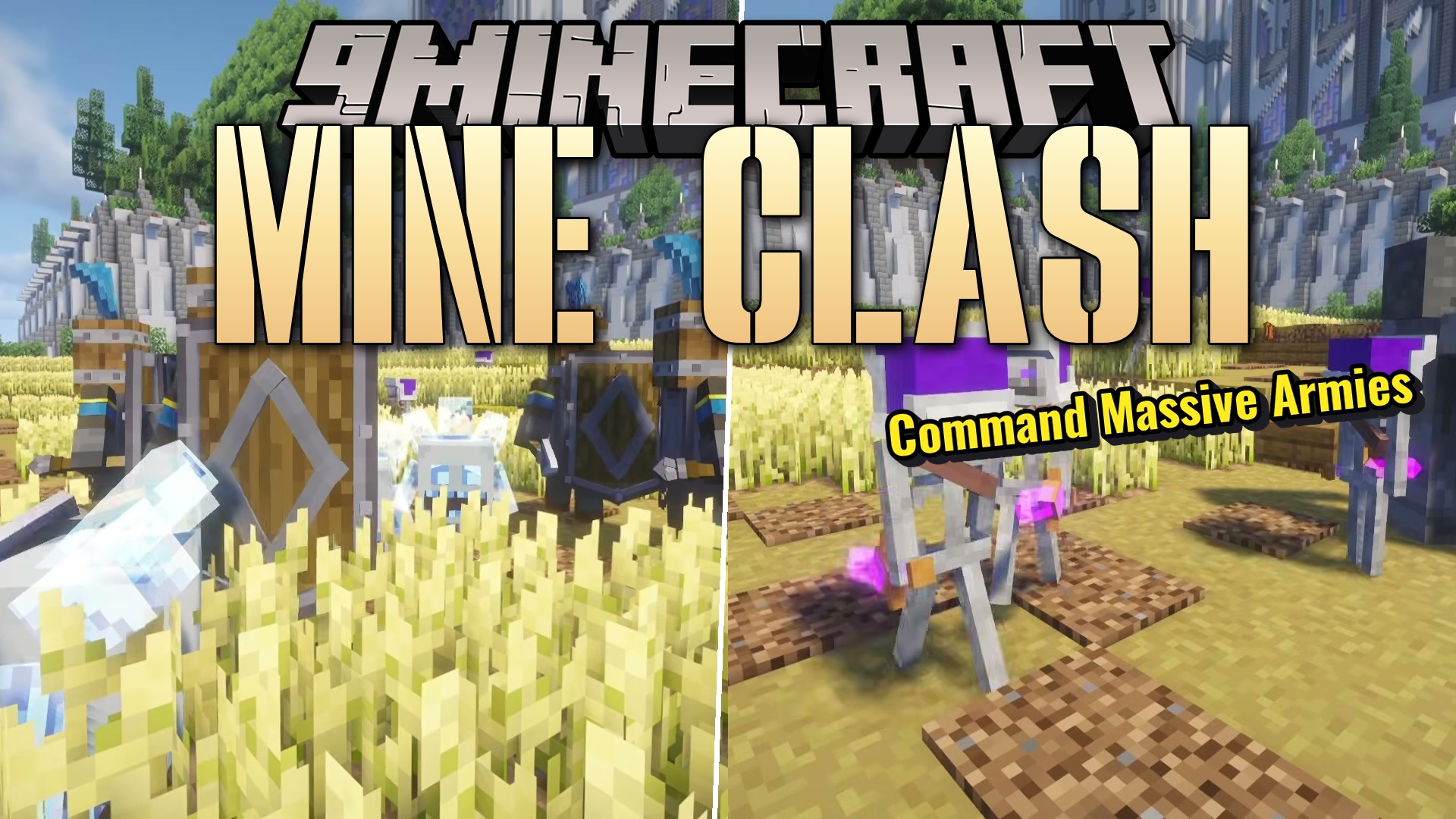
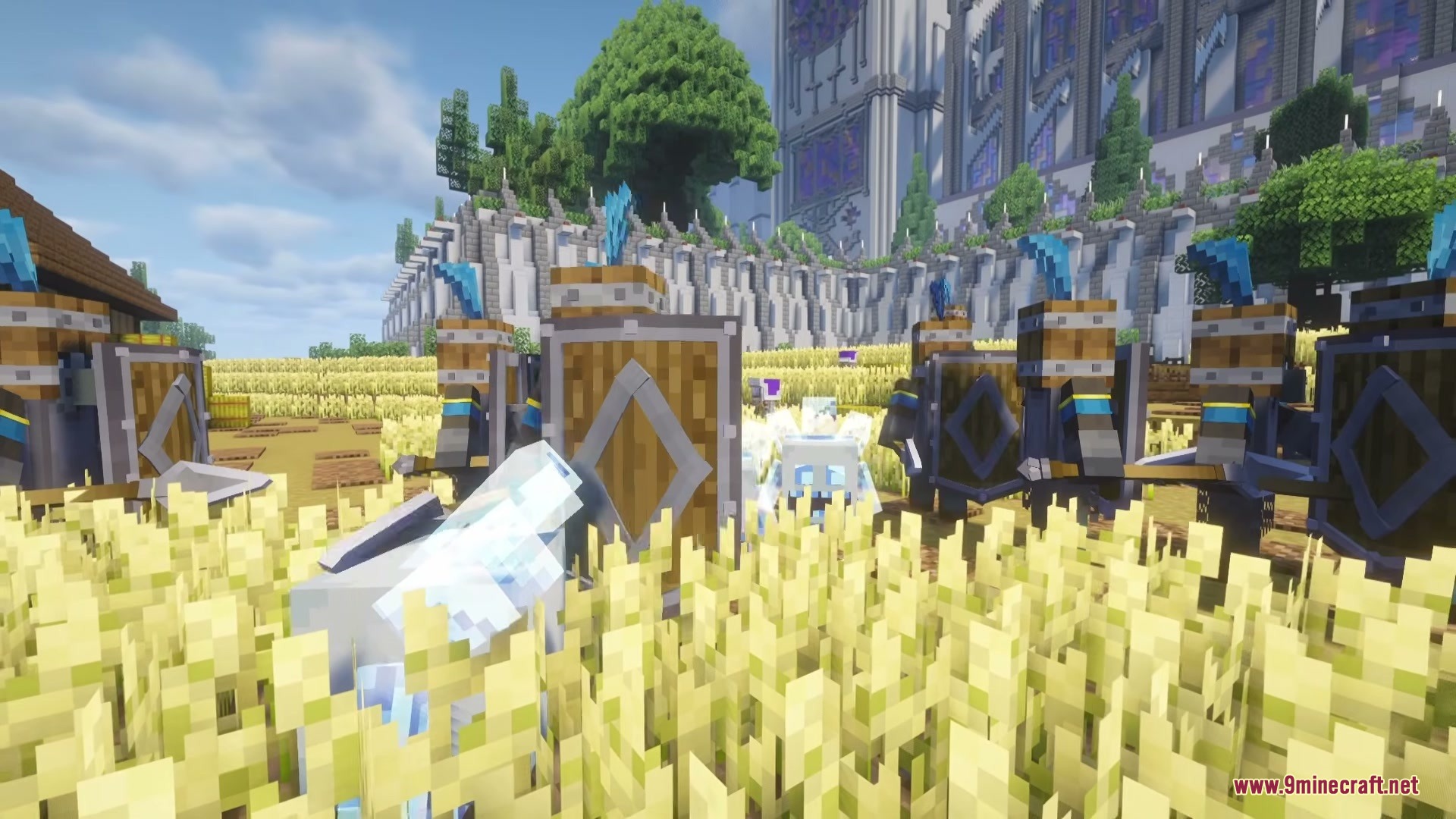
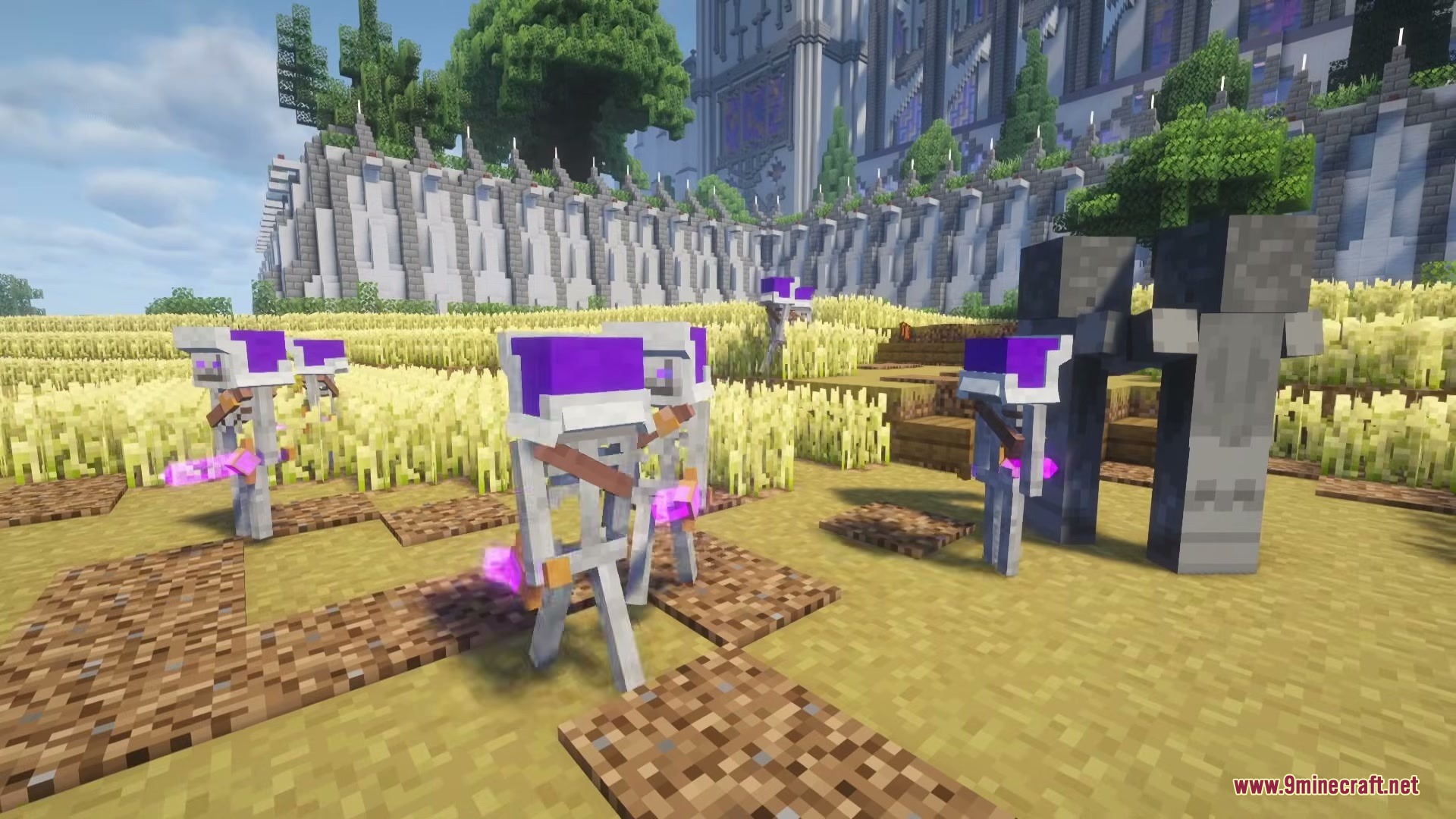
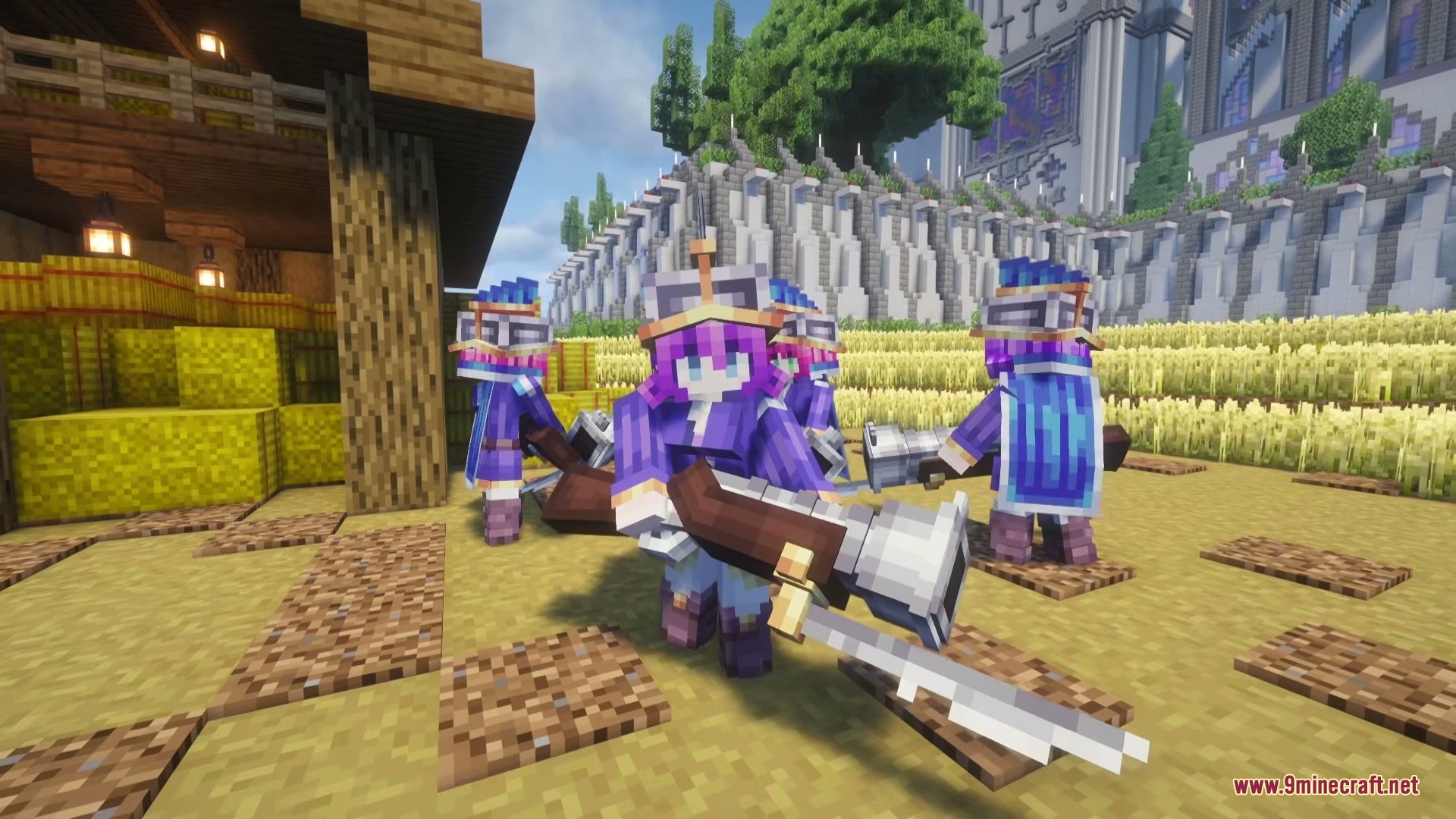
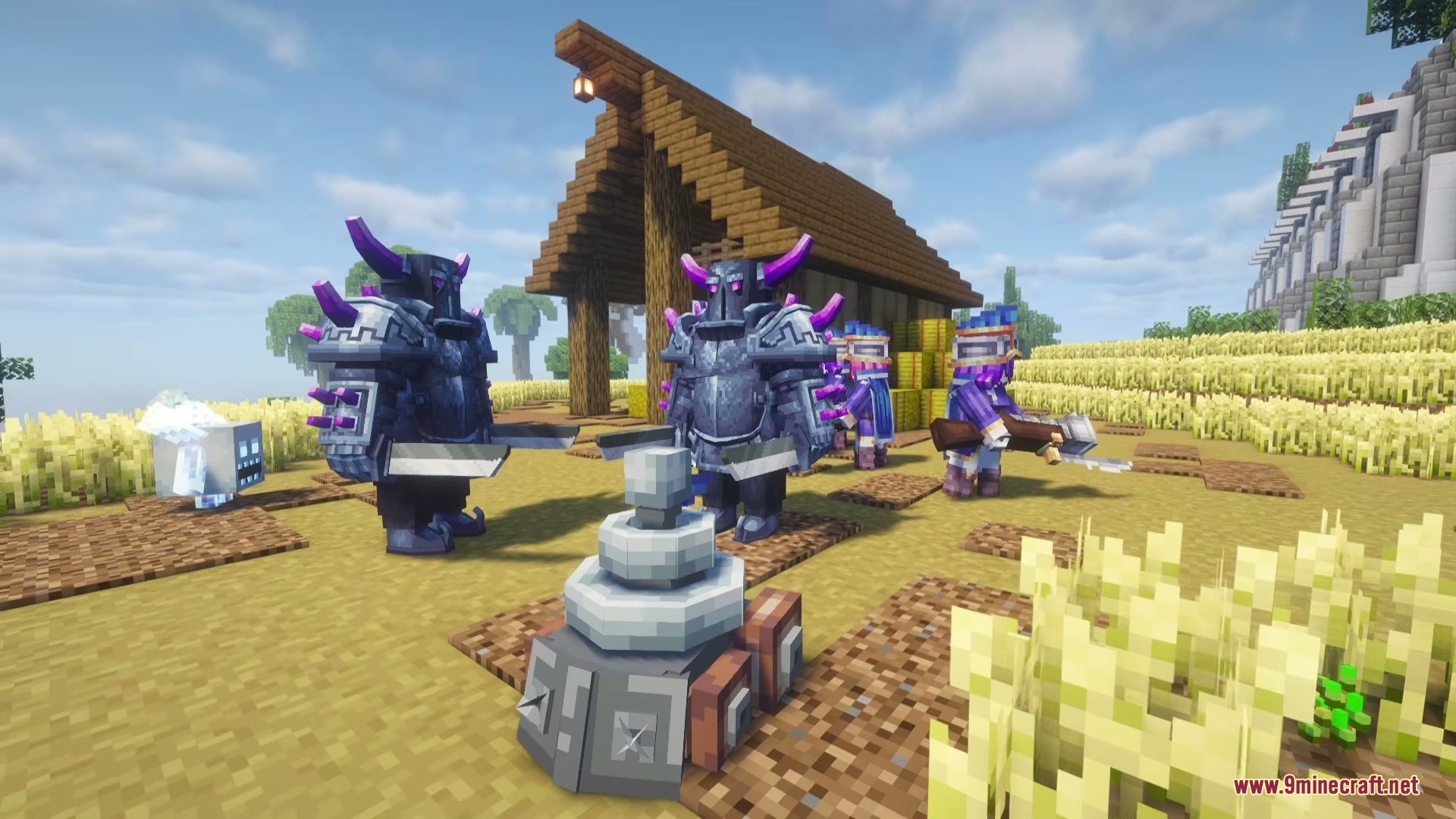
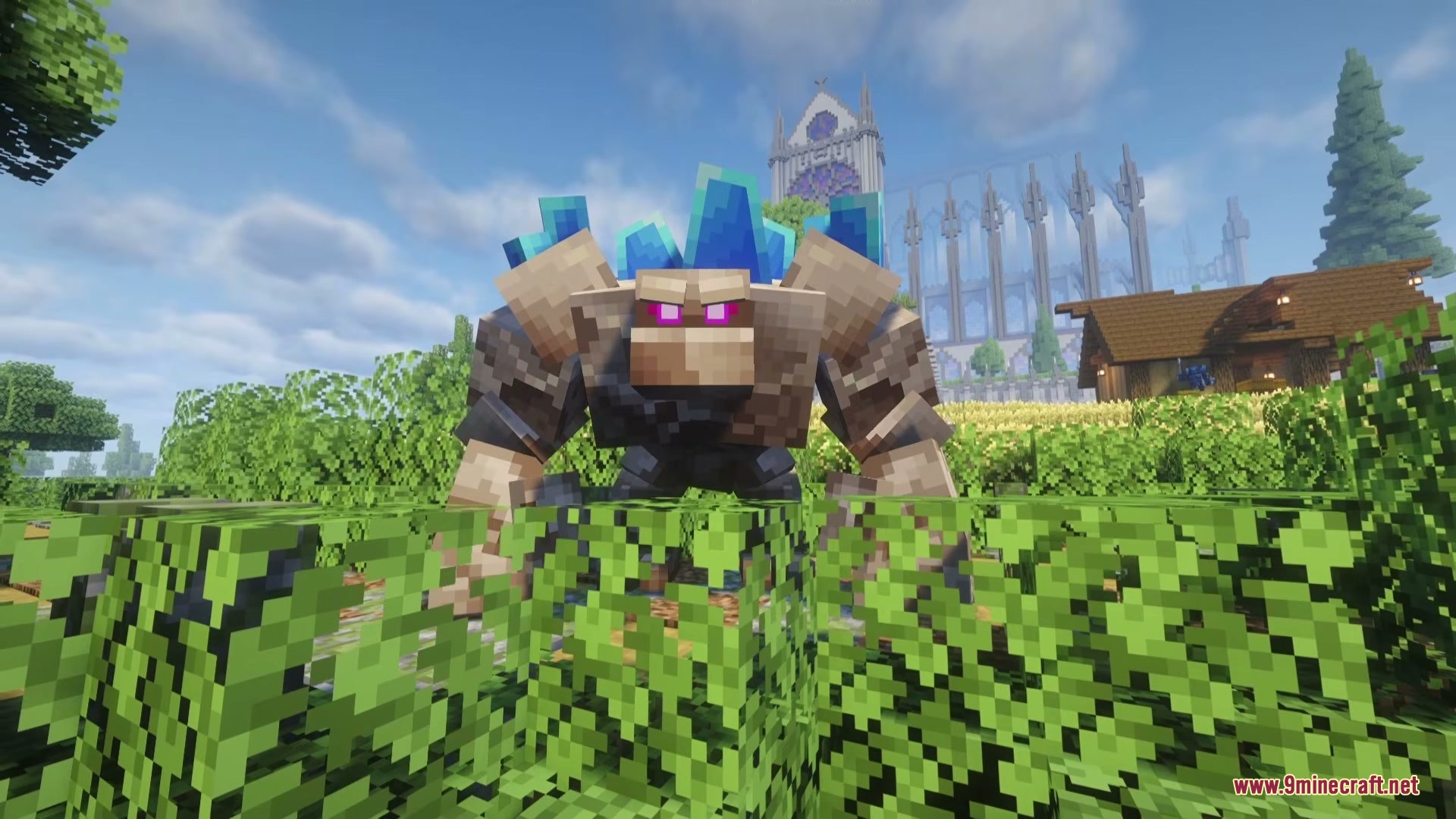
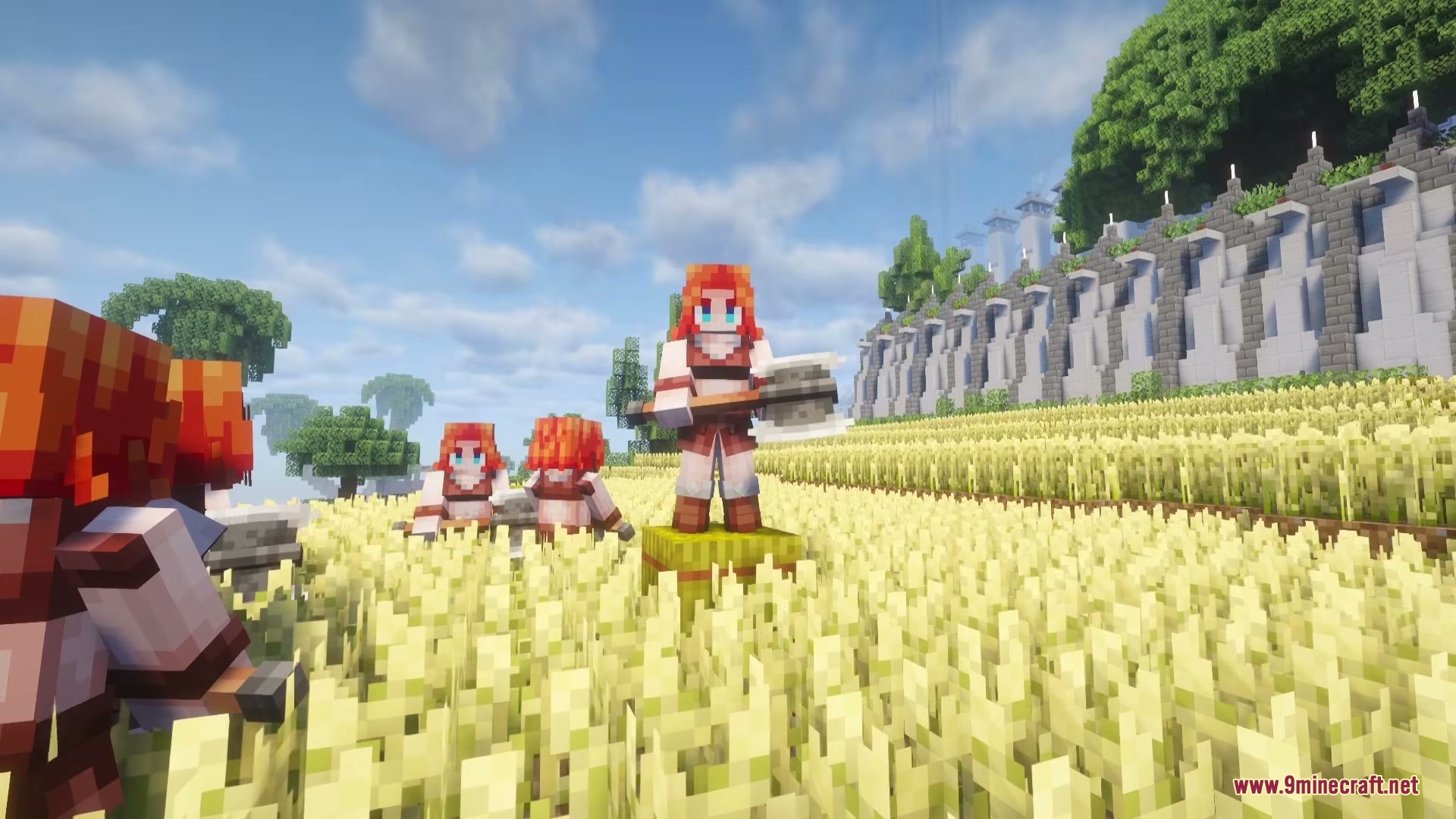
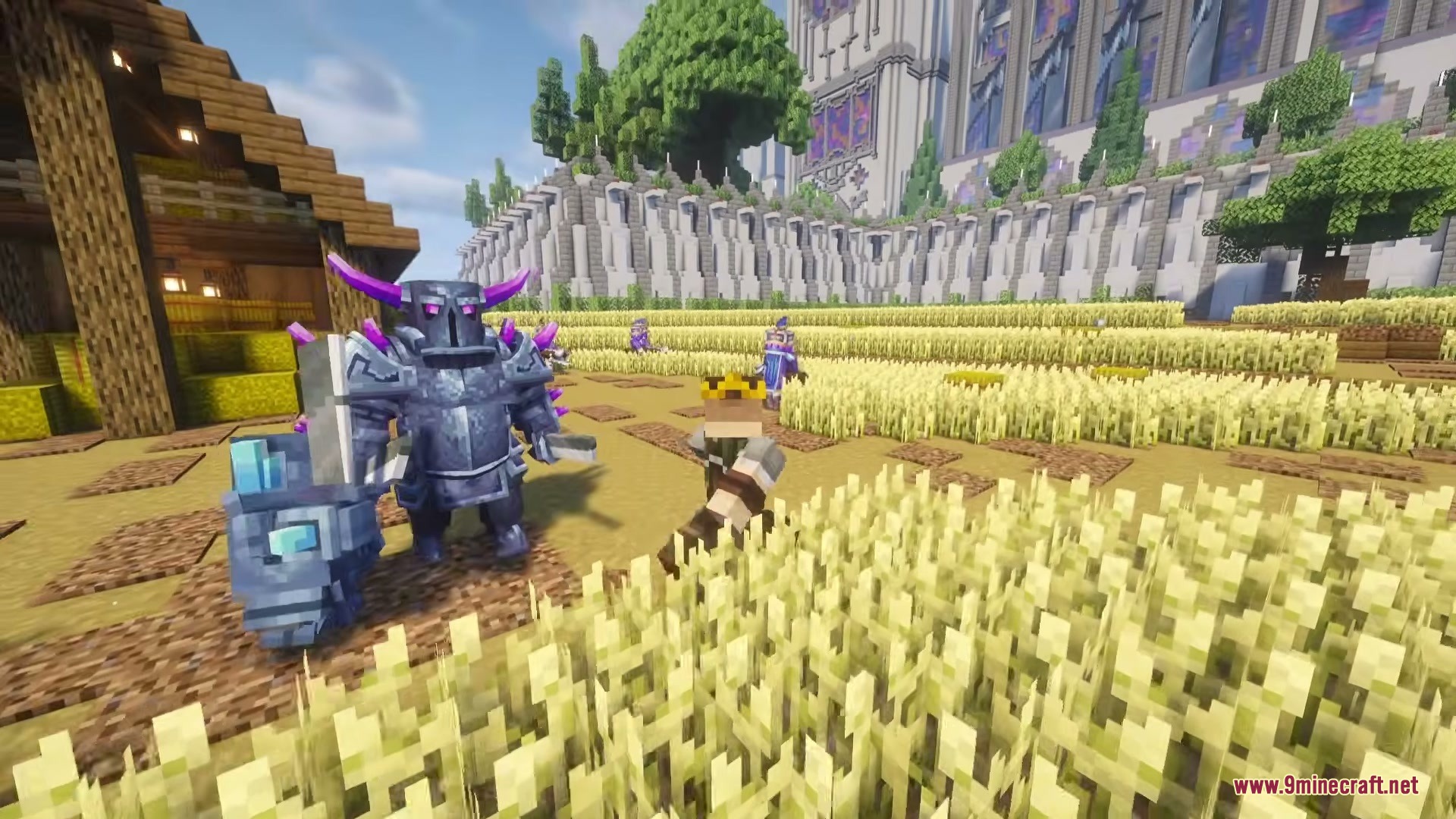
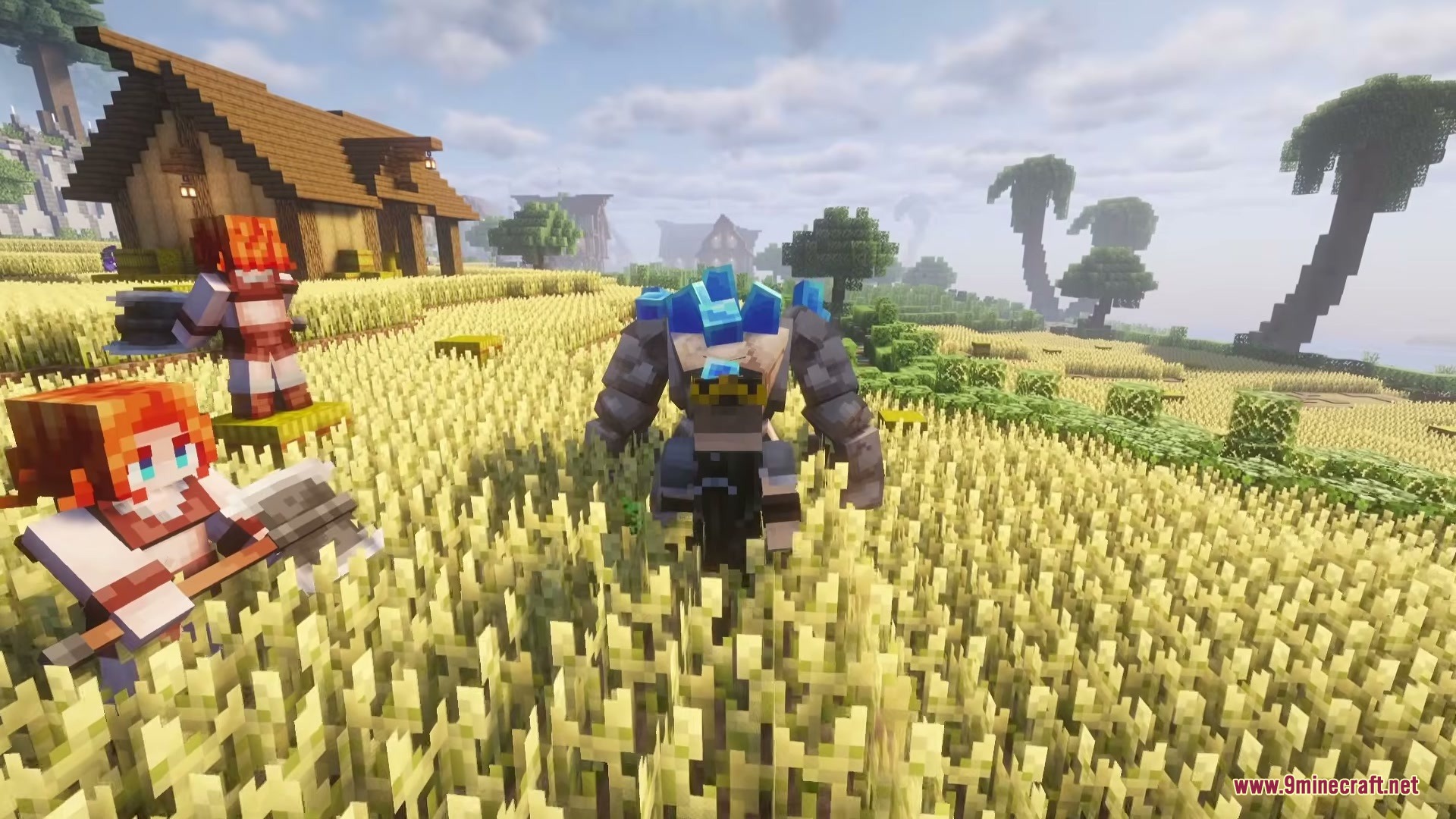
Mine Clash Mod brings troops, defensive towers, and strategy elements from Clash Royale into Minecraft. You can spawn classic combat units like PEKKA, Valkyrie, and Mega Knight to assemble your own custom army. The mod lets you test these iconic fighters against hostile monsters or challenge friends in player-versus-player arena battles. It also introduces defensive structures like Crown Towers to help recreate tactical territory defense.
Features:
- Lets you summon classic heavy hitters including PEKKA, Mini PEKKA, Mega Knight, and Monk.
- Spawns frontline swarms like Skeletons, Skeleton Army, Guards, and Royal Recruits.
- Brings ranged and tactical units including Three Musketeers, Zappies, and Ice Spirits into the world.
- Includes defensive Crown Tower structures for guarding bases.
- Enables custom army setups to battle against hostile monsters or other players.
Featured Troops:
- PEKKA and Mini PEKKA deliver high single-target damage to enemy lines.
- Mega Knight leaps into skirmishes with heavy impact attacks.
- Valkyrie clears groups of foes with sweeping melee strikes.
- Skeleton Army and Guards distract tough opponents in numbers.
- Three Musketeers, Zappies, and Ice Spirits provide ranged fire and crowd-control support.
Defensive Buildings:
- Crown Towers stand guard to fire at incoming threats and protect your territory.
How to Use:
- Open your Creative mode inventory to find the troop spawn eggs and building items.
- Place Crown Towers on the battlefield to establish your defensive base.
- Spawn your selected troops to build an offensive army line.
- Pit your units against enemy mobs or opposing player troops to start the battle.
Screenshots:
Mine Clash Mod Download Links
Quick facts
- Edition: Minecraft Java
- File type: .jar
- Minecraft versions listed: 1.21.1, 1.20.1
- How to install: Install the matching mod loader (Forge, Fabric or NeoForge) for your Minecraft version. → Download the .jar. → Put it in the .minecraft/mods folder and launch that loader profile.
- Where to get it: In MC Java Mods, or directly above on this page.
Install steps are the general flow for this file type — How to install Minecraft Java mods & modpacks walks through it step by step.
Verified by MCModsHub
- Downloads as 455601.mcaddon
- Download size: 2.1 MB
- Download link checked 24 Sept 2026 — working
- Mirrored on our own servers — the download does not depend on the original host
These come from our own check of the pack file, not from the source page.