ModsJava
Facet Mod (26.2, 26.1.2) – Accurately Plan Large Builds with Precision Visual
Minecraft Java mod. Downloads from the MC Java Mods app on Android.
⬇ Download
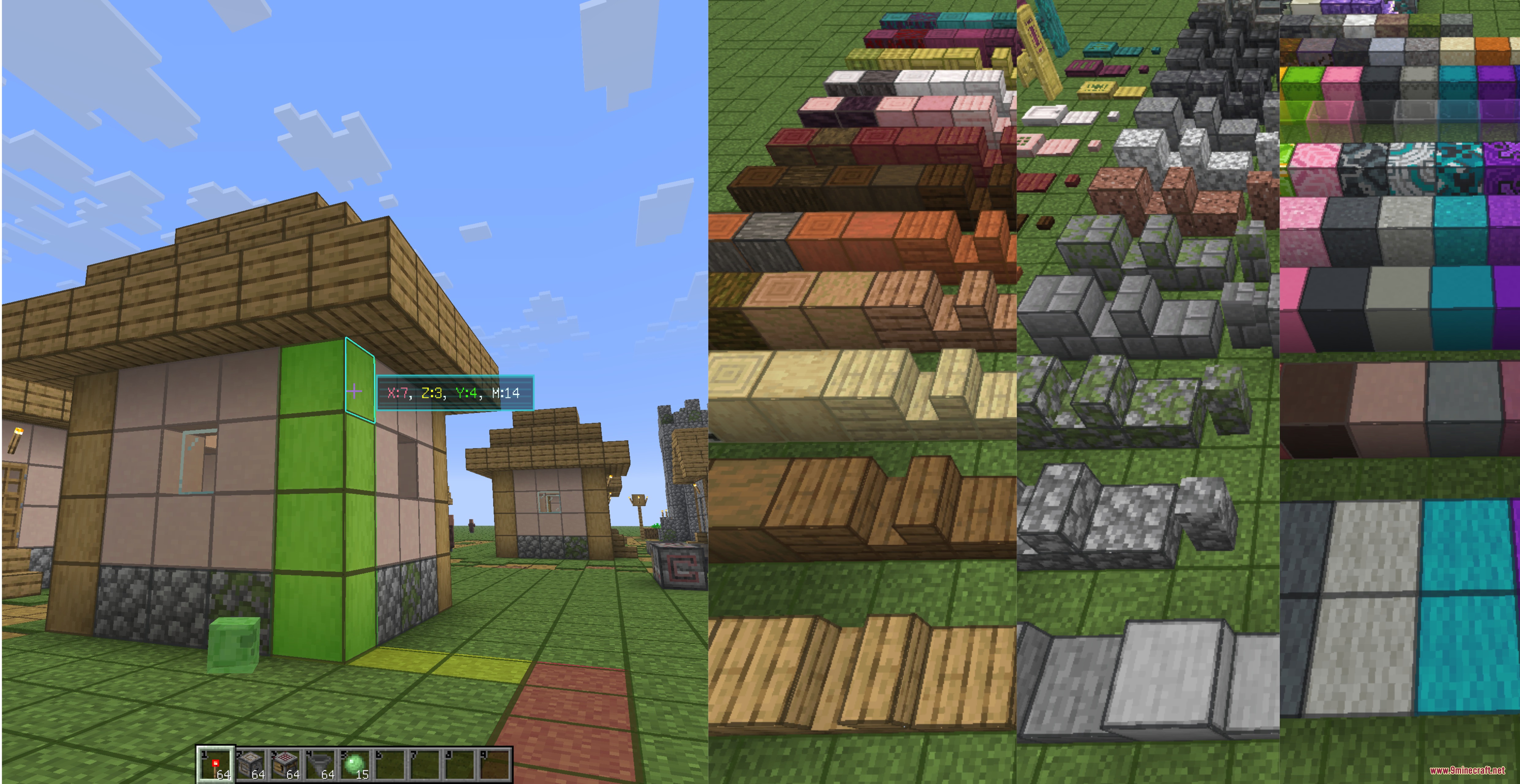
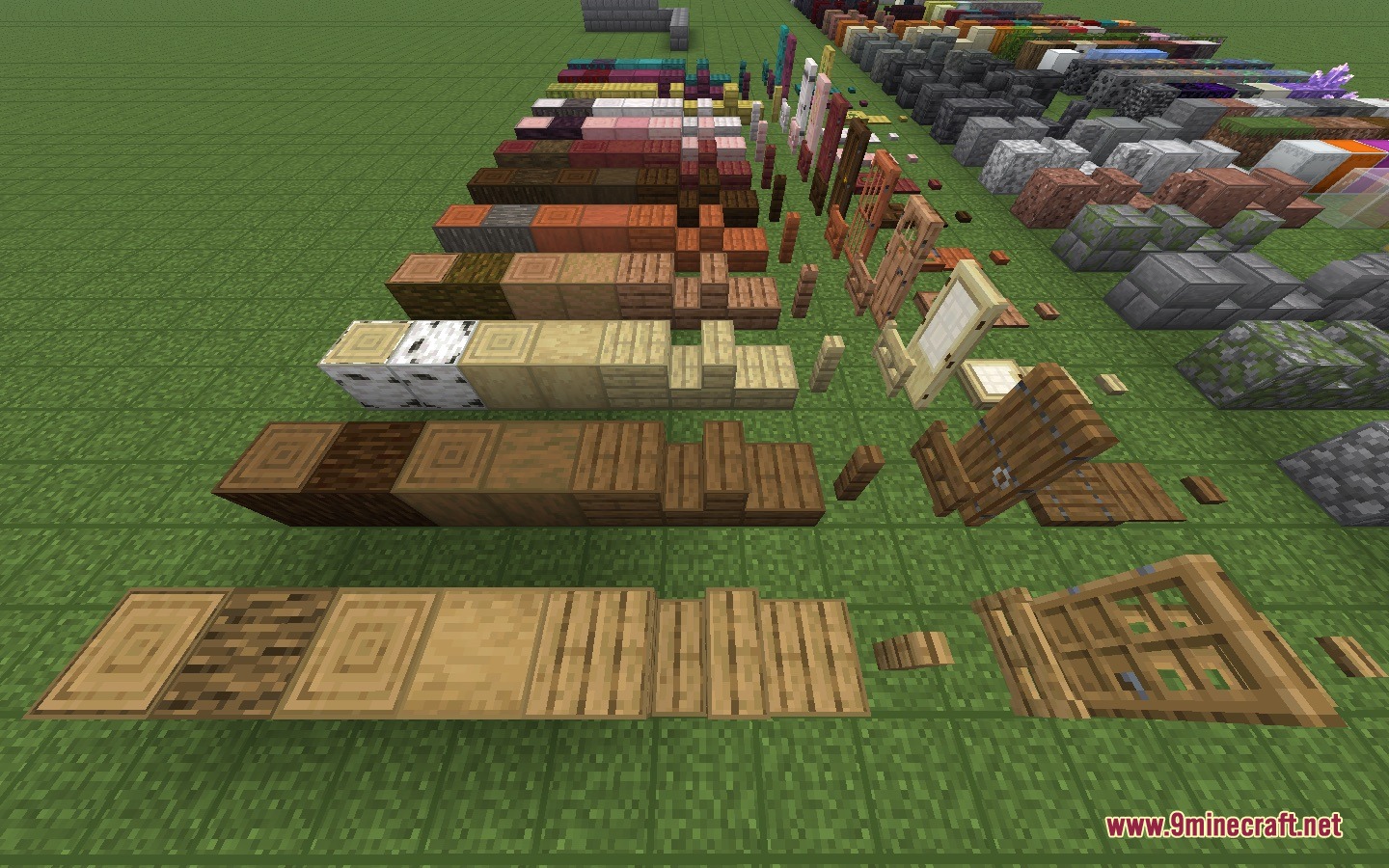
Facet Mod adds helpful building tools to measure blocks, highlight targets, and preview block placements. It lets you check functional block rotations in Survival mode before placing them down. You can also trace distances across three axes and leave private markers on blocks while planning builds. These visual aids keep complex construction projects simple and well organized.
Features:
- Holographic Preview: Displays a real-time hologram showing the exact position and direction of functional blocks before you place them.
- Block Counting HUD: Shows X, Y, Z coordinate differences and total Manhattan distance to your targeted block.
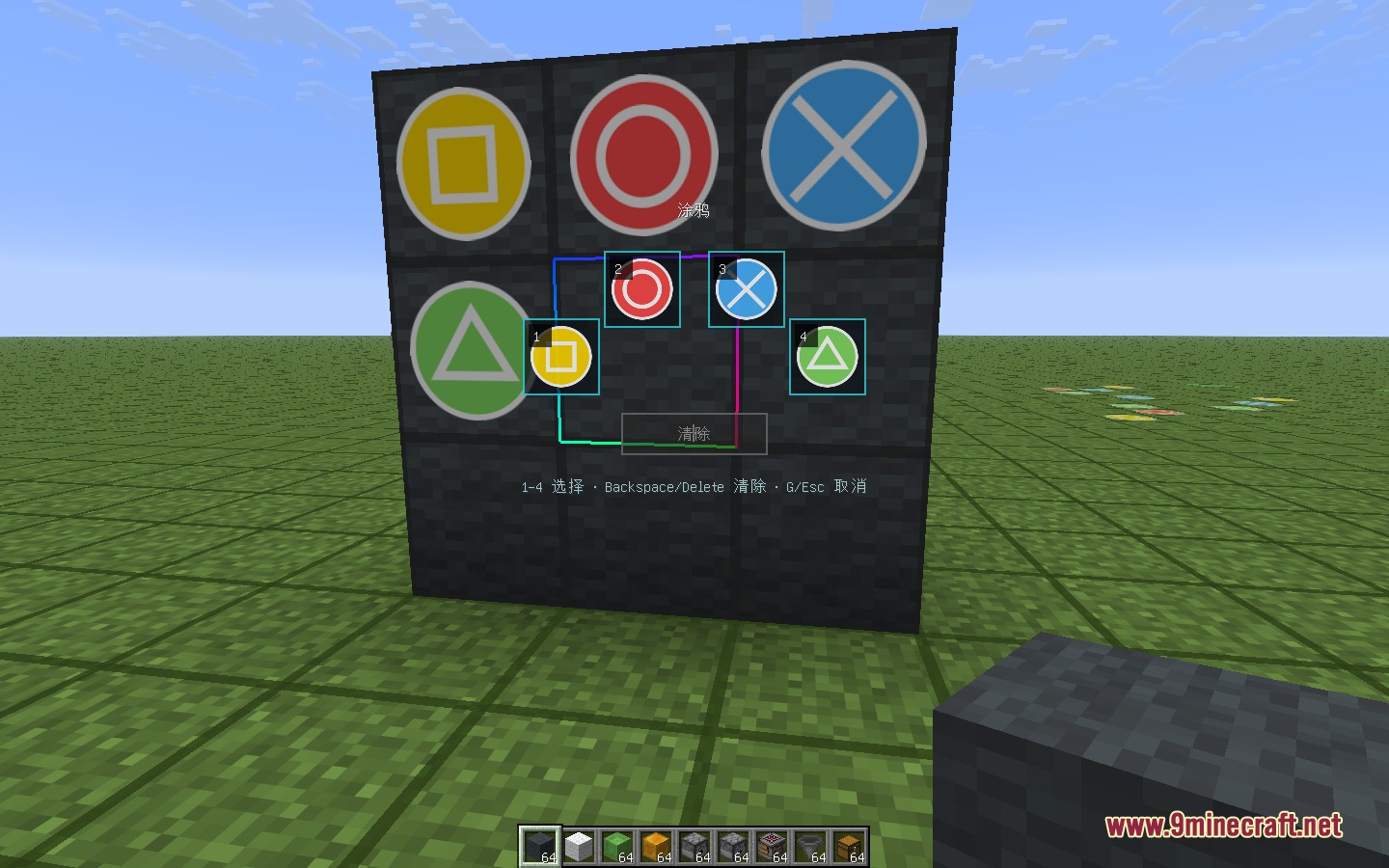
- Graffiti Markers: Gives you a quick radial wheel to place four private visual marks on any block surface.
- Highlights targeted blocks and targeted block faces with neon outlines, even beyond your normal reach.
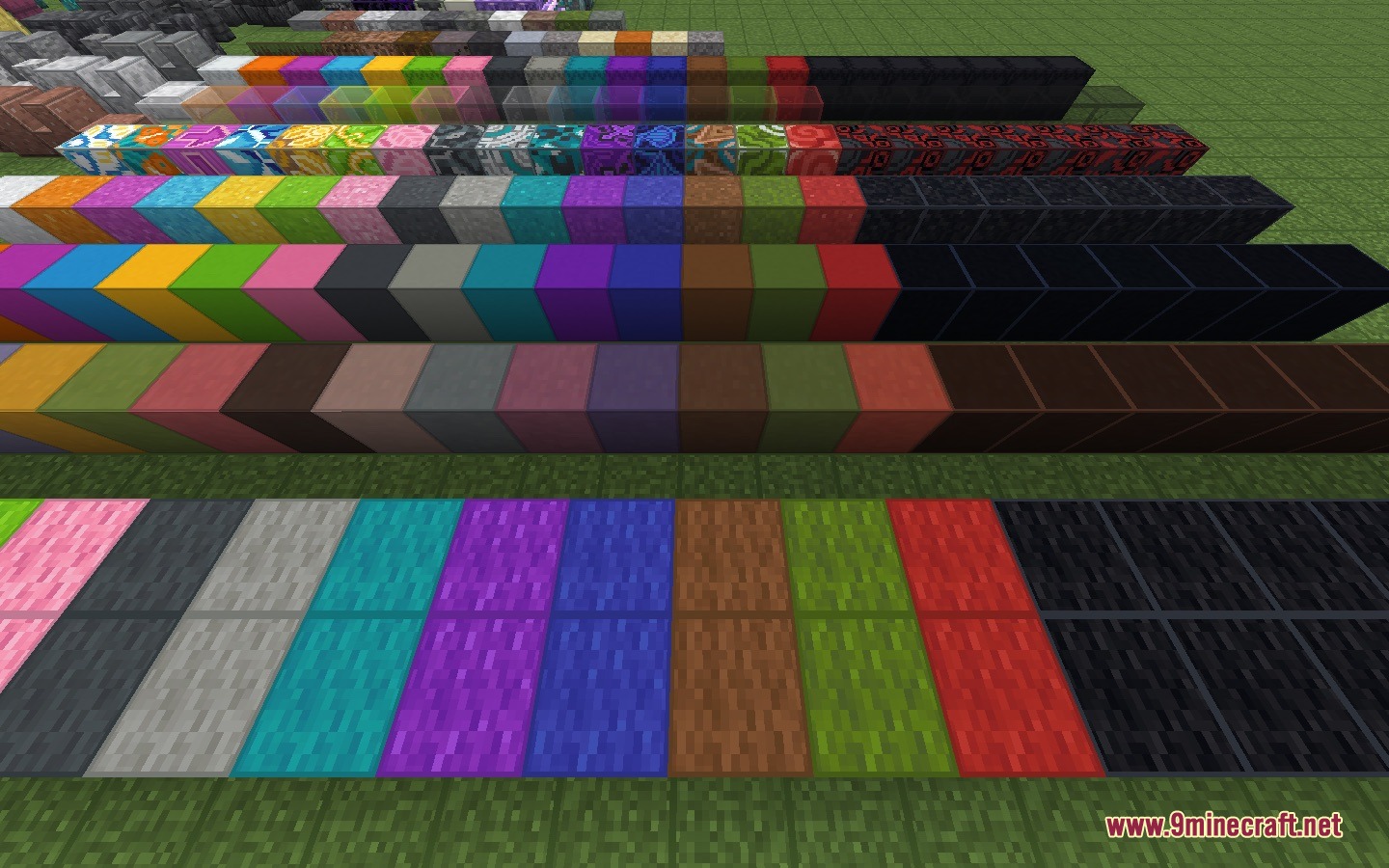
- Draws material-colored outlines around blocks while keeping the look of your active resource packs.
- Displays a color-coded Manhattan path indicator directly in the world.
- Allows rotation adjustments for functional blocks in singleplayer Survival mode.
- Cleans up graffiti markers automatically whenever a marked block moves, breaks, or gets replaced.
- Includes customization settings for outline width, opacity, and highlight styles.
- Plays custom sound effects and startup animations when using the placement preview.
How to Use:
- Press G to open the graffiti wheel, then pick a marker using keys 1 through 4 or your mouse.
- Use the assigned keybind to toggle material block outlines across your world on or off.
- Toggle the targeted block outline to inspect distant blocks outside normal reach.
- Turn on the distance HUD to check exact 3-axis counts and follow the Manhattan path line.
- Open the mod settings menu to adjust outline opacity, line thickness, and preview colors.
Screenshots:
Facet Mod Download Links
Quick facts
- Edition: Minecraft Java
- File type: .jar
- How to install: Install the matching mod loader (Forge, Fabric or NeoForge) for your Minecraft version. → Download the .jar. → Put it in the .minecraft/mods folder and launch that loader profile.
- Where to get it: In MC Java Mods, or directly above on this page.
Install steps are the general flow for this file type — How to install Minecraft Java mods & modpacks walks through it step by step.
File checked by MCModsHub
- Downloads as 455609.mcaddon
- Download size: 619 KB
- Download link checked 23 Sept 2026 — working
- Mirrored on our own servers — the download does not depend on the original host
These come from our own check of the pack file, not from the source page.