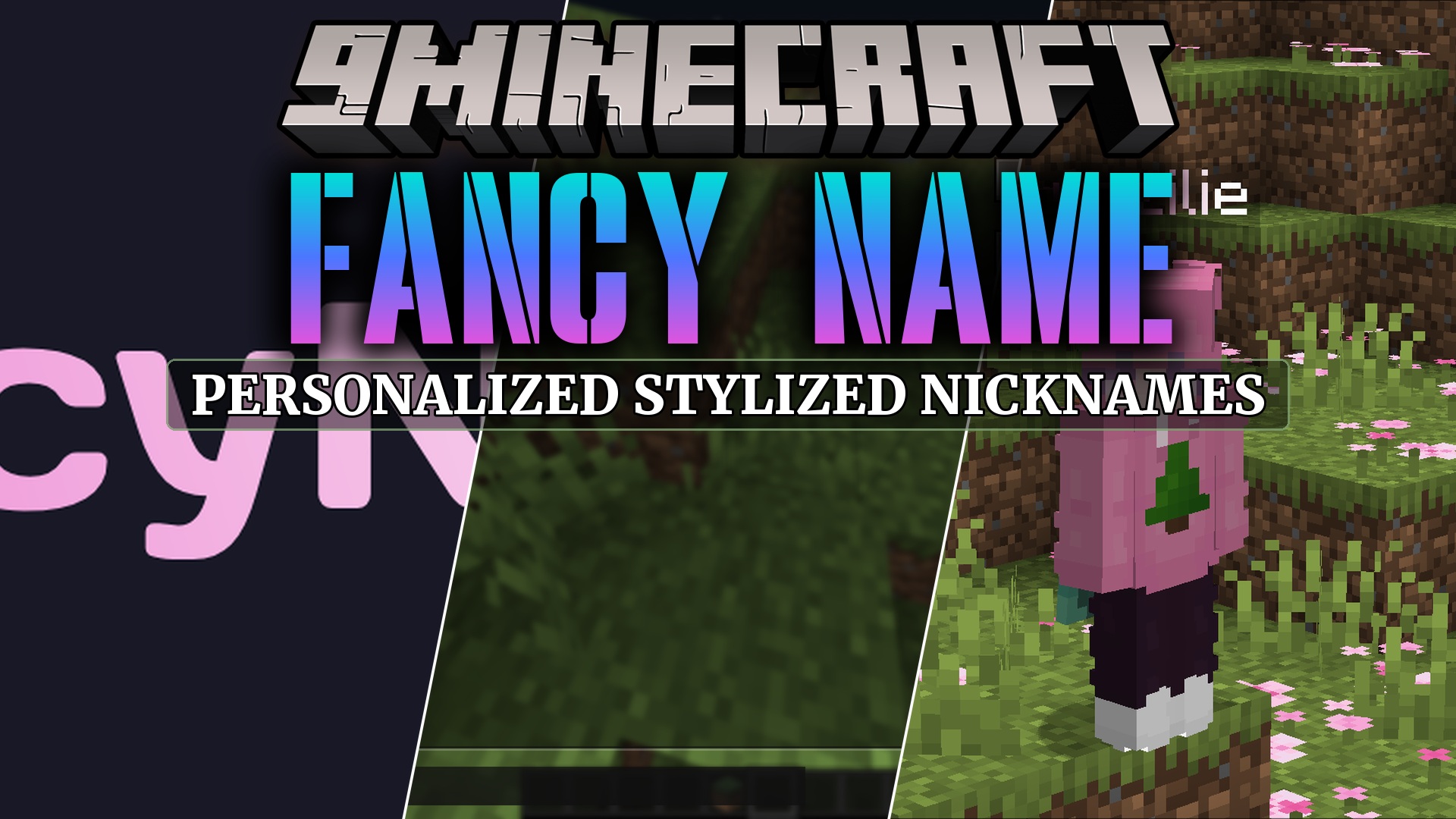
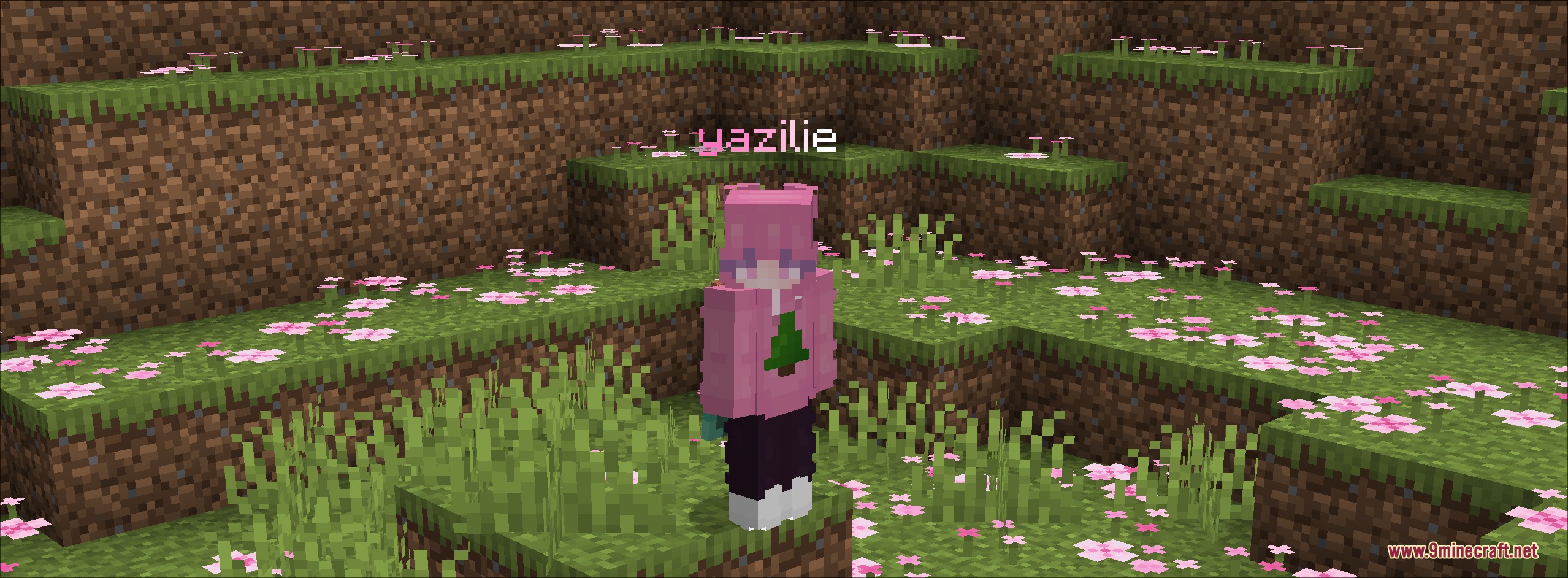
Fancy Name Mod lets you create custom stylized nicknames and share them with other players across any server. It works entirely on the client side, meaning any other player with the mod installed sees your chosen name format right away. You can apply custom text formatting like gradients, bold tags, and color codes to stand out in multiplayer worlds.
Features:
- Lets you set a custom display name or reformat your current username with colors.
- Uses the MiniMessage format to support colorful gradients, hex shades, and bold text.
- Works across any multiplayer server without needing server-side plugins.
- Only shows custom tags to other players running the same client mod.
- Includes an option to only show style changes while keeping original player names intact.
- Lets you hide nicknames in the player list or in the game world independently.
Commands:
/fancy set <nickname>: sets your stylized nickname using MiniMessage format tags./fancy: turns the nickname display system on or off in the game.
Configuration:
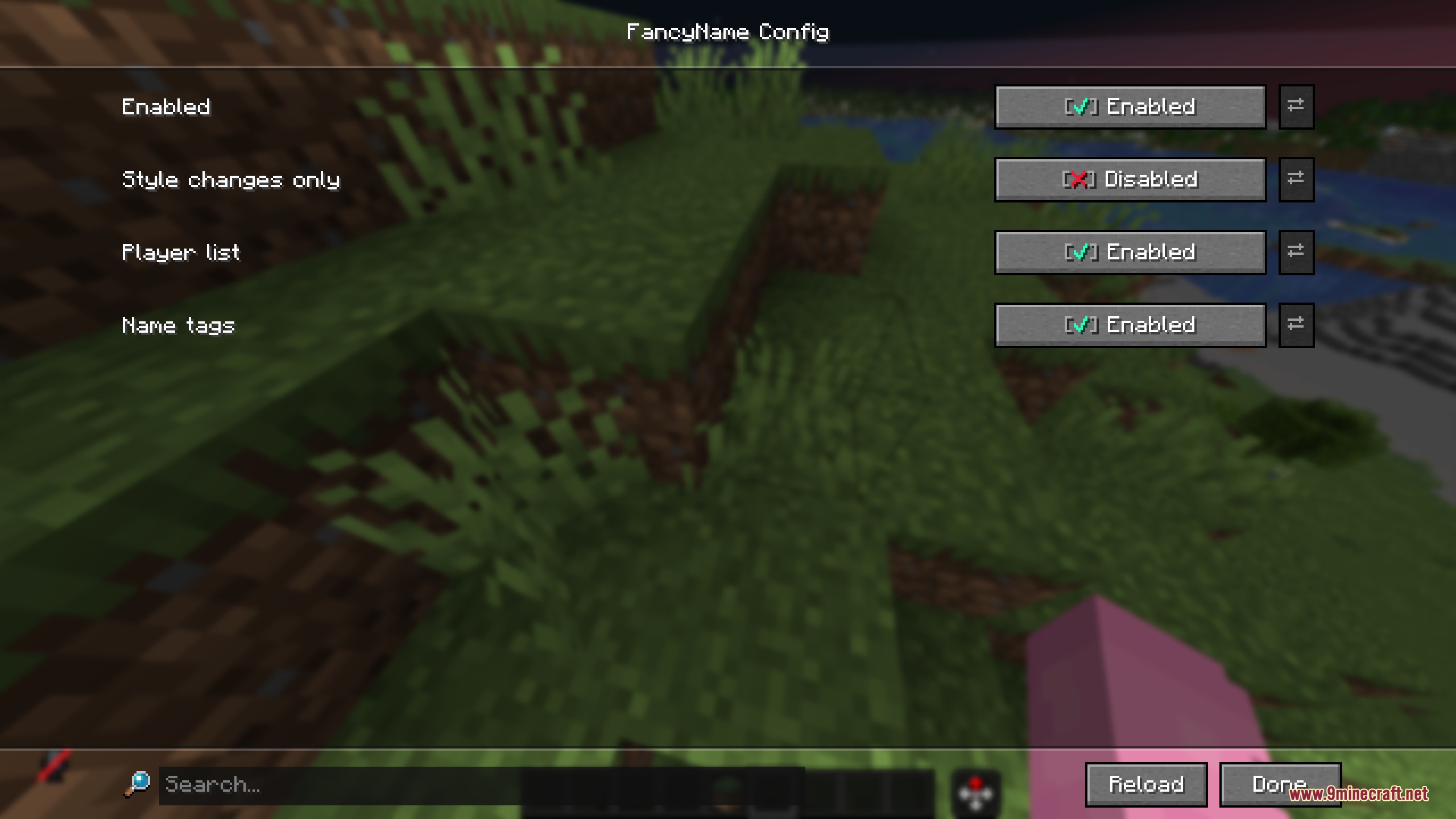
Enable/Disable: turns the mod features on or off.Style Changes Only: hides name changes that alter the original username while keeping custom color styles.Disable in Player List: hides nicknames in the tab player list.Disable in Game: hides custom nicknames above player models in the world.
How to Use:
- Open the chat window in your game.
- Type
/fancy set <nickname>with your chosen MiniMessage formatting tags. - Keep your base username identical to prevent players using the style filter from ignoring your tag.
- Open the configuration menu in the Mod Menu list or type
/fancy offif you want to turn off custom tags.
Screenshots:
Fancy Name Mod Download Links
Quick facts
- Edition: Minecraft Java
- File type: .jar
- Minecraft version listed: 1.21.11
- How to install: Install the matching mod loader (Forge, Fabric or NeoForge) for your Minecraft version. → Download the .jar. → Put it in the .minecraft/mods folder and launch that loader profile.
- Where to get it: In MC Java Mods, or directly above on this page.
Install steps are the general flow for this file type — How to install Minecraft Java mods & modpacks walks through it step by step.
Verified by MCModsHub
- Downloads as 455613.mcaddon
- Download size: 2.3 MB
- Download link checked 25 Sept 2026 — working
- Mirrored on our own servers — the download does not depend on the original host
These come from our own check of the pack file, not from the source page.