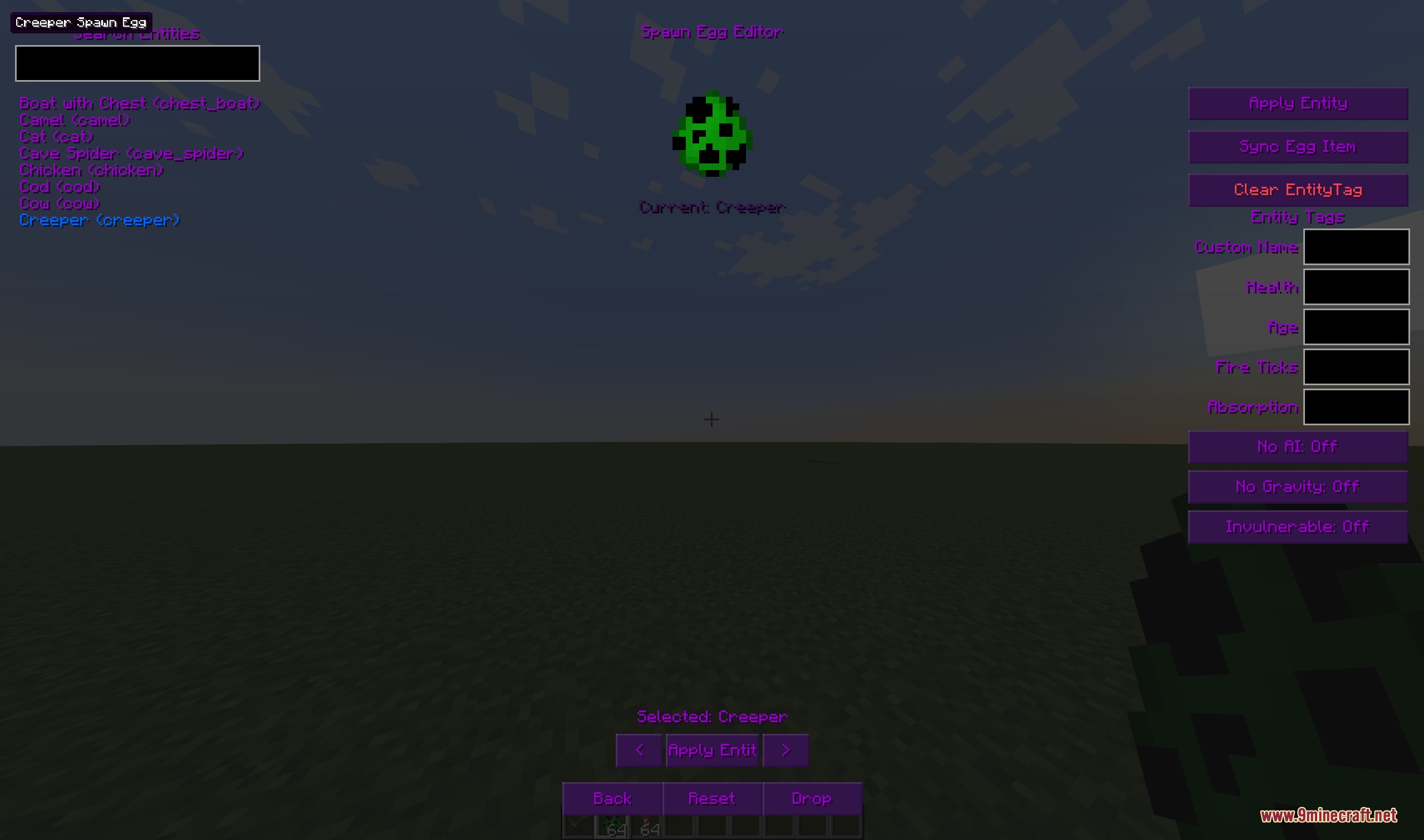
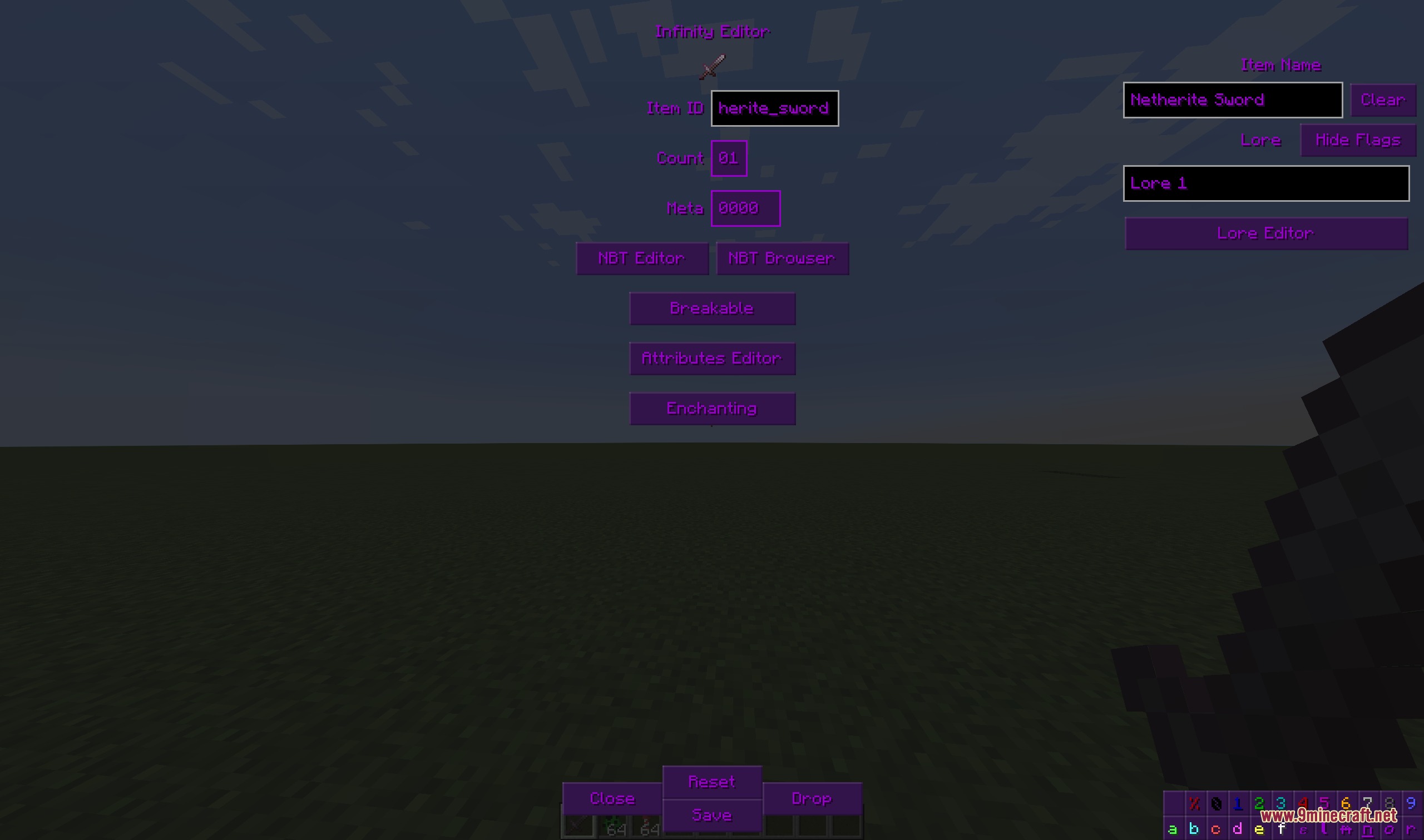
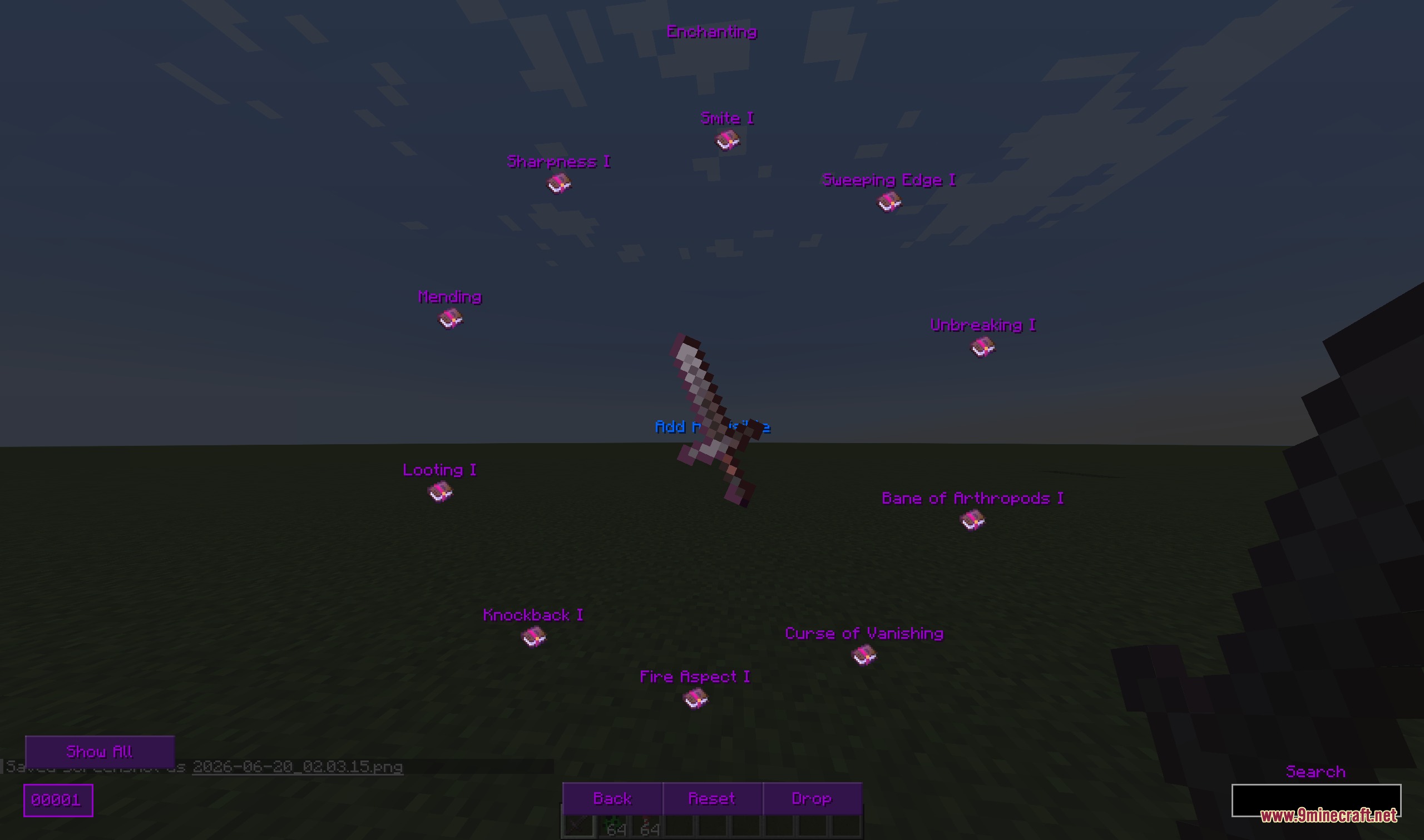
Infinity Item Editor Re Mod brings full creative item editing menus straight to your inventory screen. It lets you change item names, lore, enchantments, and stack counts without typing complex chat commands. You can also copy blocks or mobs directly from the world and save custom items into personal creative tabs.
Features:
- Opens an in-game item editor window to modify any held item or container slot item directly.
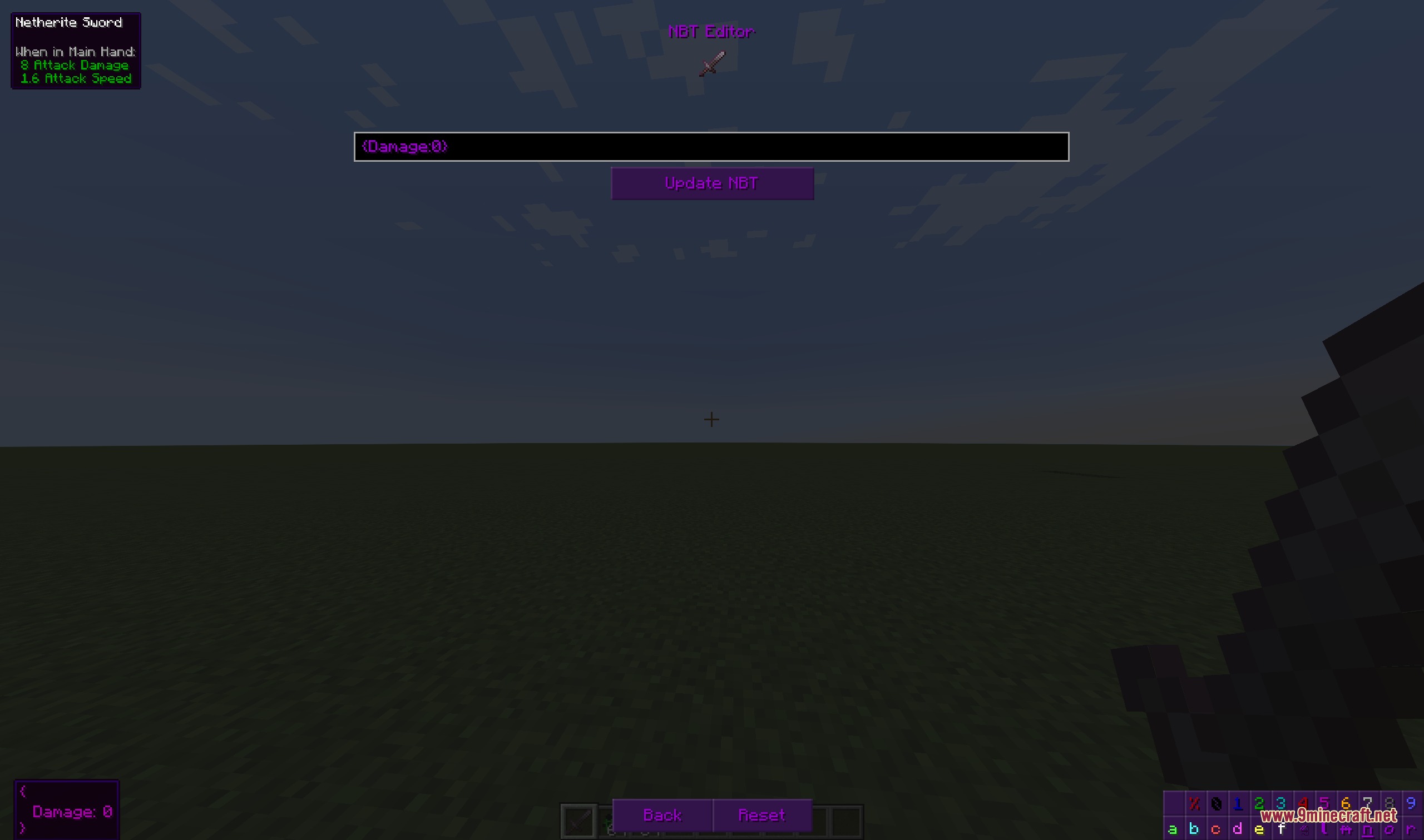
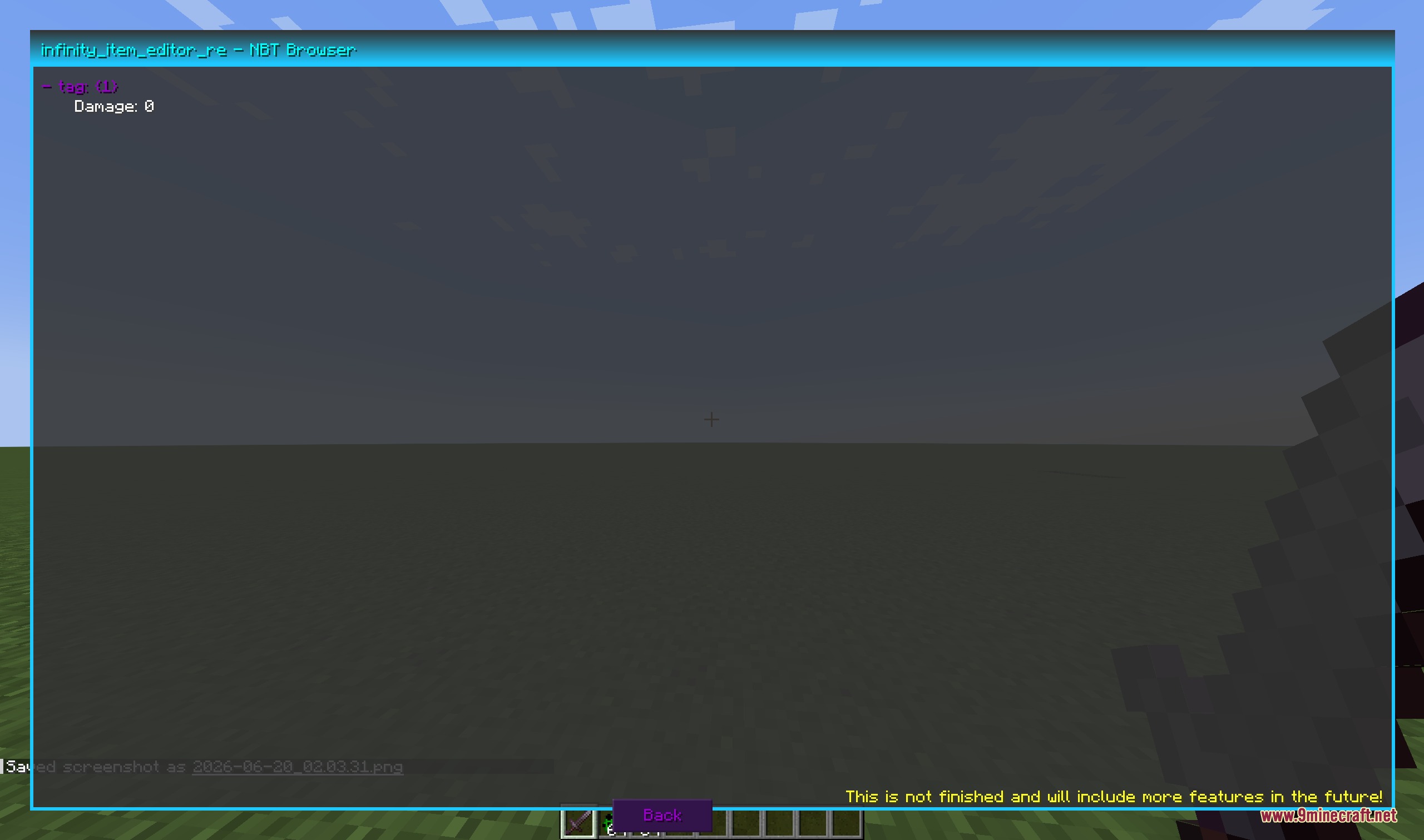
- Changes item IDs, stack counts up to 32-bit limits, display names, lore lines, NBT data, and unbreakable tags.
- Offers both a legacy layout and a modern sidebar layout for comfortable editing.
- Copies give commands to your clipboard or drops edited items straight onto the ground.
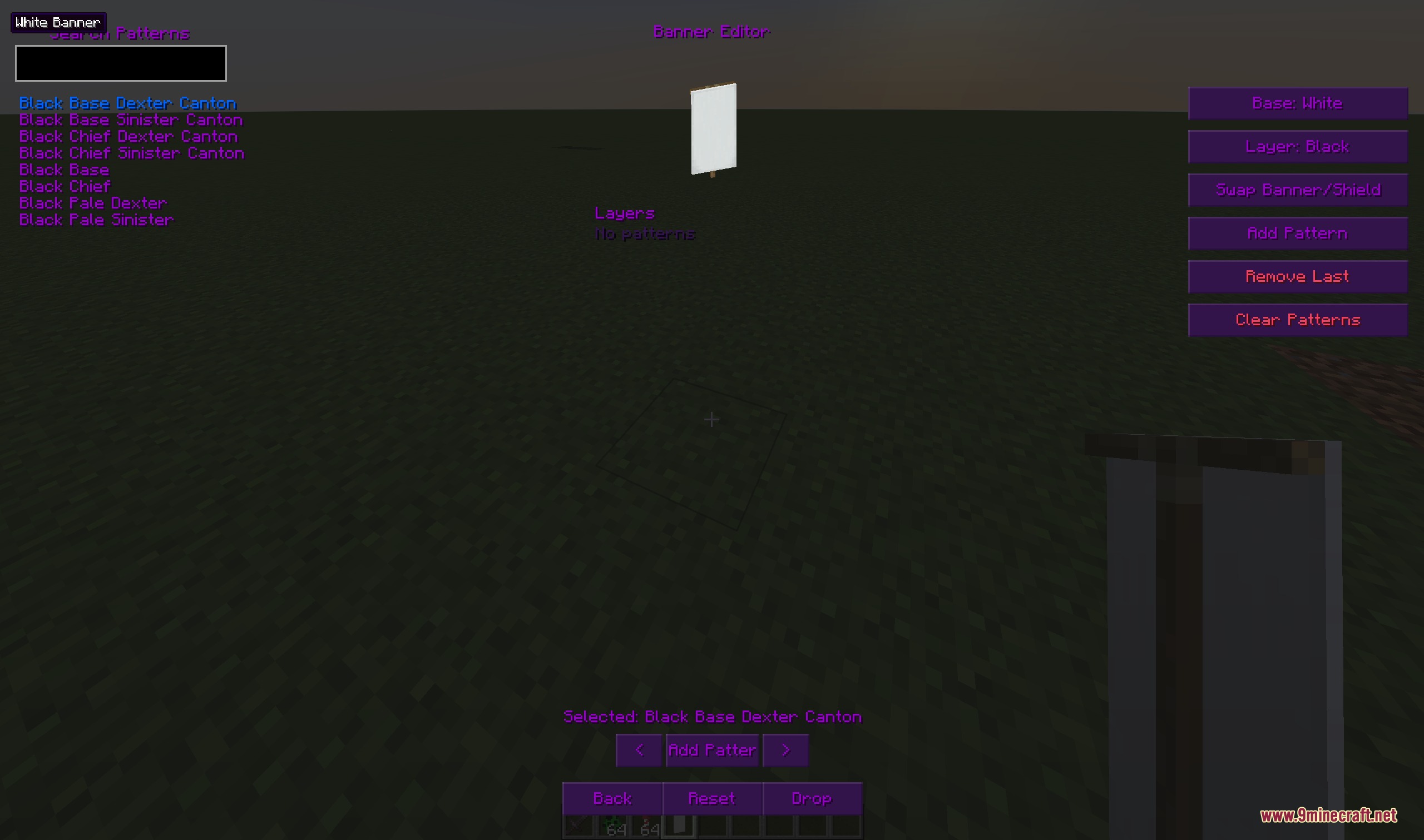
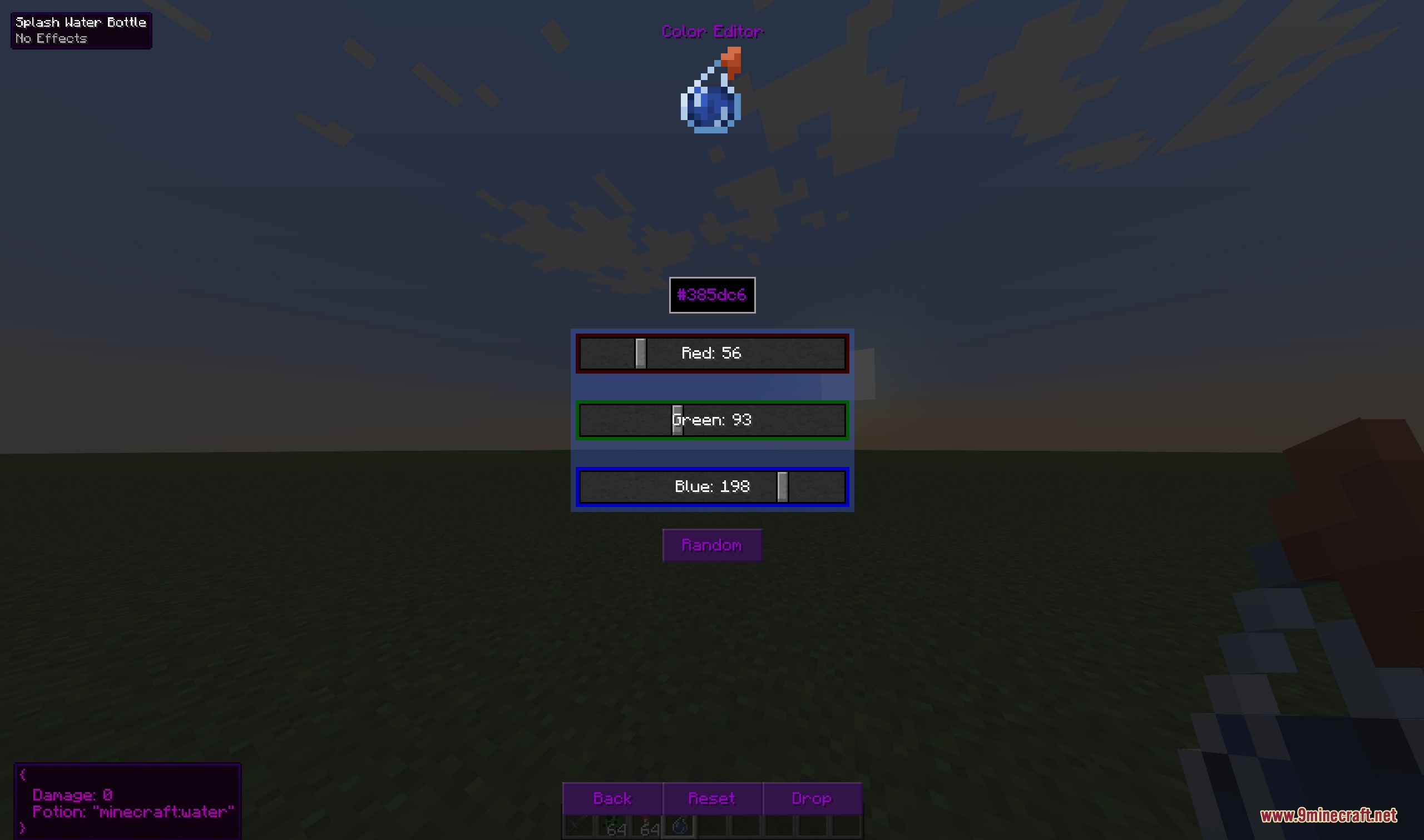
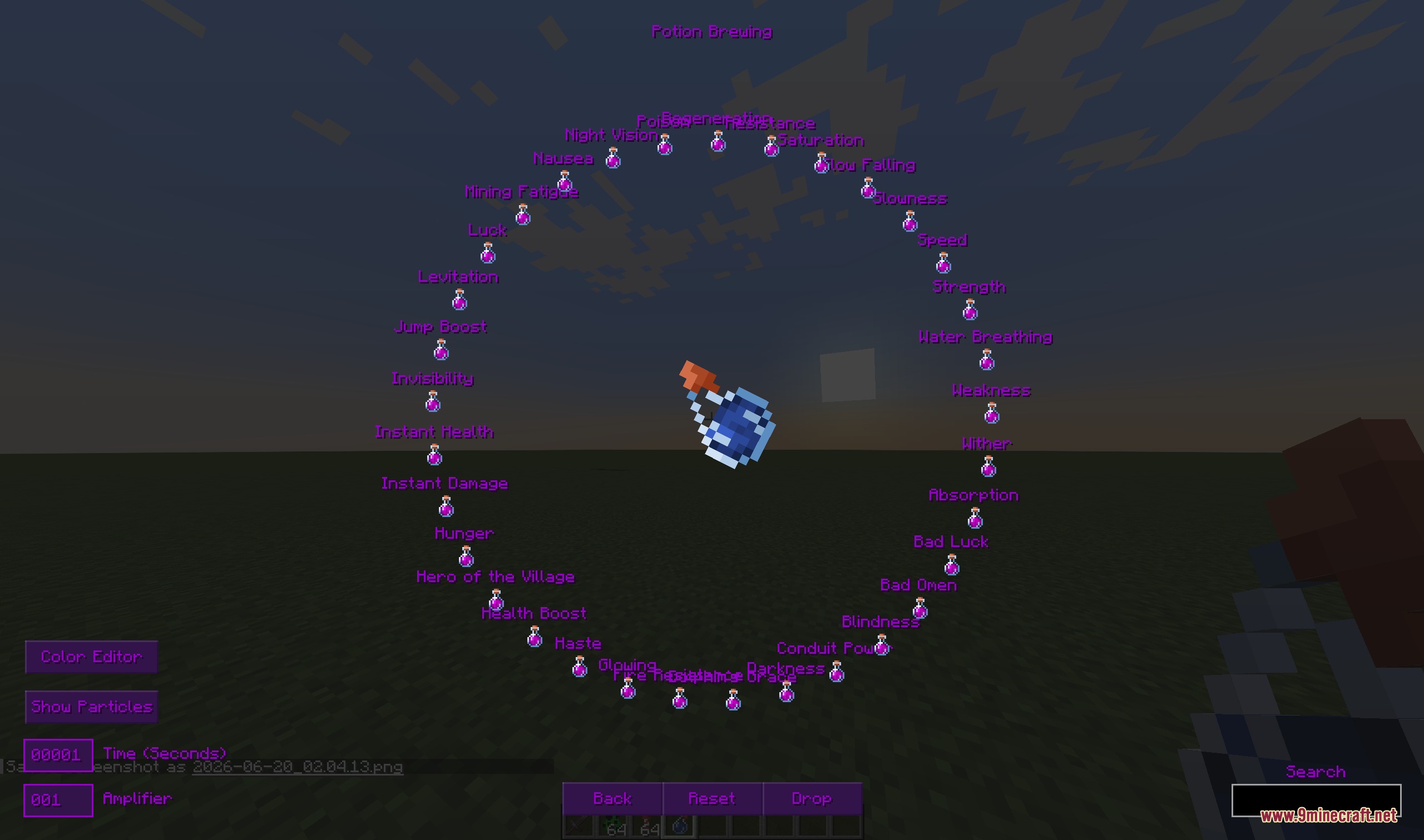
- Edits armor trims, potion effects, player heads, fireworks, villager trades, and spawner data.
- Includes a Lore Painter tool to draw colored text art directly inside item tooltips.
- Copies targeted blocks, mobs, players, and armor stands straight from your crosshair into your inventory.
- Saves customized items into special searchable tabs for quick access anytime.
Creative Tabs:
- Infinity – Realm: Stores player-saved custom items for fast retrieval.
- Infinity – Unavailable: Displays barrier blocks, structure blocks, command blocks, and spawners not found in standard creative tabs.
- Infinity – Banners: Holds custom banner patterns, shields, and decorative designs.
- Infinity – Heads: Lists custom player heads and mob heads.
- Infinity – Fireworks: Provides ready-to-use firework rockets and firework stars.
- Infinity – Void: Gathers item data collected from chat hover events and equipment packets.
How to Use:
- Press U while holding an item or hovering over an inventory slot to open the editor menu.
- Press V while looking at any block, mob, or armor stand to copy its data instantly.
- Press G to save your edited item directly into the Infinity Realm tab.
- Hover over any item and press Ctrl + C to copy its give command, then press Ctrl + V over an empty creative inventory slot to paste it.
Screenshots:
Infinity Item Editor Re Mod Download Links
Quick facts
- Edition: Minecraft Java
- File type: .jar
- Minecraft version listed: 1.20.1
- How to install: Install the matching mod loader (Forge, Fabric or NeoForge) for your Minecraft version. → Download the .jar. → Put it in the .minecraft/mods folder and launch that loader profile.
- Where to get it: In MC Java Mods, or directly above on this page.
Install steps are the general flow for this file type — How to install Minecraft Java mods & modpacks walks through it step by step.
Verified by MCModsHub
- Downloads as 455630.mcaddon
- Download size: 900 KB
- Download link checked 25 Sept 2026 — working
- Mirrored on our own servers — the download does not depend on the original host
These come from our own check of the pack file, not from the source page.