
Vanilla Camera - Focus,CT &
Java shader pack listed for Minecraft 1.21. Download on the author's site.
A lightweight shader pack for Iris Shaders that preserves. The vanilla look while adding camera-style post-processing effects such as exposure, color…
⬇ Download on CurseForge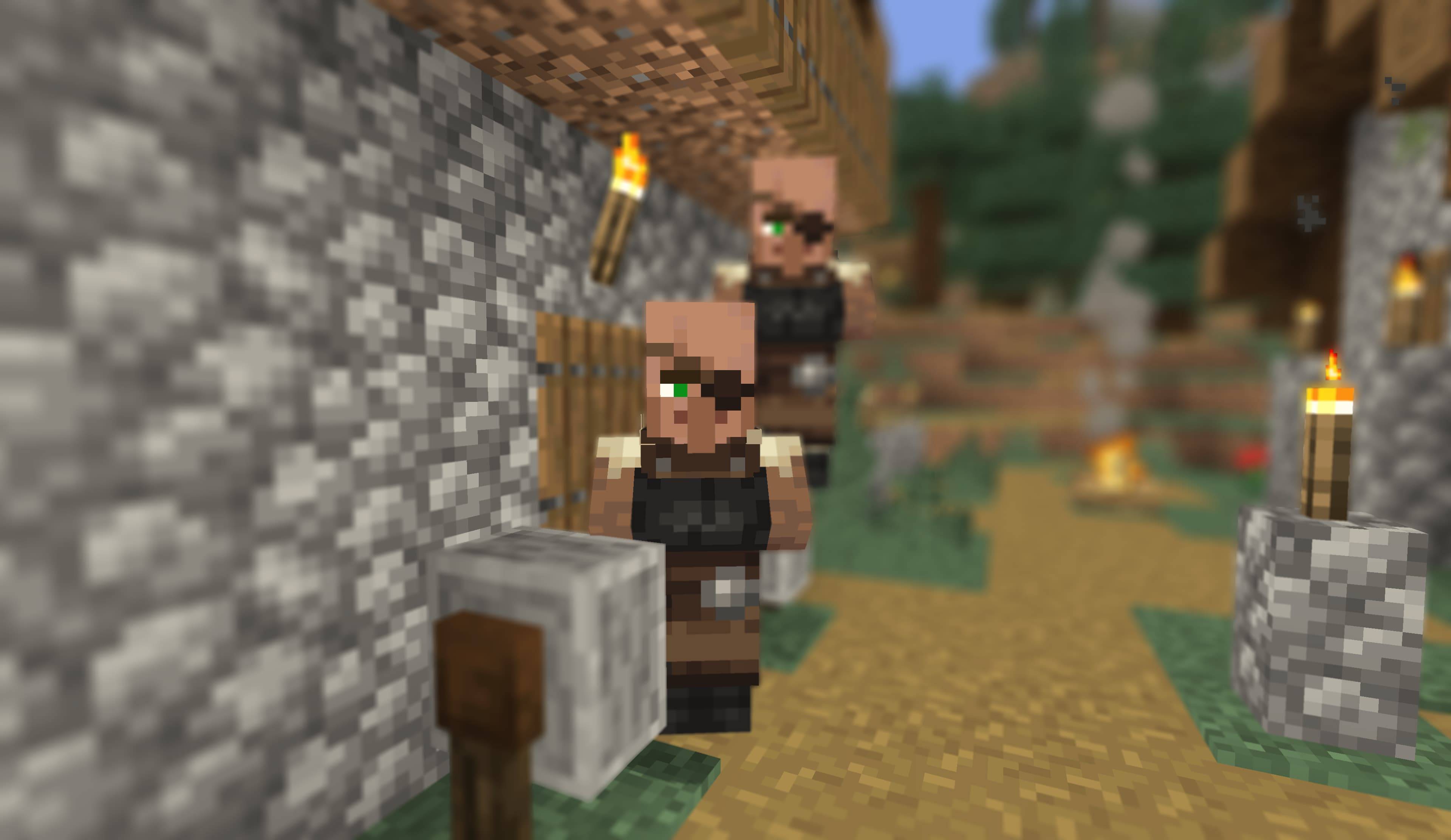
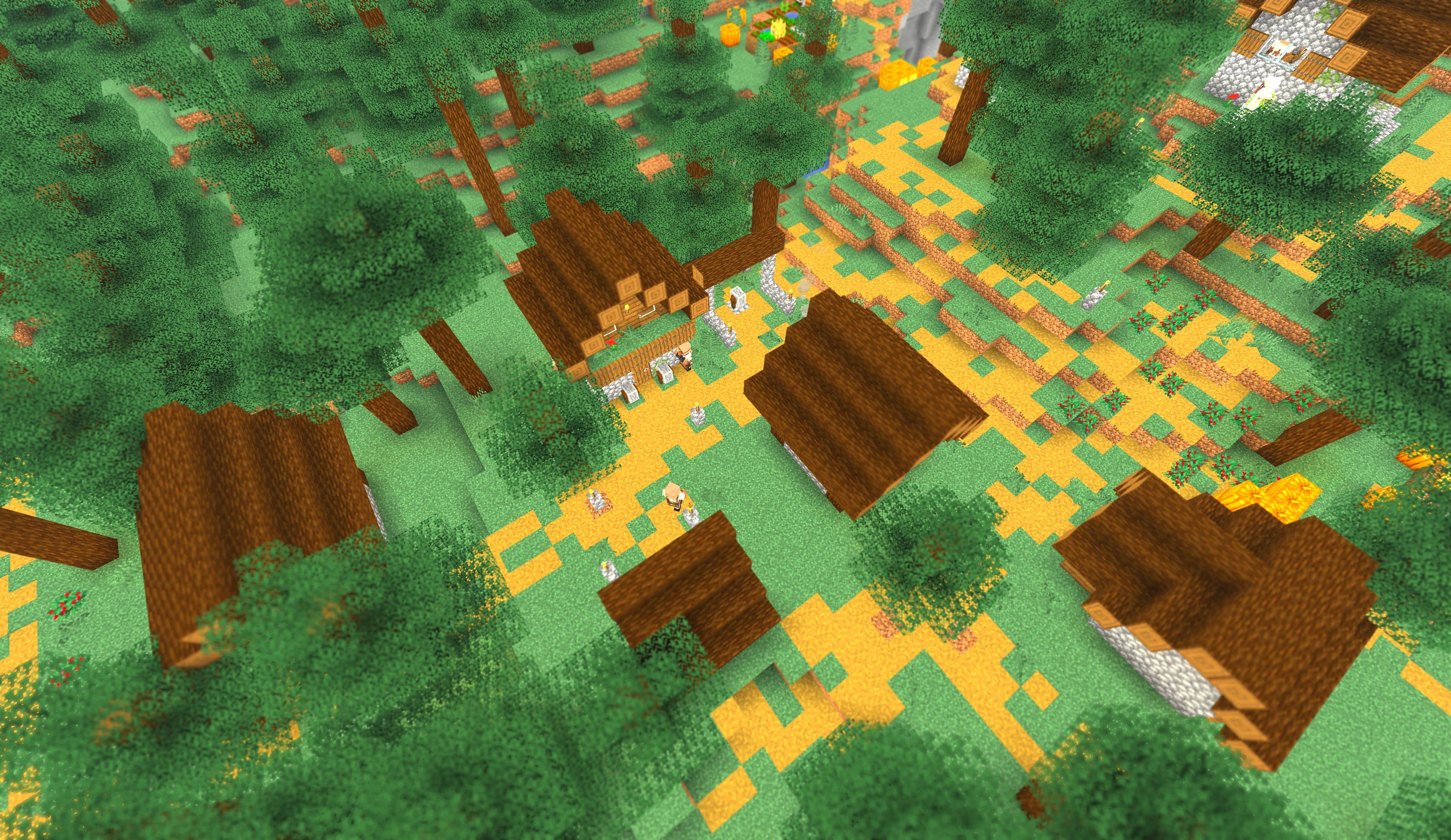
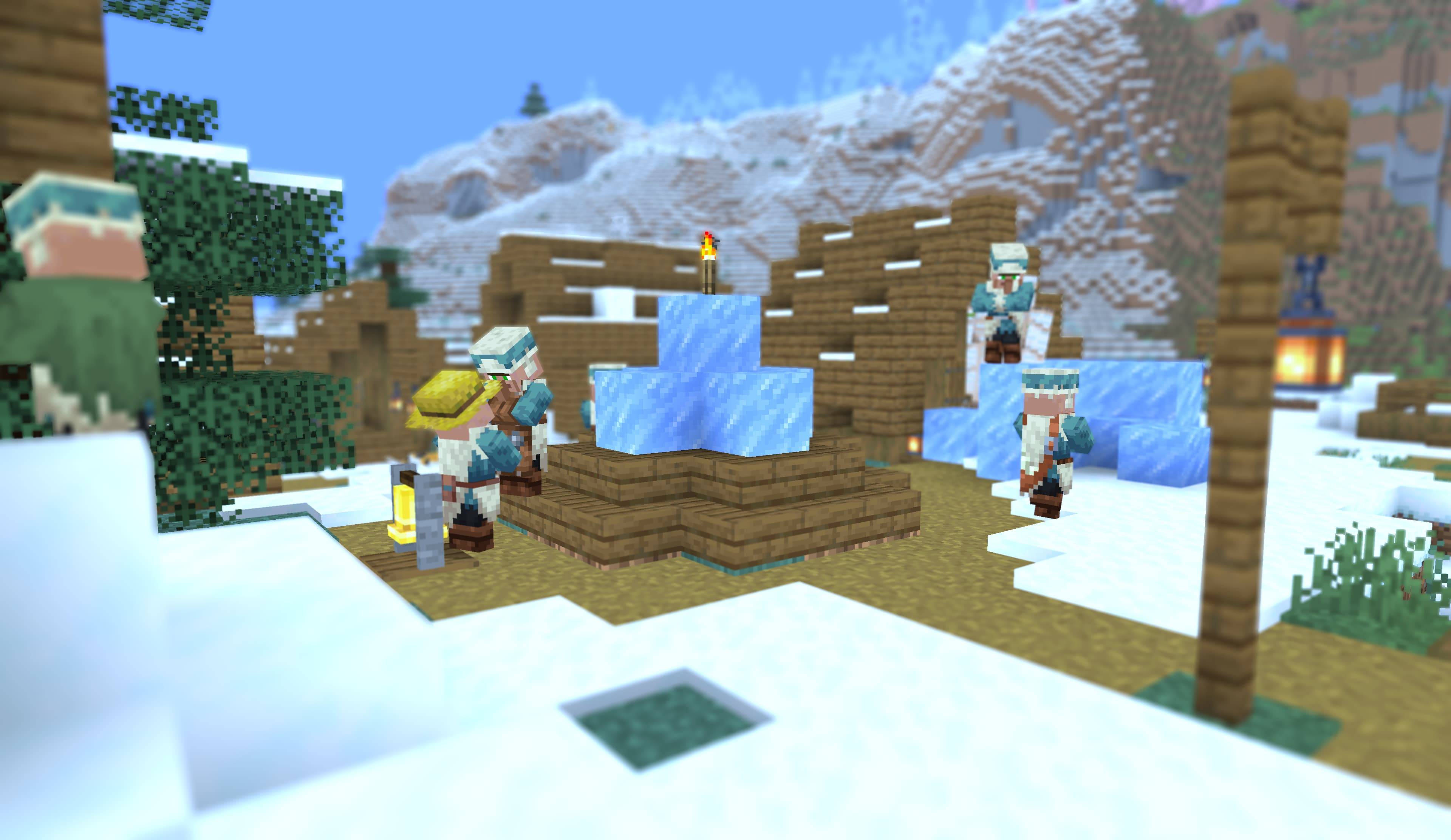
Vanilla Camera
Make Minecraft look like you shot it with a camera — without changing Minecraft itself.
Vanilla Camera is a lightweight shader pack for Minecraft 1.21.11 or newer + Iris.
It keeps the familiar vanilla look and simply gives you a few camera-style controls for screenshots, videos, and streams.
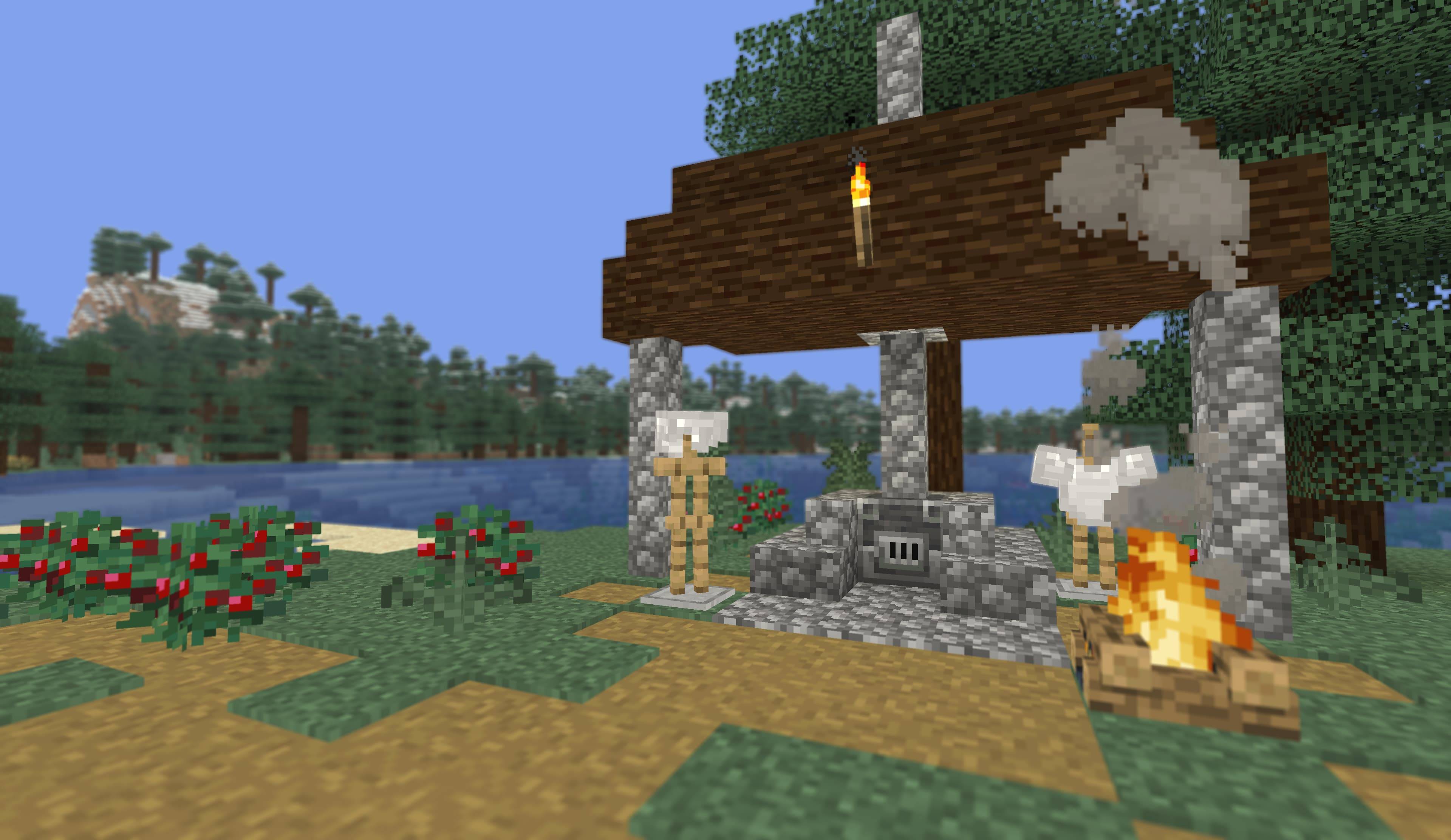
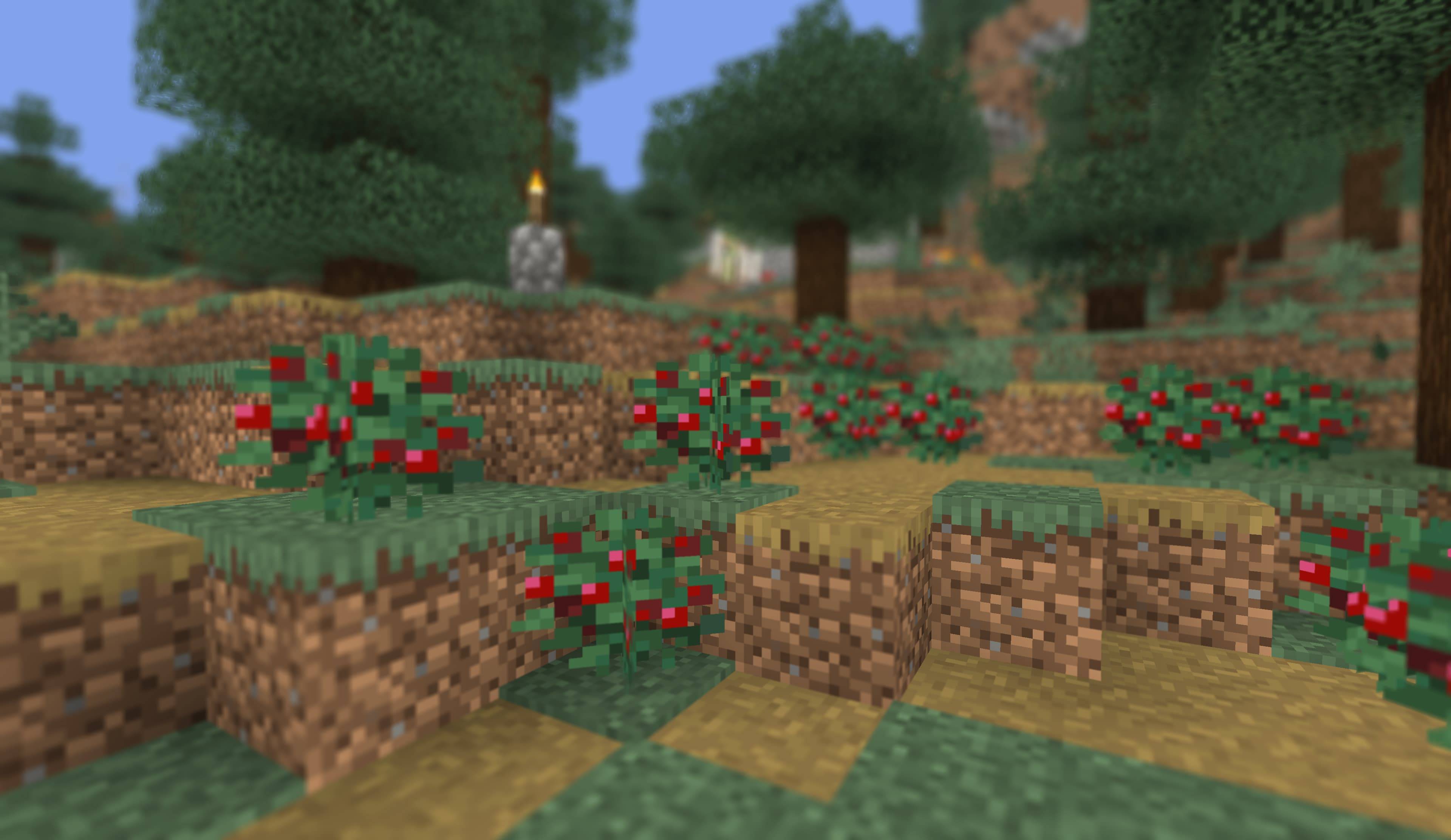
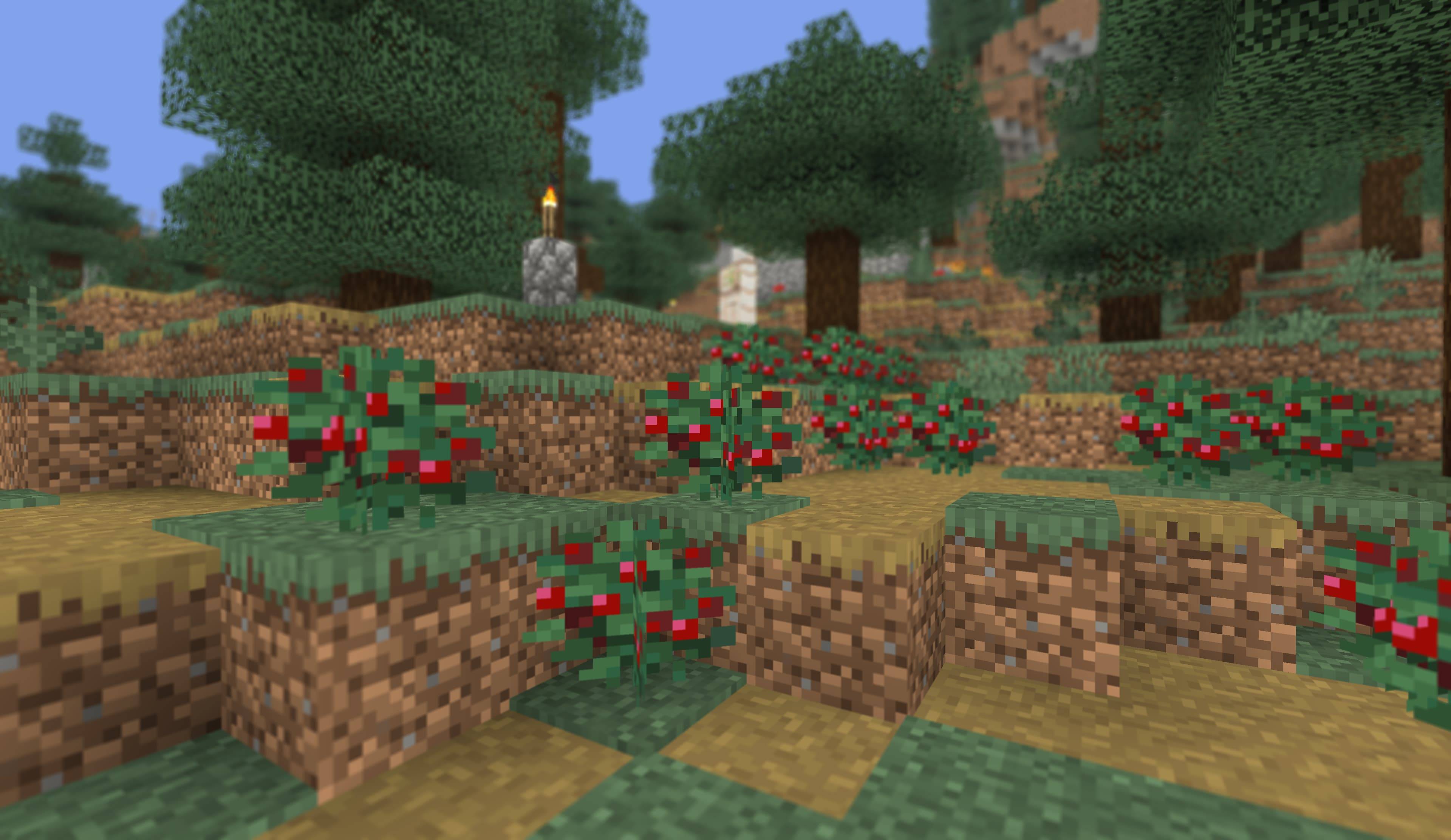
Want a darker, moodier shot? A warmer sunset? A little more colour? A blurred background that makes your subject stand out?
You can adjust exposure, colour temperature, tint, saturation, and depth of field — without adding shadows, changing the lighting, or replacing Minecraft's sky and water.
Minecraft stays Minecraft. You just get more control over the picture.
Requirements
- Minecraft 1.21.11 or newer
- Iris 1.10.0 or newer
- No other mods are required. Focus Revolution is optional if you want manual focus.
Installing
- Put
Vanilla-Camera.zipin yourshaderpacksfolder. - In game, go to Options → Video Settings → Shader Packs.
- Select Vanilla-Camera and click Apply.
That's it. No other mods or configuration are required.
Make your shots look the way you want
Everything is available from a single settings screen. You don't need to dig through menus while you're trying to get the right shot.
Choose a preset from the top:
- Neutral — a natural starting point
- Cinematic — a more dramatic look
- Off — vanilla-style reference
Presets set all the controls for you, so you can quickly switch between looks and then fine-tune them.
Exposure
Control how bright or dark the image feels, just like adjusting exposure on a camera.
The Brightness slider can also be used as a live exposure control while recording. Unlike the other settings, it updates immediately, making it useful for adjusting brightness during a shot.
Colour
Give your screenshots and footage the colour you want.
- White Balance — make the scene warmer or cooler
- Tint — shift the colour between green and magenta
- Saturation — make colours more subtle or more vivid
Think of these as the colour controls you'd normally reach for when editing a photo — except you can see the result directly in Minecraft.
Depth of Field
Add a photographic background blur to make your subject stand out.
You can turn DoF on or off and control how strong and smooth the blur is. Focus normally follows the centre of the screen, making it easy to point at something and keep it in focus.
A few things to know
Vanilla Camera is intentionally simple. It doesn't try to make Minecraft look like a different game.
There are:
- No custom shadows
- No custom lighting
- No replacement sky
- No replacement water
- No extra visual effects
It works with the image Minecraft already produces and gives you a small set of controls for shaping the final picture.
Because of that, it also can't recover detail that Minecraft has already lost to overexposure. And, like other Iris shader packs, only one shader pack can be active at a time.
For the best results, set up your look before recording, then use the Brightness slider for quick adjustments while filming.
For the curious: values off the slider
Iris allows saved shader values to contain values between the visible slider steps. If you're interested in experimenting, you can edit shaderpacks/Vanilla-Camera.zip.txt manually:
DOF_STRENGTH=37.5The value will be used when the shader is compiled. Changing that setting in the Minecraft menu will reset it to one of the normal slider values.
This is an undocumented Iris behaviour rather than a supported feature, so it's mainly here for experimentation.
Licence
MIT LICENSE.
- Edition: Minecraft Java
- File type: .zip (resource pack)
- Minecraft version listed: 1.21.11
- How to install: Download the .zip resource pack — do not unzip it. → Put it in .minecraft/resourcepacks. → Enable it in Options → Resource Packs.
- Where to get it: Opens on CurseForge — not every file is mirrored on our own servers.
Install steps are the general flow for this file type — see the MC Java Mods guides for the full walkthrough.
Vanilla Camera - Focus,CT & is a free Minecraft Java shader. Compatible with Minecraft 1.21.11. Downloaded 3,380 times (via CurseForge). Download it and open it directly in the game.