DatapacksJava
Furni Craft Data Pack (26.2, 1.20.1) – Furnish Your Base with Working Chairs
Furni Craft Data Pack brings 20 new pieces of furniture to your Minecraft world without needing any extra resource packs. It gives you many ways to…
⬇ Download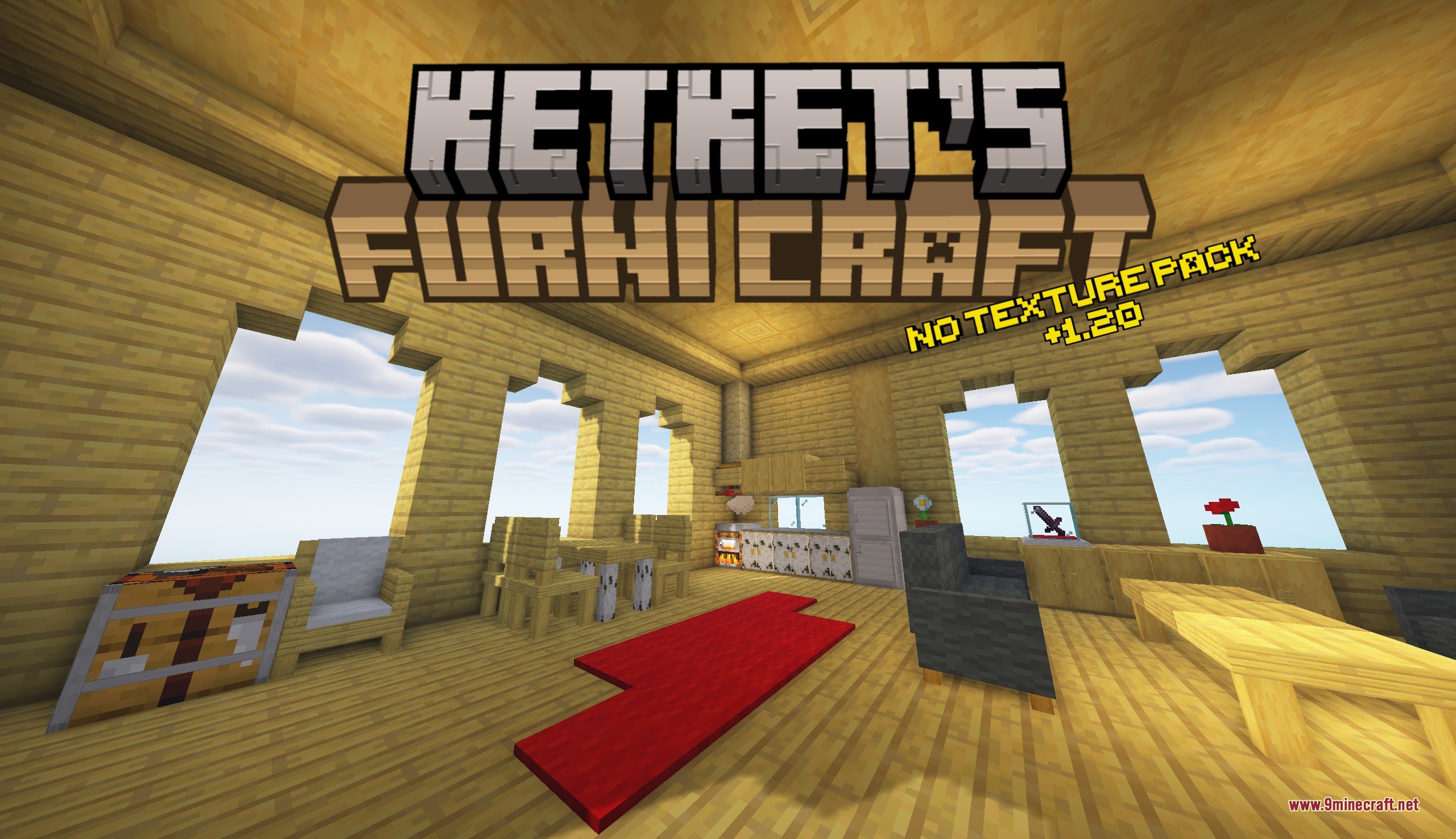
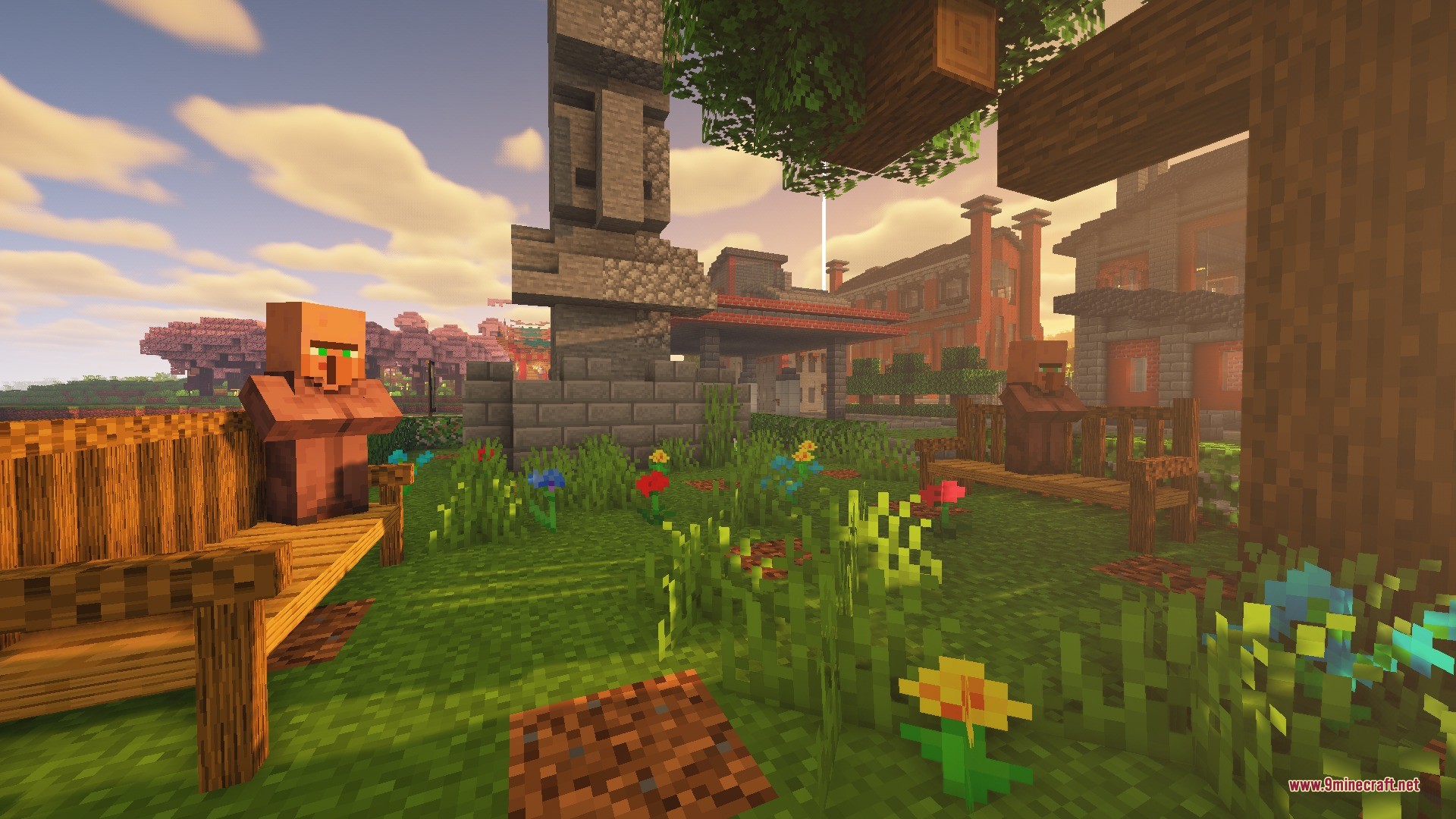
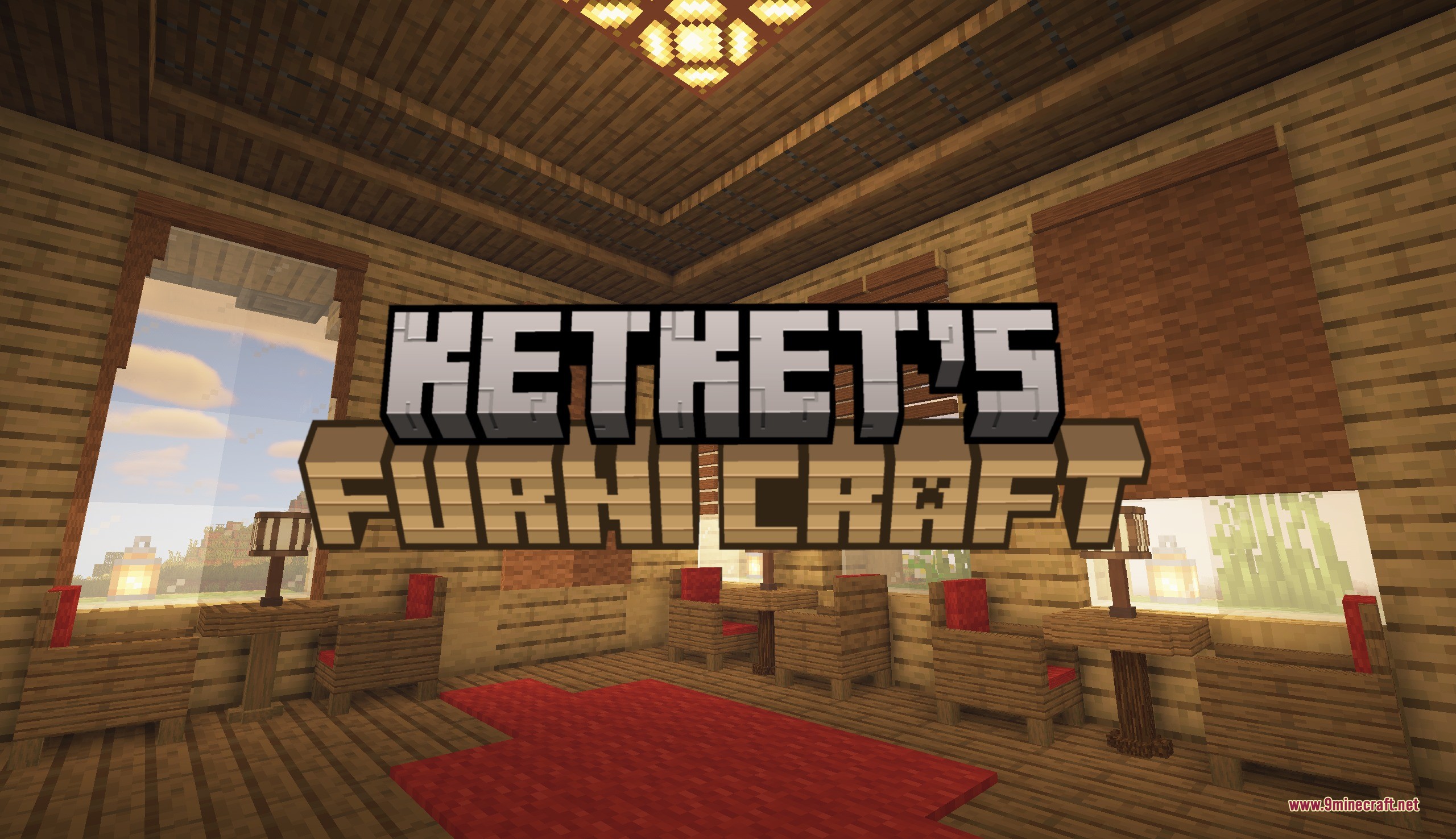
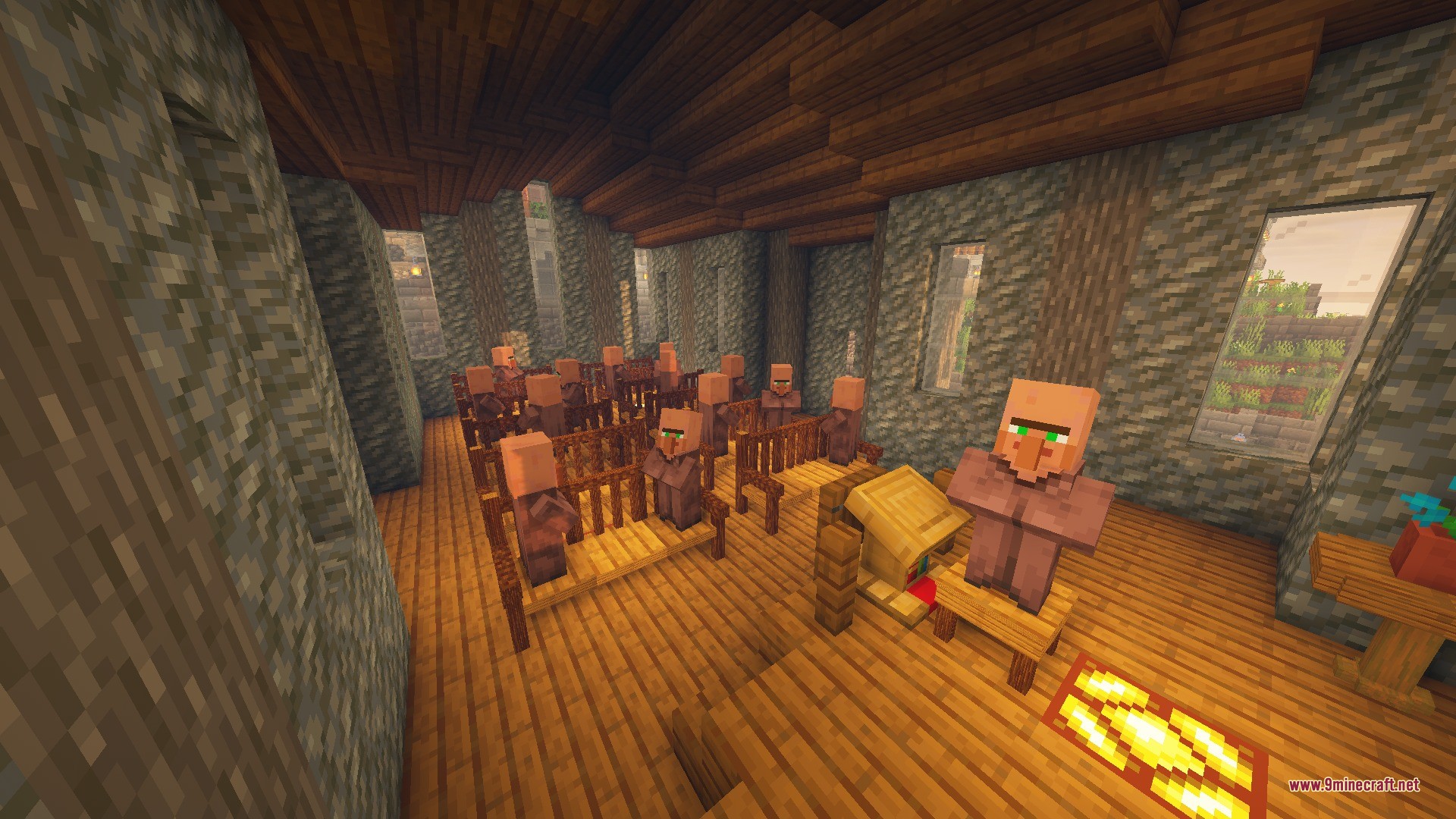
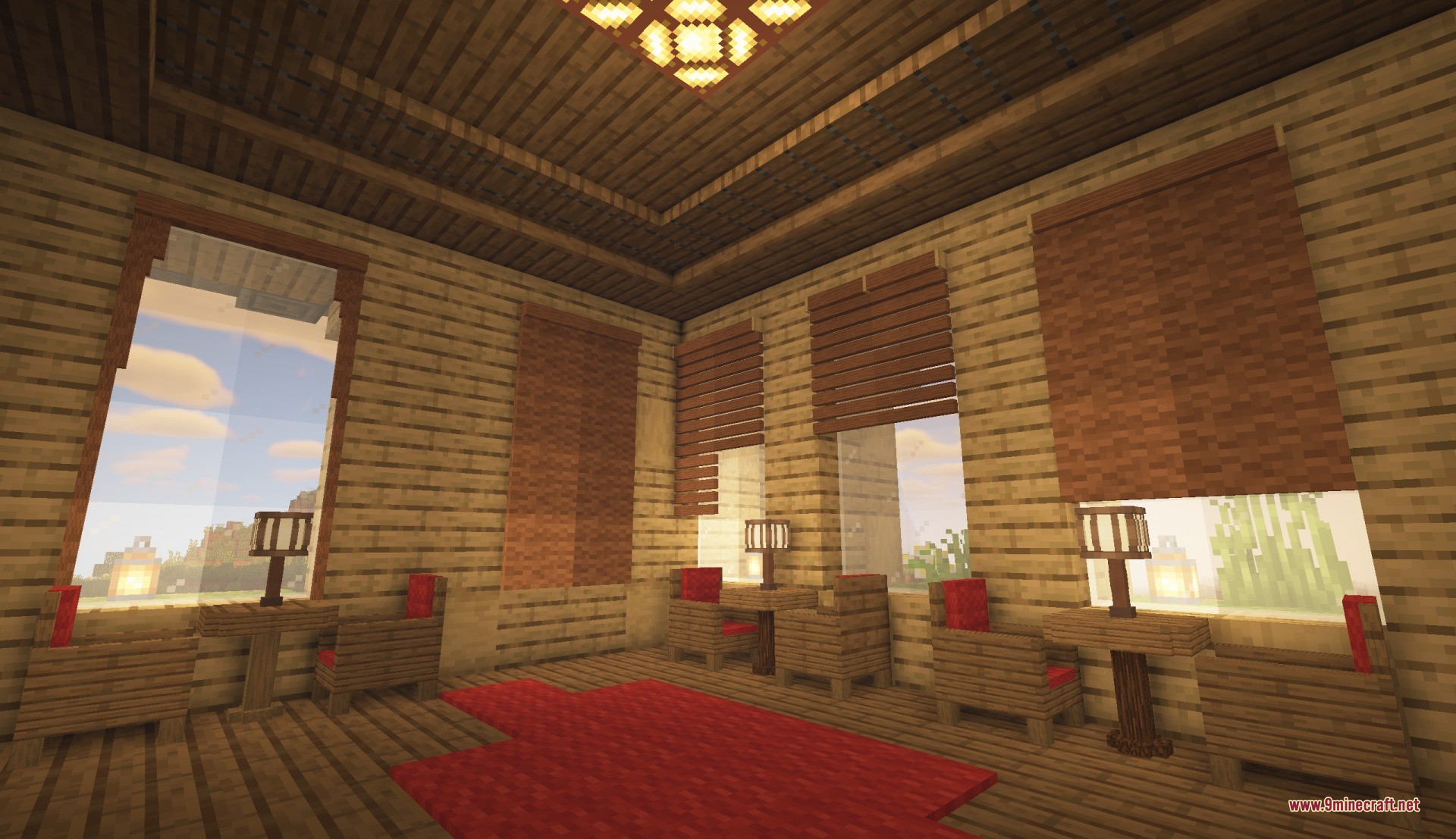
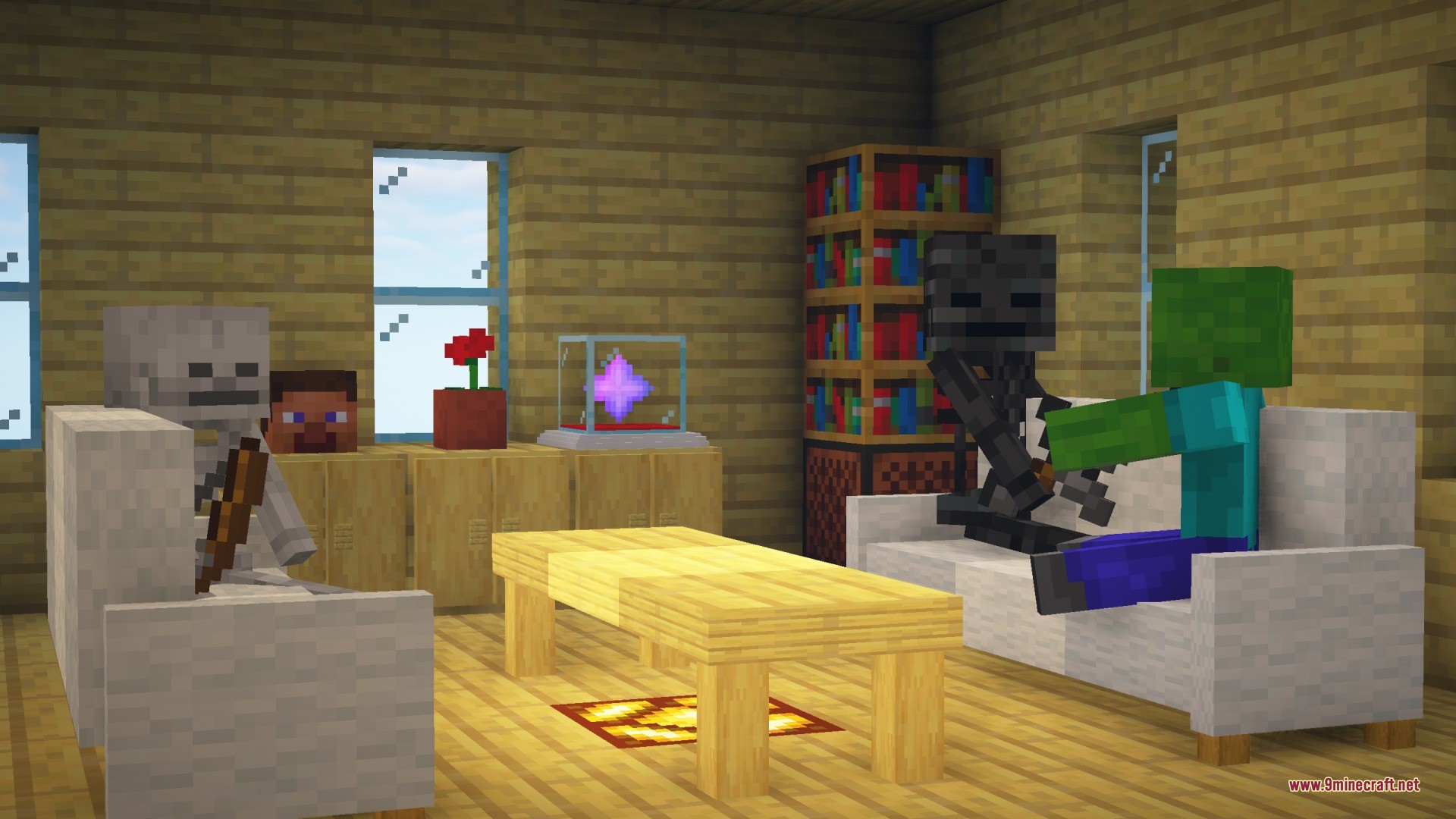
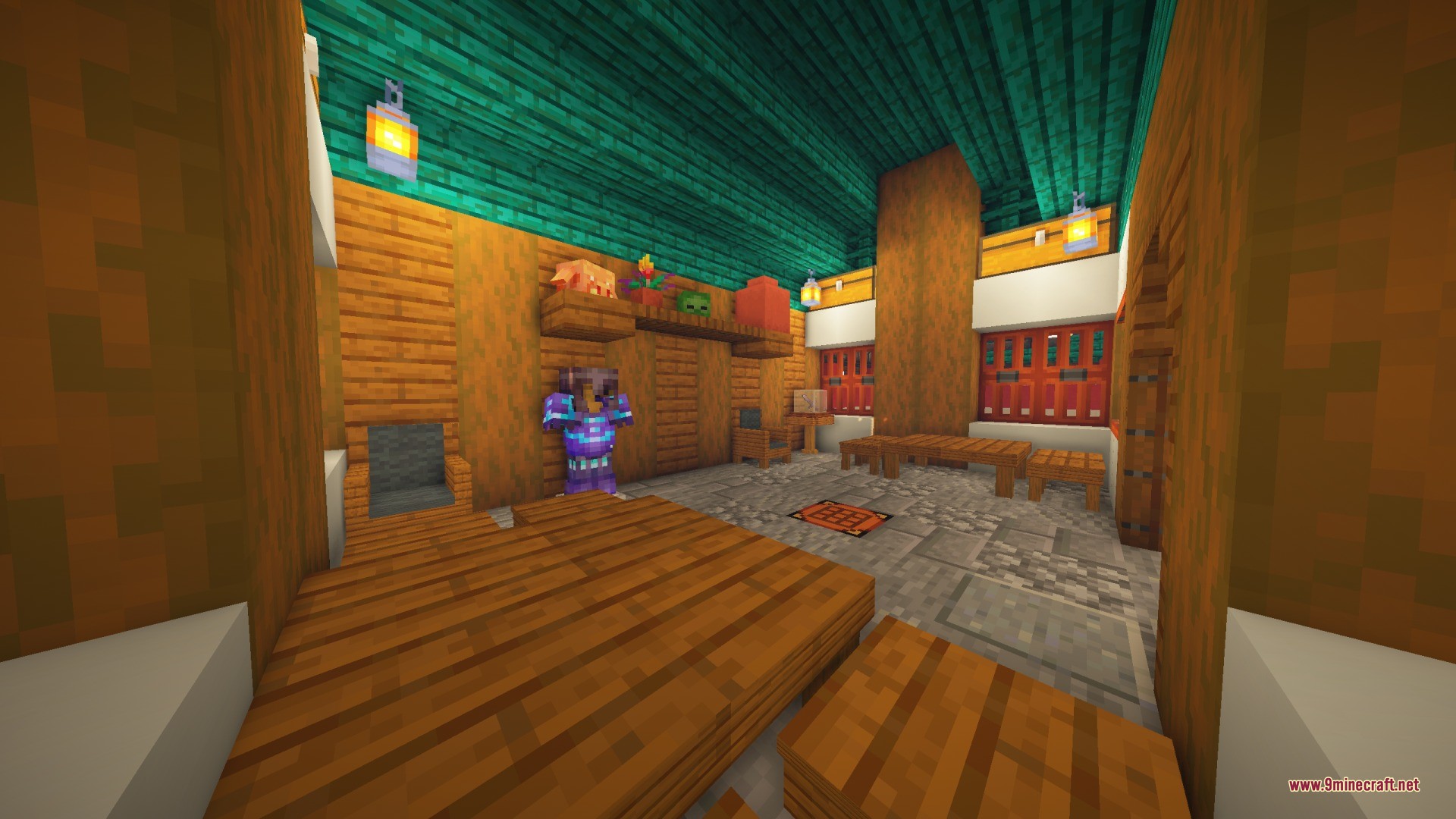
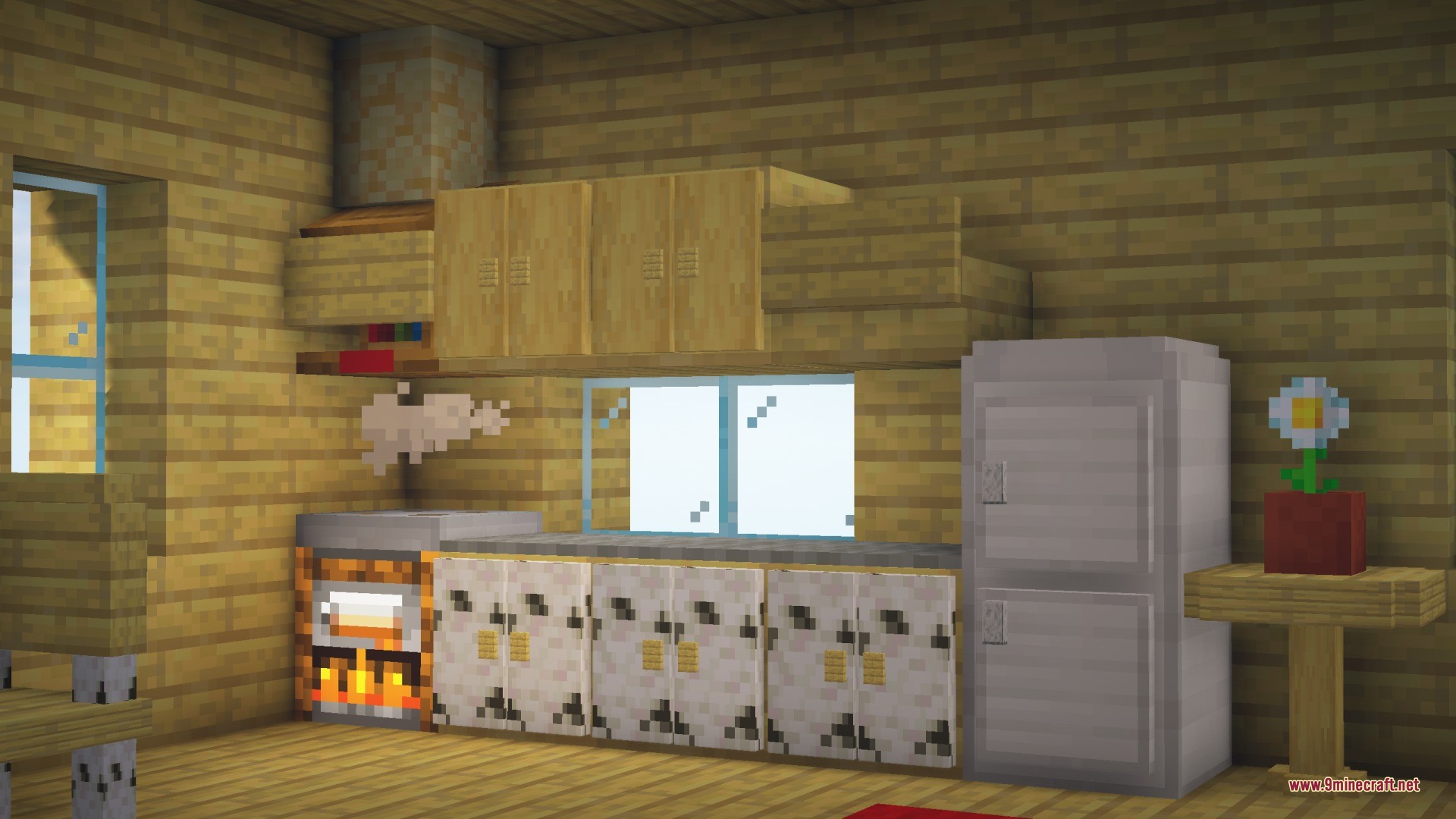
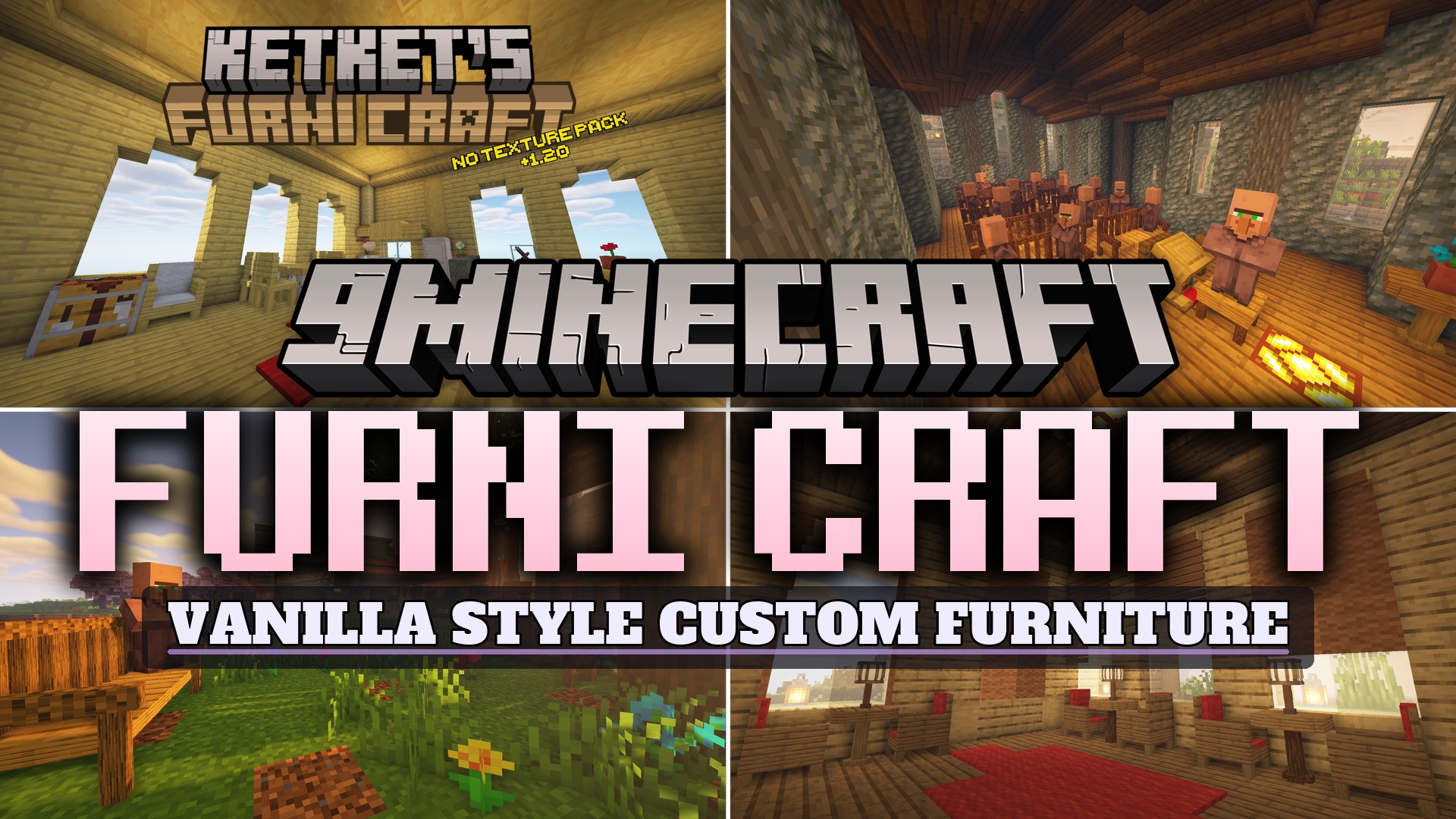
Furni Craft Data Pack brings 20 new pieces of furniture to your Minecraft world without needing any extra resource packs. It gives you many ways to decorate your base with items that look like they belong in the normal game. You get chairs, tables, and cabinets that actually work. The pack lets you sit down, store your items, and even get ice from a working fridge. It matches the vanilla style perfectly so your houses look natural and cozy.
Features:
- Adds 20 unique pieces of furniture across 6 different categories.
- Players and other mobs can sit on any type of chair.
- Cabinets work as storage blocks so you can hide your items inside them.
- Tables, sofas, park benches, and curtains connect to each other automatically when placed side by side.
- The working fridge creates ice when you click its bottom block with a water bucket.
- You can fill empty buckets and glass bottles using the fridge.
- Requires no extra resource packs to show the custom models.
Furniture Categories:
- Chairs: Stools, armchairs, sofas, park benches, and throne chairs.
- Tables: Standard tables, low tables, pedestal tables, and accent tables.
- Cabinets: Basic cabinets, bedside cabinets, fridges, and mailboxes.
- Lighting: Street lamps, lamp poles, and desk lamps.
- Decorations: Curtains, roller blinds, and wall racks.
How to Use:
- Change the wood type by holding any log and pressing Shift + Right-click on the furniture.
- Strip the wood texture by holding an axe and pressing Shift + Right-click.
- Change wool colors by holding any dye and pressing Shift + Right-click.
- Open and close curtains by pressing Shift + Right-click with an empty hand.
- Stop mobs from sitting on your chairs by pressing Shift + Right-click on the chair with an empty hand.
Commands:
/function ketket_furnitures:uninstall: safely removes the data pack features from your world./kill @e[type=furniture]: removes any leftover furniture items if you uninstall the pack.
Screenshots:
Furni Craft Data Pack Download Links
Verified by MCModsHub
- Downloads as 455842.mcpack
- Download size: 286 KB
- Download link checked 16 Aug 2026 — working
- Mirrored on our own servers — the download does not depend on the original host
These come from our own check of the pack file, not from the source page.