
Improved Progression
Java mod listed for Minecraft 1.20. Downloads from the MC Java Mods app on Android.
⬇ Download on CurseForgeThe author built this one for Minecraft 1.20.1 on Forge. On other versions it may install and then do nothing.
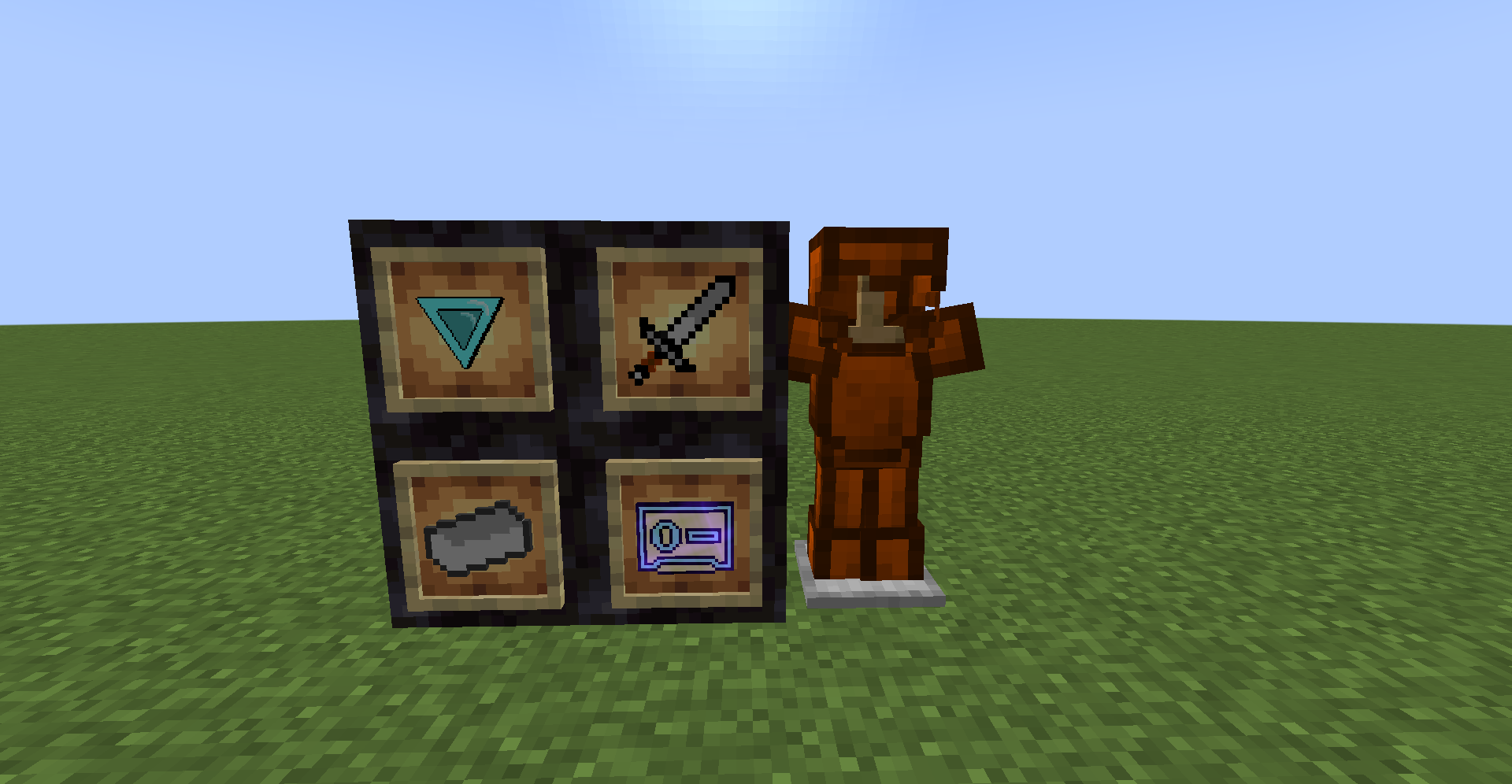
This mod redo's the minecraft progression to make it feel more rewarding/difficult while also making it feel vanilla
Does Require Forge
Here are a few things added to make progression feel better in terms of quality
- You can no longer smelt iron in the regular furnace, you must use the Blast Furnace to smelt Iron. This is meant to make you to use the regular furnace for smelting the smooth stone needed for the iron
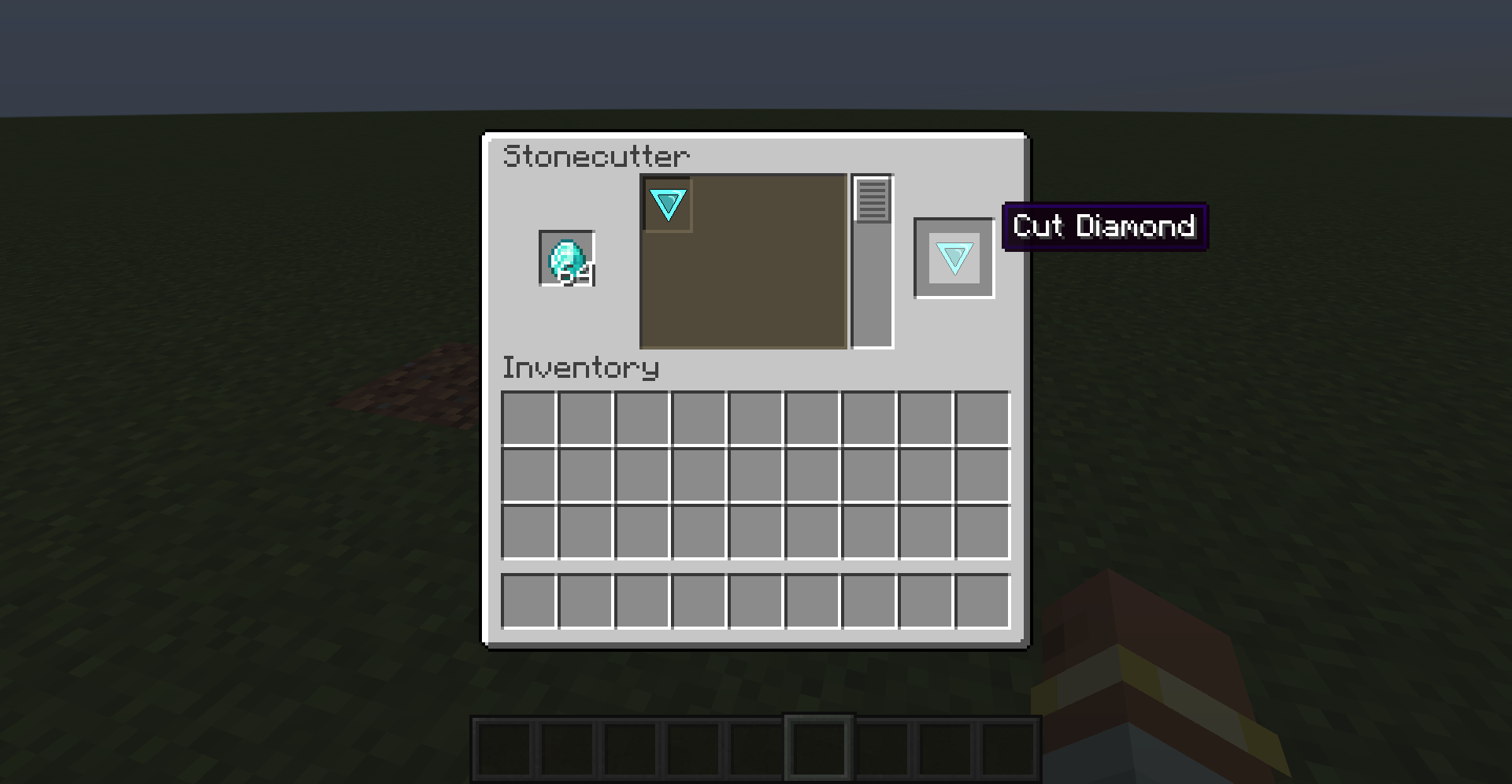
- Raw Diamonds can no long be used to craft Diamond Gear, you have to use a Stone Cutter to make them into the newly added item "Cut Diamond's", and add the previous change AND the fact you need iron to make a Stone Cutter this makes Diamonds actually feel useful and this does lock you out of using diamonds UNTIL you have iron. Sorry if this strict its weird how easy diamonds are to get so this is meant to fix that
- Flint and Steel now requires actual Steel instead of Iron to make. You make Steel with 1 Iron and 8 Copper. This is meant to make opening the Nether actually feel impactful
That is all, yep these are very simple changes at the end of the day just meant to make this game feel a bit more rewarding
There are a few misc things I added that are simply here because why not
1. Copper Armor, if you get hit by lightning with it on, something special will happen :)
2. A Steel Sword exists which can be made with a Iron Sword and 2 Steel Ingots on a Smithing Table (plan to add an upgrade template for this to repalce on of the Steel Ingots) very slow swing speed but deals high damage
3. A Music Disk/Cassette with some music by yours truly
Stuff to add
- Upgrade Template for Steel Sword
- Make Plated Armor for Steel
- Make a Steel Axe
- Update the textures on the Cut Diamond and Copper Armor
- Edition: Minecraft Java
- File type: .jar
- Minecraft version listed: 1.20.1
- How to install: Install the matching mod loader (Forge, Fabric or NeoForge) for your Minecraft version. → Download the .jar. → Put it in the .minecraft/mods folder and launch that loader profile.
- Where to get it: Opens on CurseForge — not every file is mirrored on our own servers.
Install steps are the general flow for this file type — How to install Minecraft Java mods & modpacks walks through it step by step.
- Ships as improved_progression-1.0.1.jar — drop this file into the mods folder
- Download size: 1.9 MB
- Download link checked 18 Oct 2026 — working
These come from our own check of the pack file, not from the source page.