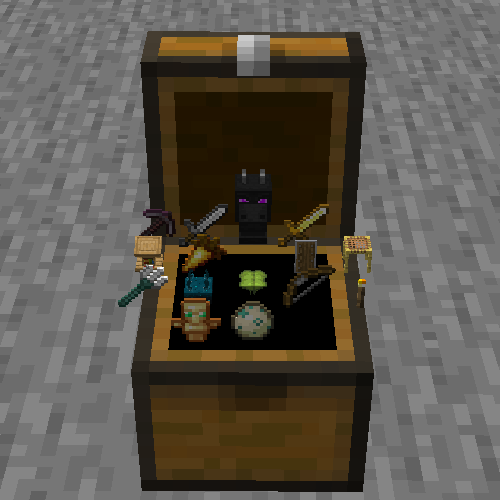
No Gui Chest
Java mod listed for Minecraft 1.20. Downloads from the MC Java Mods app on Android.
I don't know my version or loader
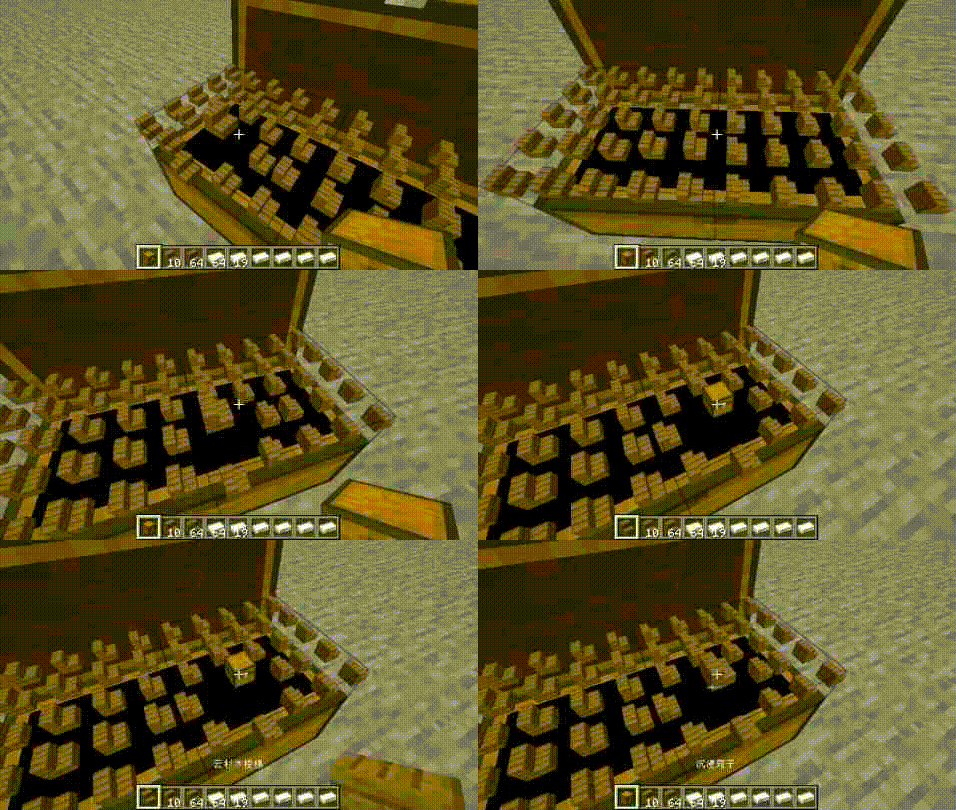

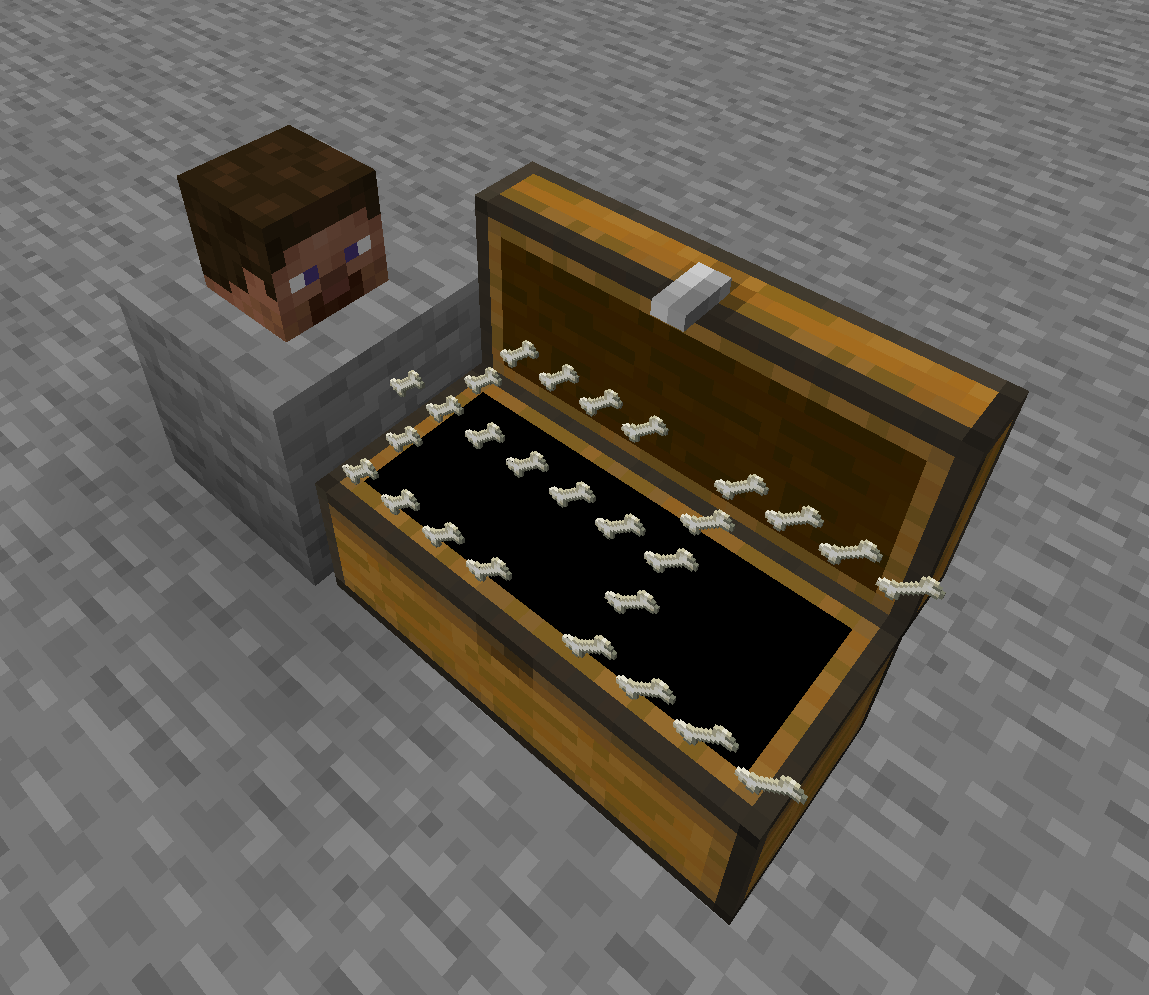
Let's remove the GUI and see something more immersive!
When lid is not open, you can right-click the top of the chest to open the lid.
Items will appear in the chest!
Right click on the item in Chest to swap it with the item in your hand.
Right click on the other side to close the lid.
Of course, you can still use GUI
When Chest is not open, you can right-click on all faces of Chest to open the GUI,
except for the top, which is used to open the lid.
Some possible issues
If the model of the item is too large, it will block other items, such as the Dragon Head.
A regular Chest has 27 slots, but it's not easy to arrange them into long squares, so I only rendered 25, and I chose not to render the other two.
Other block?
Creating.
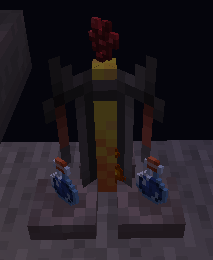
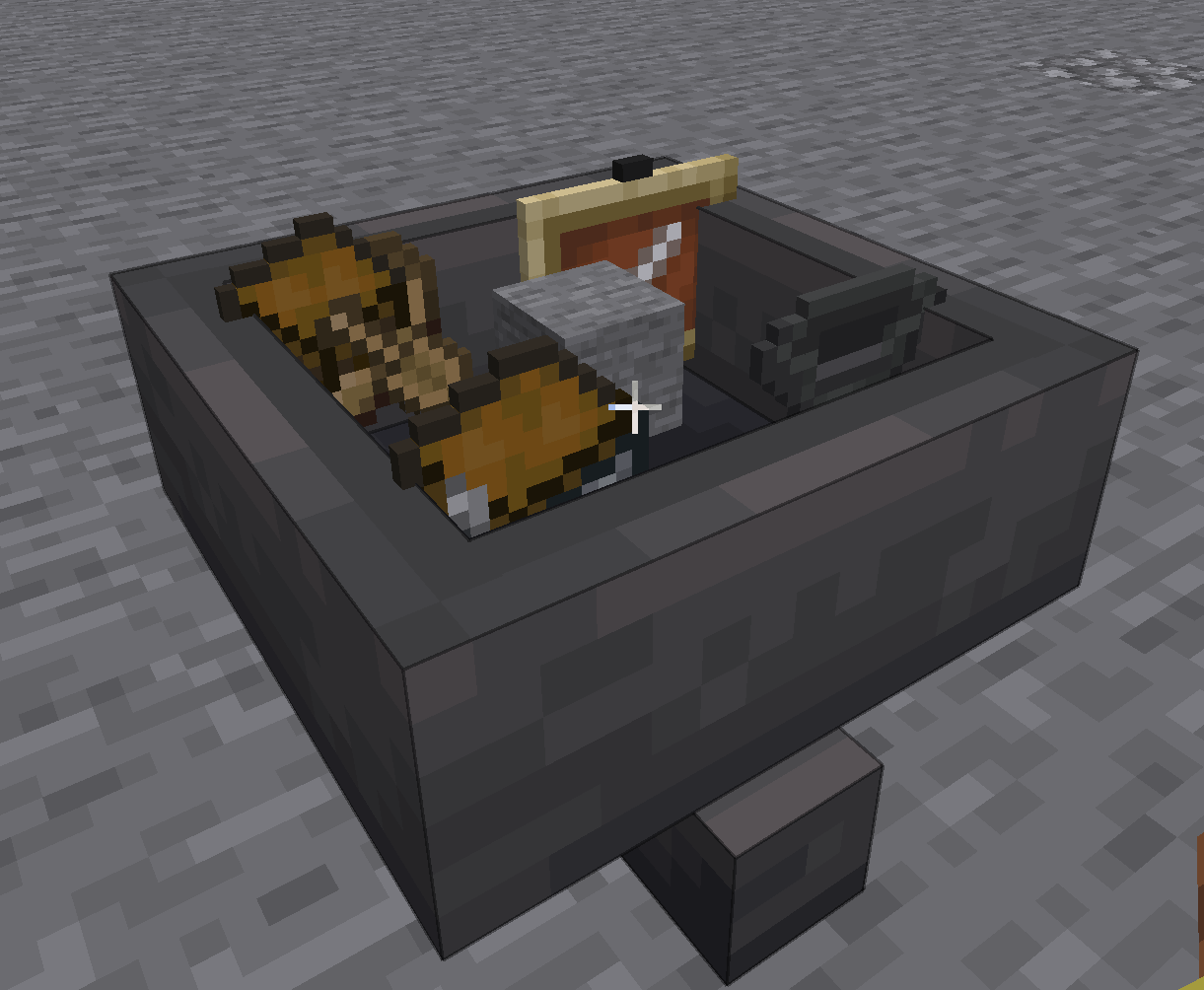
Completed:chest、hopper、brewing table、dropper、dispenser.
- Edition: Minecraft Java
- File type: .jar
- Minecraft versions listed: 1.20.1, 1.20.2, 1.20.3
- How to install: Install the matching mod loader (Forge, Fabric or NeoForge) for your Minecraft version. → Download the .jar. → Put it in the .minecraft/mods folder and launch that loader profile.
- Where to get it: Opens on CurseForge — not every file is mirrored on our own servers.
Install steps are the general flow for this file type — How to install Minecraft Java mods & modpacks walks through it step by step.
- Ships as NGC-1.20.1-1.4.3-forge.jar — drop this file into the mods folder
- Download size: 144 KB
- Download link checked 18 Oct 2026 — working
These come from our own check of the pack file, not from the source page.