What Did I Just Kill?
Java mod listed for Minecraft 1.18–1.21. Downloads from the MC Java Mods app on Android.
I don't know my version or loader
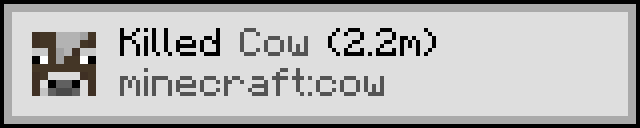
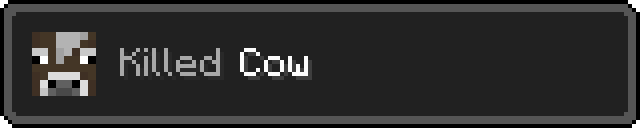
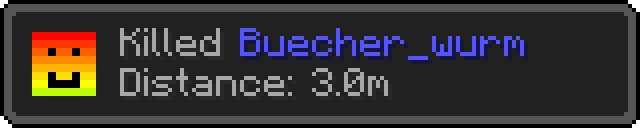
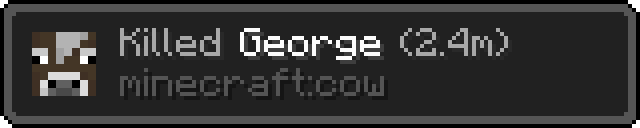
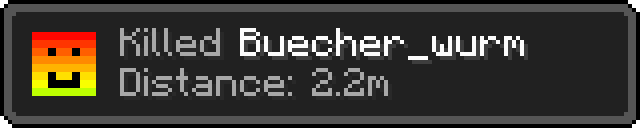
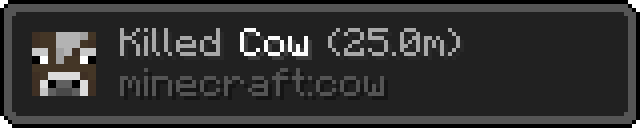
What Did I Just Kill?
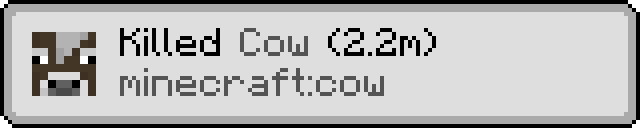
displays a small toast with information about the mob you just killed

the information displayed in the toast can be changed through the config
for more information see the wiki here
Example Images


You are a mod developer and want to add support for your entities?
Have a look at this Guide
if you have any questions about the mod, or you want a few insights about upcoming features:
feel free to join the  link
link
- Edition: Minecraft Java
- File type: .jar
- Minecraft versions listed: 1.21.11, 1.21.9, 1.21.10
- How to install: Install the matching mod loader (Forge, Fabric or NeoForge) for your Minecraft version. → Download the .jar. → Put it in the .minecraft/mods folder and launch that loader profile.
- Where to get it: Opens on CurseForge — not every file is mirrored on our own servers.
Install steps are the general flow for this file type — How to install Minecraft Java mods & modpacks walks through it step by step.
- Ships as whatdidijustkill-neoforge-1.21.11-1.1.7.jar — drop this file into the mods folder
- Download size: 108 KB
- Download link checked 27 Sept 2026 — working
These come from our own check of the pack file, not from the source page.