
More Blocks - The best builders' companion
Java mod listed for Minecraft 1.20. Downloads from the MC Java Mods app on Android.
I don't know my version or loader


=======================================================================================
NOTICE: The mod is being completely reworked. More Blocks 2 is being developed. This mod will be abandoned.
This mod adds new blocks and items to Minecraft.
New blocks:
Metallic Ore:
This block is a natural block, and generated randomly in the stone layer. It can be smelted in a furnace to obtain metallic ingots to craft metallic blocks.
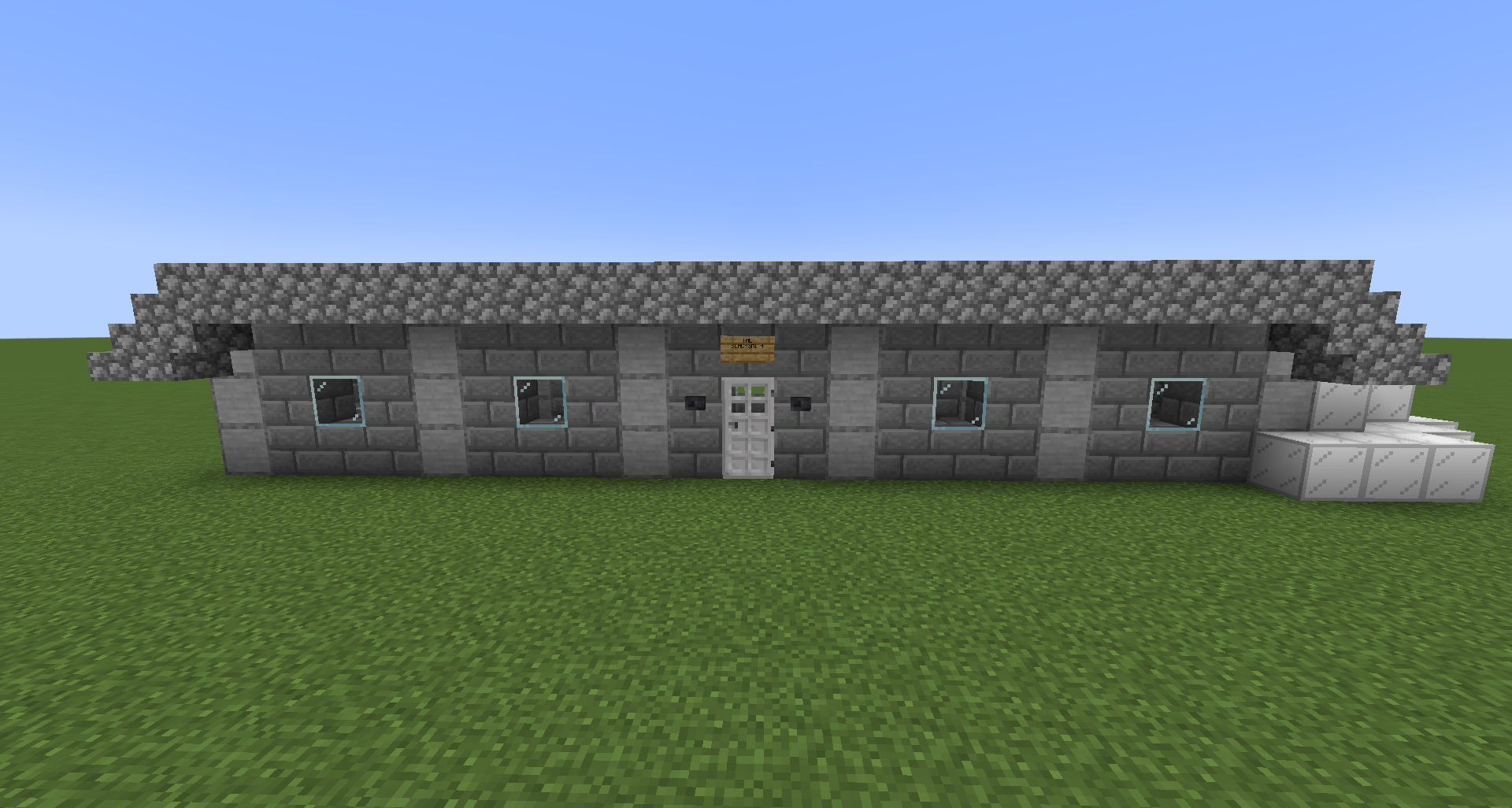
Metallic Blocks:
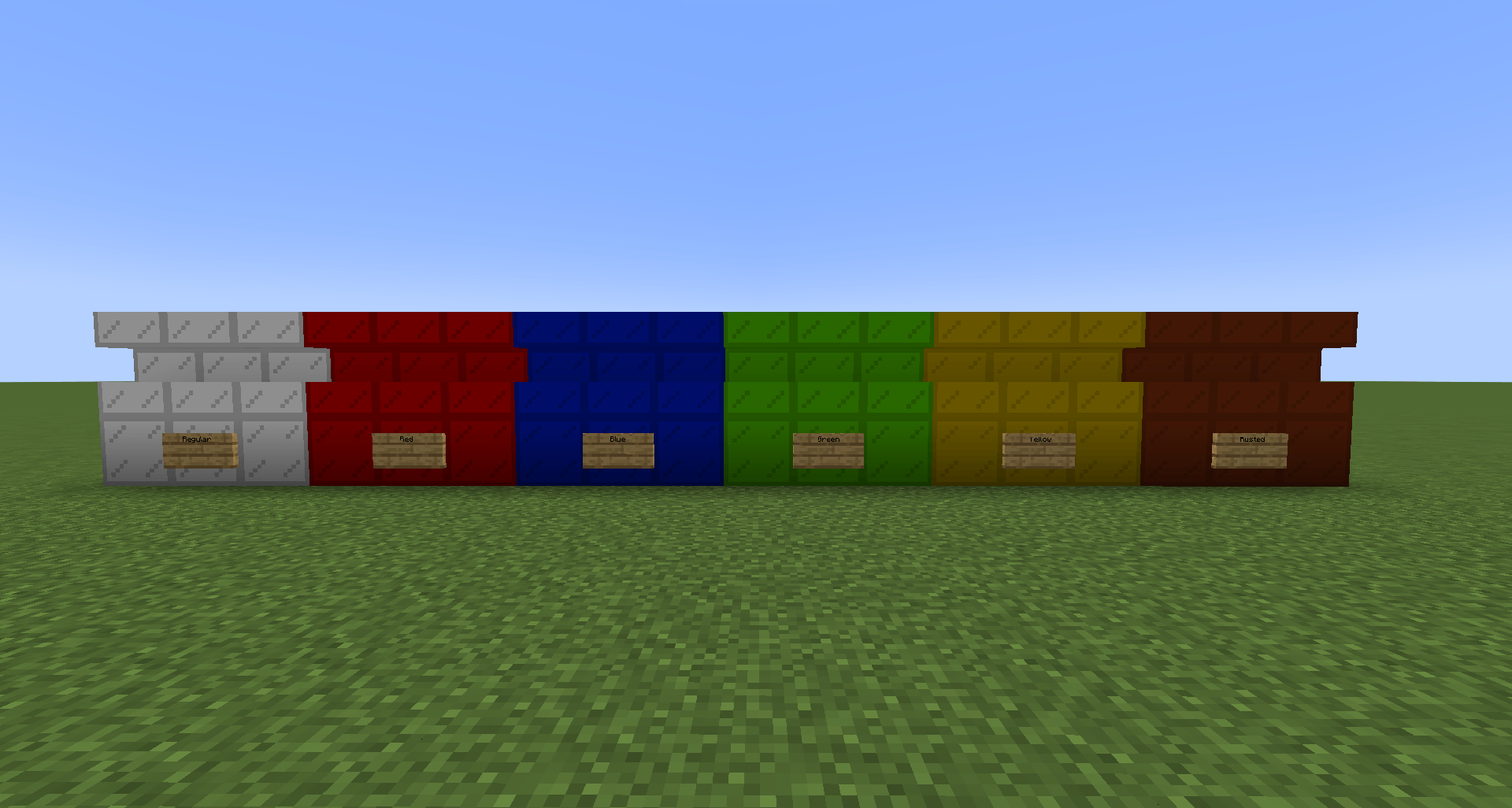
Those are blocks crafted using 4 metallic ingots. They are building blocks, and also have a slab, stairs, trapdoor and pillar variants for more detailed shape in your metallic build.
Red/Blue/Green/Yellow Metallic Blocks:
They have the same stats as regular metallic blocks but are colored. They have slab, stairs, trapdoor and pillar variants like regular ones. As well they are obtained by mixing any regular metallic block with a red/blue/lime/yellow dye to obtain a colored variant of them with the respective color of the dye. You can put them in a furnace and turn them into regular metallic blocks.
Toggable Lamp:
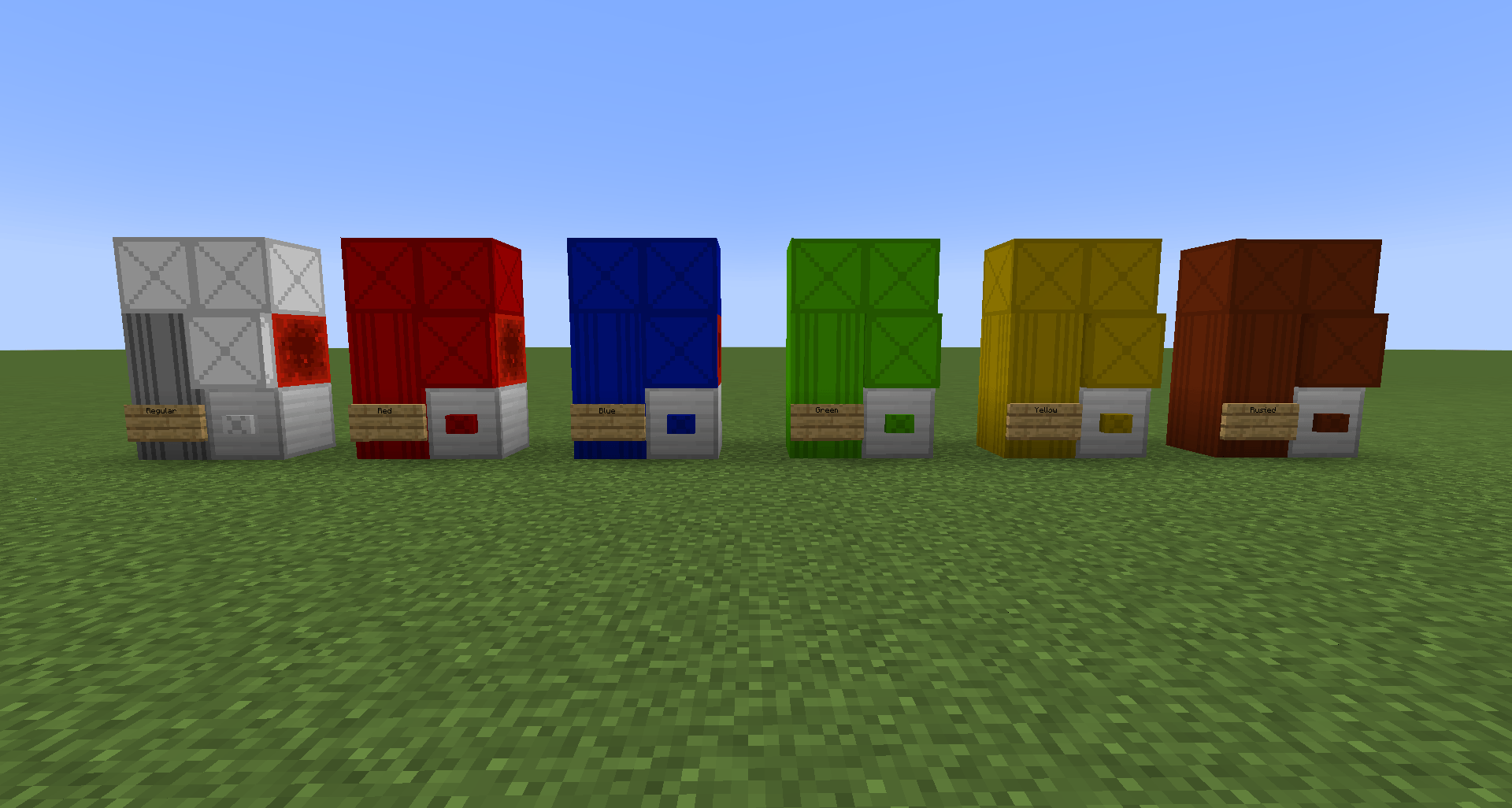
Those are blocks which are crafted with having a redstone lamp in the middle and the rest of slots are filled with redstone dust. They can be manually toggled between off and on.
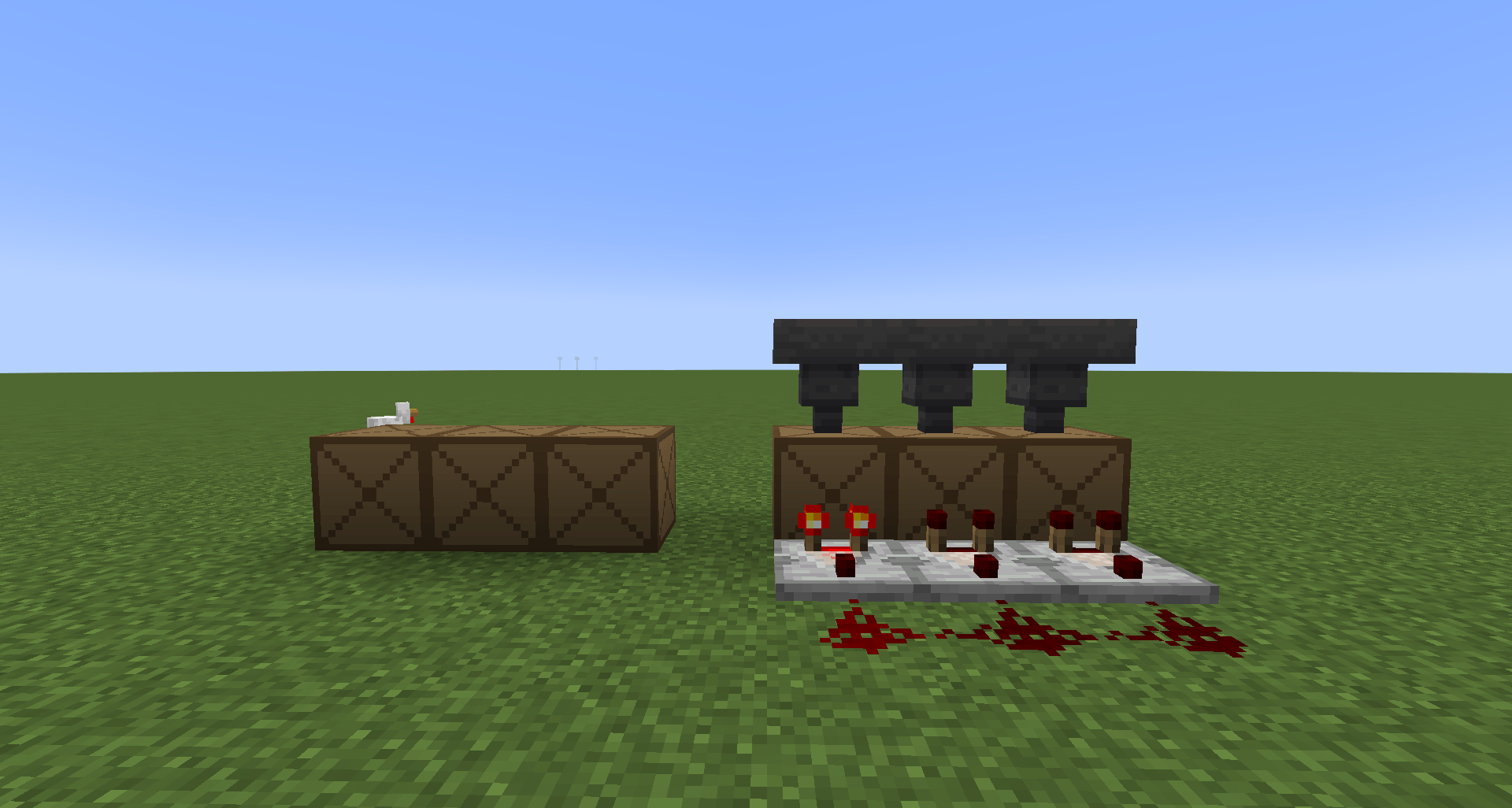
Crates:
Those are simple blocks which have 2 variants: A decorative variant that does nothing, and a functional one that cannot be opened but can be interacted with hoppers and comparators. The decorative variant is crafted by putting in every slot any planks. And the functional variant has the same recipe as the decorative variant but with the planks in the middle replaced with a chest.
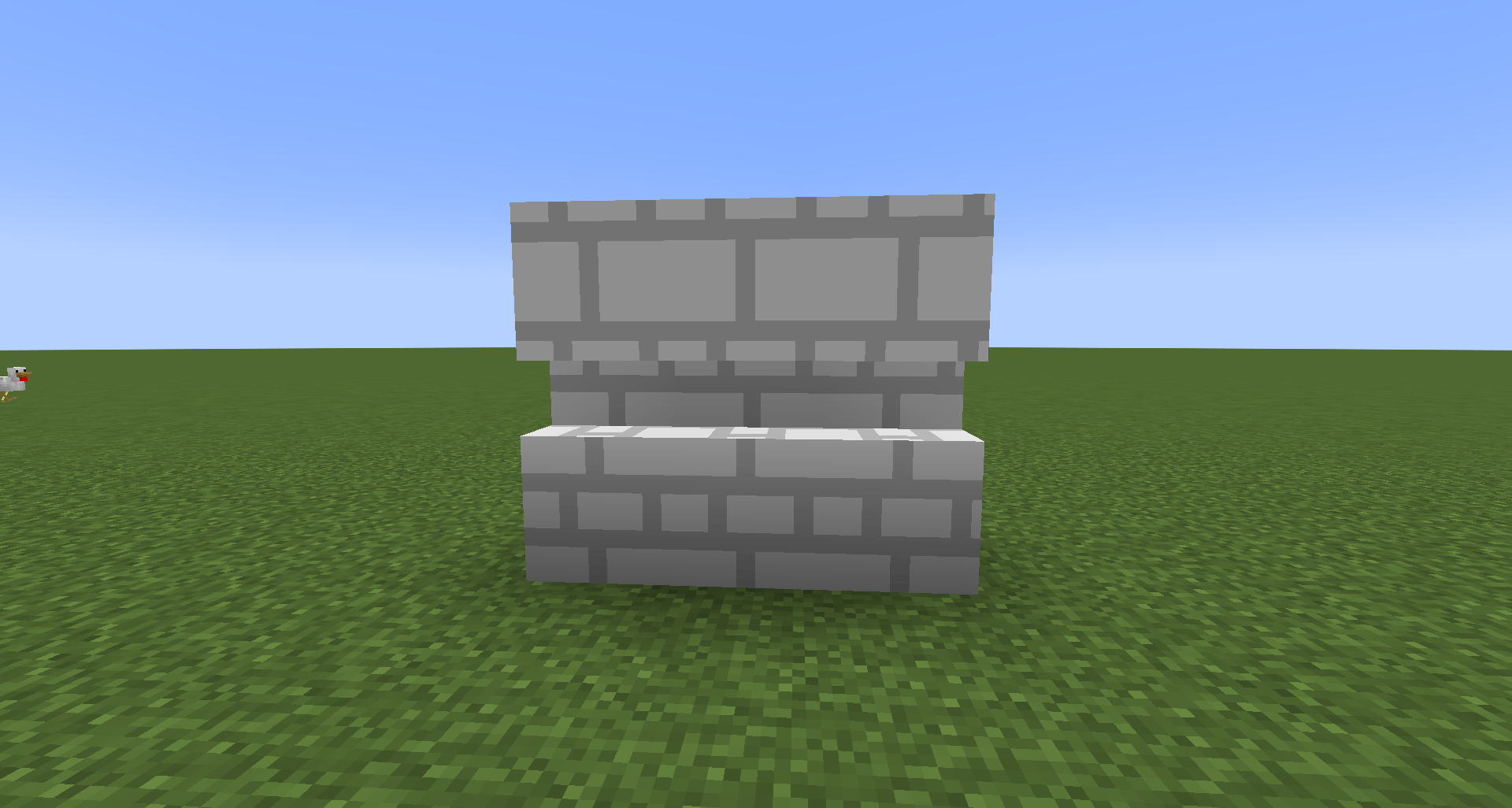
Gasblock:
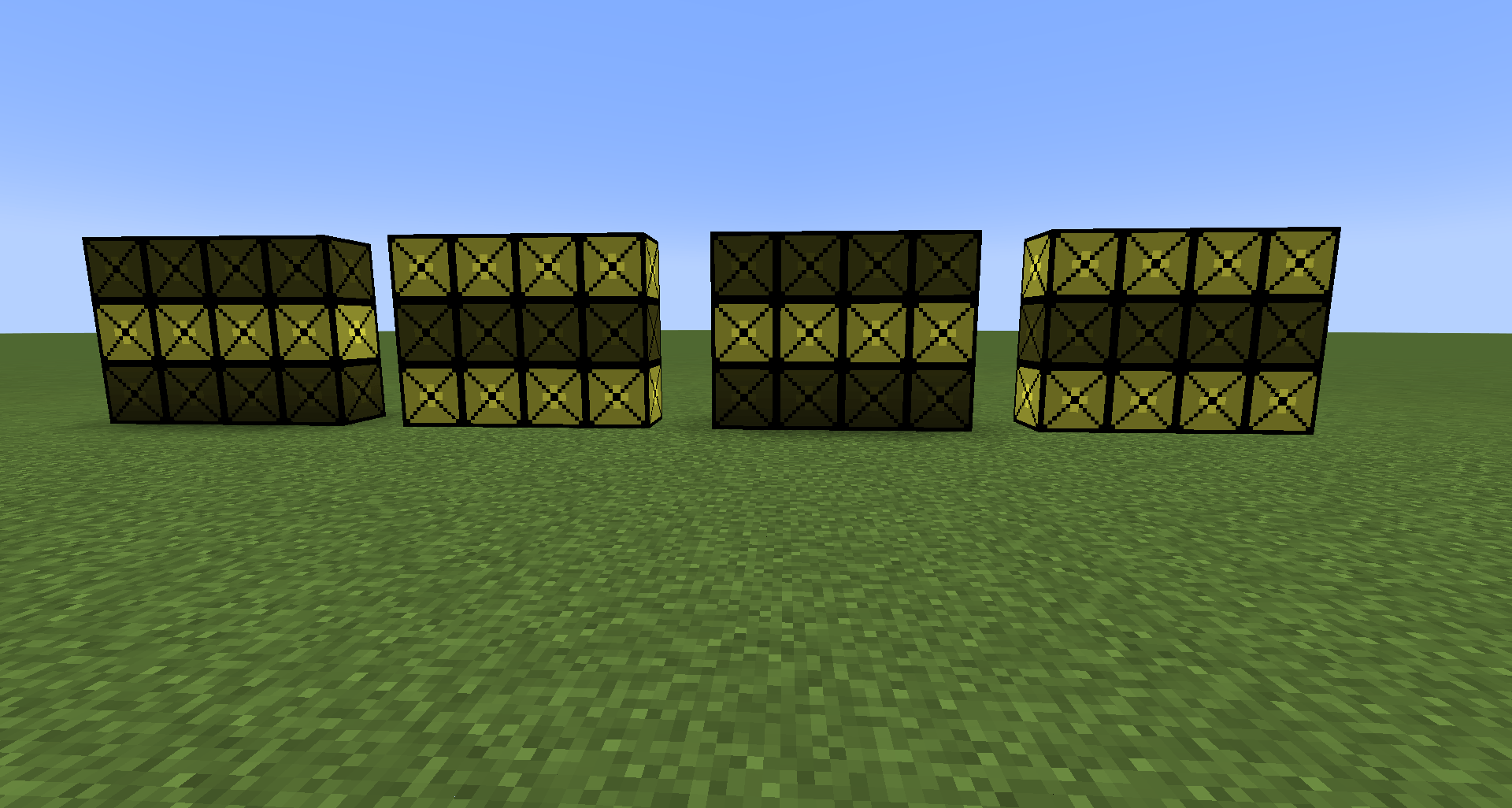
Those are white large bricks, they are crafted with 3 bricks and 2 white dyes. As well they have a stairs and slab variant.
Missing Textures:
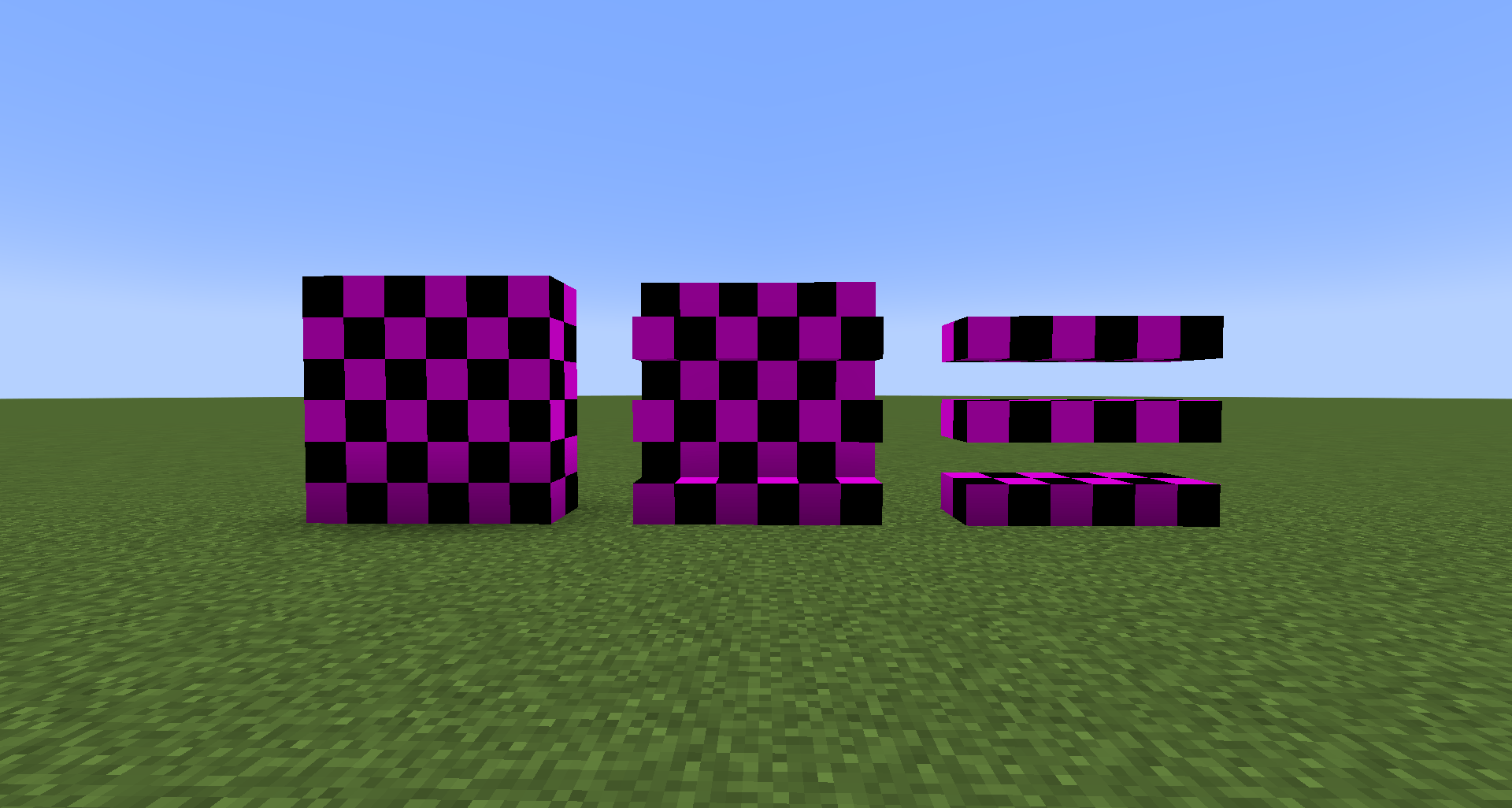
Those are blocks with missing textures. They are not craftable yet. They have also a slab and stairs variants.
New Items:
Pizza:
just a pizza :3 does nothing yet and is not craftable yet.
Shawarma:
idk why i added this but you cannot craft it yet.
Rust:
A (kind of) useless item only used to make rusted metallic blocks.
Metallic Ingot:
A item obtained from smelting metallic ore.
My mod is inspired by this mod.
There's an official site for this mod: Here
WARNING: Do not download the mod from sites like 9minecraft or 9lifehack. It can have malware in it, please download only from official sources like CurseForge and Modrinth.
Notice: The mod is being having a big update, and a small sneak peek of that update is overhauled textures and orange and purple metallic blocks. Because of this it takes some many time to make the overhauled textures.
- Edition: Minecraft Java
- File type: .jar
- Minecraft version listed: 1.20.1
- How to install: Install the matching mod loader (Forge, Fabric or NeoForge) for your Minecraft version. → Download the .jar. → Put it in the .minecraft/mods folder and launch that loader profile.
- Where to get it: Opens on CurseForge — not every file is mirrored on our own servers.
Install steps are the general flow for this file type — How to install Minecraft Java mods & modpacks walks through it step by step.
- Ships as more_blocks-1.0.7-fabric-1.20.1.jar — drop this file into the mods folder
- Download size: 754 KB
- Download link checked 18 Oct 2026 — working
These come from our own check of the pack file, not from the source page.