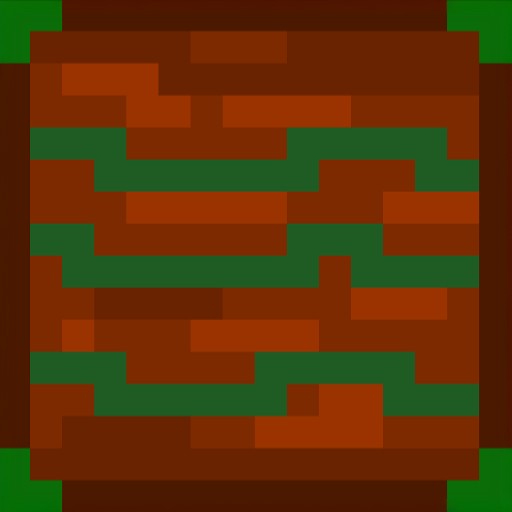
Fishing Crates
Java mod listed for Minecraft 1.20–1.21. Downloads from the MC Java Mods app on Android.
I don't know my version or loader
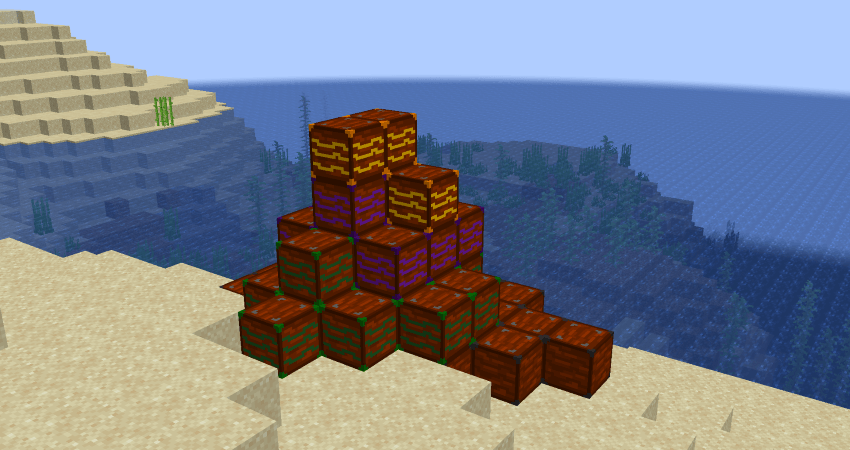
The base mod now includes a set loot table with no customization required, of course it is still possible to change it.
See spoiler below on how to do that :)
Once you download Fishing Crates, Copy the .jar file (paste it elsewere) and rename it from ".jar" to ".zip" (you dont need to extract it).
Open the data file and copy "fishing_stuff"
Next, install KubeJS. pick the latest version from here:
https://www.curseforge.com/minecraft/mc-mods/kubejs
Pick latest on the version you downloaded, whether it be 1.20.1 or 1.21.1
Open your minecraft folder (reminder: install KubeJS otherwise the next step will make no sense)
Follow this directory:
kubejs -> data
Paste "fishing_stuff" into here.
Now that its installed, you can change the loot tables!
Open the file and follow the directory:
loot_tables -> blocks
From here you'll find all the files for all 4 crates, You may need some knowledge on how loot tables work.
I suggest using a loot table generator to make it easier.
Heres one I recommend:
https://misode.github.io/loot-table/
(p.s. the gameplay file has the loot table for the crate drops, you can change this to make crates more common. keep in mind this may break balancing if done incorrectly)
WHEN YOU SAVE THE FILE, MAKE SURE IT MATCHES THE NAME OF THE ORIGINAL FILE AND IS IN THE SAME FOLDER. OTHERWISE IT WILL NOT WORK.
QNA: why kubejs?
Short answer: i suck at mod dev, if youre editing it, you are a modpack dev and you need kubejs anyway. dont like kubejs? use a datapack, its just as complicated as this (aka not at all complicated)
1.21.1 NEOFORGE OUT NOW! WITH 1.0.4!
This mod adds 4 new fishing crates. Common, Rare, Epic and Legendary. Compatible with any mod!
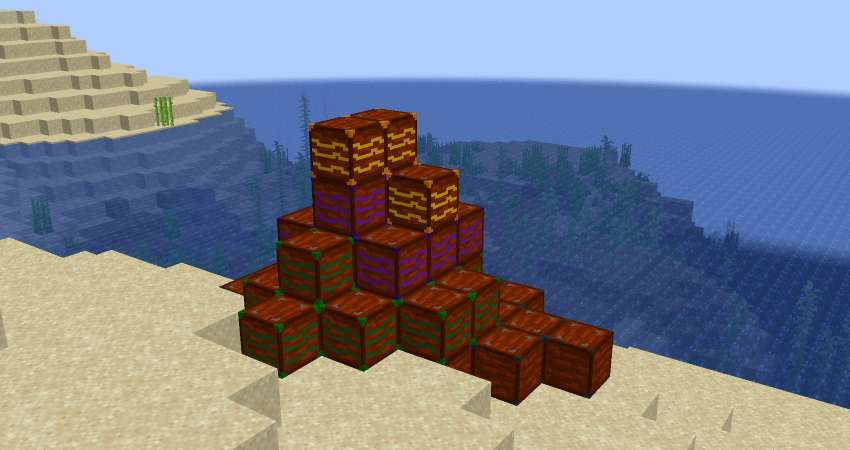
"Great mod, just what i was looking for!"
- Atticool, award-winning mod and modpack developer
Check out this addon by ady437!
- Edition: Minecraft Java
- File type: .jar
- Minecraft versions listed: 1.20.1, 1.21.1
- How to install: Install the matching mod loader (Forge, Fabric or NeoForge) for your Minecraft version. → Download the .jar. → Put it in the .minecraft/mods folder and launch that loader profile.
- Where to get it: Opens on CurseForge — not every file is mirrored on our own servers.
Install steps are the general flow for this file type — How to install Minecraft Java mods & modpacks walks through it step by step.
- Ships as fishingcrates-1.0.4.jar — drop this file into the mods folder
- Download size: 28 KB
- Download link checked 27 Sept 2026 — working
These come from our own check of the pack file, not from the source page.