ModsJava
Injuries and Treatments
Java mod listed for Minecraft 1.20–1.21. Downloads from the MC Java Mods app on Android.
I don't know my version or loader
Open the Minecraft launcher and look at the profile you play on — it names both, like fabric-loader-1.21.4. The version also shows in the bottom-right corner of the game's main menu.
No loader in the profile name? Then it's plain Minecraft, and these mods won't run — you need Fabric or NeoForge installed first.
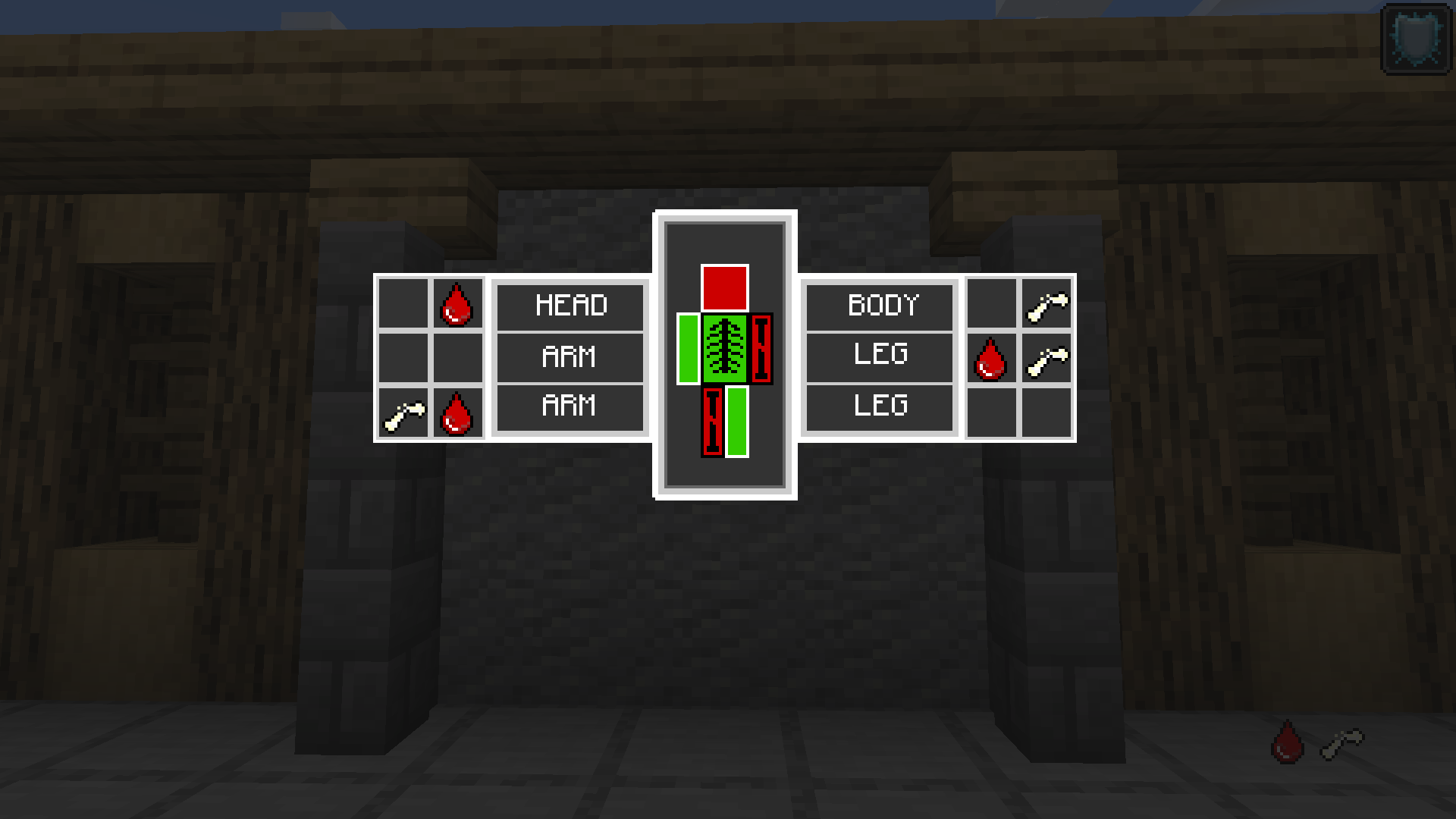
INJURIES SYSTEM
This mod have 2 basic types of injuries: Bleeding and Fractures.
If you are just hit by a monster or another player, there is a chance of getting bleeding state (the more bleeding states you have, the quicker will your health bar go down).
But if your health is reduced by a special damage, such as an anvil falling on your head, or jumping from too high, you have a chance to get fracture state. Every fractured part of your body will add different negative effect, like slowness for legs or mining fatigue for arms. All these injuries can be seen in gui which is binded on keybind. (see the picture)
THIS MOD REQUIRES:
Geckolib
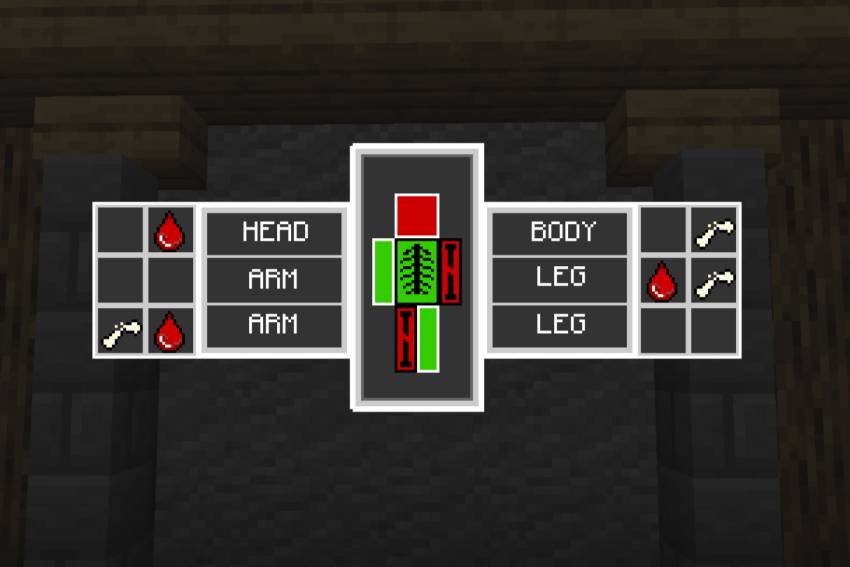
TREATMENTS SYSTEM
If you have injuries, you can use:
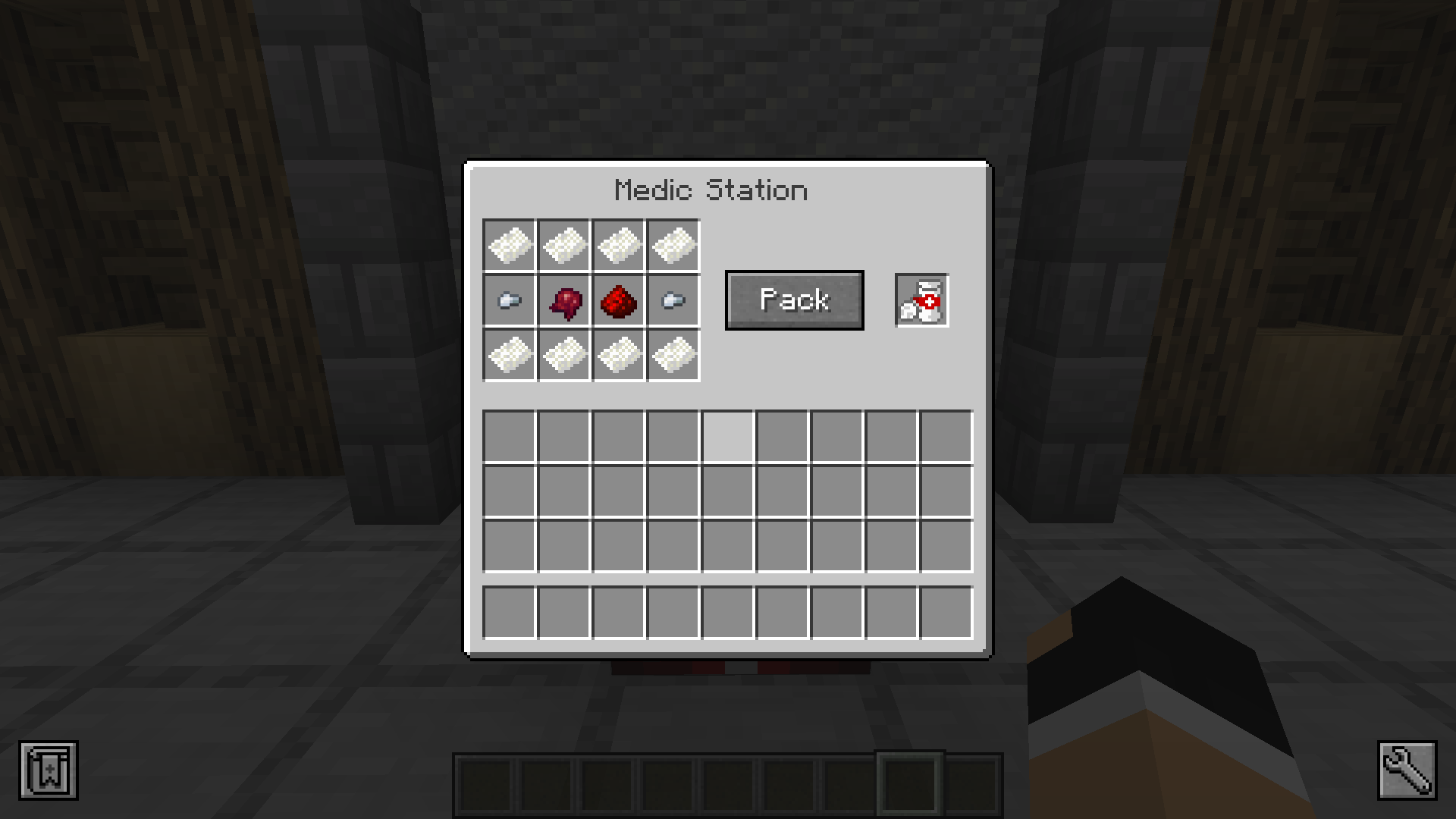
- Bandage, which will remove you one bleeding state,
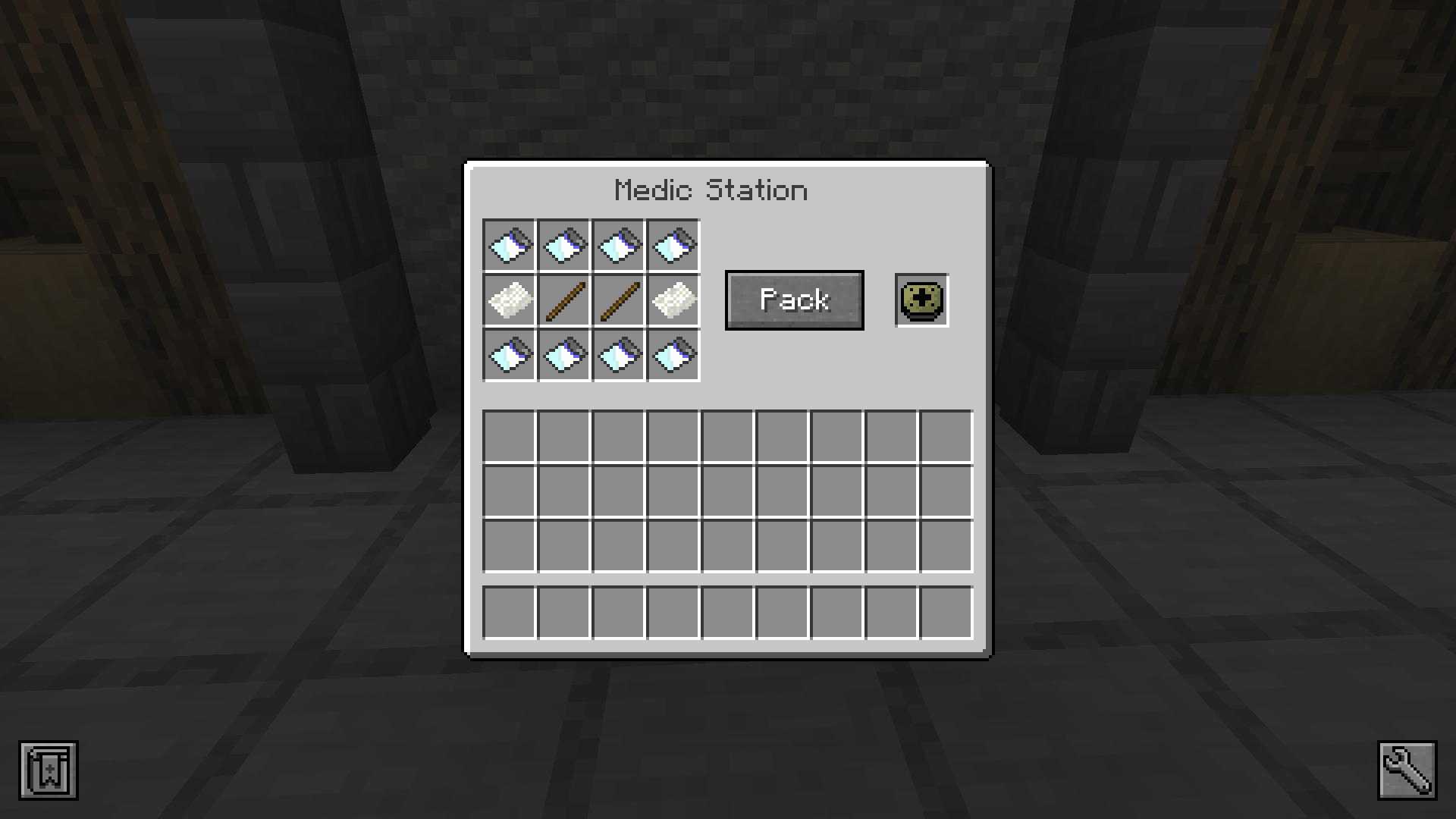
- Fracture kit, which will remove one fracture, or
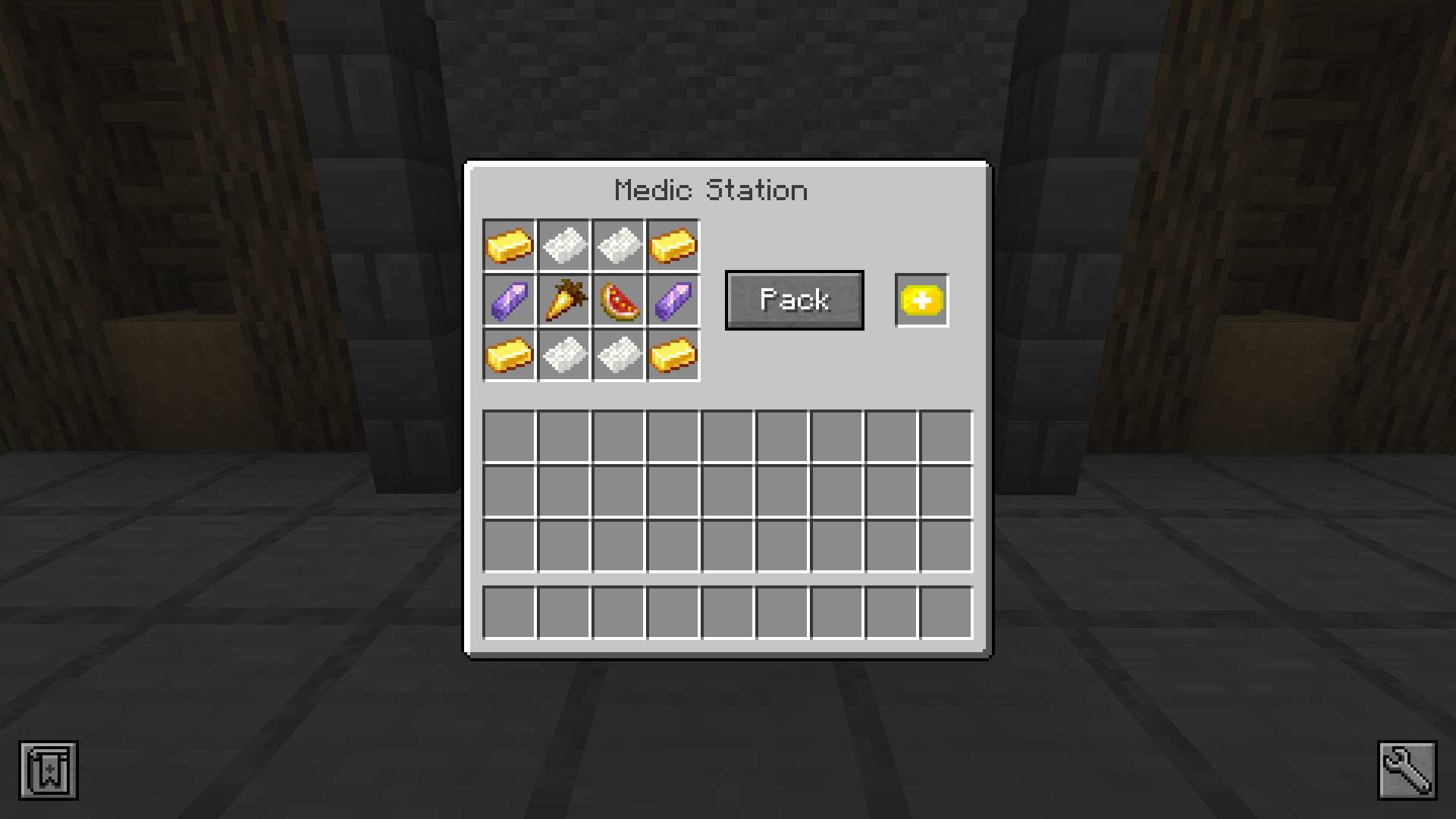
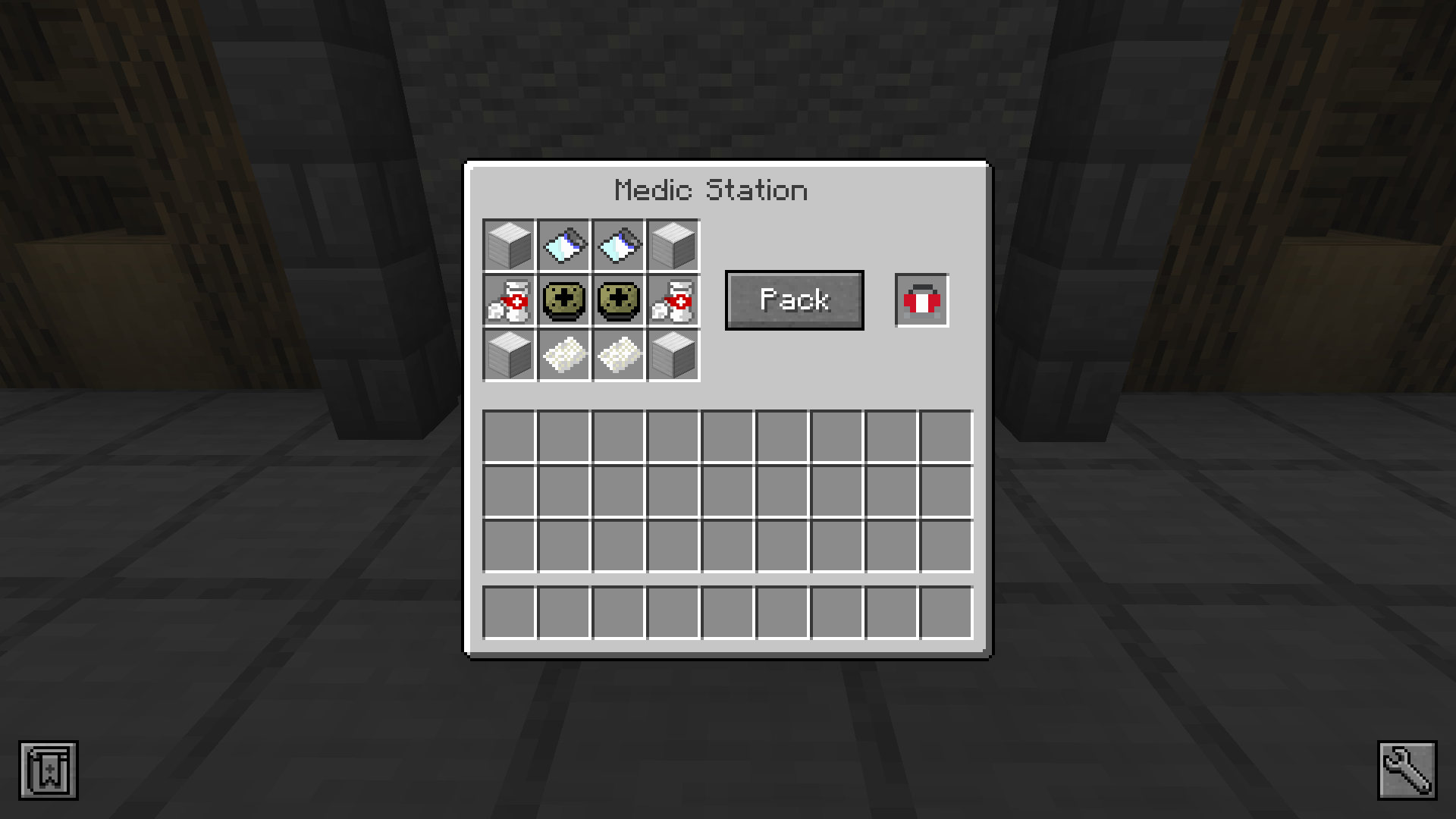
- First aid kit, which will get you rid of all injuries states,
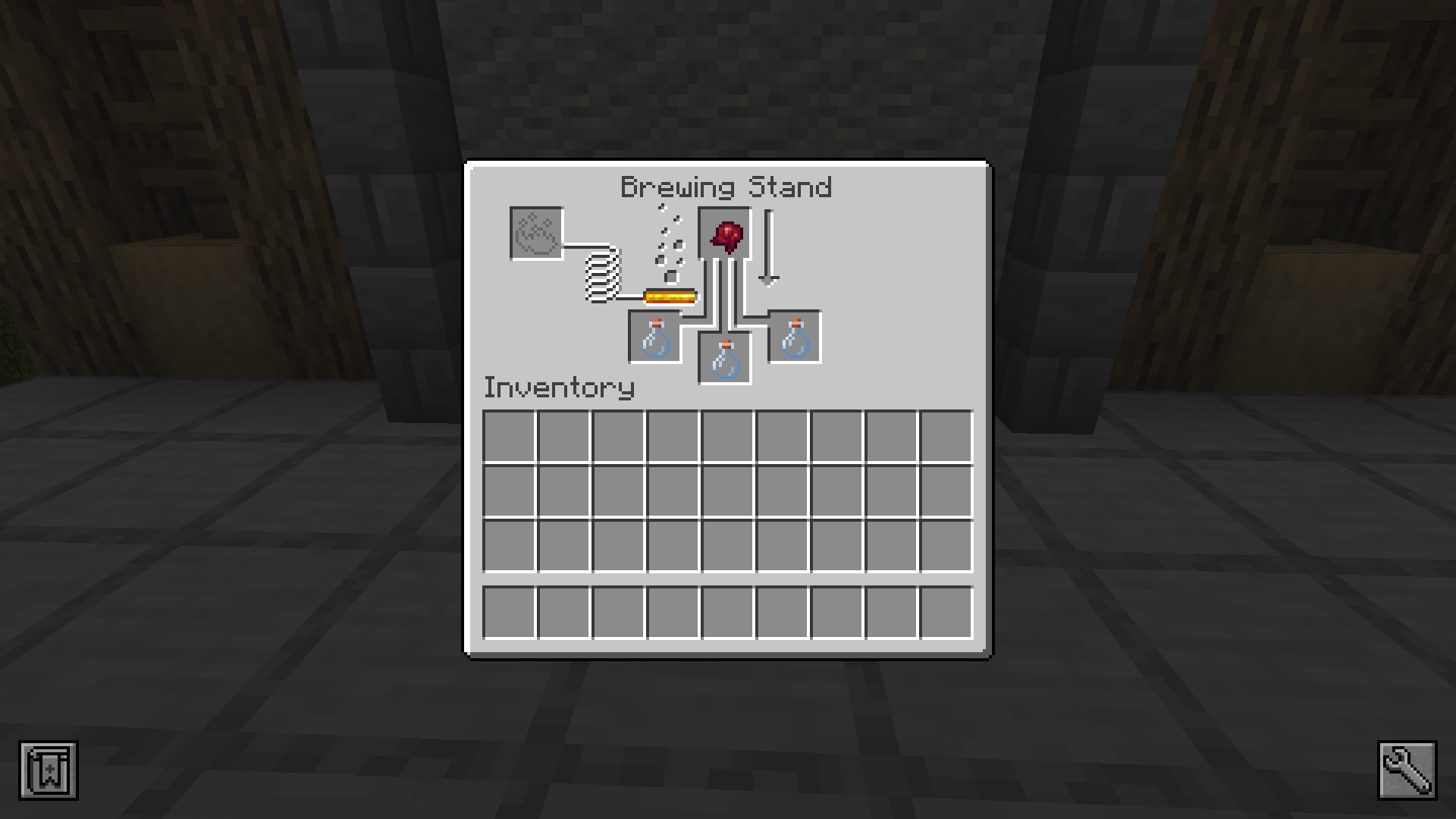
- Morphine, but it will remove your fractures only for 3 minutes.
- Of course there is another way of removing them and it's just waiting, but that's tooooo long and slow. Or respawn :-)
ITEMS
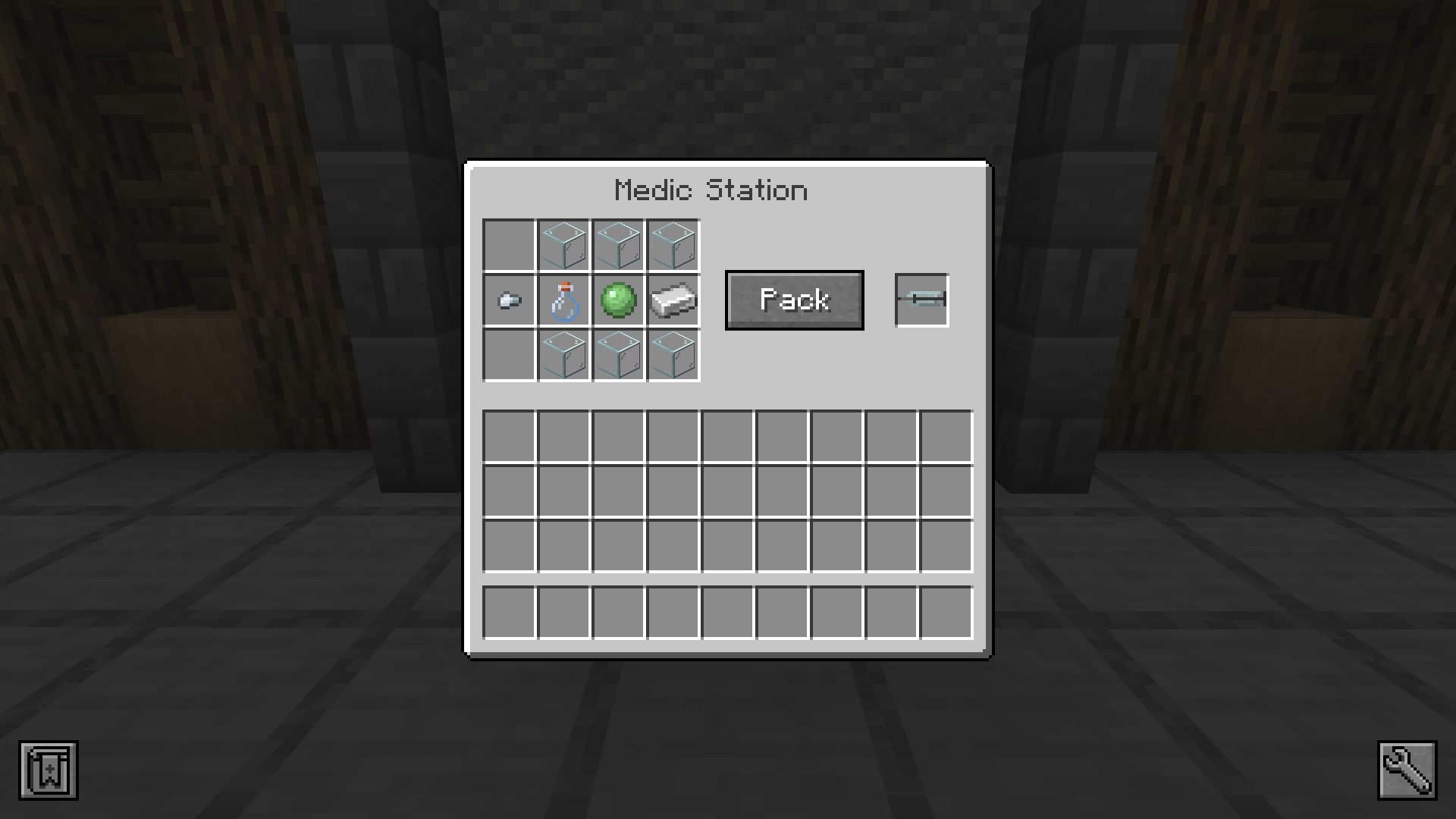
- For crafting these healing items, you will need Medic station table.
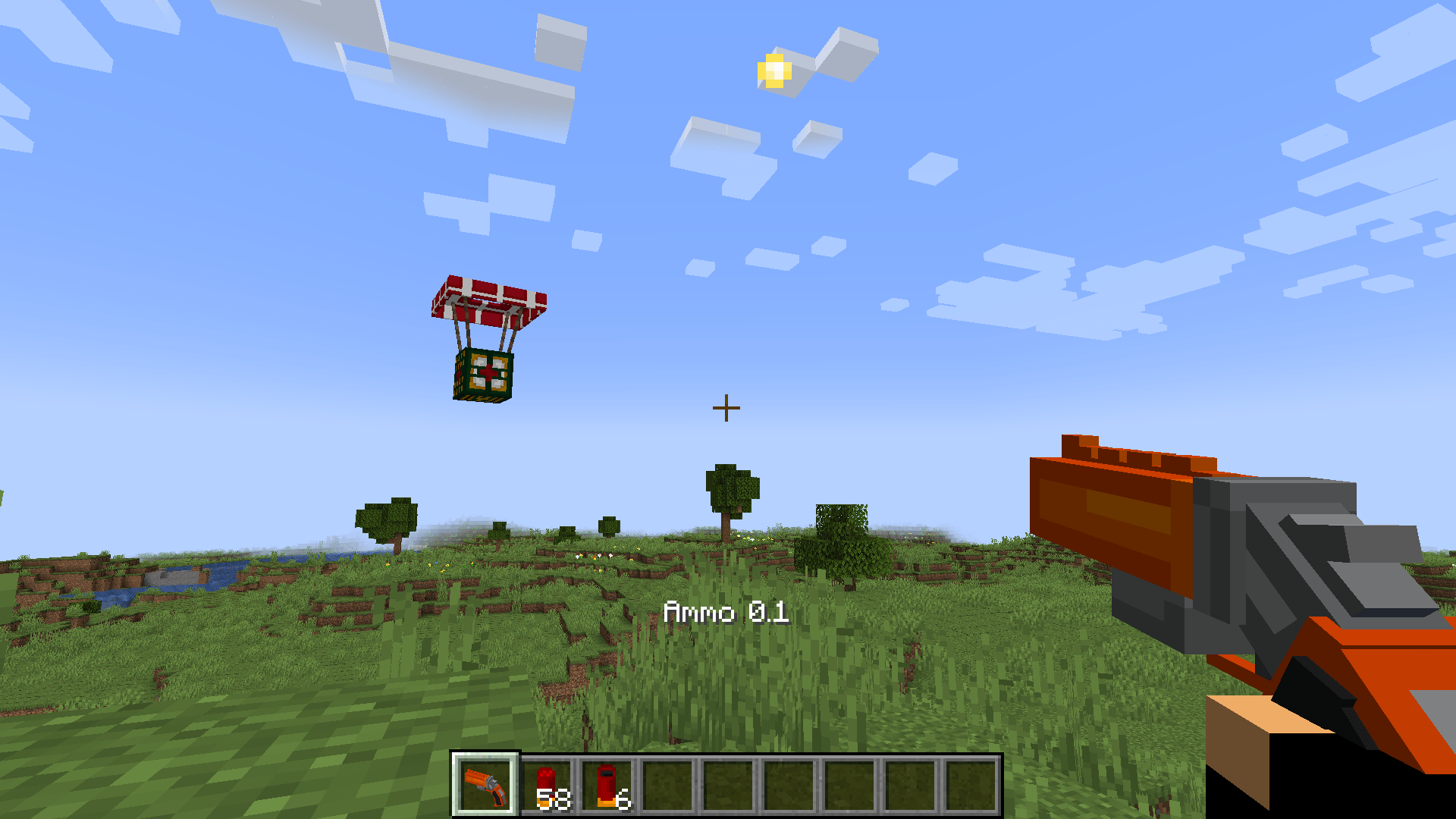
- Flare gun, which allows you to call supply drop with food or health items.
- Another very usefull item is Syringe. By left click you can store your blood (max. 6 hearts) for later, and by right click, you will gain them back.
- And some more usefull items. :-)
You can use this mod in your modpacks (my recomendation is JEI and Apple core). I hope you will enjoy them :)
And I would like to mention, that it's only on start, so if you have some ideas how to improve it, I am open.
This mod was made in MCreator.
Have a nice day.
Quick facts
- Edition: Minecraft Java
- File type: .jar
- Minecraft versions listed: 1.21.1, 1.20.1
- How to install: Install the matching mod loader (Forge, Fabric or NeoForge) for your Minecraft version. → Download the .jar. → Put it in the .minecraft/mods folder and launch that loader profile.
- Where to get it: Opens on CurseForge — not every file is mirrored on our own servers.
Install steps are the general flow for this file type — How to install Minecraft Java mods & modpacks walks through it step by step.
File checked by MCModsHub
- Ships as injuries_and_treatments-1.0.7-forge-1.20.1.jar — drop this file into the mods folder
- Download size: 687 KB
- Download link checked 27 Sept 2026 — working
These come from our own check of the pack file, not from the source page.