
Health Tag
Java mod listed for Minecraft 1.20–1.21. Downloads from the MC Java Mods app on Android.
I don't know my version or loader
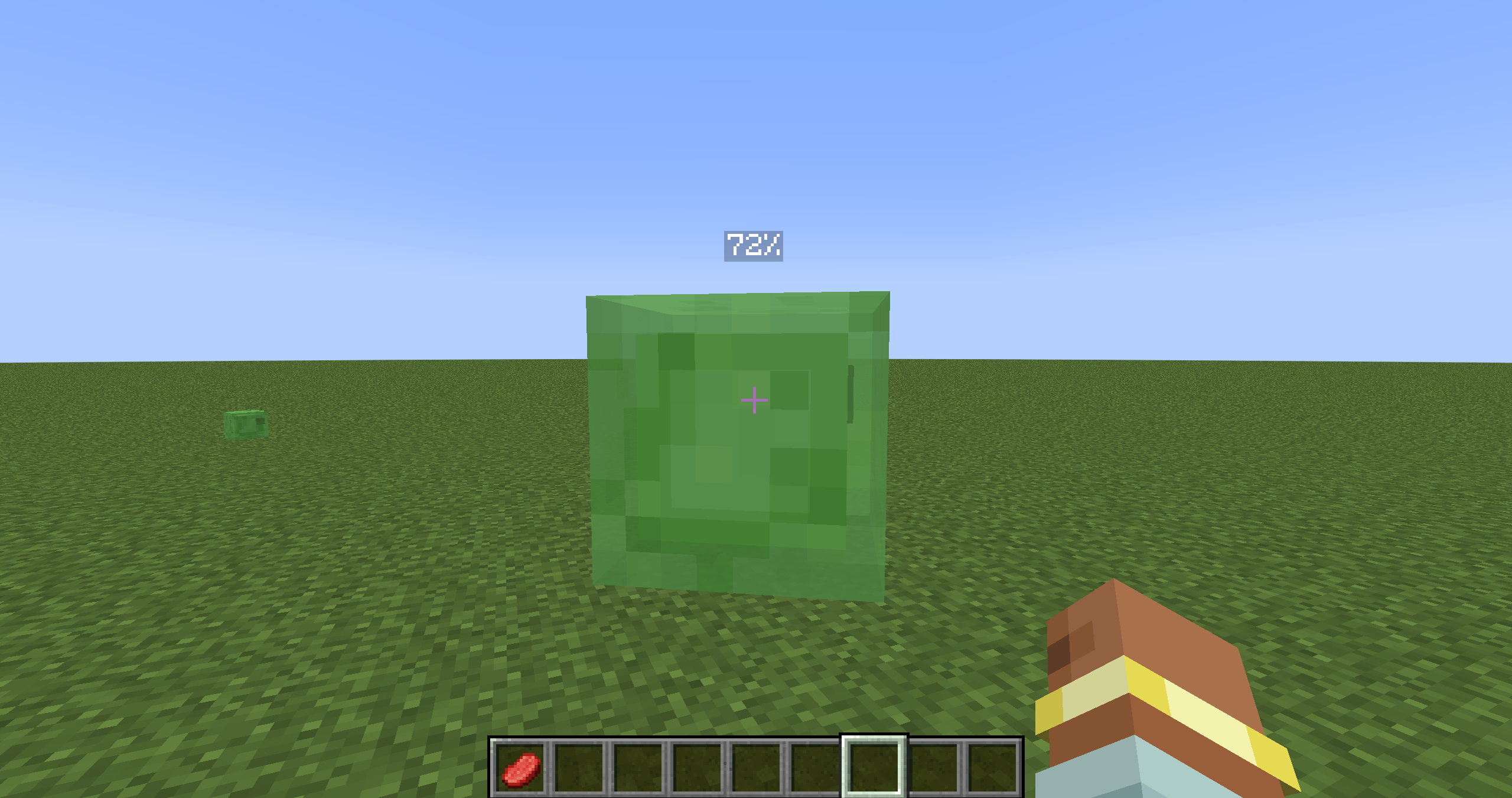
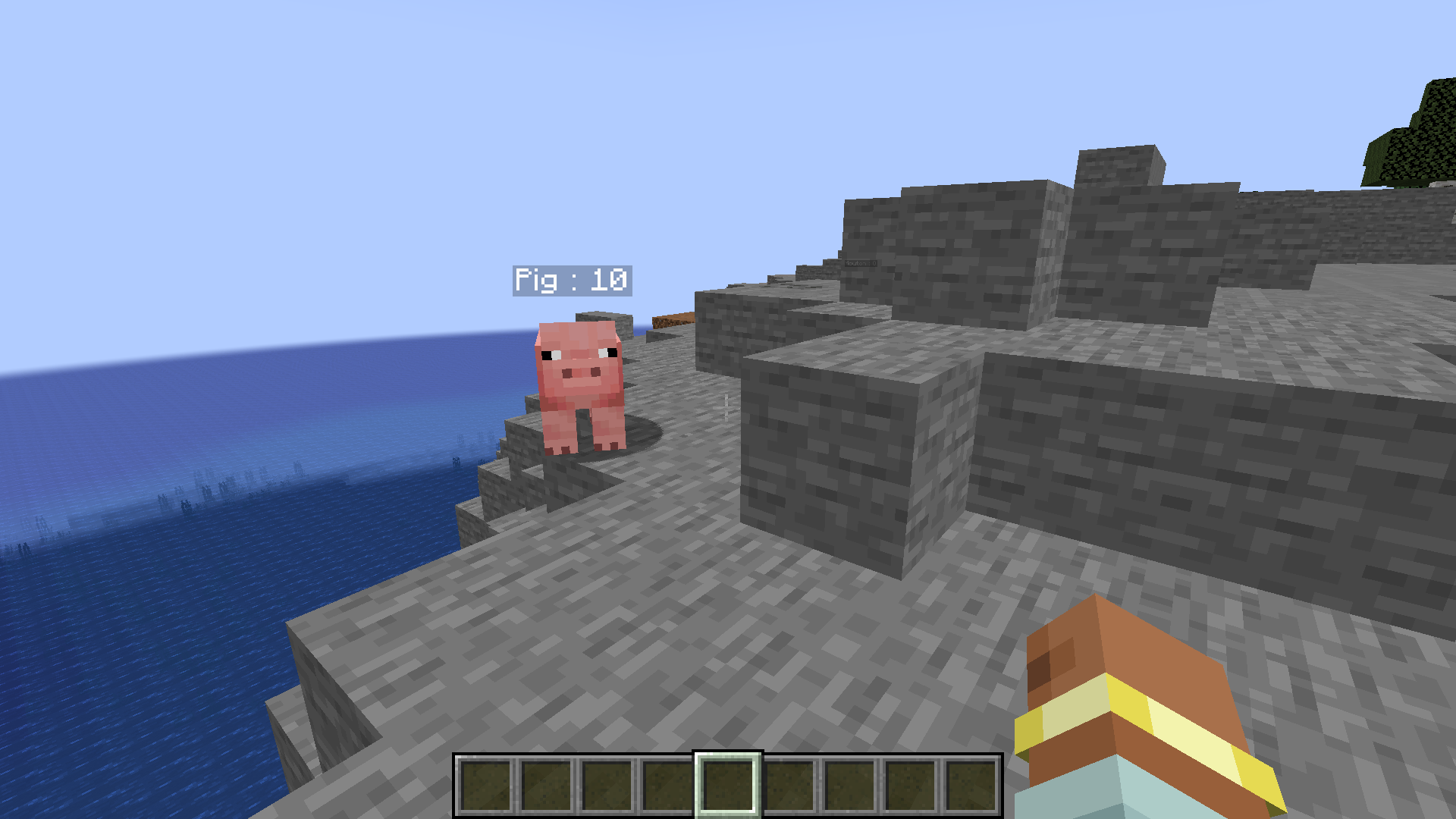
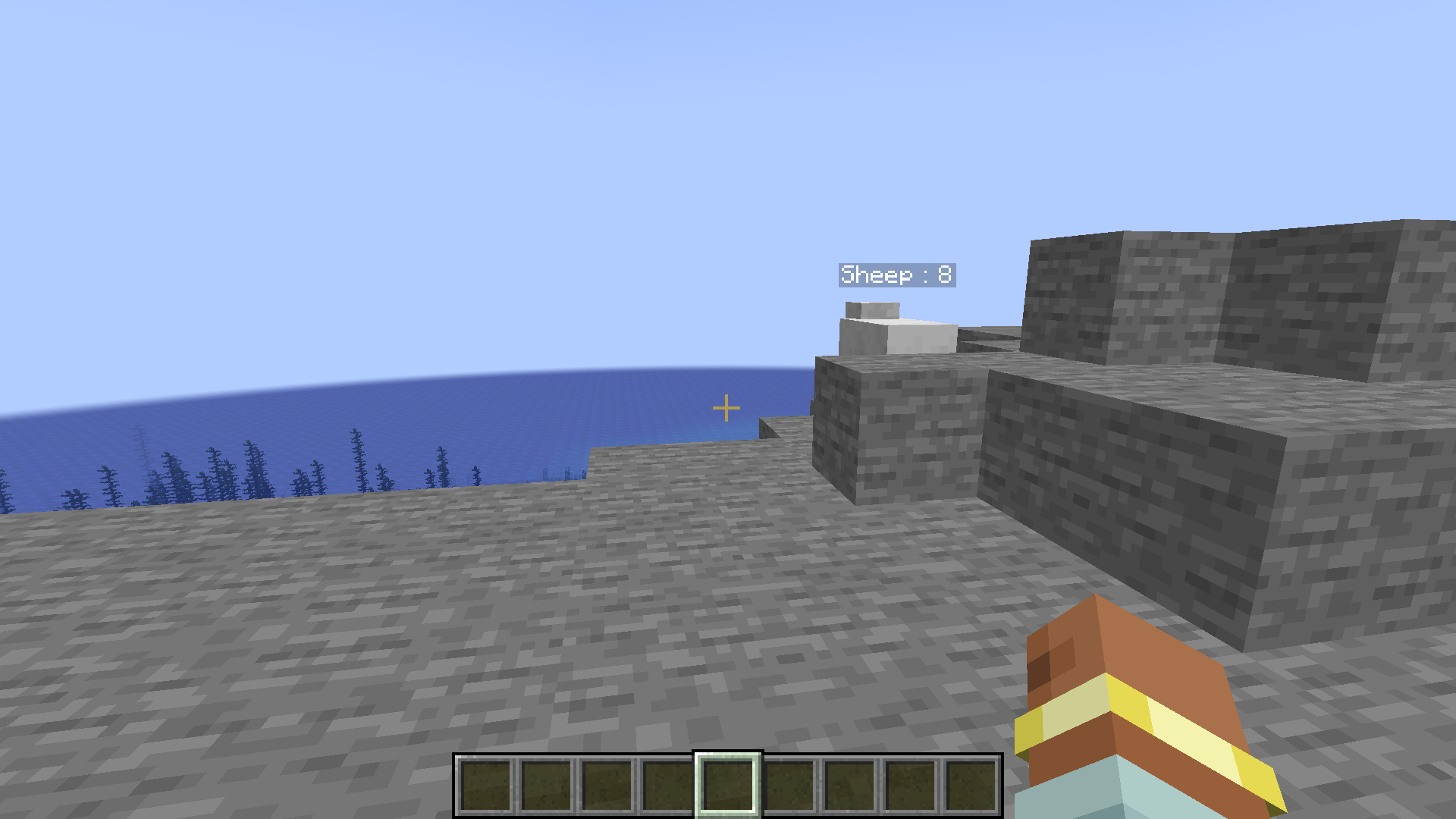
Visualize Entity Health! 👀
This client-side mod adds a discreet and informative visual interface to display the health of entities you are looking at in Minecraft! No more guessing if a mob is almost dead or still at full strength! 💪
⚙️ How does it work?
The "Health Tag Mod" works automatically and in real-time. Here are the key steps:
- 🎯 Target Detection: The mod detects the entity your player is directly looking at (the one that would be hit if you attacked).
- 📊 Interface Display: If the entity you are looking at is a living entity (mob, player, etc.) and is within range (about 10 blocks), the mod displays a discreet interface at the top left of your screen.
- Name and Health Bar: This interface displays:
- The entity's name clearly readable.
- A dynamic health bar that represents the entity's current health.
- A precise numerical display of the current and maximum health (e.g., "20 / 20").
- Dynamic Color: The color of the outline of the health bar changes depending on the entity's health:
- 💚 Green: High health.
- 🧡 Orange: Medium health.
- ❤️ Red: Critical health (less than 25%).
- Health Loss Animation: When the entity loses health, a visual red fade animation is temporarily displayed on the health bar, making the health loss more visible.
🎮 How to use it?
The "Health Tag Mod" is designed to be simple and intuitive. There is no configuration needed!
- 🕹️ Play!: Once in the game, the mod works automatically. Simply look at a living entity to see its health interface appear.
📌 Important Points:
- 💻 Client-Side ONLY: This mod is purely client-side. It should not be installed on a server.
- 🎛️ No Configuration: The mod is ready to use right after installation, with no settings to adjust.
- 👁️ Discreet Interface: The interface is designed to be informative without being intrusive or obstructing your vision in-game.
- ⚔️ Help with Combat and Exploration: Ideal for better assessing the health of mobs in combat or for quickly identifying wounded creatures during exploration.
- Edition: Minecraft Java
- File type: .jar
- Minecraft versions listed: 1.21.4, 1.21.1, 1.20.4
- How to install: Install the matching mod loader (Forge, Fabric or NeoForge) for your Minecraft version. → Download the .jar. → Put it in the .minecraft/mods folder and launch that loader profile.
- Where to get it: Opens on CurseForge — not every file is mirrored on our own servers.
Install steps are the general flow for this file type — How to install Minecraft Java mods & modpacks walks through it step by step.
- Ships as health_tag-1.0.9-neoforge-1.21.4.jar — drop this file into the mods folder
- Download size: 27 KB
- Download link checked 8 Nov 2026 — working
These come from our own check of the pack file, not from the source page.