MineBikes
Java mod listed for Minecraft 1.19–1.20. Downloads from the MC Java Mods app on Android.
I don't know my version or loader
Participant MCreator x CurseForge ModJam 2024
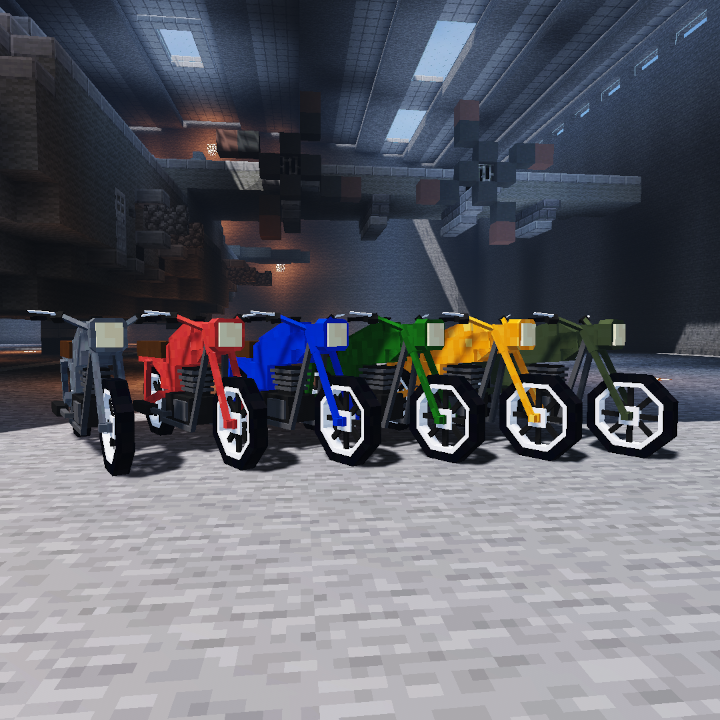
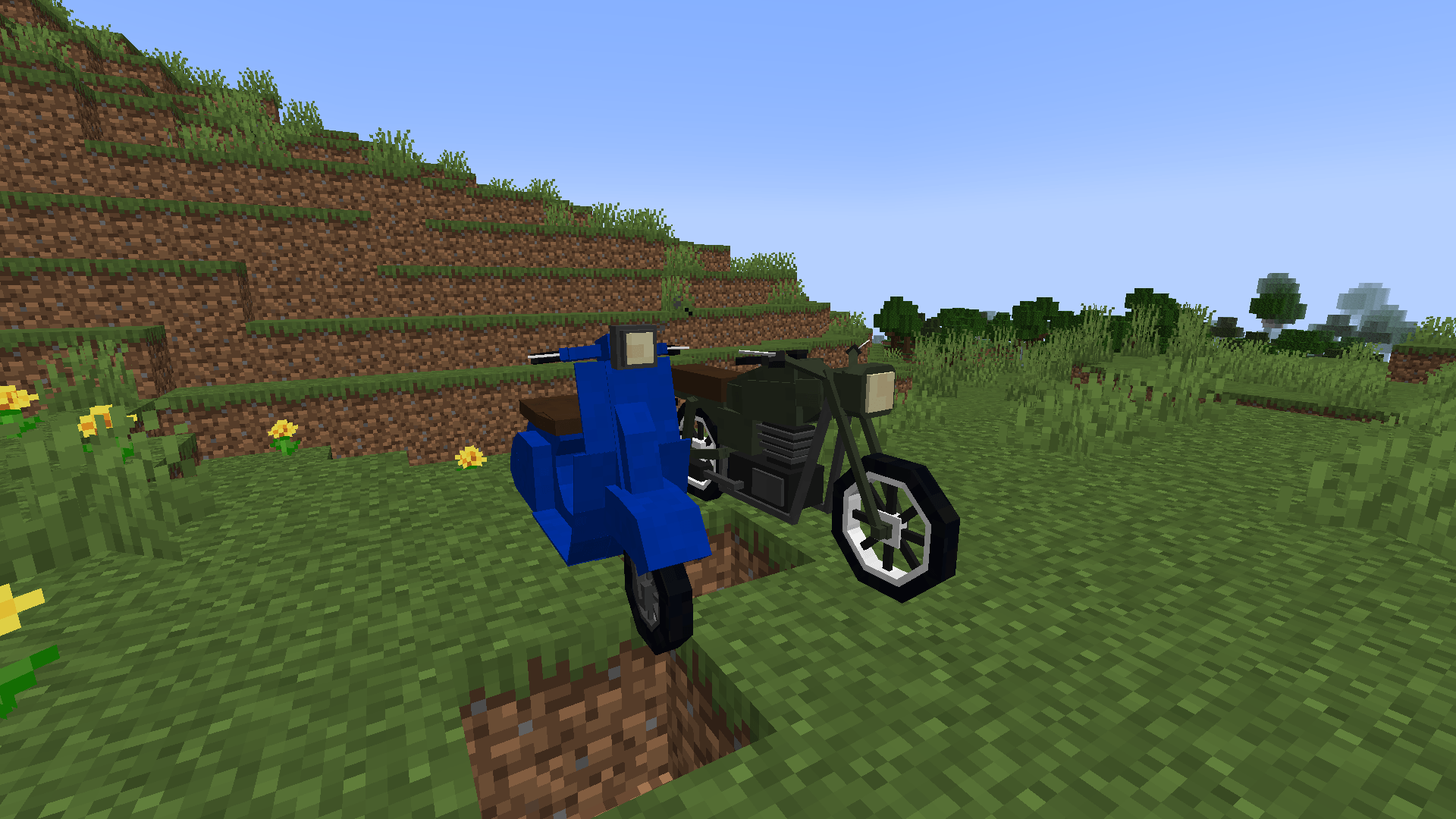
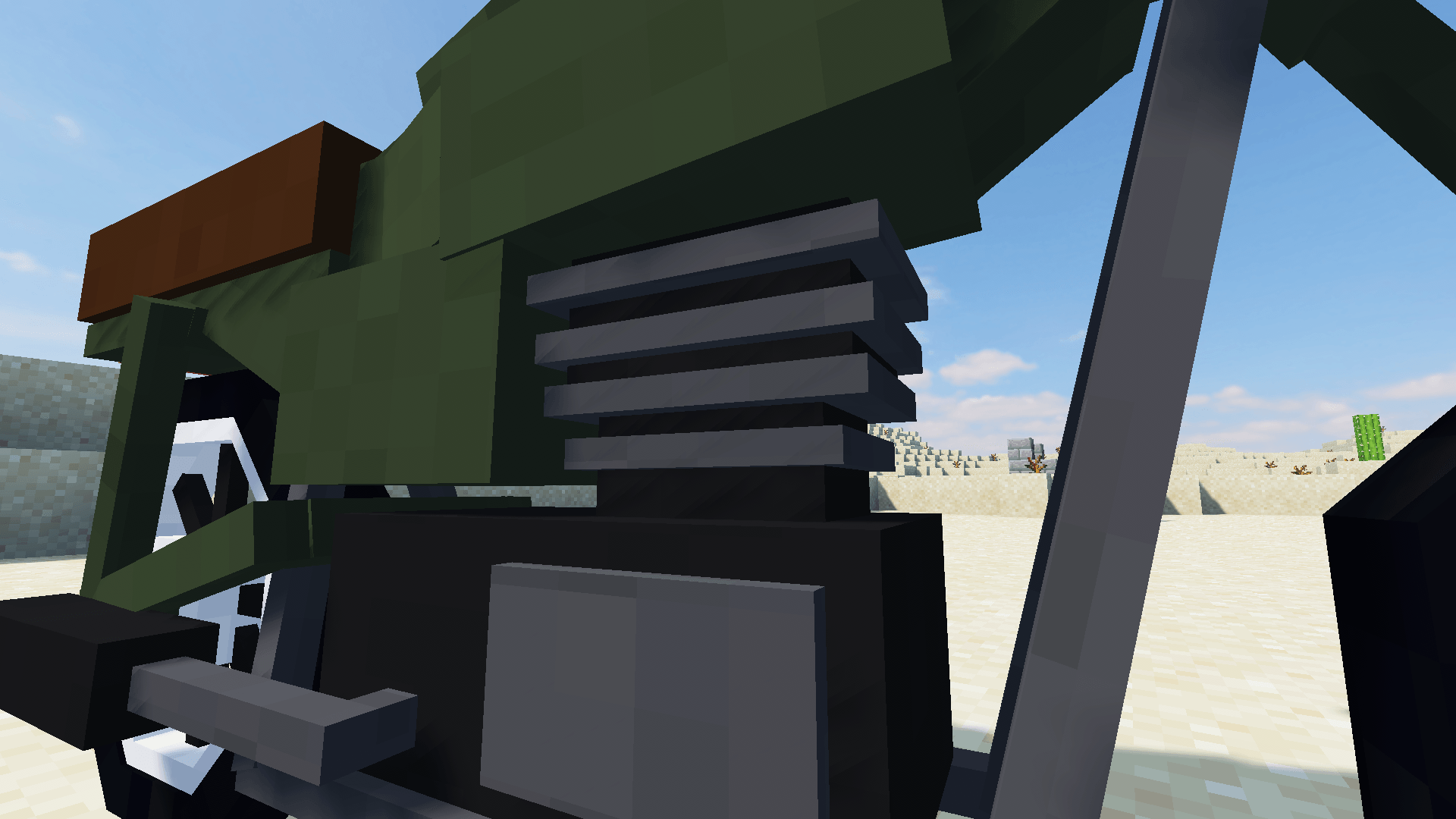
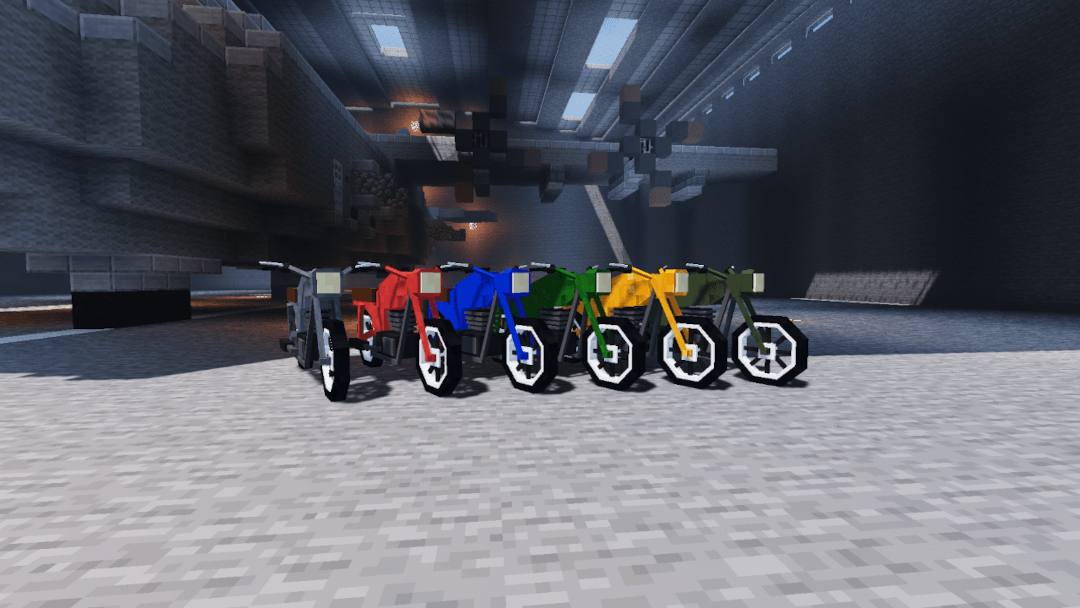
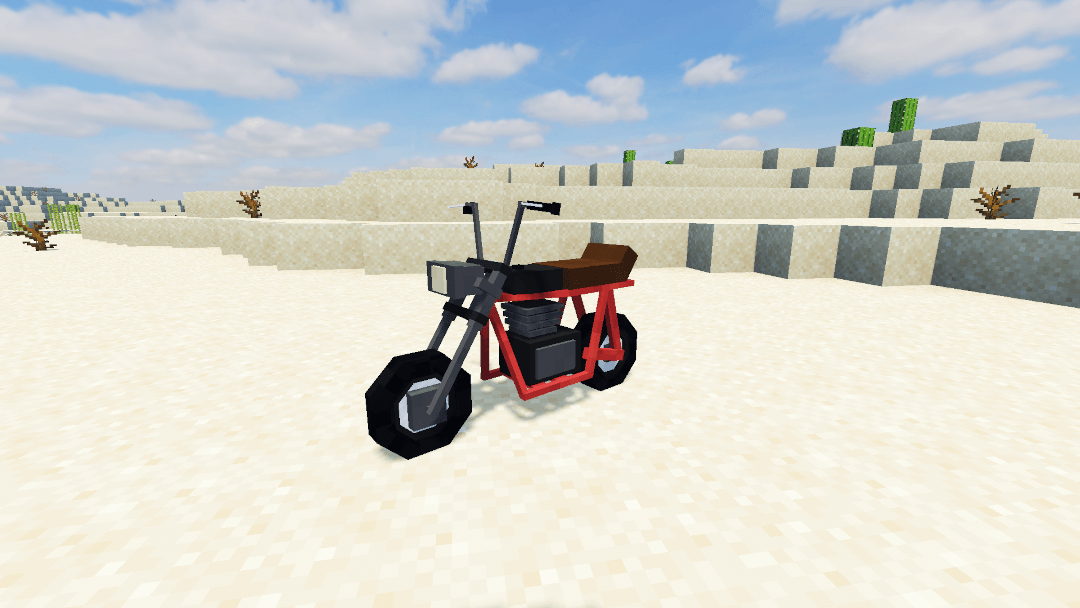
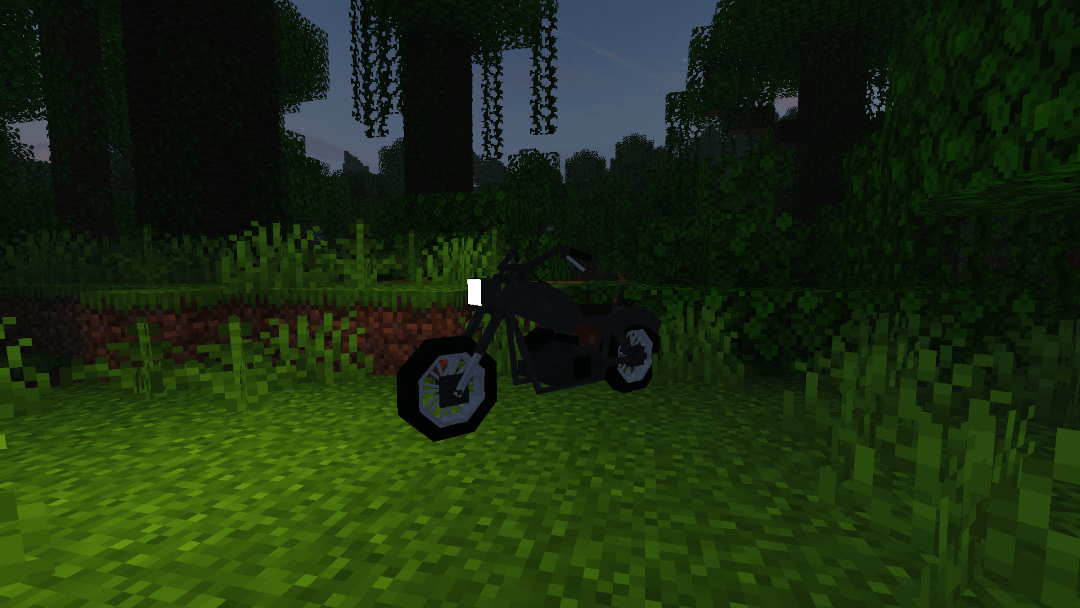
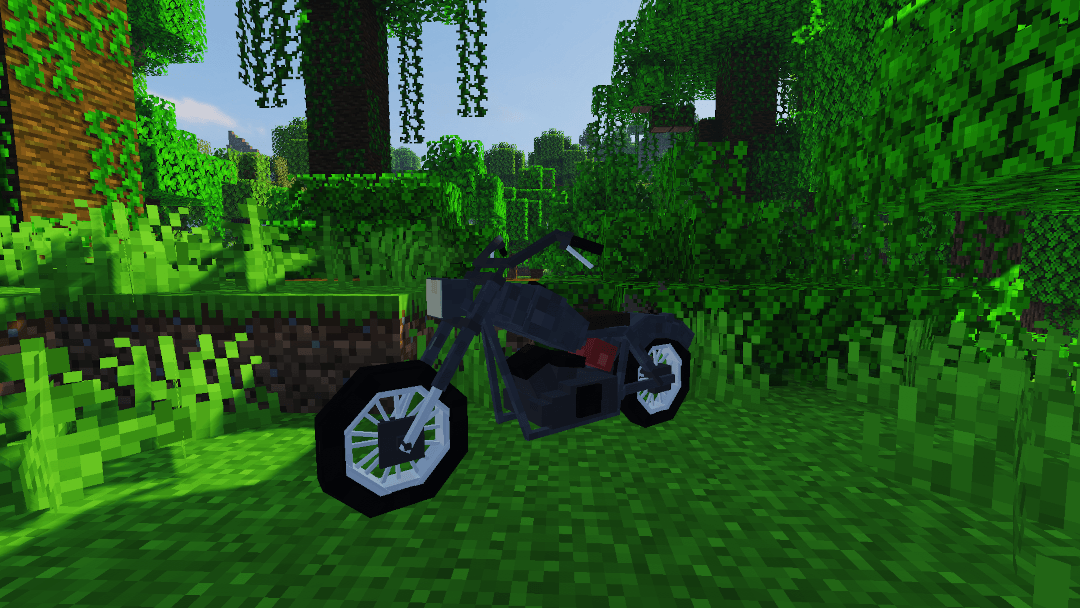
The mod currently adds several new motorcycles and all its equipment. You can create it in a new motorcycle crafting station along with all the equipment for it, such as a refinery to create fuel, tools, spark plugs, and others
Minebikes - Showcase
How to create your motorcycle?
First, you need to create a special crafting station for manufacturing new parts. Here are the recipes to create it:


Once you've accomplished that, set up a stand and place the top part on it

This is how the table should look after assembly, and you'll manufacture all other items on it. To create a motorcycle, tools, or a refinery, simply select the desired item by navigating with the arrow keys, prepare the required materials to craft the item, and press the 'Craft' button
All the items offered by my mod along with their explanations of how they work:
Classic motorcycle

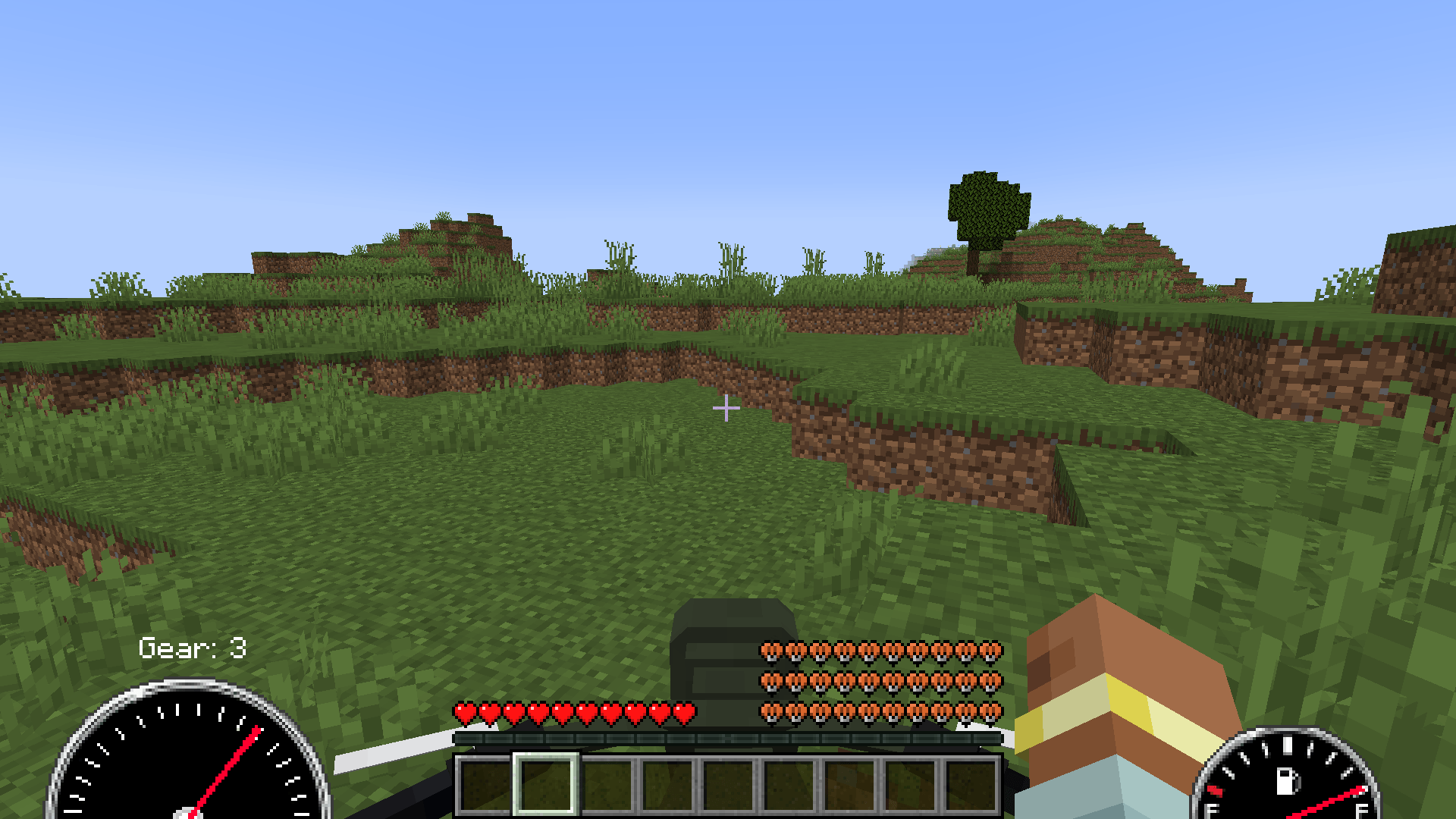
This is the first motorcycle offered by my mod. The controls are very simple, but before you can start it, you'll need to produce some gasoline and prepare a spark plug - these are two essential components for the motorcycle to function. You can produce gasoline in a refinery (more about the refinery below), while you create a spark plug in the same place as the motorcycle. Once you have a filled gasoline canister and a ready spark plug, right-click on your motorcycle while holding the spark plug to install it, then use the canister to refuel it, and press the 'K' button to start the engine.
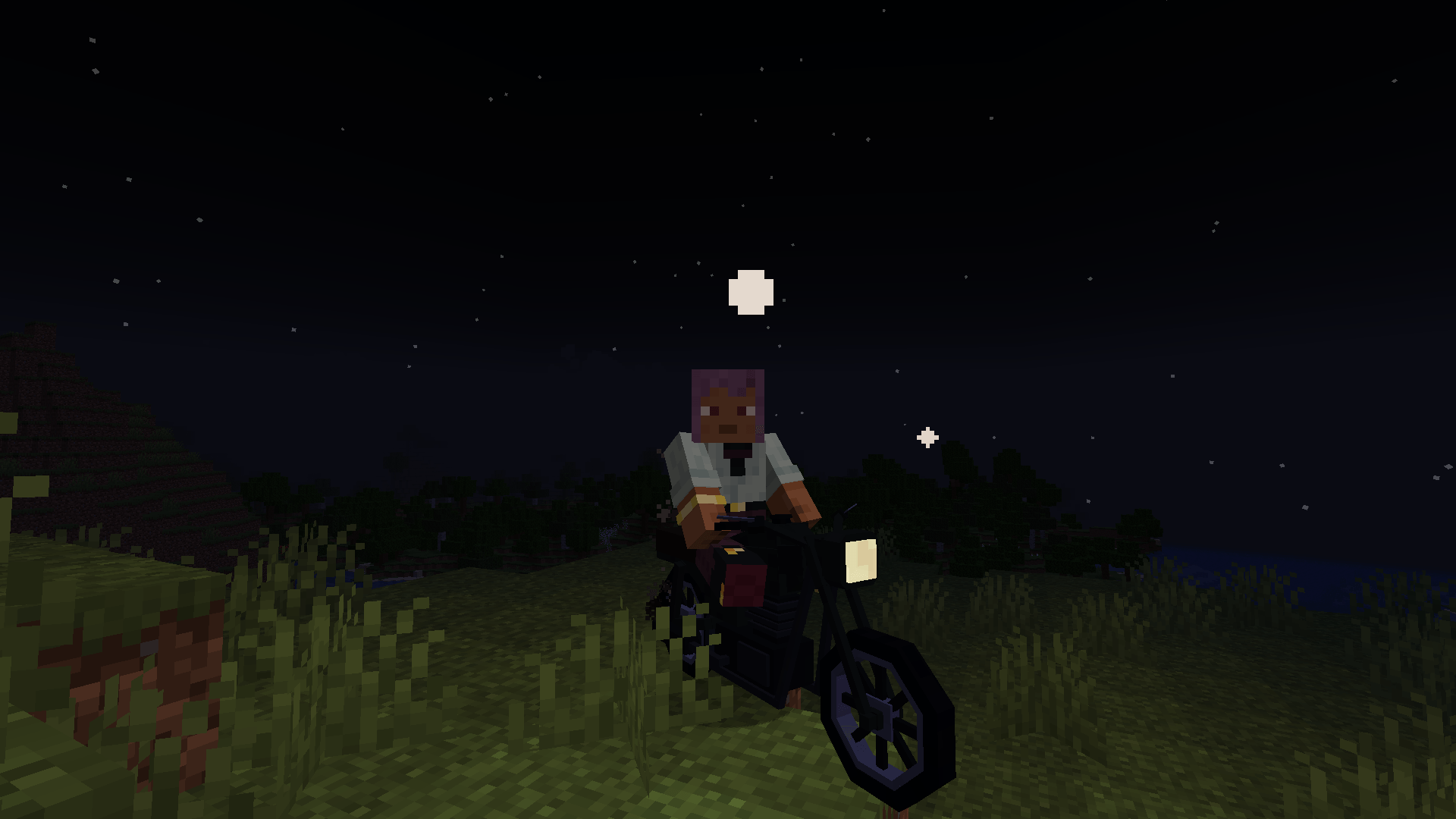
Each motorcycle has functional lights that you can turn on using the 'Z' key. Additionally, motorcycles can perform jumps. To perform a jump, you need to build up speed and press the spacebar. The higher your speed during the jump, the higher the motorcycle can jump.
To turn off the engine on the motorcycle, simply press the 'K' button again
Scooter

Motorcycle

Minibike

Customizing
To customize your motorcycle, you can paint it, among other options. You can craft a spray with the color of paint you desire. Once you have the paint can, right-click on the motorcycle while holding it to change its color

If you're playing on a server and don't want anyone to steal your motorcycle, you can secure it with an ignition key. You'll need a laptop and a key for this.

If you already have the laptop and ignition key prepared, right-click on your motorcycle while holding the laptop. A password setting window will pop up; set a password and confirm it. Click on the motorcycle again with the laptop to log in. After successfully logging in, you'll get a window showing your motorcycle's durability, current fuel level, and you'll have the option to assign the ignition key to your motorcycle. From now on, it won't be possible to start the motorcycle's engine without the key in your inventory. This is very convenient because if you lose or misplace the key, you can easily assign another one at any time. You just need to know the password to connect to the motorcycle
Refueling motorcycles:
To produce gasoline, you'll need to create and set up a refinery. Once you've built it, place it down, prepare coal and water, and then fill it with these materials. After a few minutes, the refinery will produce gasoline from these ingredients, which you can then fill into a canister to refuel your motorcycle

Fun fact: Yes, you can climb onto the refinery using that ladder
Spark Plugs
The mod offers 4 types of spark plugs, which differ slightly in appearance but primarily in durability. Each engine start gradually depletes the gspark plug, so you'll need to install a new one from time to time.
Screwdriver
With the screwdriver, you can unscrew the already installed glow plug in the engine at any time to replace it with a new one or reinstall the same one
Wrench
With the wrench, you can repair the motorcycle or disassemble it back into your inventory. When to repair the motorcycle? The motorcycle can be damaged by shooting at it or blowing it up. If you see fire coming out of the engine, it's high time to repair it. To repair the motorcycle, prepare some iron ingots and right-click while holding the wrench to repair it until the motorcycle reaches its maximum durability again. If you want to disassemble the motorcycle back into your inventory, turn off the engine and then right-click while holding the wrench, but do it with shift
- Edition: Minecraft Java
- File type: .jar
- Minecraft versions listed: 1.20.4, 1.19.4, 1.20.1
- How to install: Install the matching mod loader (Forge, Fabric or NeoForge) for your Minecraft version. → Download the .jar. → Put it in the .minecraft/mods folder and launch that loader profile.
- Where to get it: Opens on CurseForge — not every file is mirrored on our own servers.
Install steps are the general flow for this file type — How to install Minecraft Java mods & modpacks walks through it step by step.
- Ships as MineBikes mod 1.20.1 1.0.jar — drop this file into the mods folder
- Download size: 1.9 MB
- Download link checked 27 Sept 2026 — working
These come from our own check of the pack file, not from the source page.