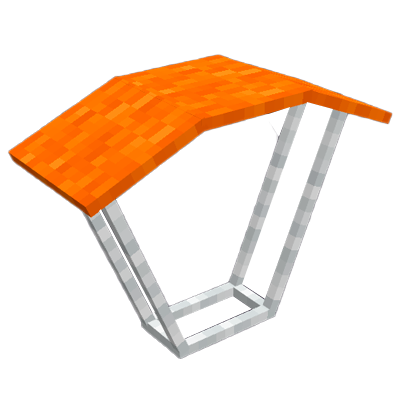
Better Parachute - Paraquedas
Java mod listed for Minecraft 1.20. Downloads from the MC Java Mods app on Android.
I don't know my version or loader
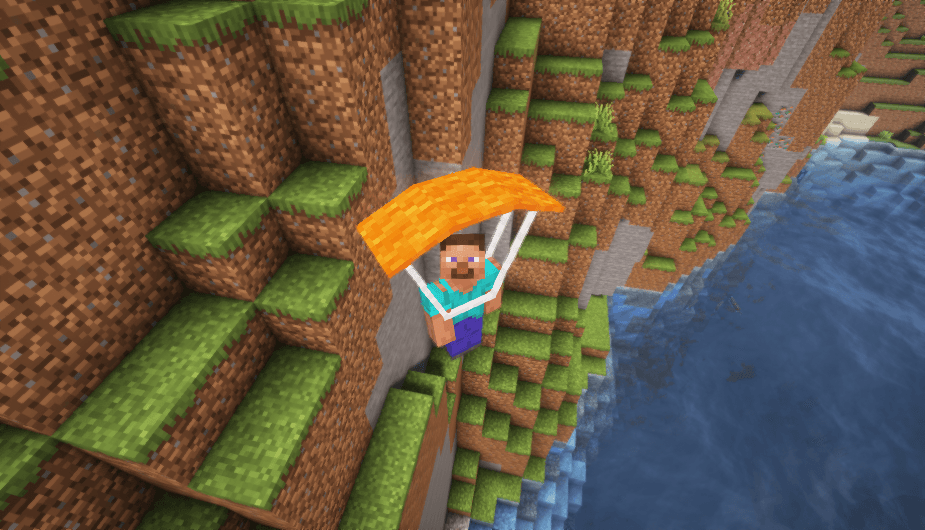
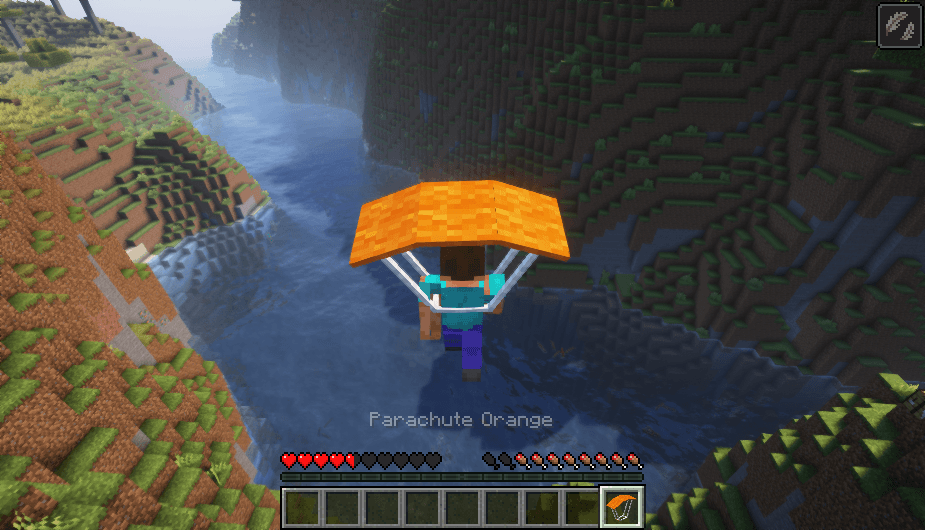
⚠NOTICE: As of January 8, 2026, all projects from the Heycronus team will be officially published and maintained exclusively through the devHeycronus accounts on CurseForge, Modrinth, and Planet Minecraft.
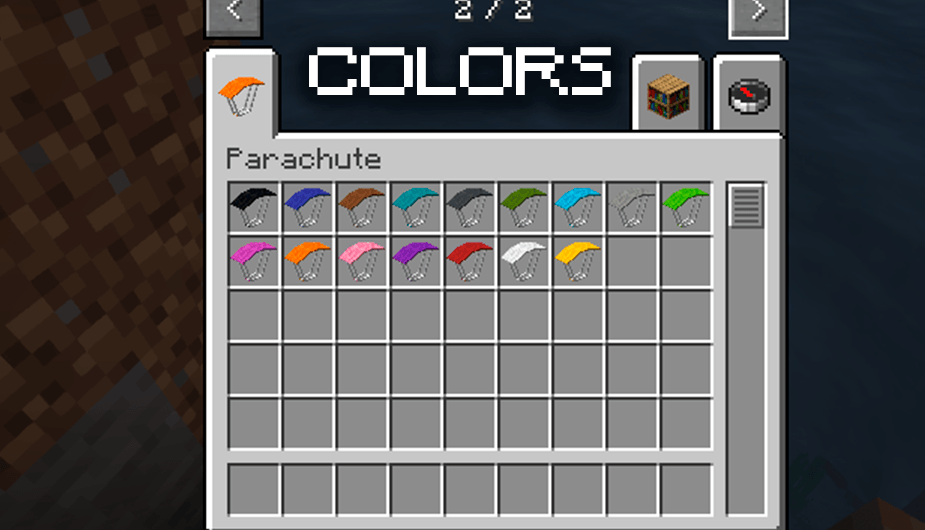
Better Parachute is a Minecraft mod that introduces parachutes in 16 vibrant colors, allowing players to make their aerial descents more stylish and safe
Description
Better Parachute adds a fun and practical feature to your Minecraft gameplay by incorporating 16 different colored parachutes. These parachutes not only provide a safe way to descend from great heights but also let you express your unique style with a variety of color options.
Features:
- 16 Colors: Choose from a wide range of colors to match your preference or team color.
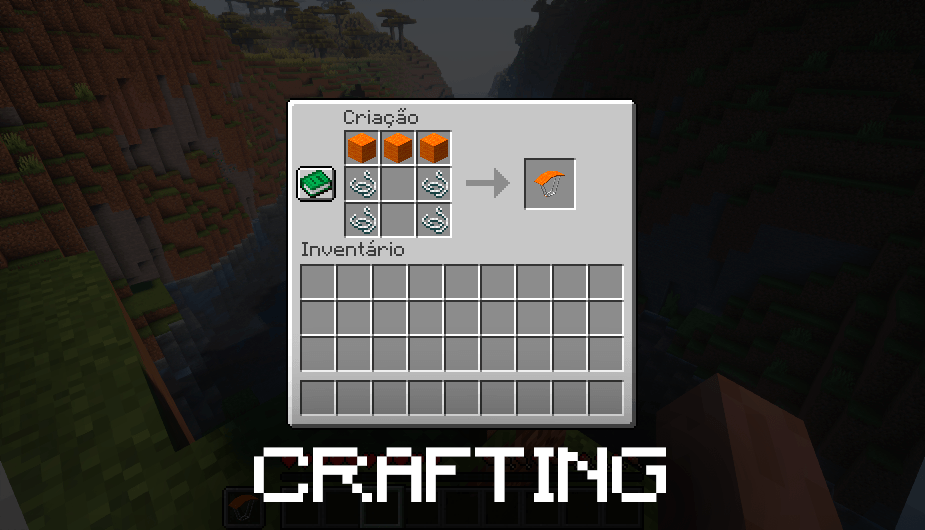
- Easy Crafting: Simple and balanced crafting recipes make it easy to obtain your parachute early in the game.
- Safety and Style: Avoid fall damage and look good while doing it with these stylish parachutes.
- Compatible with Other Mods: Works seamlessly with other popular mods to enhance your gameplay experience.
TO USE, EQUIP THE PARACHUTE IN YOUR MAIN, RIGHT OR LEFT HAND

How to Use:
1. Crafting: Use the crafting table to create your parachute with the provided recipes.
2. Equip: Equip the parachute in your slot hand.
3. Deploy: When falling from a height, right-click to deploy your parachute and glide safely to the ground.
Installation:
1. Download and install Minecraft Forge.
2. Download the Better Parachute mod file.
3. Place the mod file in your Minecraft 'mods' folder.
4. Launch Minecraft and enjoy your new colorful parachutes!
Whether you're exploring new heights or making daring escapes, Better Parachute adds a layer of excitement and safety to your Minecraft adventures. Download now and take your adventures to the skies!
- Edition: Minecraft Java
- File type: .jar
- Minecraft versions listed: 1.20.4, 1.20.1
- How to install: Install the matching mod loader (Forge, Fabric or NeoForge) for your Minecraft version. → Download the .jar. → Put it in the .minecraft/mods folder and launch that loader profile.
- Where to get it: Opens on CurseForge — not every file is mirrored on our own servers.
Install steps are the general flow for this file type — How to install Minecraft Java mods & modpacks walks through it step by step.
- Ships as Parachute Forge.jar — drop this file into the mods folder
- Download size: 68 KB
- Download link checked 27 Sept 2026 — working
These come from our own check of the pack file, not from the source page.