
Marvelous Menagerie (DISCONTINUED)
Java mod listed for Minecraft 1.20. File opened and checked on 8 Oct 2026; downloads from the MC Java Mods app on Android.
I don't know my version or loader
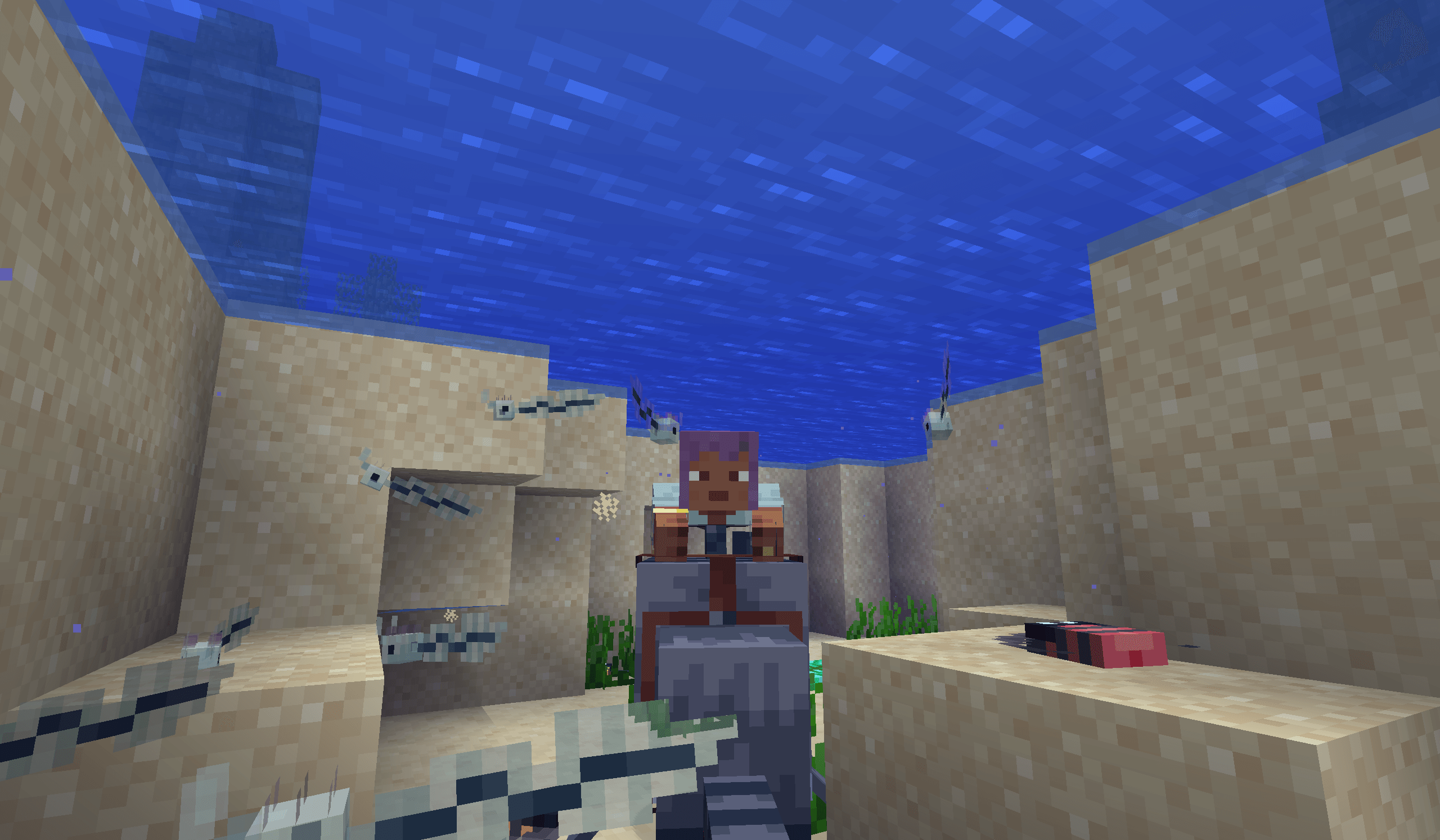
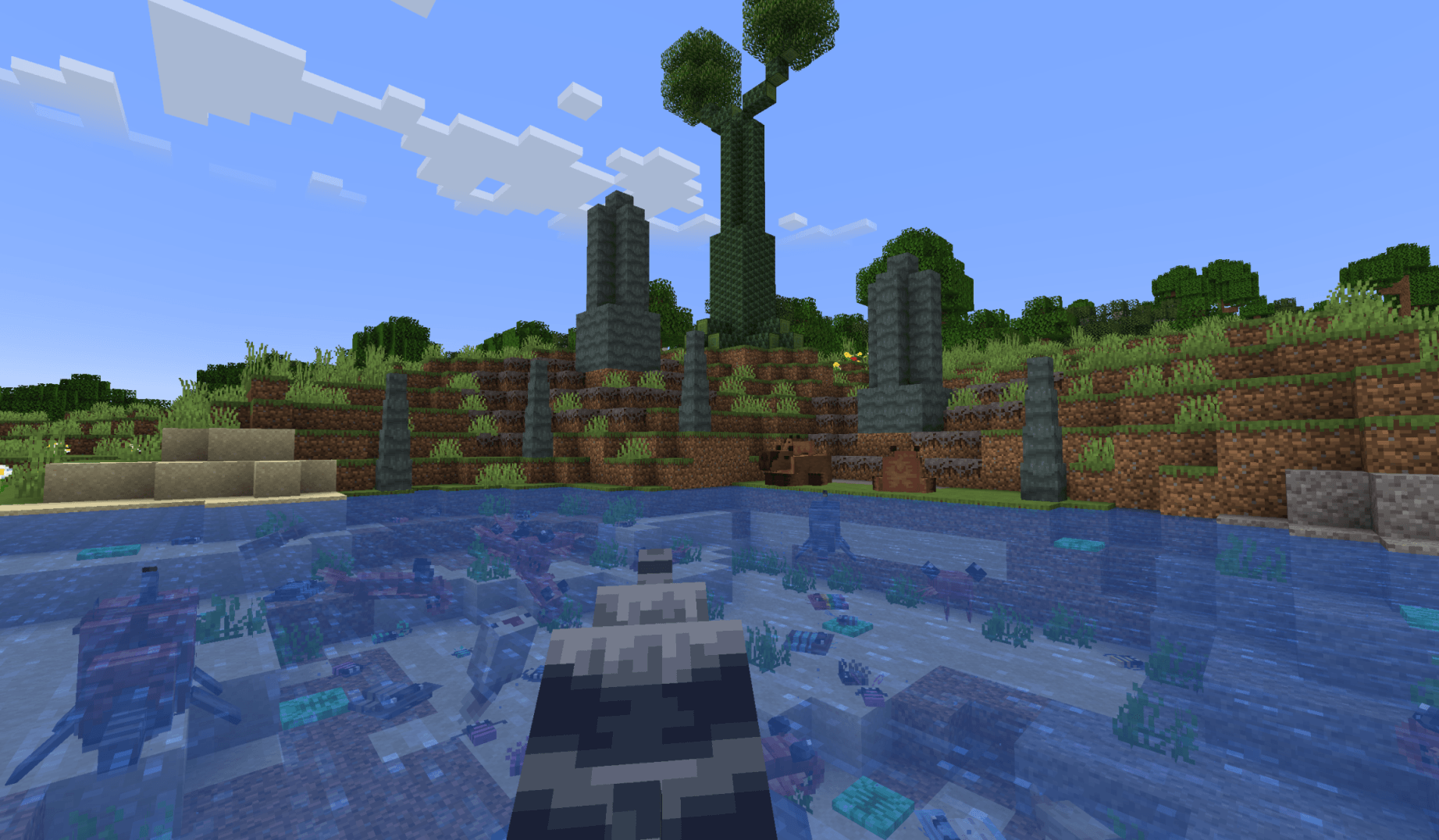
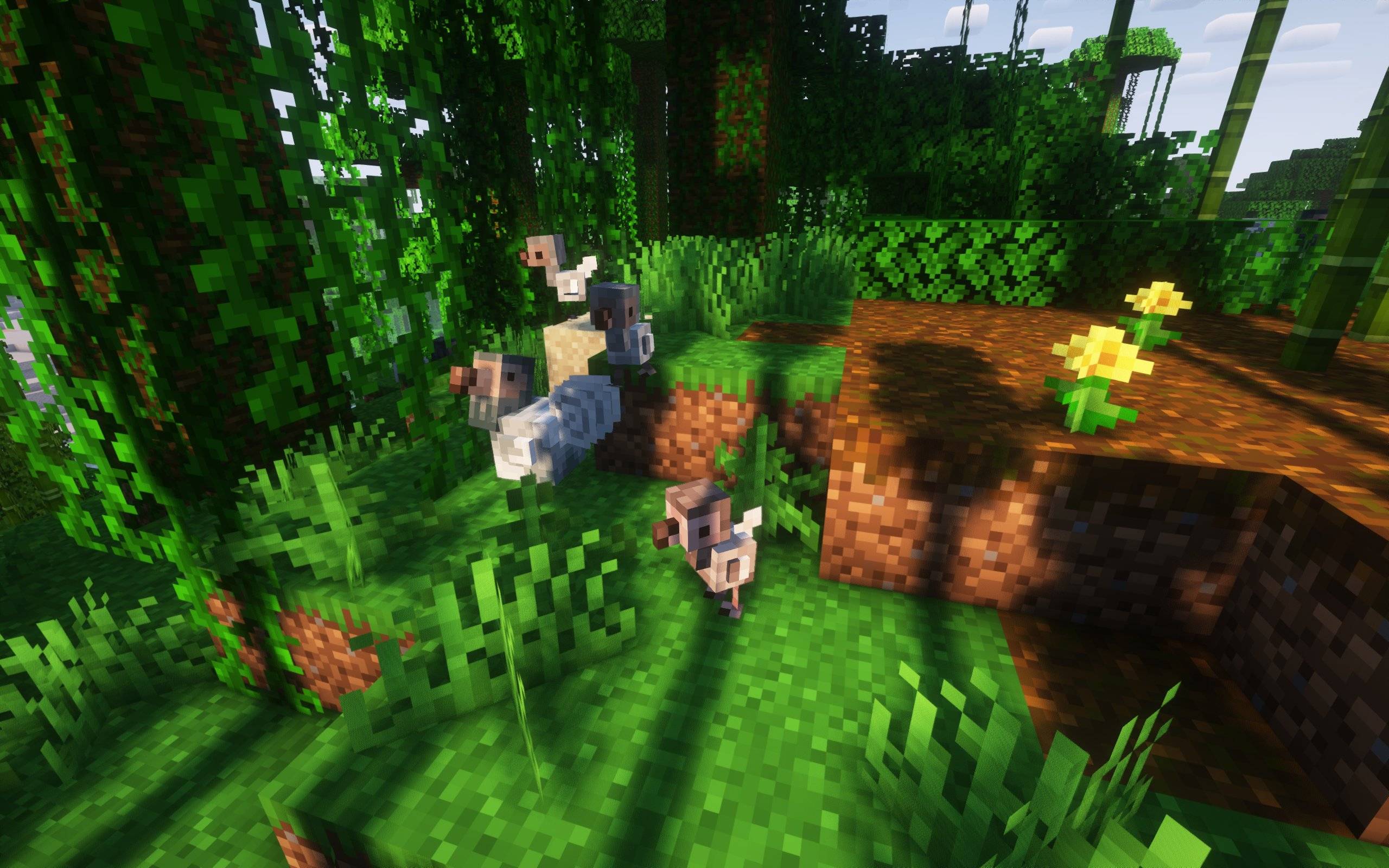
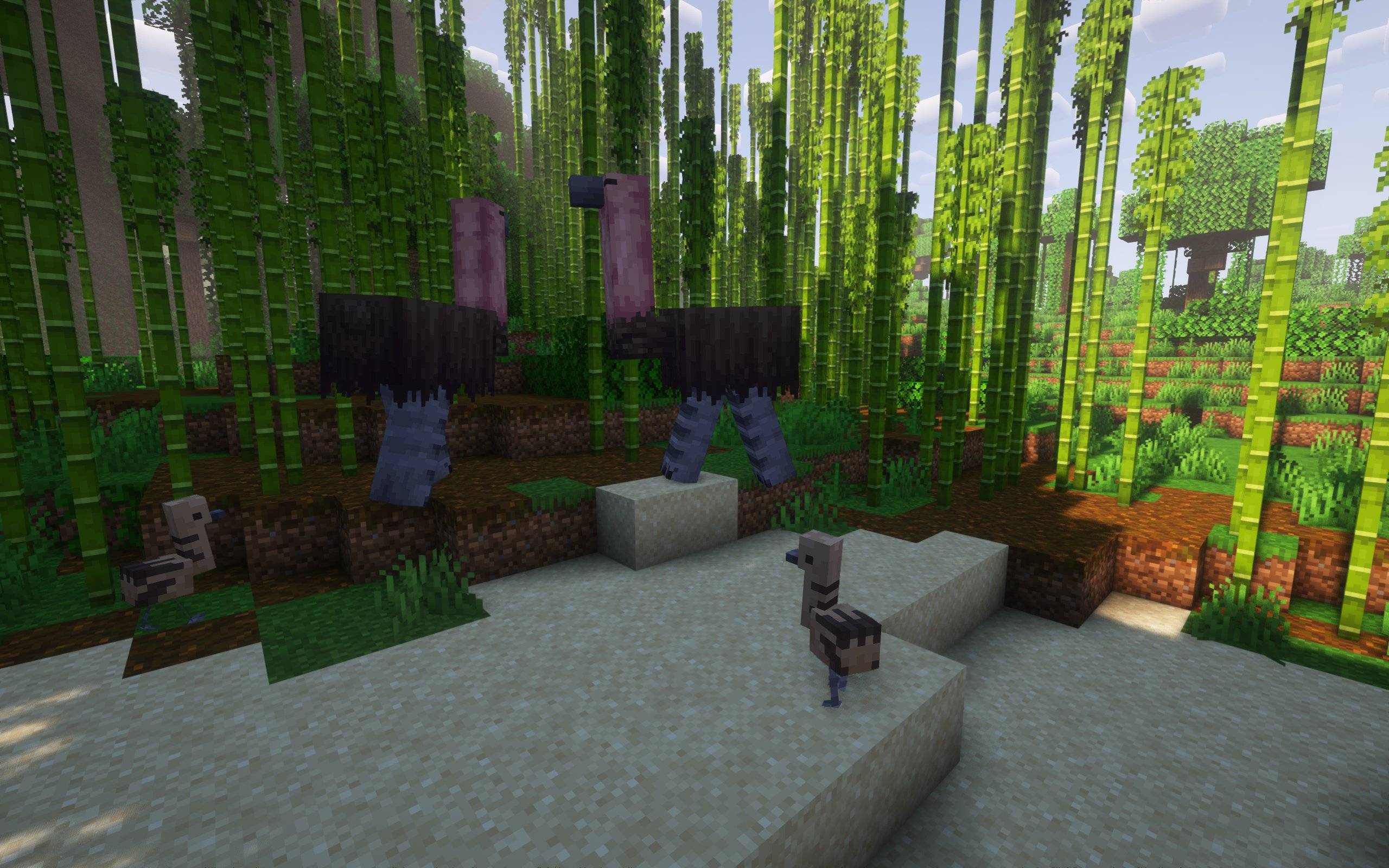

YOU CAN DOWNLOAD THE NEW MARVELOUS MENAGERIE: PARADOXICAL HERE!
THIS MOD HAS NOW BEEN OFFICIALLY DISCONTINUED AND WILL NOT RECEIVE ANY MORE UPDATES IN ITS CURRENT FORM AS AN ADDON.
FOR MORE INFORMATION PLEASE JOIN THE DISCORD SERVER.
Marvelous Menagerie is an addon for the Unusual Prehistory mod, adding some creatures and plants I think would be neat.
Right now the mod adds 12 creatures, 3 decorative animals, one plant, one mushroom with a woodset and one new tree with its complete woodset, along with foods and tools based from some of the creatures in the mod!
For additional info about these creatures, plants and what they add check the in-game encyclopedia or join either my Discord server or Unusual Prehistory's discord server.
Warning!
Interacting with Hallucigenia might make flashing colors pop up, if you'd like to avoid this go to the mod's config!
The Creatures:
Dodo

Elephant Bird
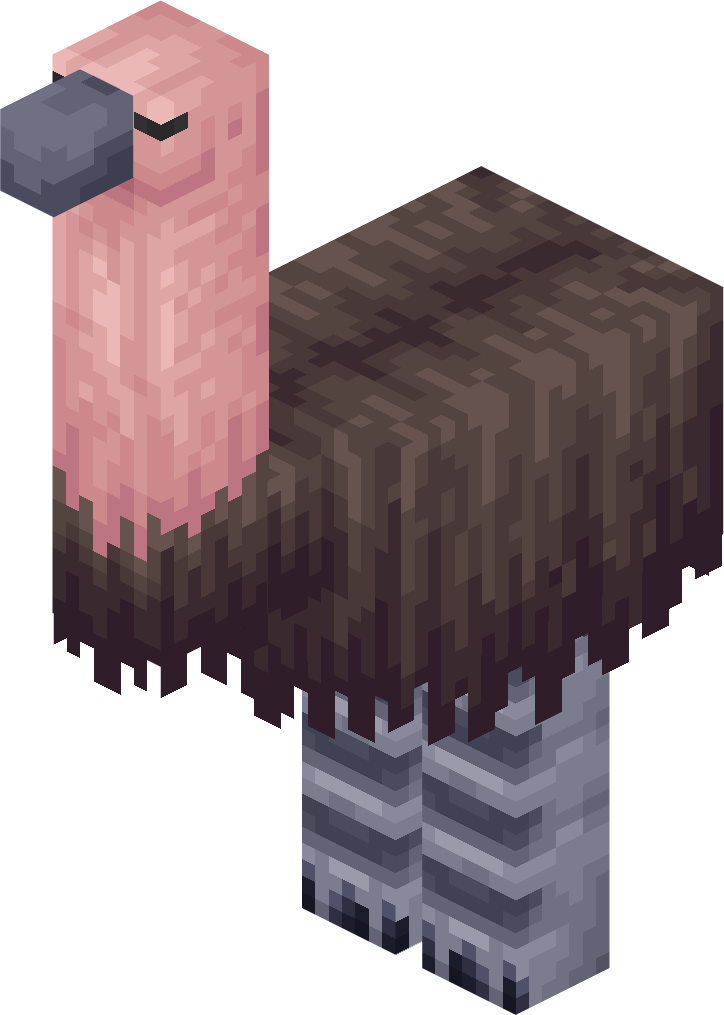
Thylacine
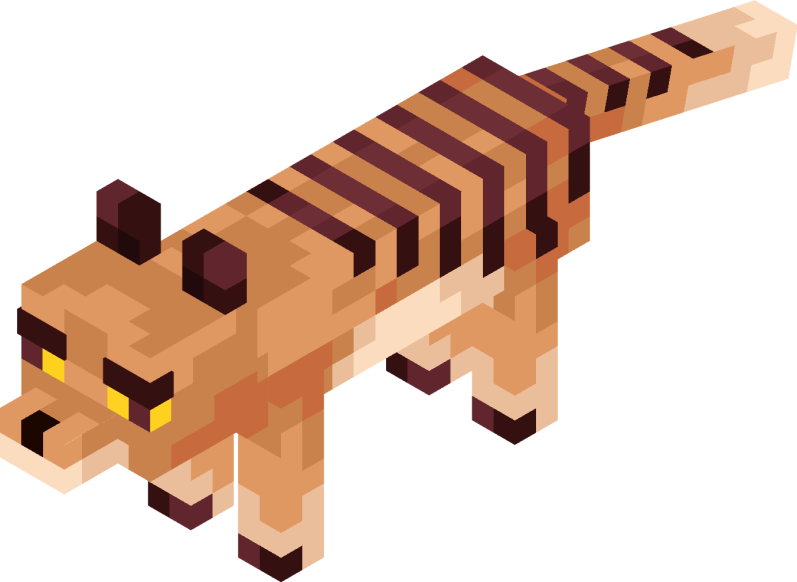
Steller's Sea Cow
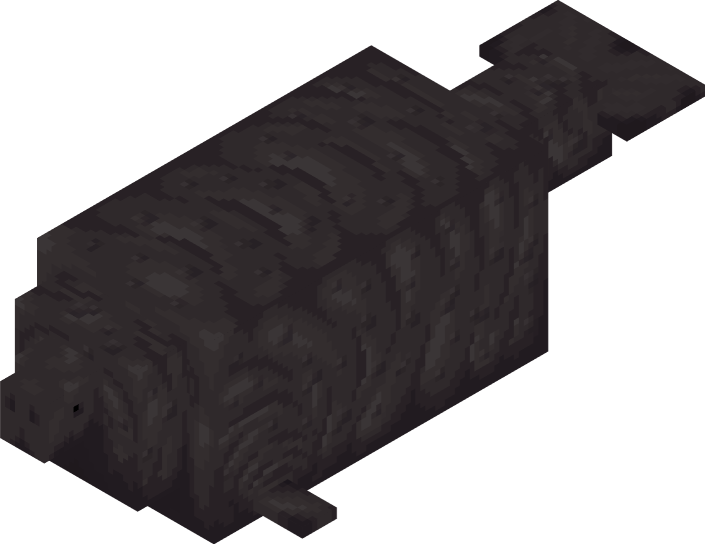
Anomalocaris
Sacabambaspis
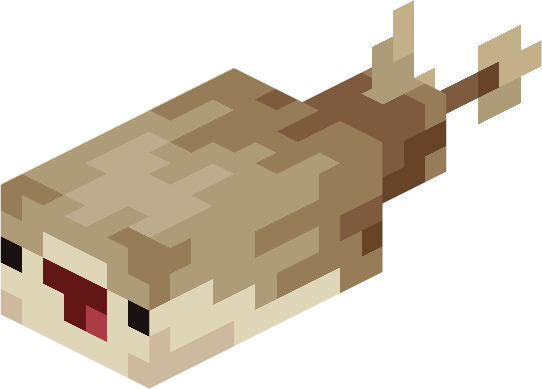
Trilobite (curly, trident, moon, spiky, itty and fat.)






Ophthalmosaurus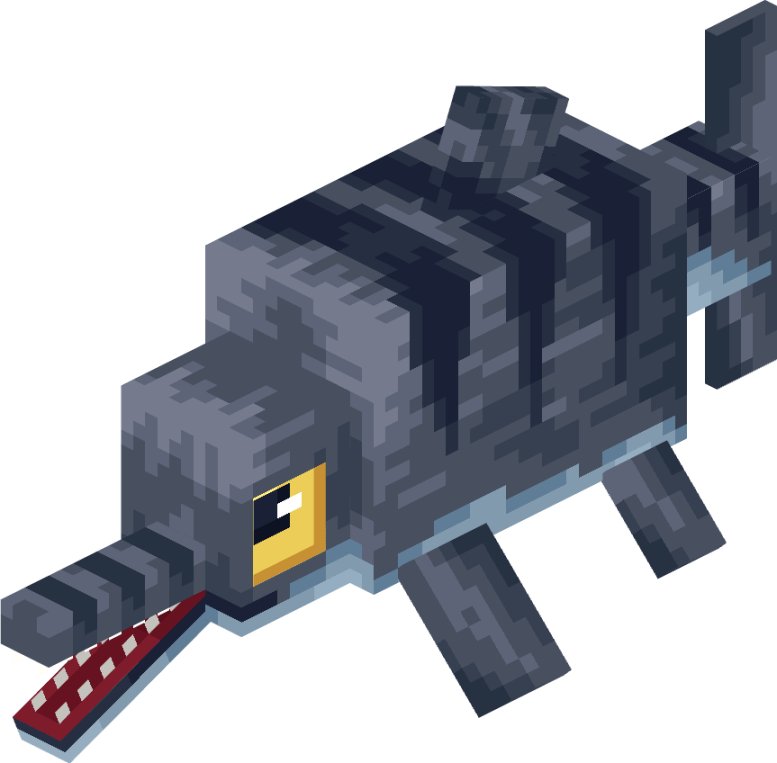
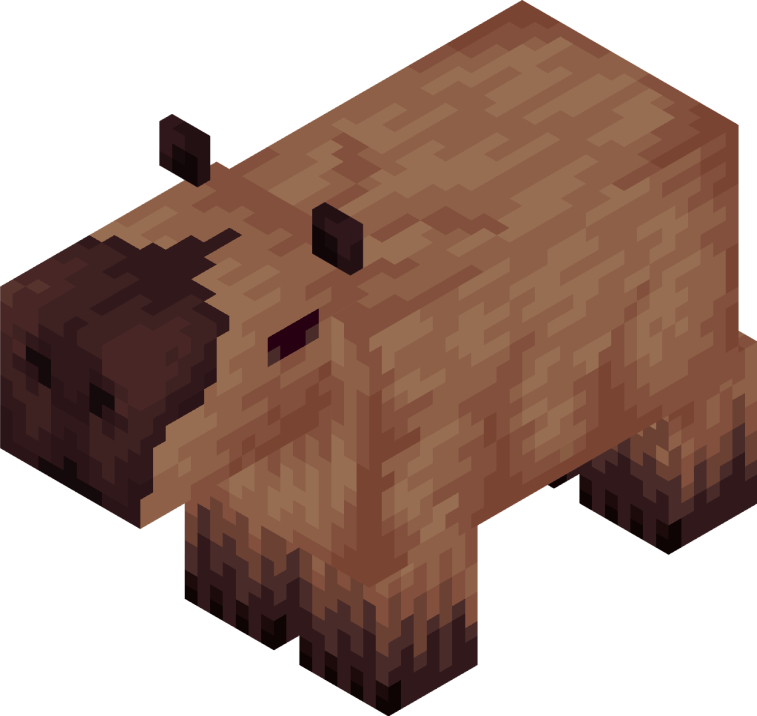
Josephoartigasia
Pikaia
Arandaspis
Hallucigenia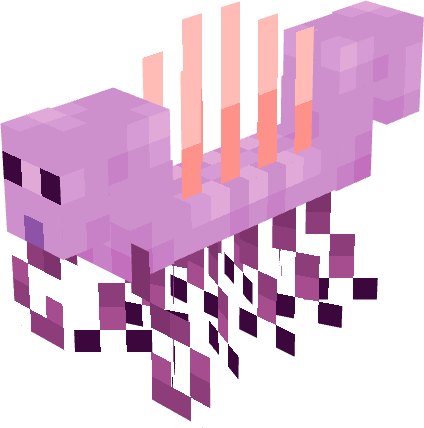
Added support for Dye Depot and Enchantment Descriptions.
Requires Geckolib and Unusual Prehistory.
Not compatible with shaders when riding Josephoartigasia and Ophthalmosaurus!!!
3rd person view breaks for some people when riding Josephoartigasia and Ophthalmosaurus if Alex's Caves is present.
Secrets:
- Naming a Thylacine "metropolitan" will give it an alternate skin, based off of this illustration by Sheather888 of what a domesticated Thylacine could have looked like.
- Naming a Dodo "nugget" will give it a special skin
- Naming a Trilobite "lgbt", "trans", "agender", "ace", "aro", "bi", "gay", "lesbian", "enby", "aroace", "genderfluid" or "pan" will give it that pride flag's respective colors.
- Naming a Pikaia "pikachu" will make its colors resemble those of the iconic Pokemon mascot
Showcases:
English:
Spanish:
Portuguese:
- Edition: Minecraft Java
- File type: .jar
- Minecraft version listed: 1.20.1
- How to install: Install the matching mod loader (Forge, Fabric or NeoForge) for your Minecraft version. → Download the .jar. → Put it in the .minecraft/mods folder and launch that loader profile.
- Where to get it: Opens on CurseForge — not every file is mirrored on our own servers.
Install steps are the general flow for this file type — How to install Minecraft Java mods & modpacks walks through it step by step.
- Ships as marvelous_menagerie-1.0-1.20.1.jar — drop this file into the mods folder
- Download size: 1.7 MB
- Download link checked 27 Sept 2026 — working
These come from our own check of the pack file, not from the source page.