ModsJava
Plushified
Java mod listed for Minecraft 1.20–1.21. Downloads from the MC Java Mods app on Android.
I don't know my version or loader
Open the Minecraft launcher and look at the profile you play on — it names both, like fabric-loader-1.21.4. The version also shows in the bottom-right corner of the game's main menu.
No loader in the profile name? Then it's plain Minecraft, and these mods won't run — you need Fabric or NeoForge installed first.


\*\*DISCONTINUED\*\*
Overview
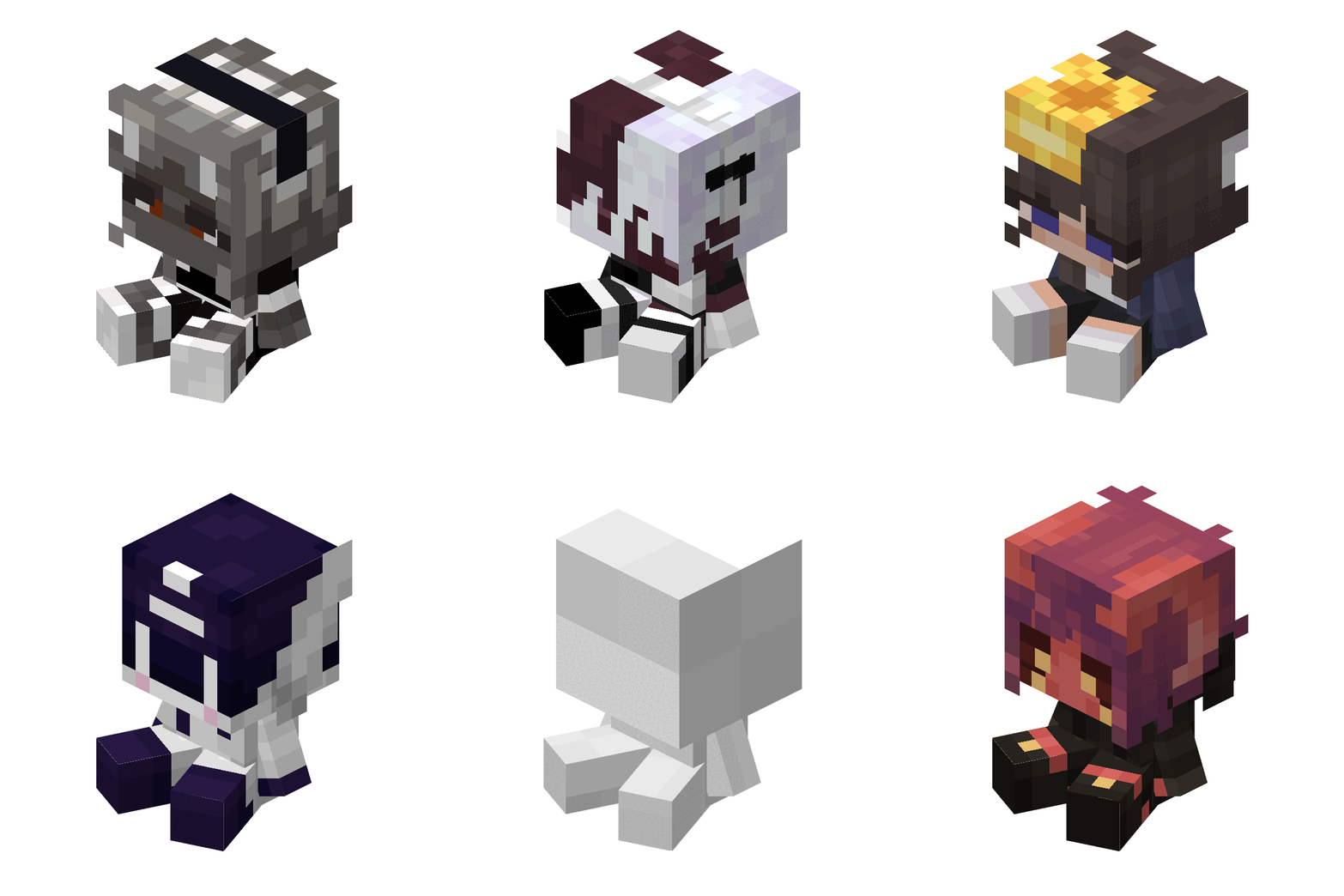
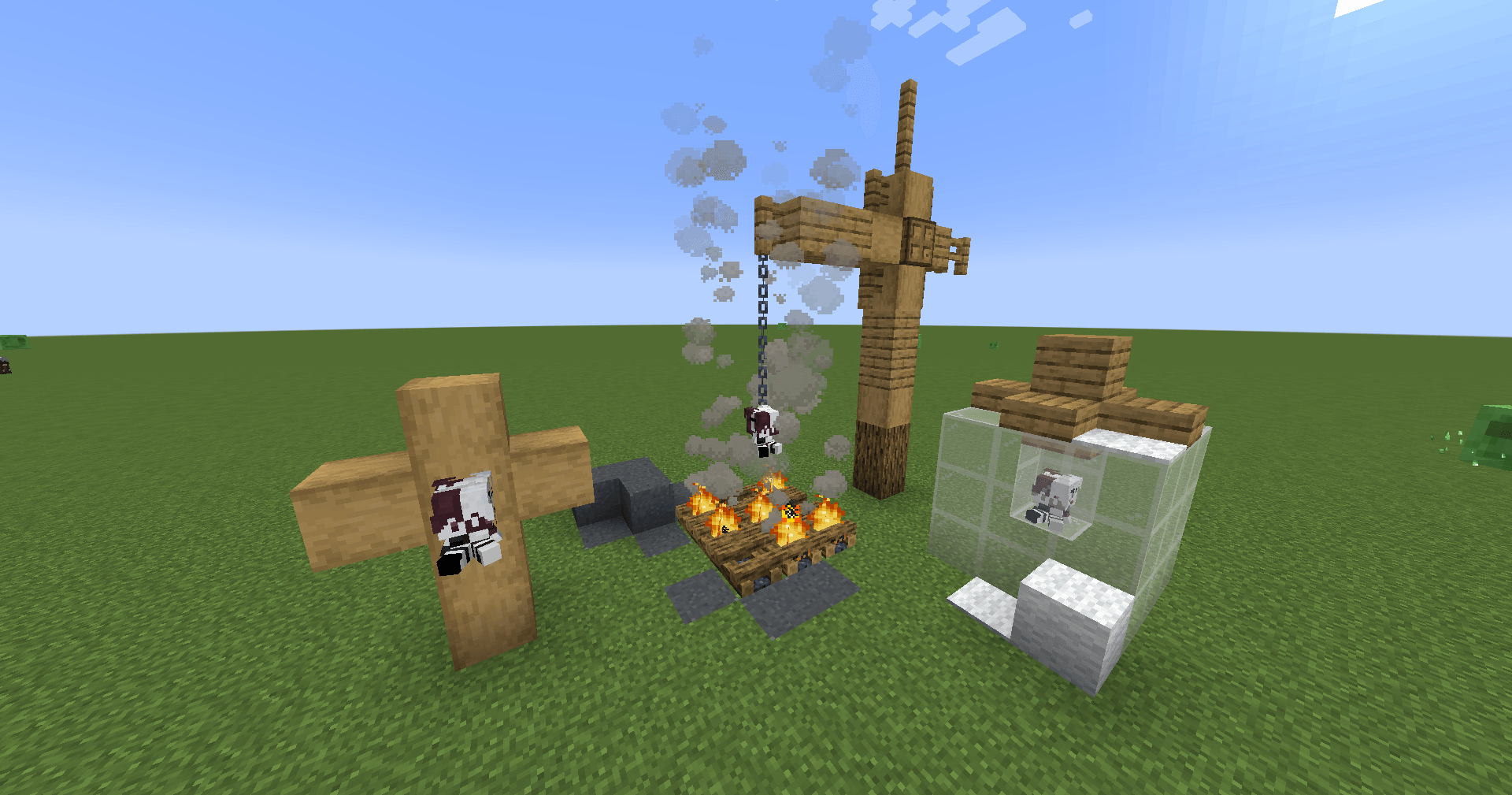
The Plushie Blocks Mod allows users to create custom plushie blocks with their own textures, sounds, and descriptions. Personalize your Minecraft world with unique plushies by simply adding a texture file and updating the configuration file.
Features
- Custom Textures: Add your own textures for plushie blocks.
- Custom Sounds: Assign specific sound events to your plushies.
- Custom Descriptions: Add unique descriptions for each plushie.
How to Use
Add Your Texture:
- Place your texture files in the
config/plushified/texturesfolder. - Ensure the texture name matches the "texture" field in the configuration file.
- Place your texture files in the
Update Configuration File:
- Open the
config/plushified/config.json5file. - Add a new JSON object for each plushie you want to create. Follow the format below:
"your_plushie_name": { "texture": "your_texture_name", "soundEvent": "your_sound_event", "descriptionText": "your_description" }Example:
"cup_plushie": { "texture": "cup_plushie", "soundEvent": "minecraft:block.mud.hit", "descriptionText": "It's only been a week, but it feels like a year." }- Open the
Example Configuration
Here is an example configuration with multiple plushies:
{
    "cup_plushie": {
        "texture": "cup_plushie",
        "soundEvent": "minecraft:block.mud.hit",
        "descriptionText": "It's only been a week, but it feels like a year."
    },
    "bear_plushie": {
        "texture": "bear_plushie",
        "soundEvent": "minecraft:block.wood.hit",
        "descriptionText": "A cuddly bear plushie."
    },
    "cat_plushie": {
        "texture": "cat_plushie",
        "soundEvent": "minecraft:block.wool.hit",
        "descriptionText": "A cute cat plushie to keep you company."
    }
}
Notes
- The texture file must be named exactly as specified in the "texture" field.
- Make sure the sound event exists in the Modpack.
- Descriptions can be any text string to give your plushies a unique touch.
Installation
- Download and install the mod.
- Place your texture files in the
config/texturesfolder. - Edit the
config/plushified/config.json5file to add your plushie configurations. - Launch Minecraft and enjoy your custom plushie blocks!
Sponsor

Quick facts
- Edition: Minecraft Java
- File type: .jar
- Minecraft versions listed: 1.21, 1.21.1, 1.20.1
- How to install: Install the matching mod loader (Forge, Fabric or NeoForge) for your Minecraft version. → Download the .jar. → Put it in the .minecraft/mods folder and launch that loader profile.
- Where to get it: Opens on CurseForge — not every file is mirrored on our own servers.
Install steps are the general flow for this file type — How to install Minecraft Java mods & modpacks walks through it step by step.
File checked by MCModsHub
- Ships as plushified-0.8.0B.jar — drop this file into the mods folder
- Download size: 145 KB
- Download link checked 28 Sept 2026 — working
These come from our own check of the pack file, not from the source page.