Nani's SkyBlock (Hypixel)
Java resource pack listed for Minecraft 1.20–1.21. Download on the author's site.
⬇ Download on CurseForge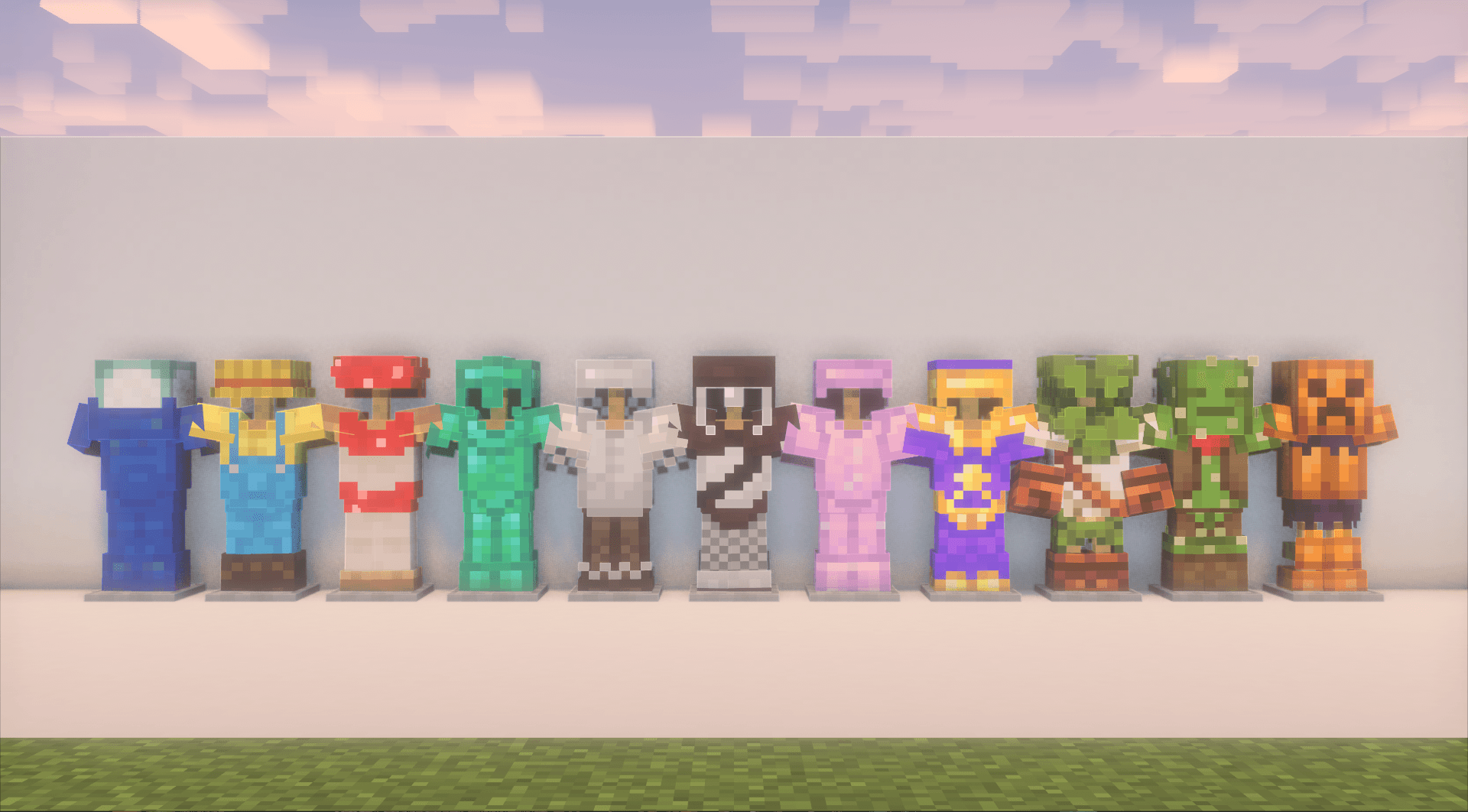

[Description:]
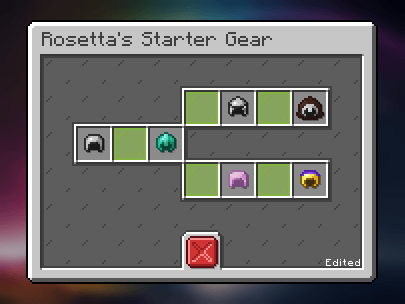
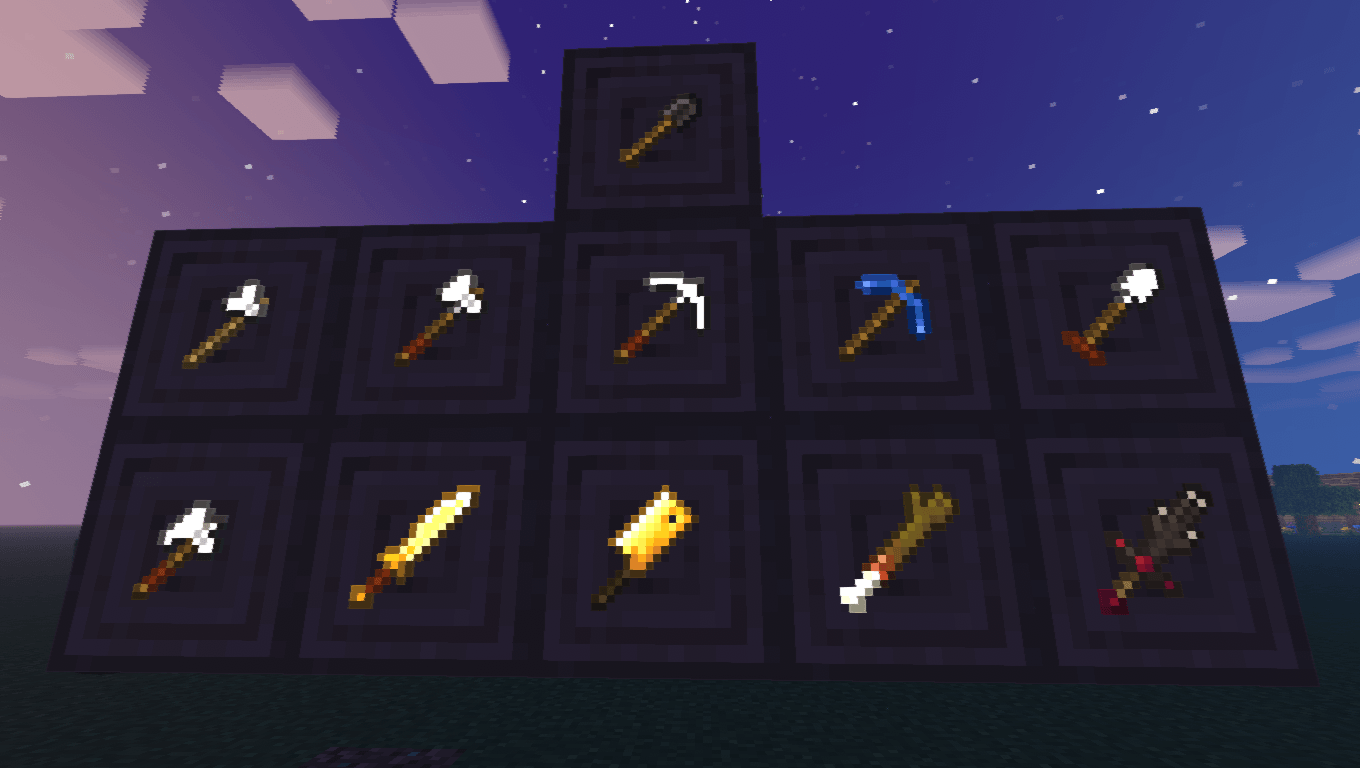
Nani's SkyBlock (Hypixel) is a custom item texture (CIT) resource pack designed to enrich your Hypixel SkyBlock experience by introducing unique textures for various in-game items and armors, making it easier to distinguish each item.
This pack is still a Work in Progress (WIP)!
Any Feedback or Comment will be considerated and appreciated!
[Important:]
This pack is a CIT pack, so in order for this to work it needs any mod that supports MCPatcher features!!
you can either use:
- CIT Resewn – fabric
- Forge CIT – forge
- Optifine
To enable emissivenes you need any mod that supports it!
[NOTE]: As Hypixel SkyBlock is changing versions to 1.21.5 and later this pack will need to go through a complete rework as Forge CIT and CIT Resewn aren't supported to newer versions!
[Installation Guide:]
1 – Download and instal any mod listed above.
2 – Download the latest version of this pack.
3 – Put the .zip file inside your resourcepacks folder.
Not sure where it is? Press Win+R, type %AppData%/.minecraft, and hit enter.
4 – Done, enjoy!
[Credits:]
Banani – Textures and Author
CaffeineSquid – some Textures and Banner in this page
[Check out my other projects:]
 – Nani's Bushed Bushes
- More coming soon! – Stay tuned!
- Edition: Minecraft Java
- File type: .zip (resource pack)
- Minecraft versions listed: 1.21.8, 1.21.5, 1.21.6
- How to install: Download the .zip resource pack — do not unzip it. → Put it in .minecraft/resourcepacks. → Enable it in Options → Resource Packs.
- Where to get it: Opens on CurseForge — not every file is mirrored on our own servers.
Install steps are the general flow for this file type — How to install Minecraft Java resource packs walks through it step by step.
Nani's SkyBlock (Hypixel) is a free Minecraft Java resourcepack. Compatible with Minecraft 1.21.8, 1.21.5, 1.21.6, 1.21.7 and newer. Downloaded 2,137 times (via CurseForge). Download it and open it directly in the game.