Universal Clock HUD (Fork)
Java mod listed for Minecraft 1.20. Downloads from the MC Java Mods app on Android.
I don't know my version or loader
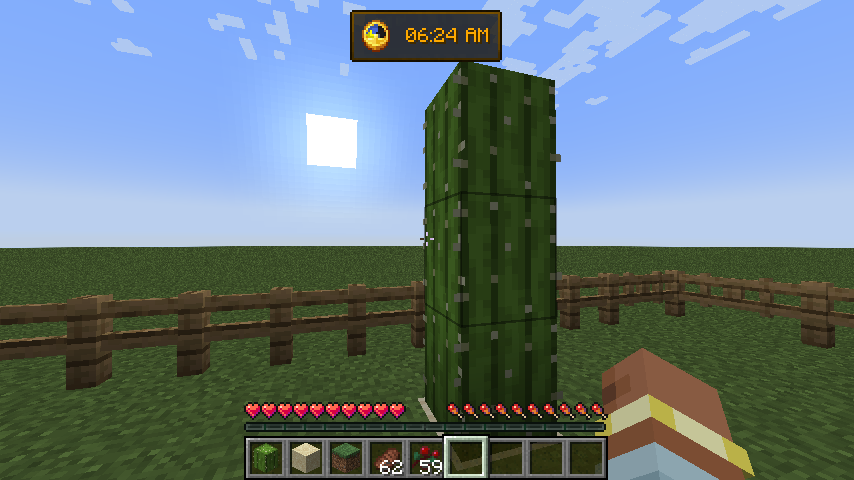




Simple and completely client-sided mod that renders vanilla clock and system time in the game overlay:

Previously was a part of Enigmatic Legacy. Aizistral mainly made this for themselves, but after 2 years I decided to pick up the mod and update it to 1.20.1.
There is also a config file (universalclockhud-client.toml) located in the config folder, where you can make following adjustments:
- Set the clock to be only visible in fullscreen mode;
- Set whether or not the clock is hidden when chat is opened;
- Enable or disable background behind the clock;
- Choose where the clock is positioned among multiple presets;
- Enable 12-hour time format if you're not a fan of standard 24-hour option;
- Show AM/PM with 12-hour time format
- If default presets aren't enough, define custom preset with adjustable anchor point and X/Y position on the screen;
- Stop the numbers on the clock from spinning uncontrollably in the Nether or The End (which they do, by default);
- Require vanilla clock to be present in player's inventory in order for them to see the HUD;
- Make the clock display in-game time instead of system time;
- Enable or disable the clock entirely.
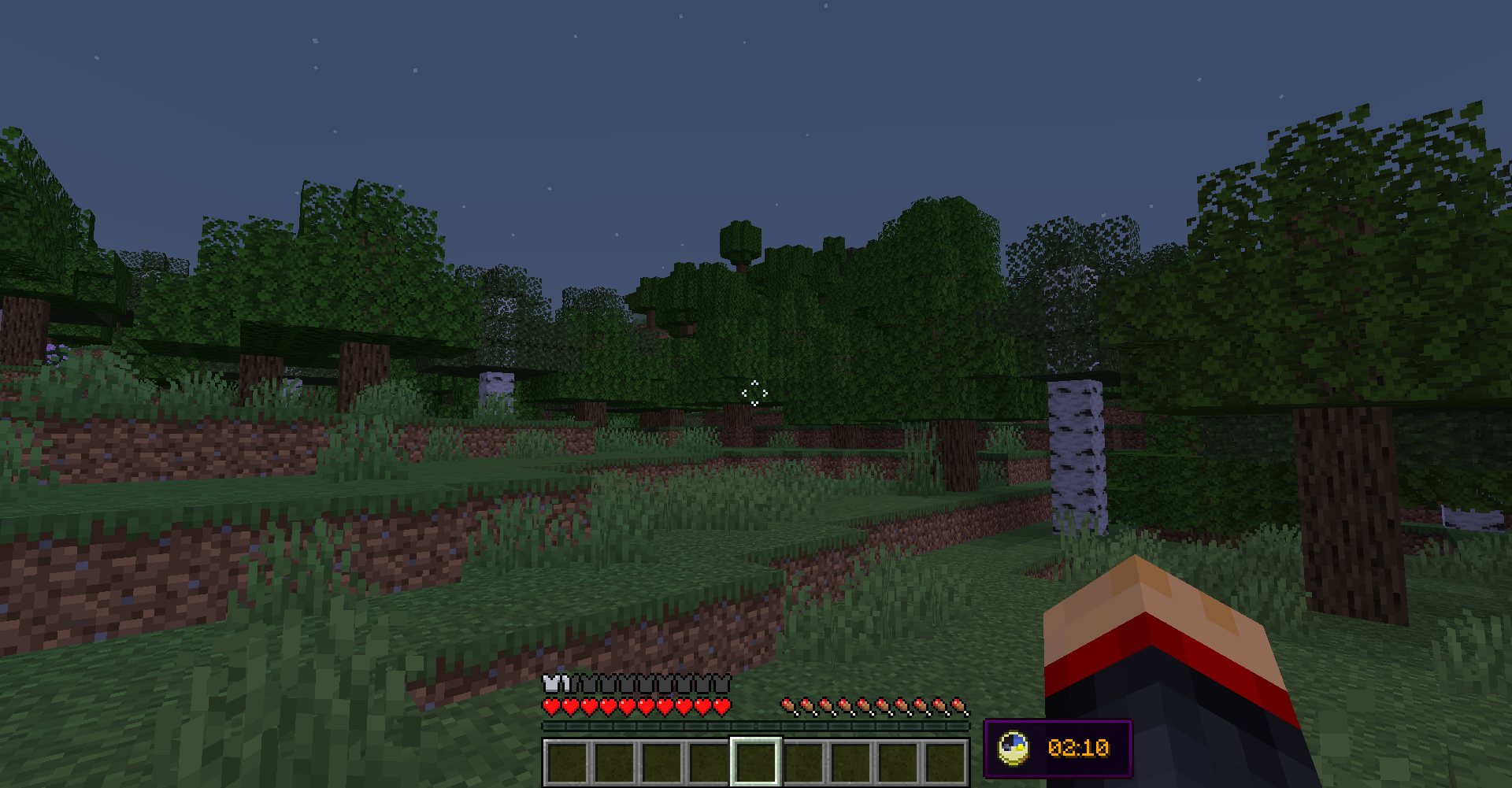
By default, the clock is located in left-bottom corner of the screen, but you can freely adjust it to be anywhere on your screen by editing X and Y position in the config file. Notice, however, that if you change those values, they might behave differently with different gui scales and on different screen resolutions. You will have to create personal adjustments that will work perfectly with your resolution and GUI scale.
The default appearance of the clock hud:
FAQ
Q: Forge?
A: Forge.
Q: Can I include your mod in a video?
A: As long as you include a link to the mod/modpack (if it happens to be in one), absolutely
Q: Can I add your mod to a modpack?
- Edition: Minecraft Java
- File type: .jar
- Minecraft version listed: 1.20.1
- How to install: Install the matching mod loader (Forge, Fabric or NeoForge) for your Minecraft version. → Download the .jar. → Put it in the .minecraft/mods folder and launch that loader profile.
- Where to get it: Opens on CurseForge — not every file is mirrored on our own servers.
Install steps are the general flow for this file type — How to install Minecraft Java mods & modpacks walks through it step by step.
- Ships as universalclockhud-1.20.1-1.7.0.jar — drop this file into the mods folder
- Download size: 26 KB
- Download link checked 27 Sept 2026 — working
These come from our own check of the pack file, not from the source page.