
Contentcraft
Java mod listed for Minecraft 1.21. Downloads from the MC Java Mods app on Android.
⬇ Download on CurseForgeThe author built this one for Minecraft 1.21.1 on NeoForge. On other versions it may install and then do nothing.

Description
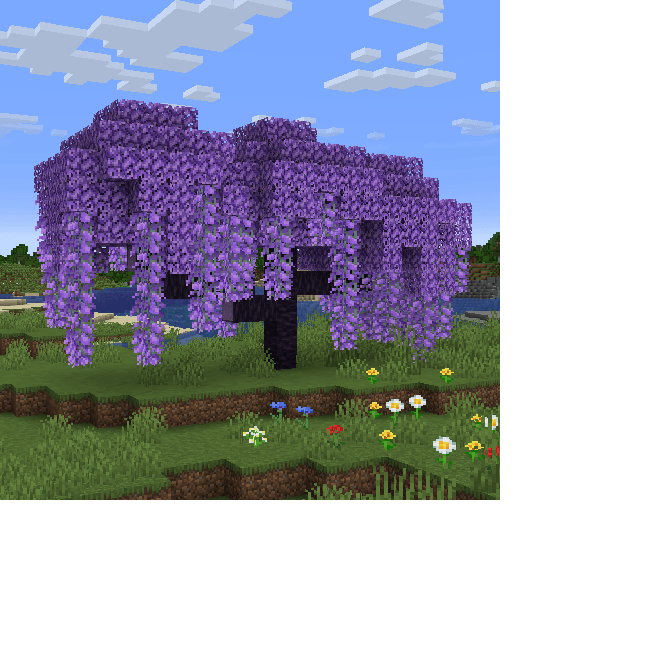
ContentCraft is a unique Minecraft mod created with one goal in mind: to add the features Mojang won’t, while making it feel like they did. It introduces fresh mechanics, materials, and world-generation features that seamlessly blend into the vanilla experience, breathing new life into the game you already know and love.
Feature Overview
Because there are so many features in ContentCraft, i am only going to list some of the most important ones, but feel free to check out the in game guidebook, as i have focused on documenting everything in the mod within it.
Main Features:
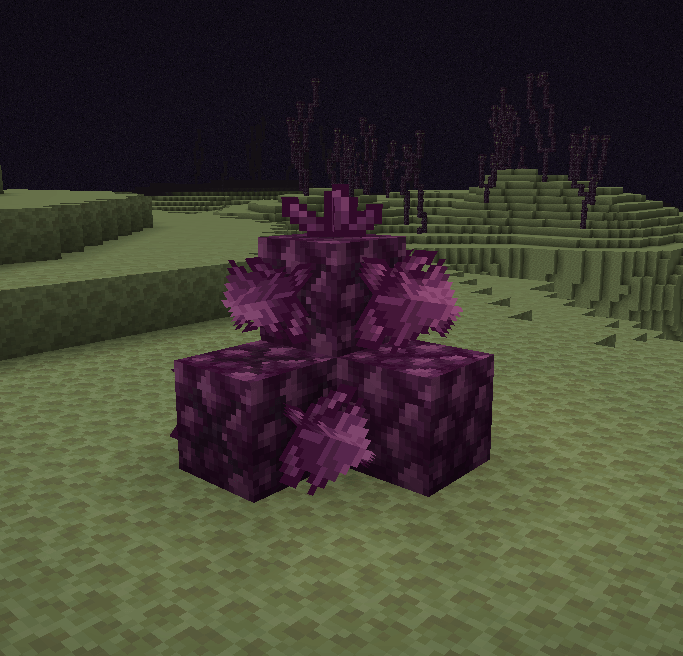
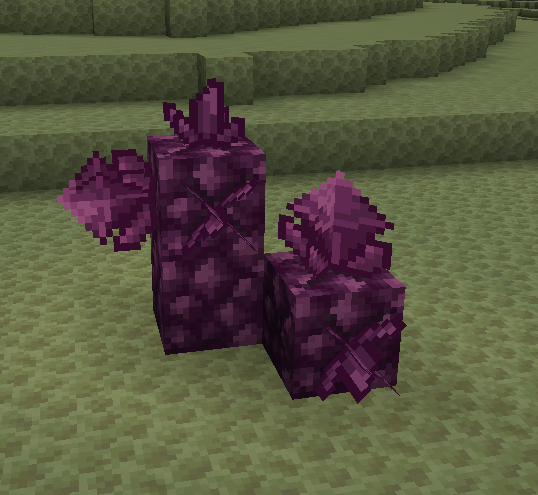
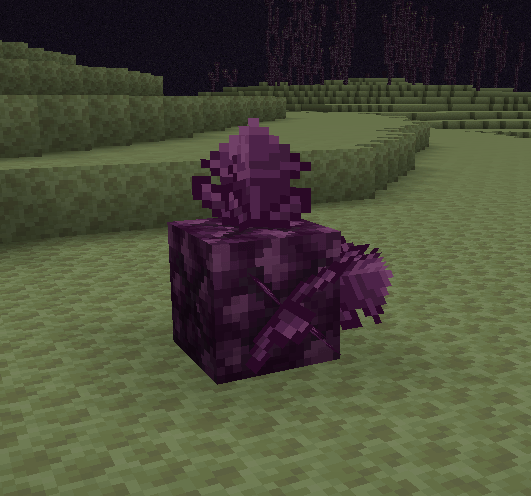
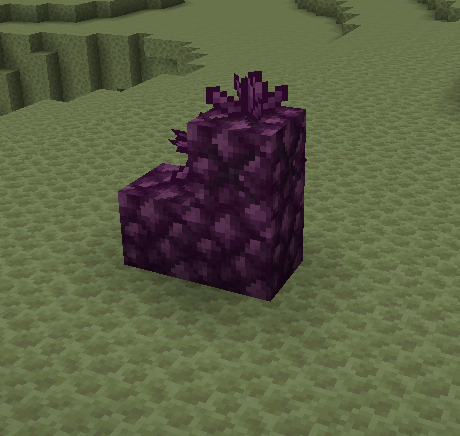
- Xaenon - An endgame material only found in the end.
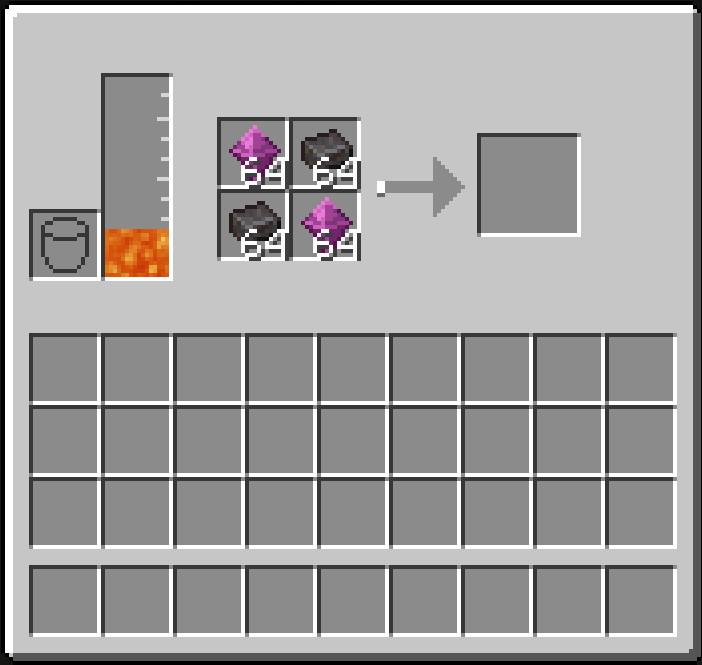
- Alloy Forge - A new way to bulk smelt ores as well as craft alloys like xaenon and steel.
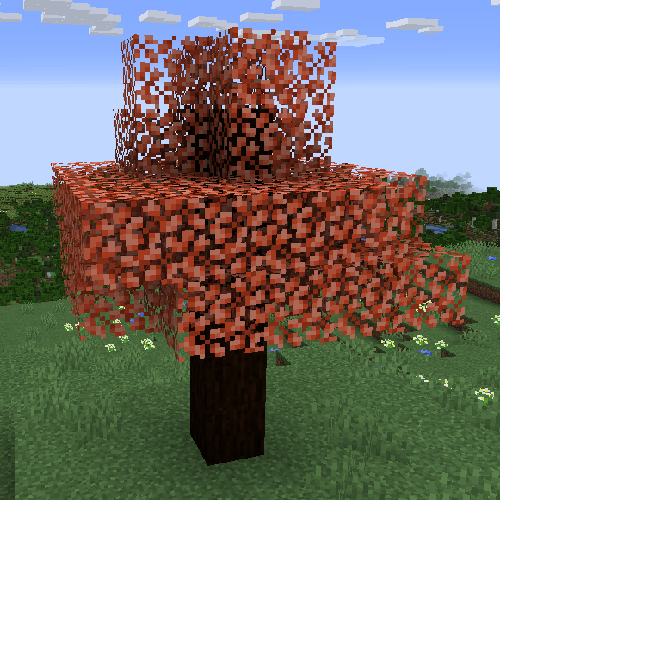
- Maple Wood - A new wood type that allows you to get maple syrup, a very time consuming item to get.
Required Dependencies
To ensure ContentCraft functions correctly, the following mods are required. These enable the custom tooltips and in-game documentation that make the mod easy to use:
- Patchouli: (Requires version
1.21.1-92or higher) Powers the in-game guidebooks, providing you with all the information you need without leaving the game. - TerraBlender: (Requires version
4.1.0.8or higher) Essential for the custom world generation and biome integration that brings ContentCraft's regions to life.
Recommended Add-Ons
While not required, these mods significantly enhance the ContentCraft experience by providing better visibility into recipes and world data:
- JEI (Just Enough Items): Essential for viewing the new Alloy Forge recipes and Xaenon crafting paths.
- Jade: Highly recommended for identifying custom blocks and viewing the status of machines at a glance.
- Edition: Minecraft Java
- File type: .jar
- Minecraft version listed: 1.21.1
- How to install: Install the matching mod loader (Forge, Fabric or NeoForge) for your Minecraft version. → Download the .jar. → Put it in the .minecraft/mods folder and launch that loader profile.
- Where to get it: Opens on CurseForge — not every file is mirrored on our own servers.
Install steps are the general flow for this file type — How to install Minecraft Java mods & modpacks walks through it step by step.
- Ships as contentcraft-0.4.0.jar — drop this file into the mods folder
- Download size: 3.9 MB
- Download link checked 18 Oct 2026 — working
These come from our own check of the pack file, not from the source page.