ModsJava
Double-Edge: Split Tools & Armor
Java mod listed for Minecraft 1.16–1.21. Downloads from the MC Java Mods app on Android.
I don't know my version or loader
Open the Minecraft launcher and look at the profile you play on — it names both, like fabric-loader-1.21.4. The version also shows in the bottom-right corner of the game's main menu.
No loader in the profile name? Then it's plain Minecraft, and these mods won't run — you need Fabric or NeoForge installed first.
Welcome to Double-Edge!
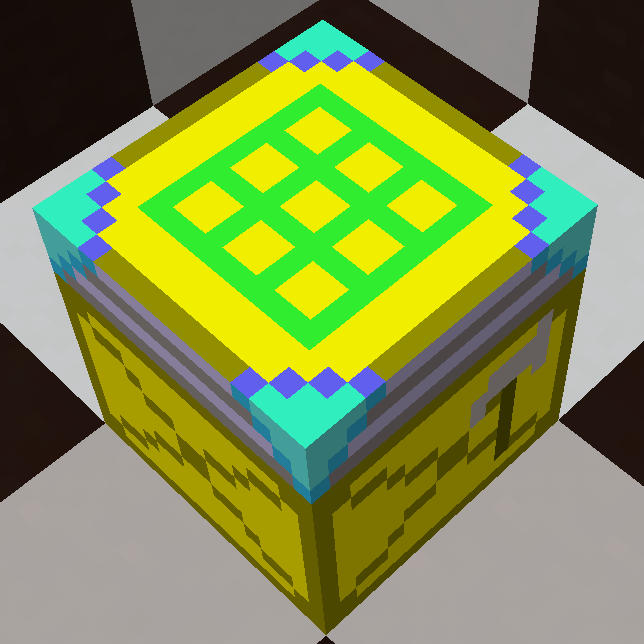
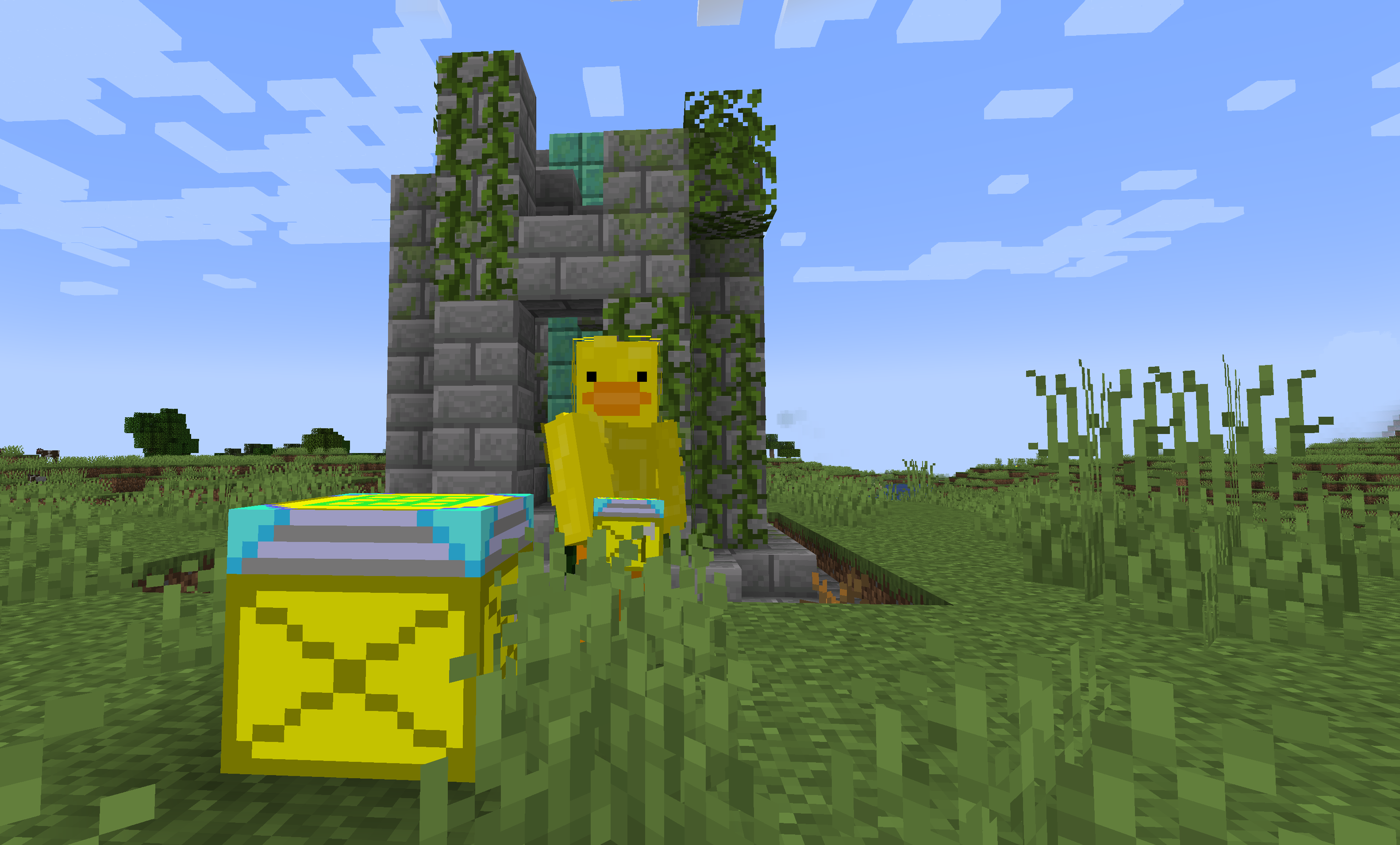
Have you ever looted a chest with a friend and had a hard time determining who should get a specific piece of loot? Or did you burn your highly overpowered set of armor and tools in a nether lava lake? Or do you just want a duplicate set of your highly enchanted netherite armor to put on display? Your problems have just been solved with the Splitter. For the cost of half the tool's durability and a saw, you can get a half-durability copy maintaining the original tool's enchantments, or get their materials back.
Feel free to use this mod in your modpacks
Version 1.0.6-Stable will likely be the final update for this mod, Thank you for playing, The source code will be available after this update is released
Quick facts
- Edition: Minecraft Java
- File type: .jar
- Minecraft versions listed: 1.19.2, 1.19.4, 1.20.1
- How to install: Install the matching mod loader (Forge, Fabric or NeoForge) for your Minecraft version. → Download the .jar. → Put it in the .minecraft/mods folder and launch that loader profile.
- Where to get it: Opens on CurseForge — not every file is mirrored on our own servers.
Install steps are the general flow for this file type — How to install Minecraft Java mods & modpacks walks through it step by step.
File checked by MCModsHub
- Ships as doubleedge-1.0.8-neoforge-1.21.4.jar — drop this file into the mods folder
- Download size: 109 KB
- Download link checked 8 Nov 2026 — working
These come from our own check of the pack file, not from the source page.