
Herobrine: A Friend
Java mod listed for Minecraft 1.20–1.21. File opened and checked on 10 Oct 2026; downloads from the MC Java Mods app on Android.
I don't know my version or loader
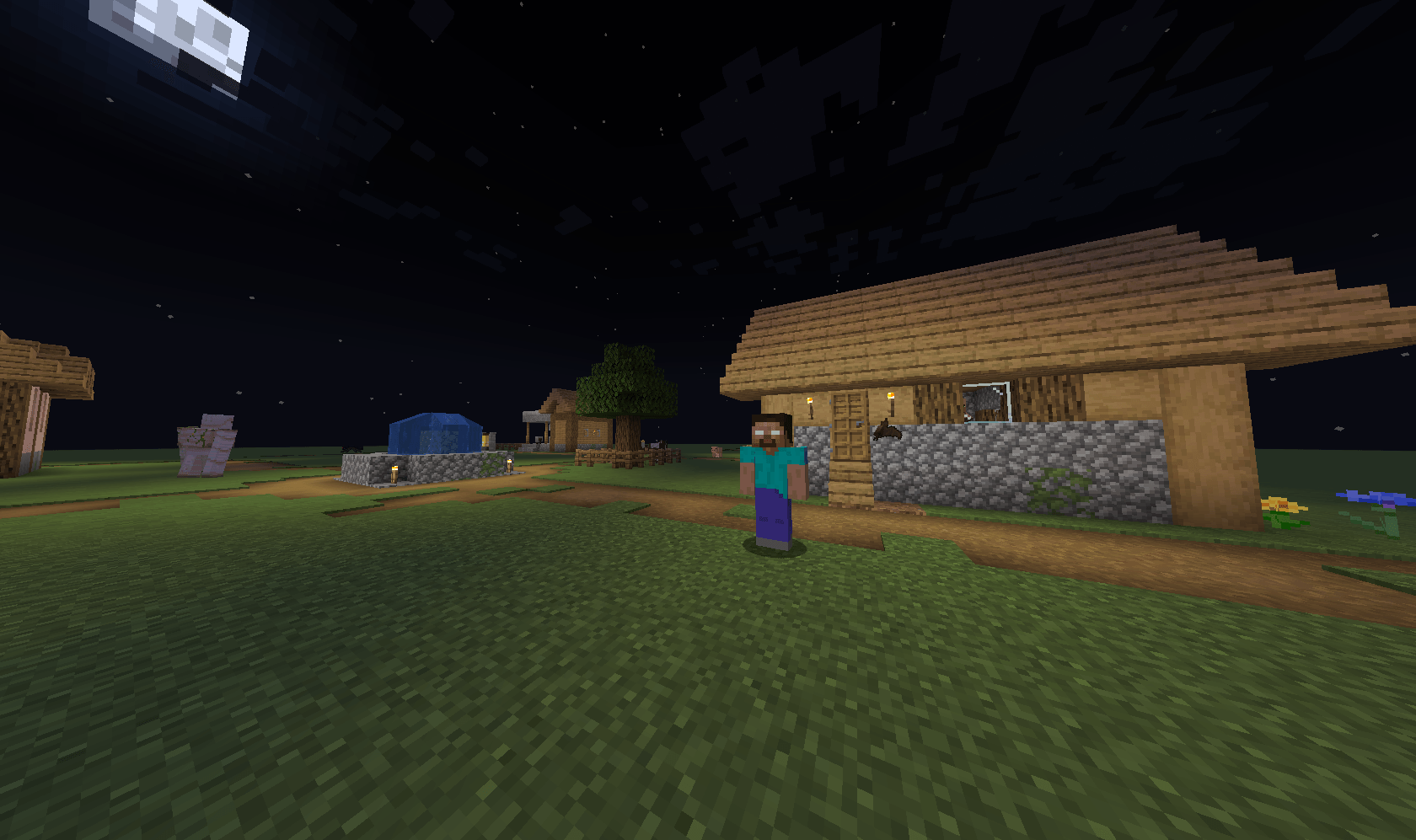
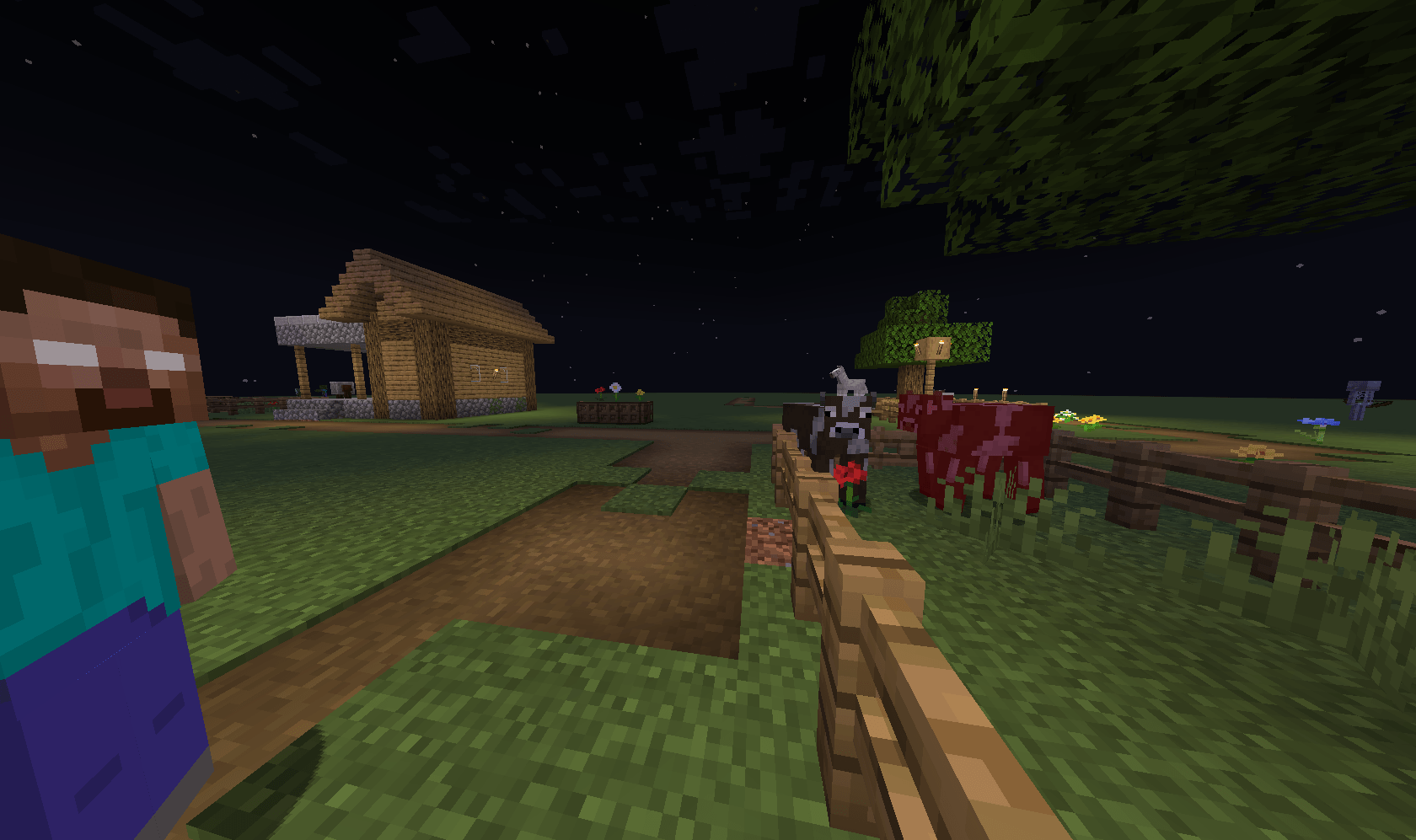

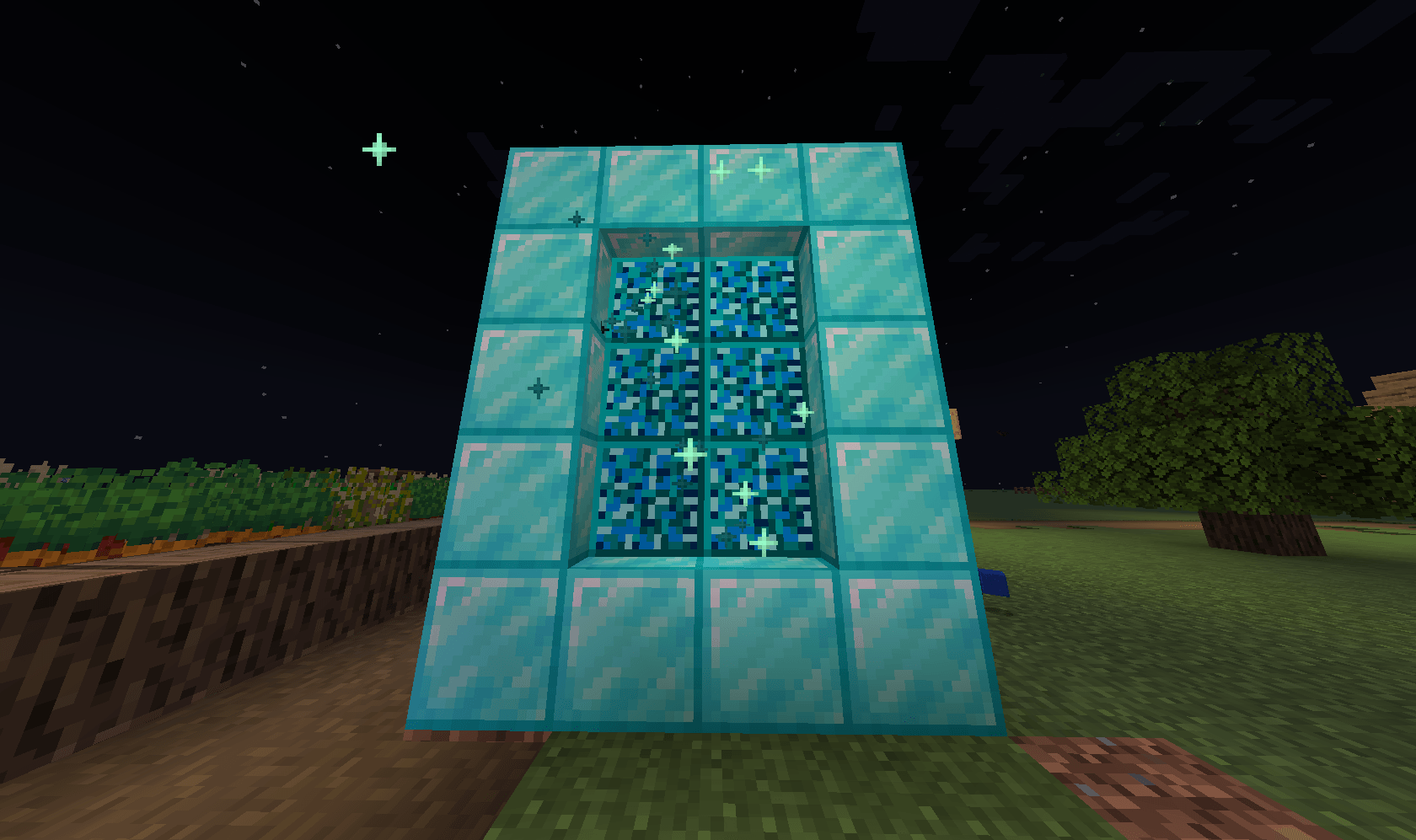
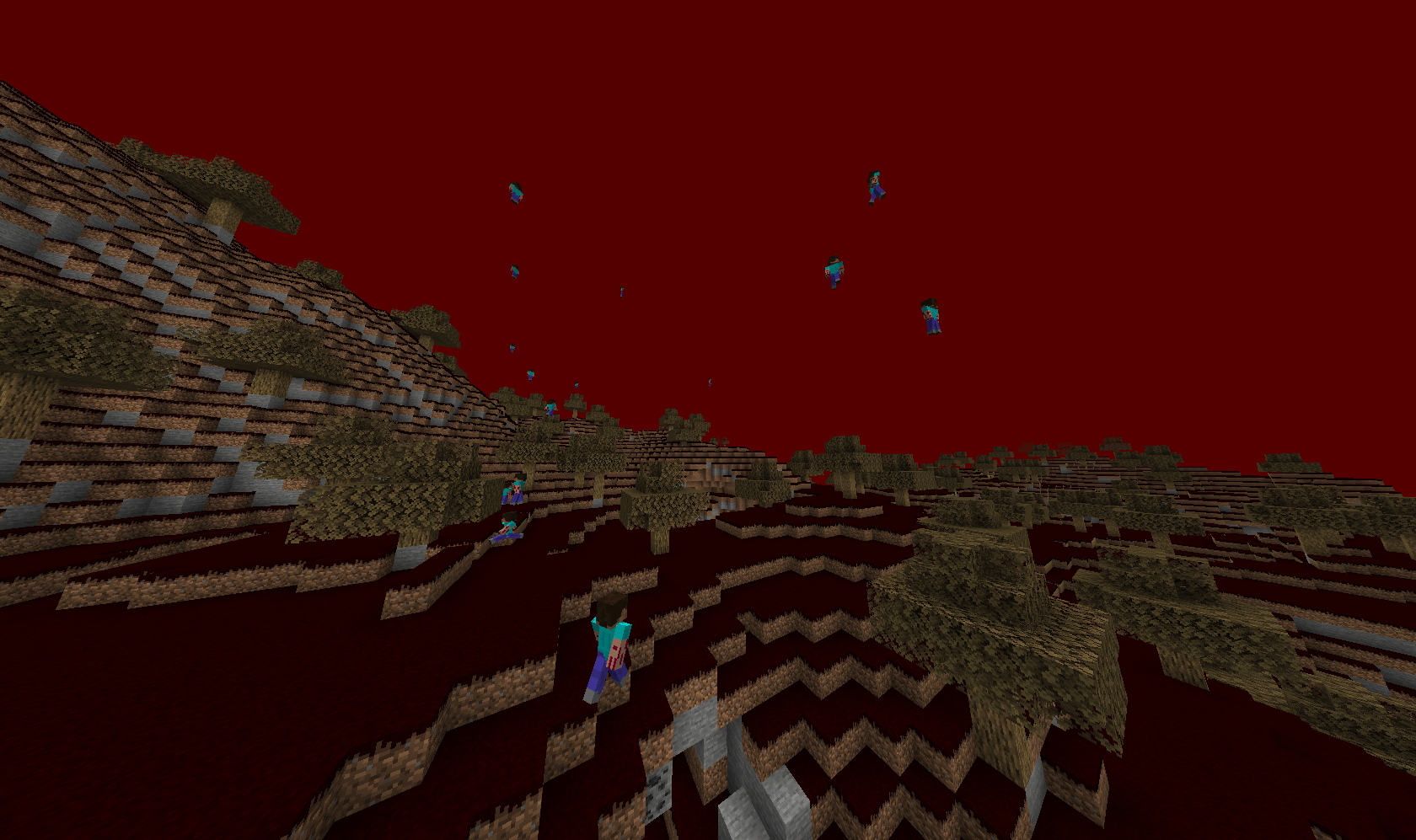
Herobrine: A Friend
Ever felt lonely in a solo world? Now you can have Herobrine as a friend! With new dimensions, biomes, mobs, and crafting recipes, this mod adds exciting adventures to your Minecraft world.
Features:
- New Dimension
- Unique Biome
- Custom Mobs
- Crafting Recipes
How to Install:
-
Download the mod file.
-
Press
Win+Rand type%appdata%. -
Open the
.minecraftfolder, then themodsfolder. -
Drag and drop the
.JARfile of this mod into themodsfolder. -
Run Minecraft with the Forge/NeoForge Client.
Refer to the official docs for help: https://docs.google.com/document/d/19VsY0b7N60Al42f6MBN5sVGb38iFvJOSw8jac5VsPCg/edit?usp=sharing
Note: Orignal file is hbaf1.2.3. hbaf1.2.5 for neoforge (1.21.8) is a recreation and may be different from the orignal in minor ways.
- Edition: Minecraft Java
- File type: .jar
- Minecraft versions listed: 1.21.8, 1.20.1
- How to install: Install the matching mod loader (Forge, Fabric or NeoForge) for your Minecraft version. → Download the .jar. → Put it in the .minecraft/mods folder and launch that loader profile.
- Where to get it: Opens on CurseForge — not every file is mirrored on our own servers.
Install steps are the general flow for this file type — How to install Minecraft Java mods & modpacks walks through it step by step.
- Ships as hbaf-1.2.3-forge-1.20.1.jar — drop this file into the mods folder
- Download size: 146 KB
- Download link checked 18 Oct 2026 — working
These come from our own check of the pack file, not from the source page.