ModsJava
Raw Ore Block Smelting to Blocks
Java mod listed for Minecraft 1.20–1.21. Downloads from the MC Java Mods app on Android.
I don't know my version or loader
Open the Minecraft launcher and look at the profile you play on — it names both, like fabric-loader-1.21.4. The version also shows in the bottom-right corner of the game's main menu.
No loader in the profile name? Then it's plain Minecraft, and these mods won't run — you need Fabric or NeoForge installed first.

Brand New Discord Server! For Private Support and Update Alerts.
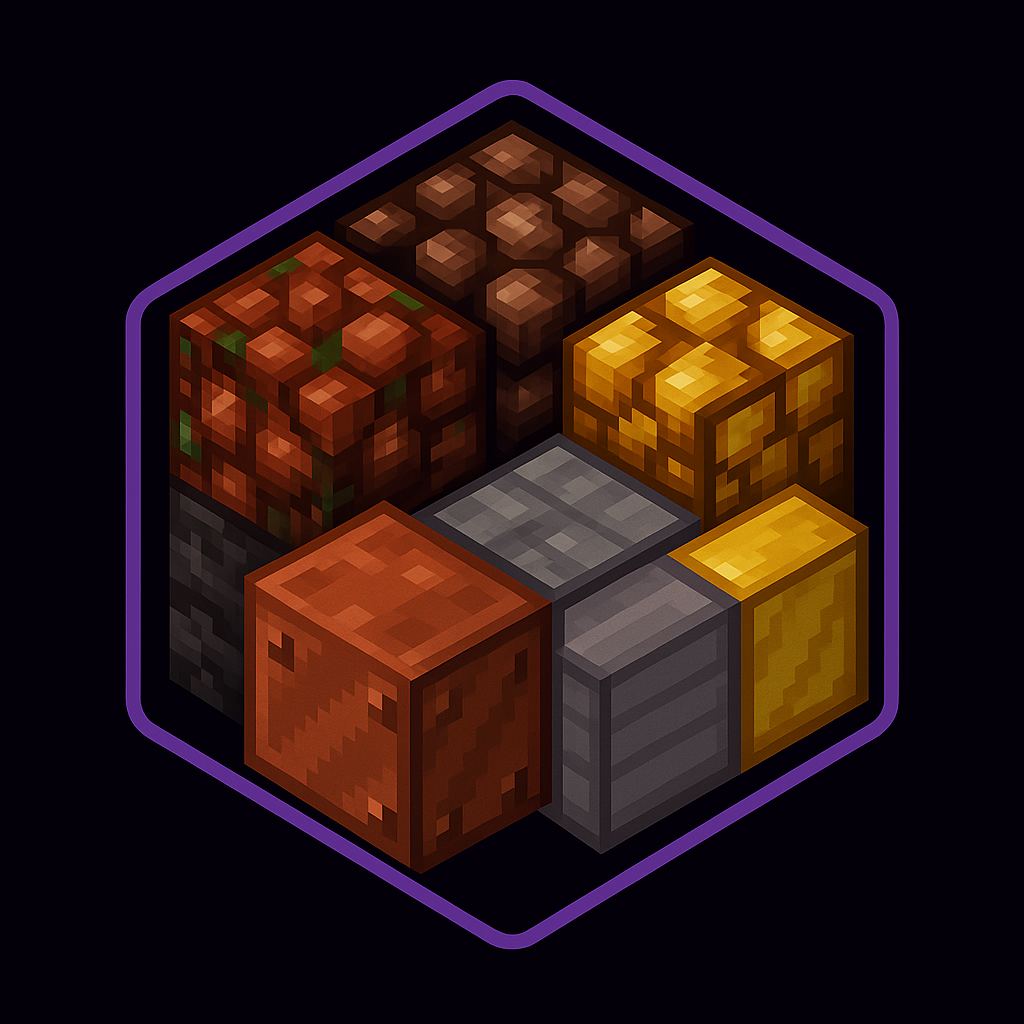
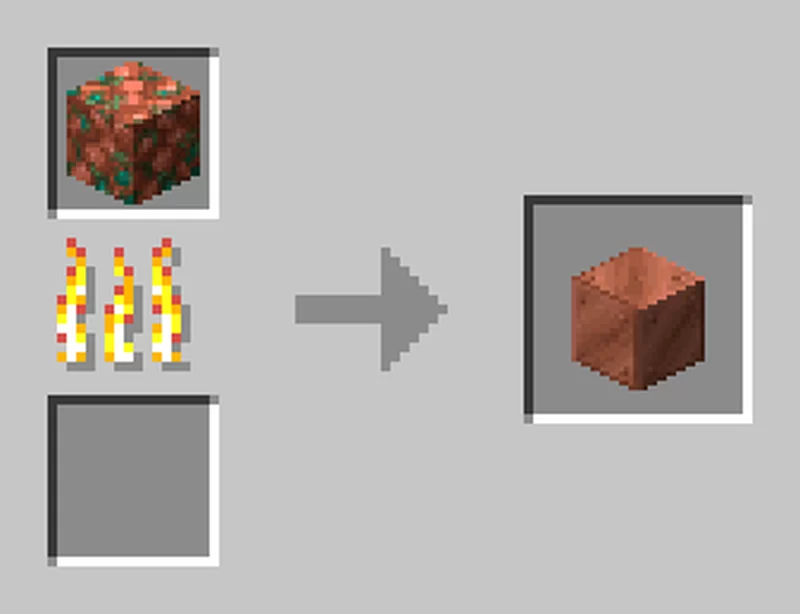
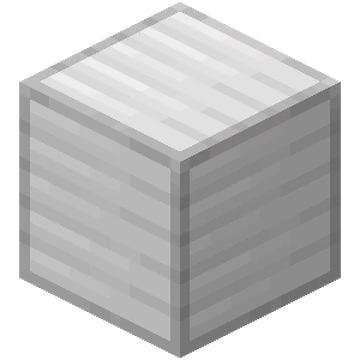
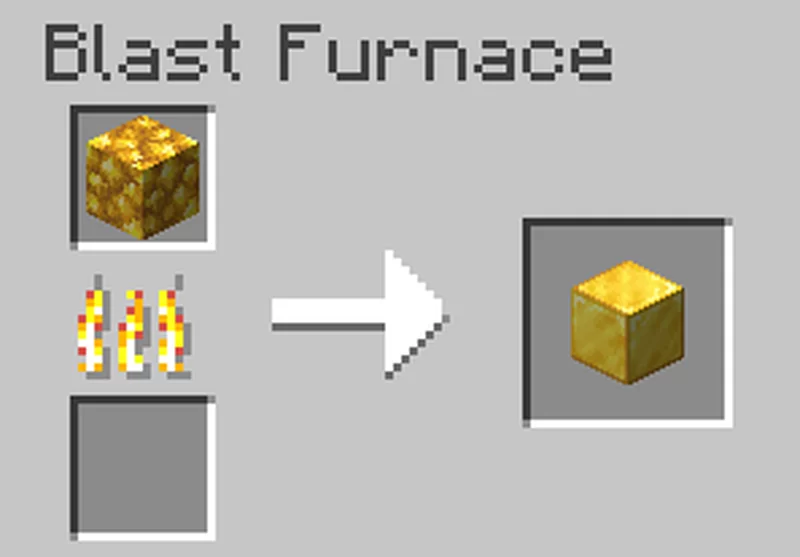
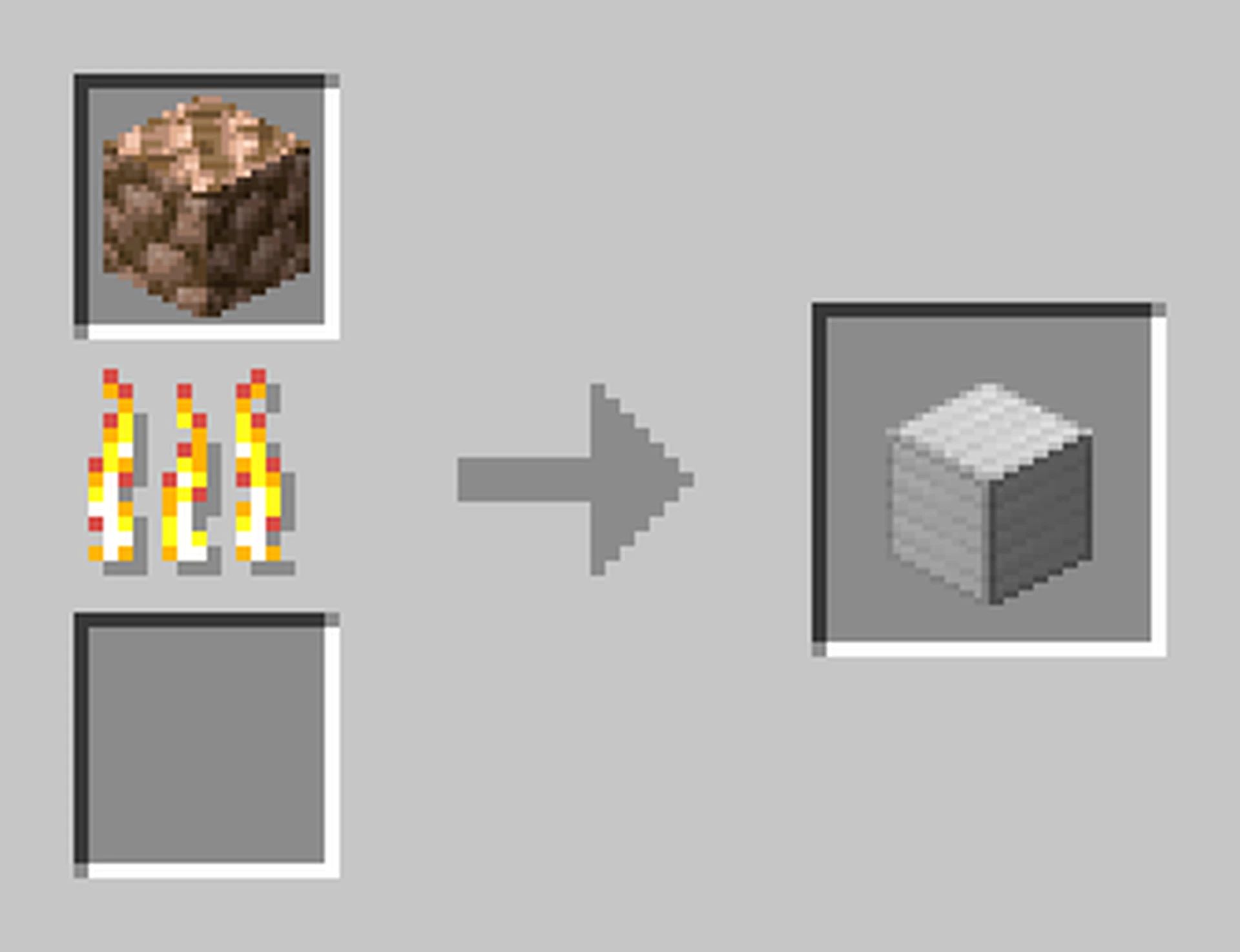
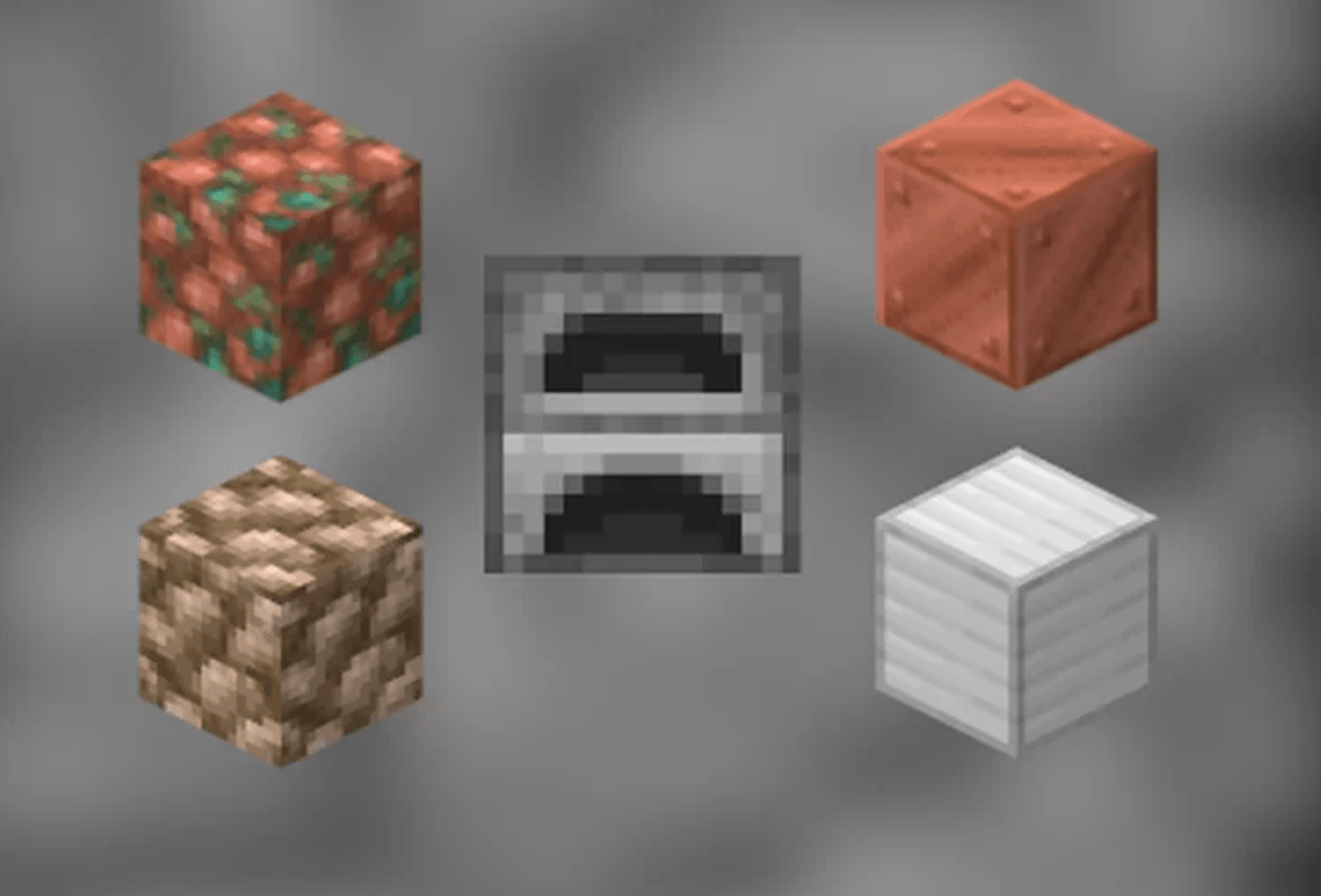
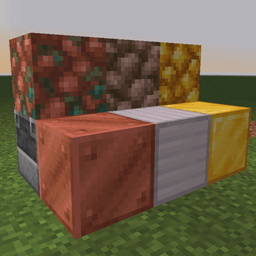
Efficient Smelting enhances your ore processing by allowing you to smelt raw copper, raw gold, and raw iron directly into their respective blocks. This mod simplifies and streamlines the smelting process, making it more intuitive and efficient for all your mining and crafting needs.
Don't forget to check out my other mods on my profile!
Features:
-
Direct Smelting: Smelt raw copper, raw gold, and raw iron directly into blocks using any furnace.
-
Resource Optimization: Eliminate the need for intermediate steps, saving time and fuel.
-
Compatibility: Fully compatible with other mods and Minecraft versions that support furnace mechanics.
-
Balanced Gameplay: Maintains a fair smelting rate to ensure balanced resource acquisition and game progression.
How It Works:
-
Collect Raw Ores: Mine raw copper, raw gold, and raw iron from their respective ore blocks.
-
Smelt Raw Ores: Place raw copper, raw gold, or raw iron in any furnace.
-
Receive Ingots: Each raw ore smelted will yield one ingot of the respective metal (copper, gold, or iron).
Installation:
-
Download the Mod: Ensure you have the correct version for your Minecraft installation.
-
Install Forge or Fabric or NeoForge: Depending on the mod version, install Minecraft Forge or Fabric or NeoForge.
-
Add to Mods Folder: Place the mod file into your Minecraft
modsfolder. -
Launch Minecraft: Start Minecraft with the Forge or Fabric or NeoForge profile to begin smelting raw ores directly into blocks.



This mod have been created with: intellij
Quick facts
- Edition: Minecraft Java
- File type: .jar
- Minecraft versions listed: 1.21.8, 1.21.5, 1.21.4
- How to install: Install the matching mod loader (Forge, Fabric or NeoForge) for your Minecraft version. → Download the .jar. → Put it in the .minecraft/mods folder and launch that loader profile.
- Where to get it: Opens on CurseForge — not every file is mirrored on our own servers.
Install steps are the general flow for this file type — How to install Minecraft Java mods & modpacks walks through it step by step.
File checked by MCModsHub
- Ships as mysticrift_raw_ore_block__blocks-1.2.2-forge-1.20.1.jar — drop this file into the mods folder
- Download size: 223 KB
- Download link checked 27 Sept 2026 — working
These come from our own check of the pack file, not from the source page.