ModsJava
Mob Head Recipe
Java mod listed for Minecraft 1.20–1.21. Download on the author's site.
⬇ Download on CurseForge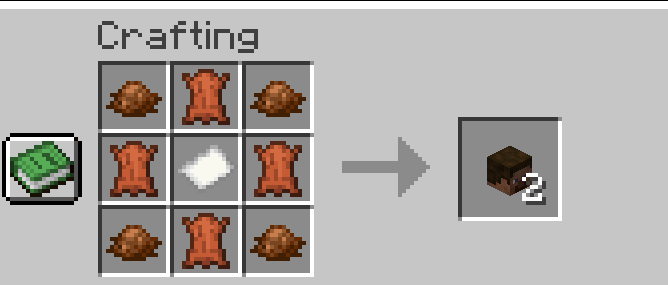
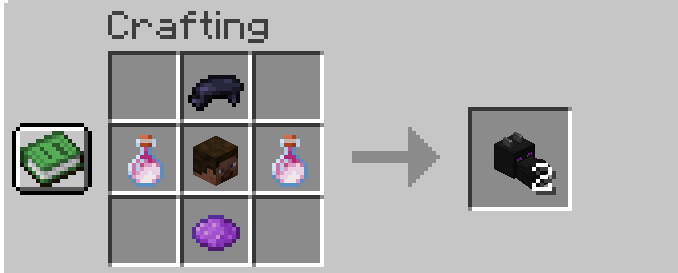
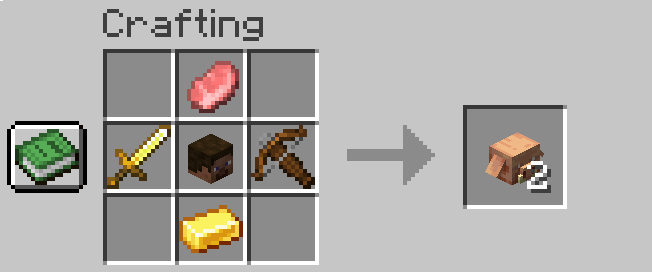
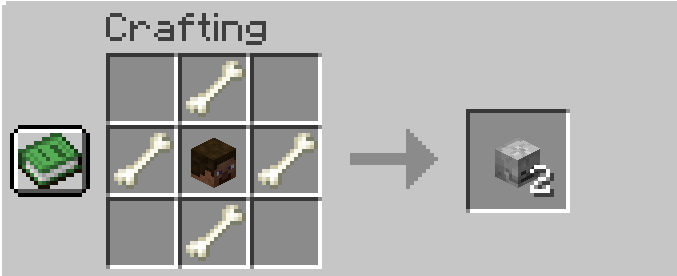
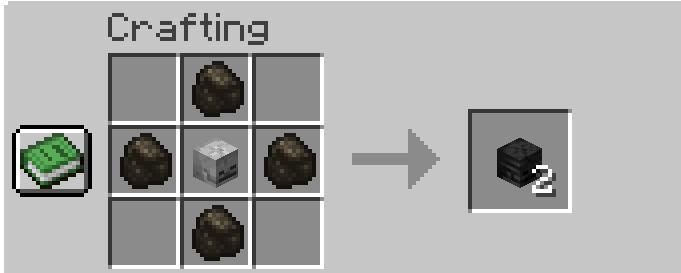
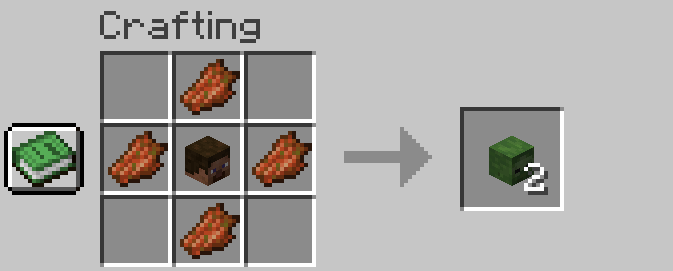
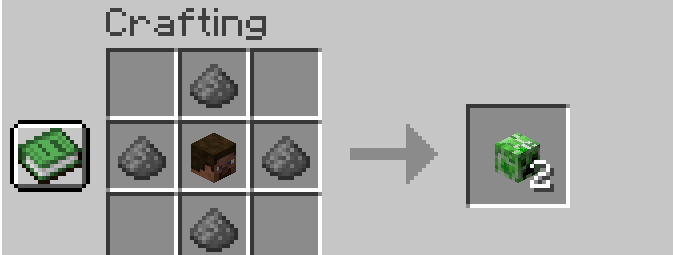

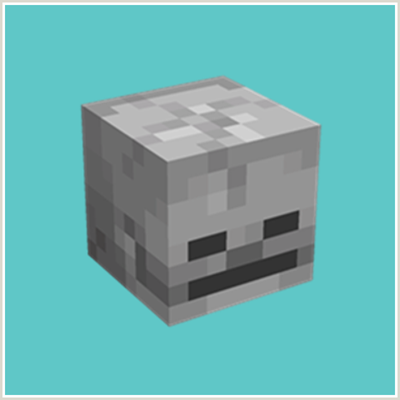
Mob Heads Recipe introduces crafting recipes for obtaining various mob heads in Minecraft, enhancing your ability to decorate and customize your builds. This mod offers a balanced way to acquire these rare items, making it easier to collect and display your favorite mob heads as trophies or unique decorations. 
Don't forget to check out my other mods on my profile!
Features:
-
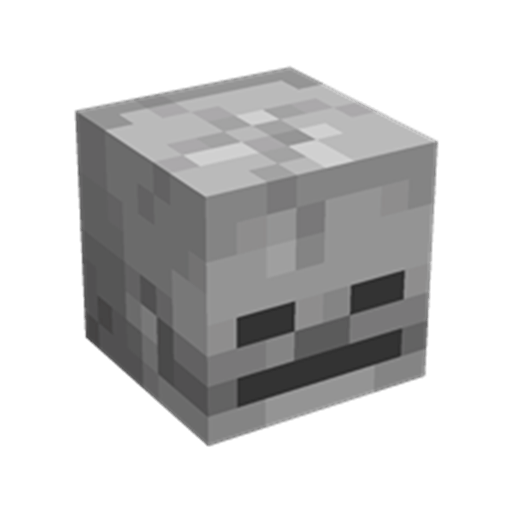
Craftable Mob Heads: Adds crafting recipes for various mob heads, including Zombie, Skeleton, Creeper, and more.
-
Balanced Recipes: Each recipe is designed to be resource-intensive, ensuring that mob heads remain special and valuable.
-
Survival Friendly: Fully functional in survival mode, allowing players to craft mob heads using materials gathered from the game world.
How It Works:
-
Gather Materials: Collect the required materials (mob drops, dyes, skulls, and ingots) through exploration, combat, and resource gathering.
-
Craft Mob Heads: Use the crafting table to create various mob heads with the specified recipes.
-
Decorate and Display: Use the crafted mob heads to decorate your builds, create trophy rooms, or for any other creative purposes.
Installation:
-
Download the Mod: Ensure you have the correct version for your Minecraft installation.
-
Install Forge or Fabric or NeoForge: Depending on the mod version, install Minecraft Forge or Fabric.
-
Add to Mods Folder: Place the mod file into your Minecraft
modsfolder. -
Launch Minecraft: Start Minecraft with the Forge or Fabric or NeoForge profile to begin crafting mob heads.


This mod have been created with: intellij
Quick facts
- Edition: Minecraft Java
- File type: .jar
- Minecraft versions listed: 1.21.1, 1.21, 1.20.6
- How to install: Install the matching mod loader (Forge, Fabric or NeoForge) for your Minecraft version. → Download the .jar. → Put it in the .minecraft/mods folder and launch that loader profile.
- Where to get it: Opens on CurseForge — not every file is mirrored on our own servers.
Install steps are the general flow for this file type — How to install Minecraft Java mods & modpacks walks through it step by step.
Mob Head Recipe is a free Minecraft Java mod. Compatible with Minecraft 1.21.1, 1.21, 1.20.6, 1.20.4 and newer. Downloaded 12,090 times (via CurseForge). Download it and open it directly in the game.