
Player Stand
Java mod listed for Minecraft 1.20. Downloads from the MC Java Mods app on Android.
⬇ Download on CurseForgeThe author built this one for Minecraft 1.20.1–1.20.6 on Forge. On other versions it may install and then do nothing.
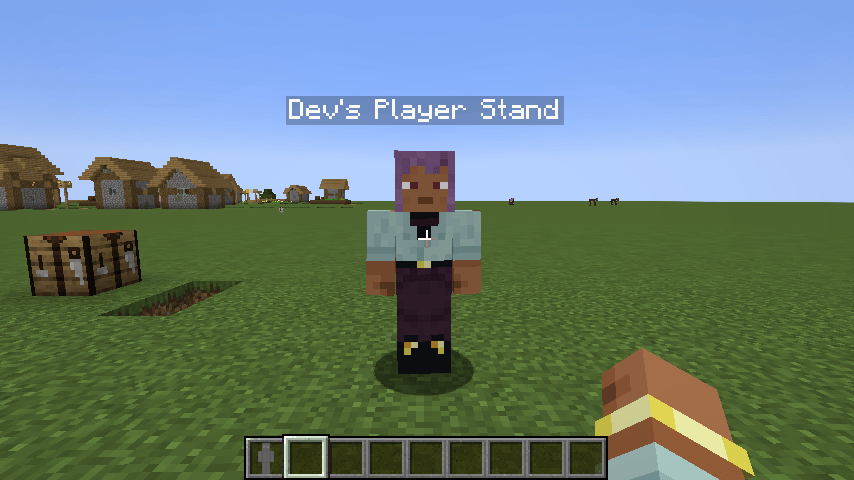
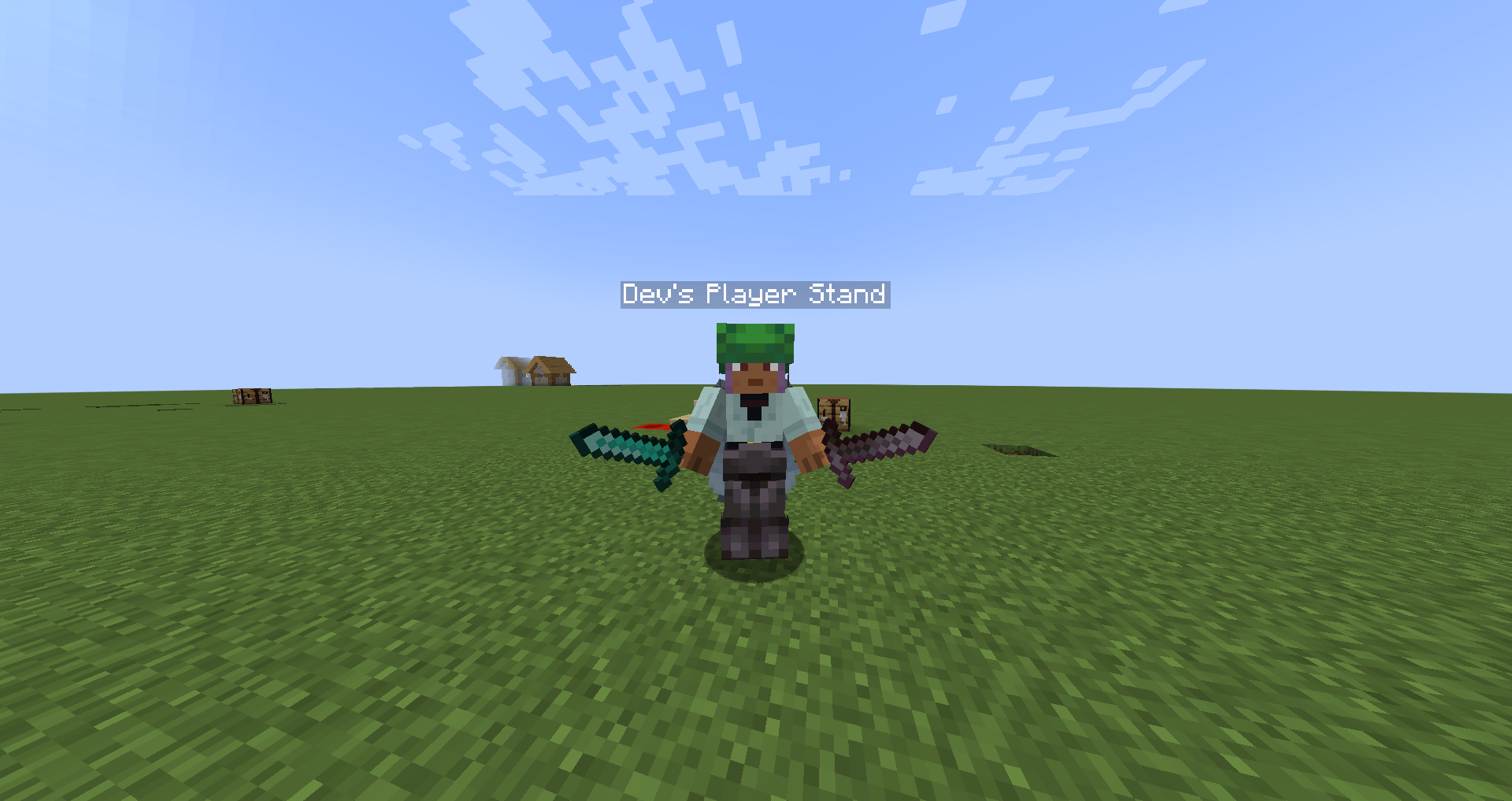
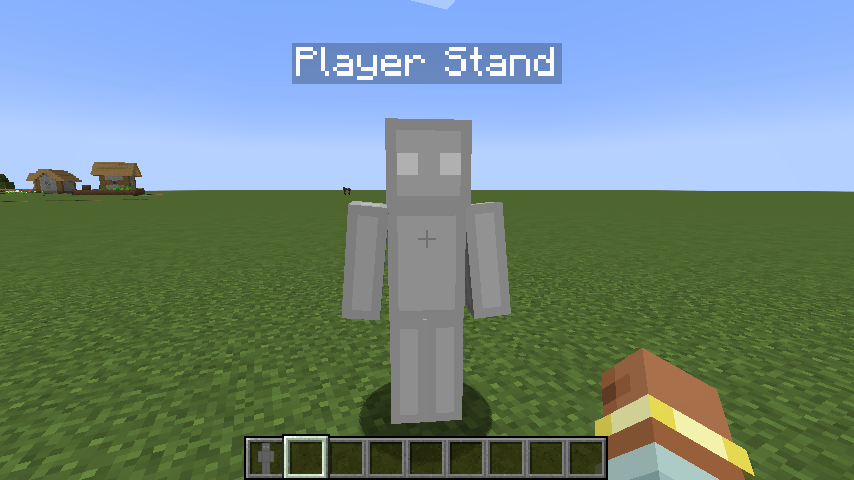
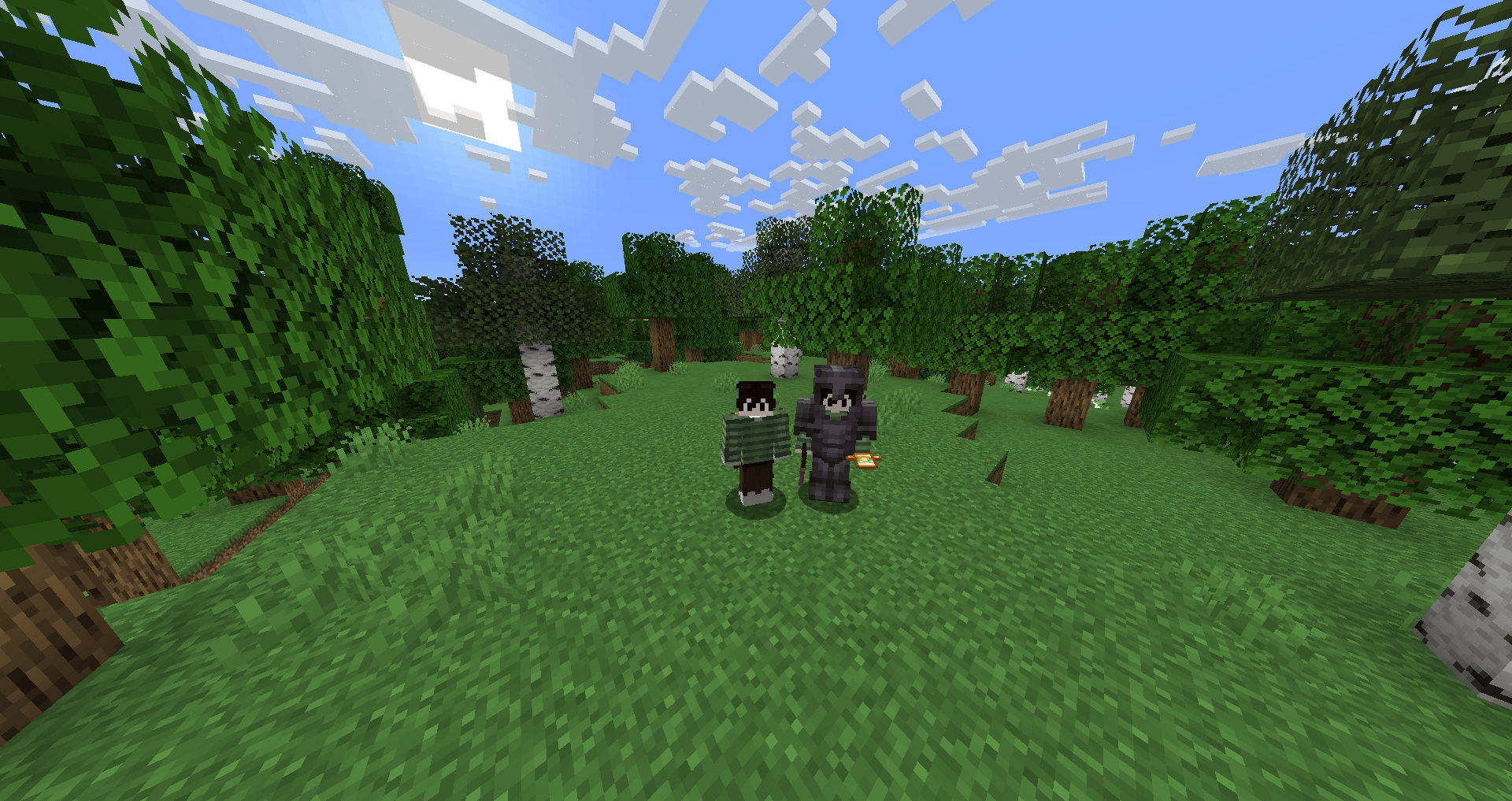
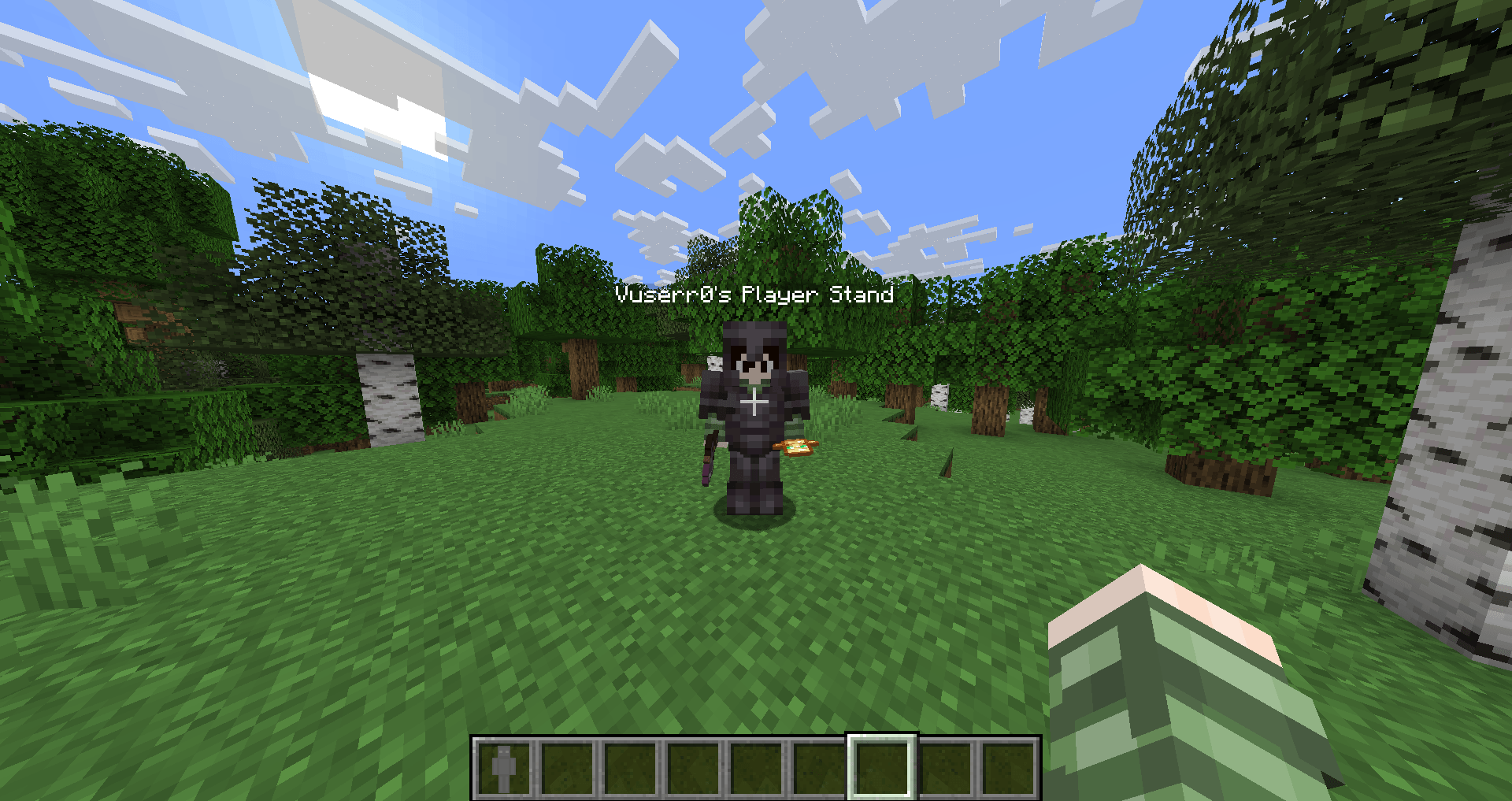
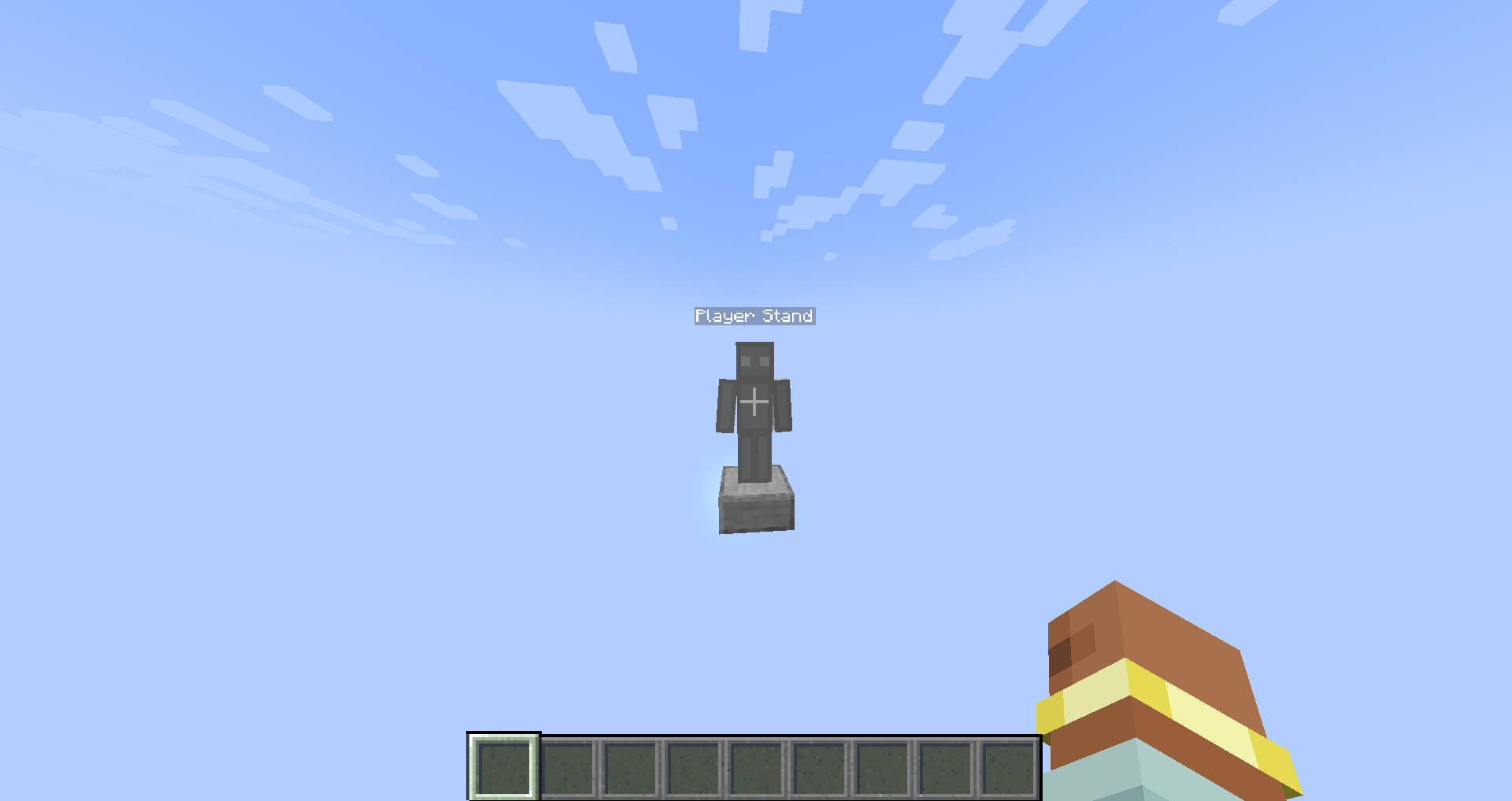
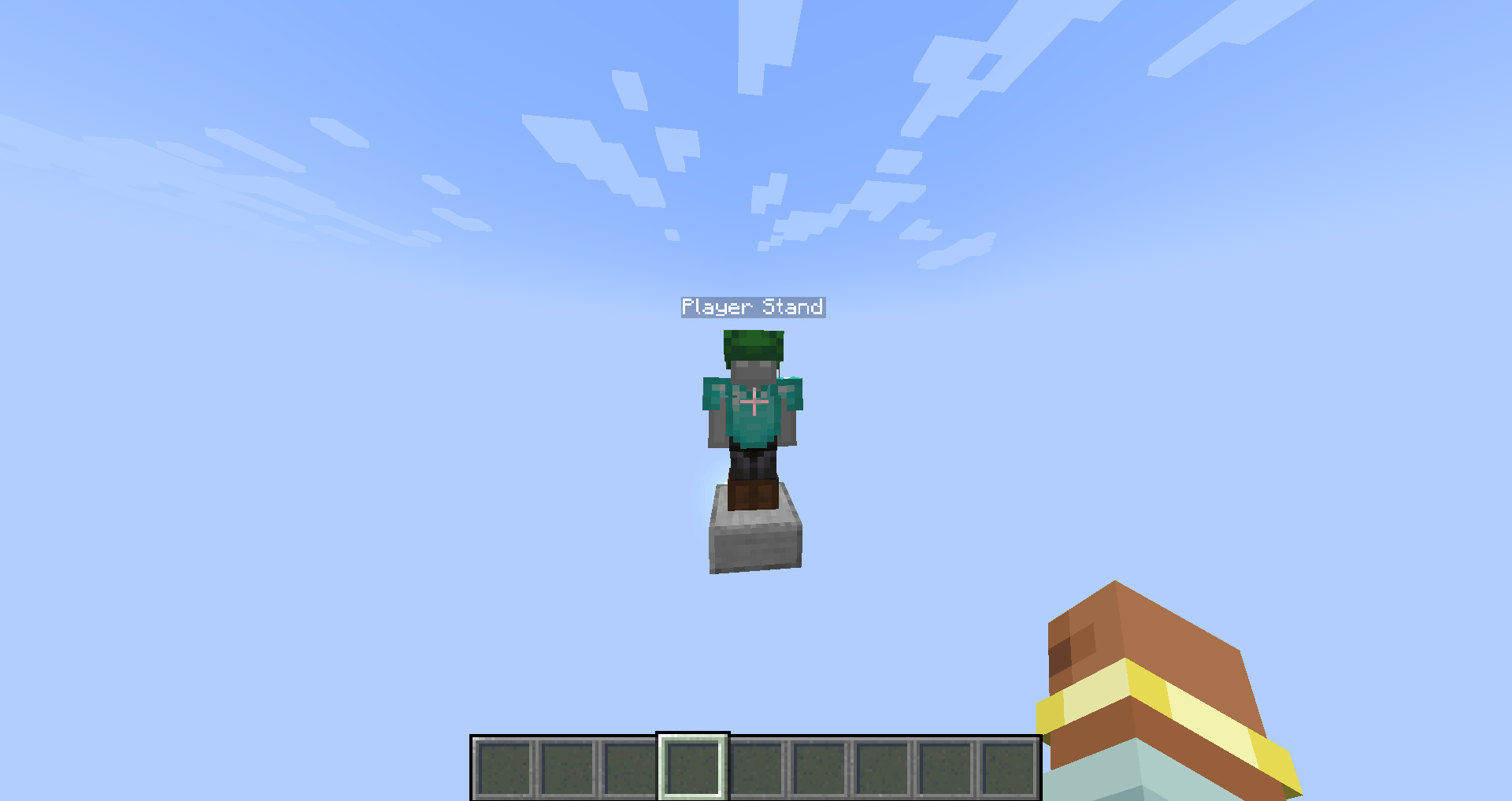
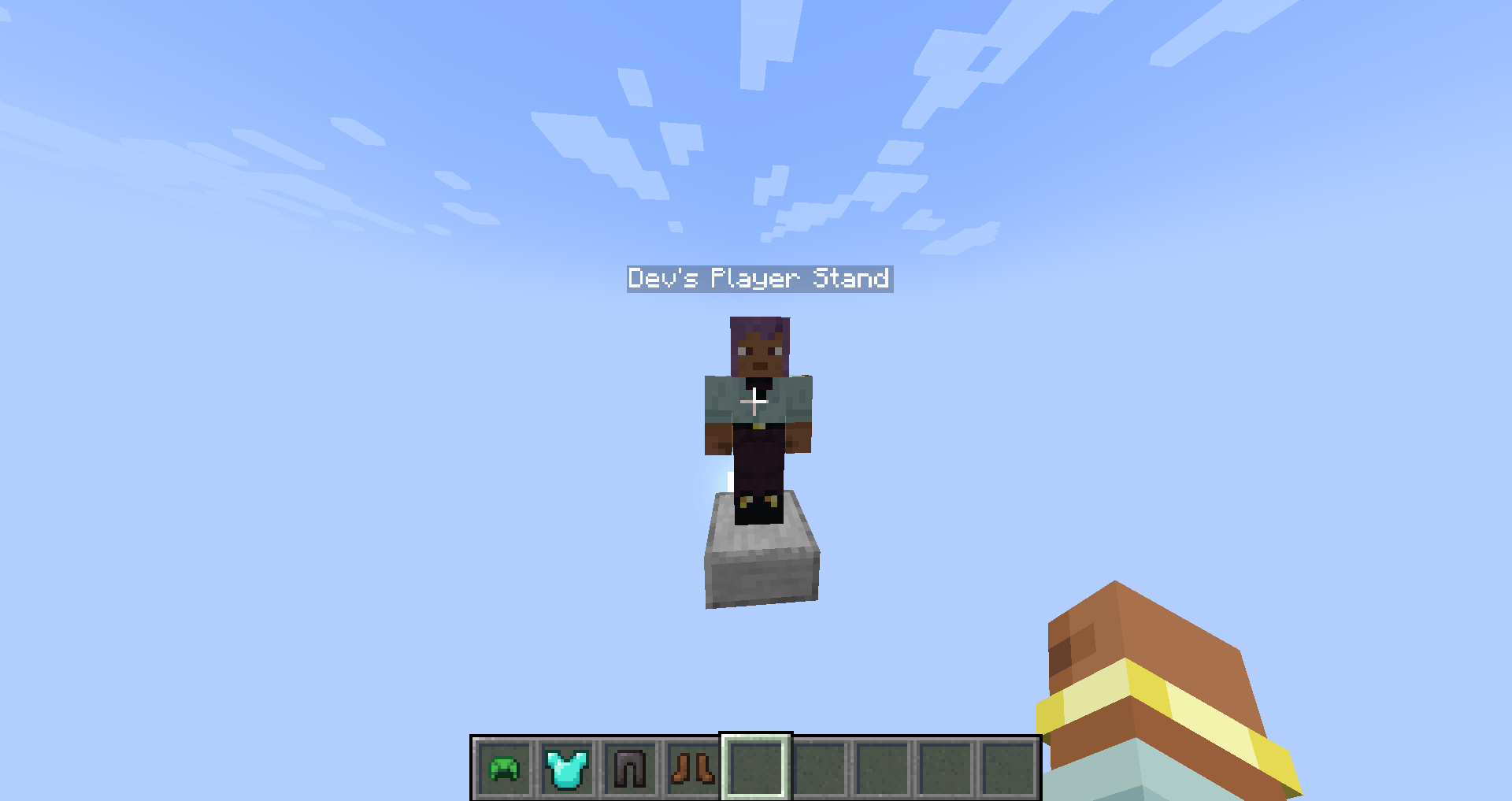
Player Stand is a Minecraft mod that adds a new item called Player Stand — an upgraded version of the armor stand that acts as a fully functional, player-shaped mannequin. Designed to blend seamlessly into both creative and survival gameplay, it offers a more immersive and customizable way to display armor, outfits, poses, and player skins.
📌 Requires AnCore — a shared library used by Anchor Studios mods. Make sure it is installed for Player Stand to work correctly.
Overview
Unlike traditional armor stands, Player Stands use the full player model and support advanced features like armor rendering, custom skins, and animated poses. It's ideal for map makers, server owners, and builders looking for more lifelike, interactive displays.
Key Features
- 🎭 Player Model Display: Uses the full animated player model instead of a static armor stand.
- 🛡️ Armor Compatibility: Can equip and visually display full sets of armor and items in both hands.
- 🧍 Unique Poses: Shift + Right-Click to cycle through a variety of pre-defined poses like Heroic, Defensive, Floating, and more.
- 🎨 Custom Skins: Bind your skin by right-clicking with an empty hand (or a non-equipable item) when the stand has no item to take. Skin binding is fully configurable.
- ⚙️ Configurable Interaction: Toggle whether players can retexture an already-bound stand, choose interaction priorities, and more.
- 🧱 Survival & Creative Support: Balanced and intuitive interactions work seamlessly in both gameplay modes.
- ❤️ Regenerates Over Time: Player Stands slowly heal if left undamaged, mimicking a player-like behavior.
Requirements
❗ This mod will not function without AnCore.
Learn More
Community & Development
Player Stand is developed and maintained by Anchor Studios, focused on quality-of-life features and creative tools that feel native to Minecraft.
- Edition: Minecraft Java
- File type: .jar
- Minecraft versions listed: 1.20.2, 1.20.5, 1.20.3
- How to install: Install the matching mod loader (Forge, Fabric or NeoForge) for your Minecraft version. → Download the .jar. → Put it in the .minecraft/mods folder and launch that loader profile.
- Where to get it: Opens on CurseForge — not every file is mirrored on our own servers.
Install steps are the general flow for this file type — How to install Minecraft Java mods & modpacks walks through it step by step.
- Ships as playerstand-ALPHA-1.0.2-forge-1.20.x.jar — drop this file into the mods folder
- Download size: 85 KB
- Download link checked 8 Nov 2026 — working
These come from our own check of the pack file, not from the source page.