Conquest Craft
Java mod listed for Minecraft 1.16–1.20. Downloads from the MC Java Mods app on Android.
I don't know my version or loader
ConquestCraft
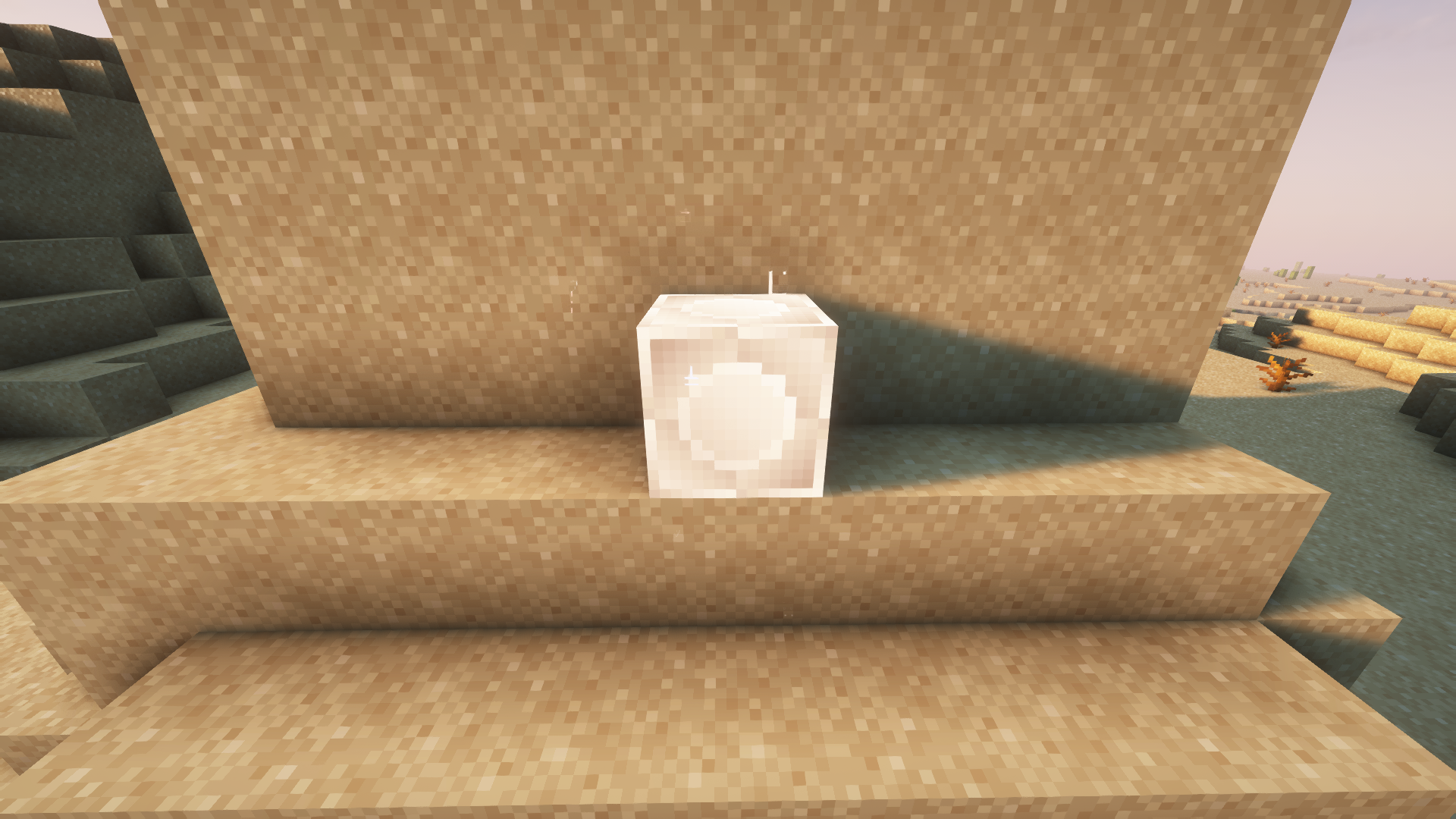
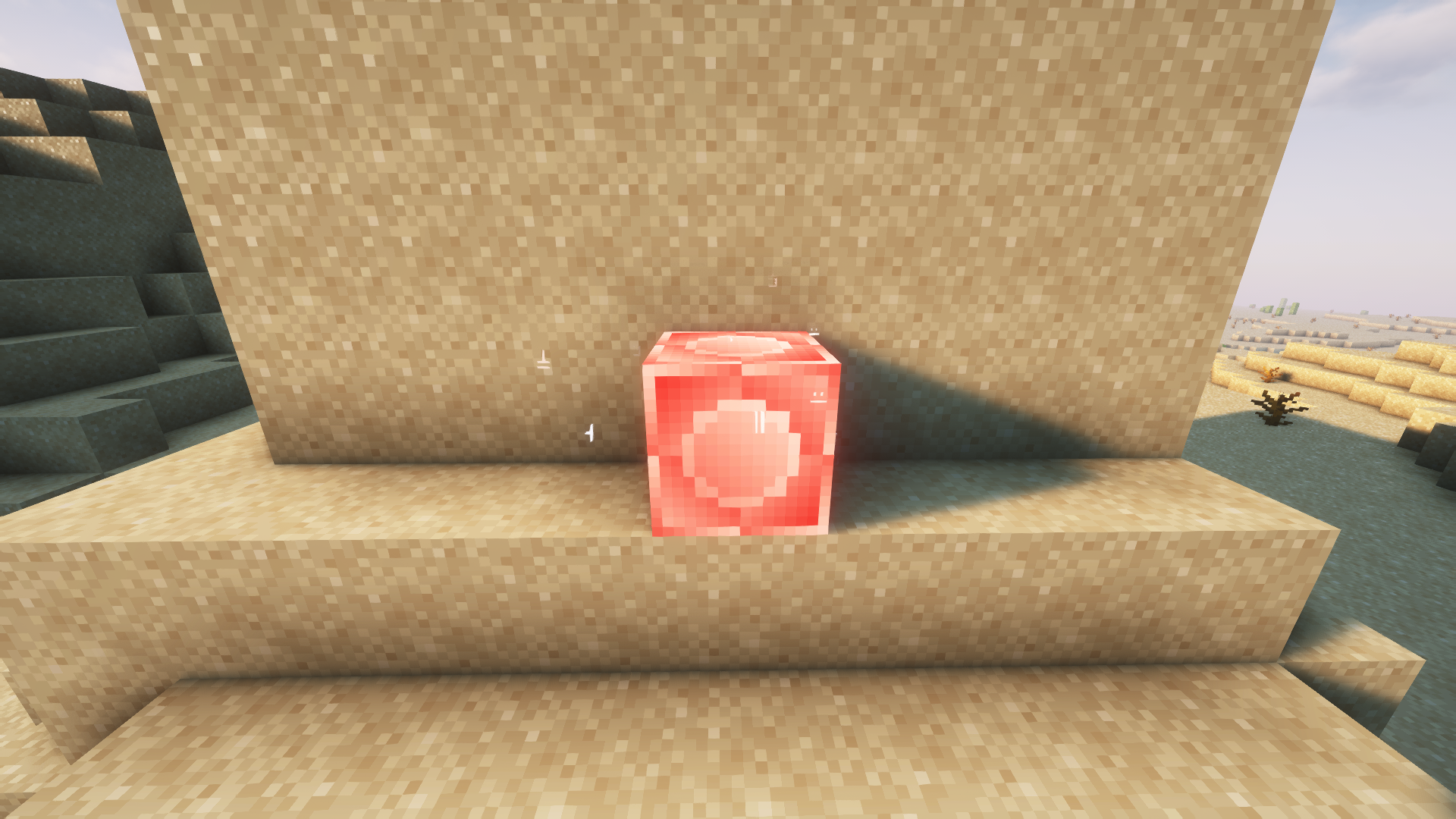
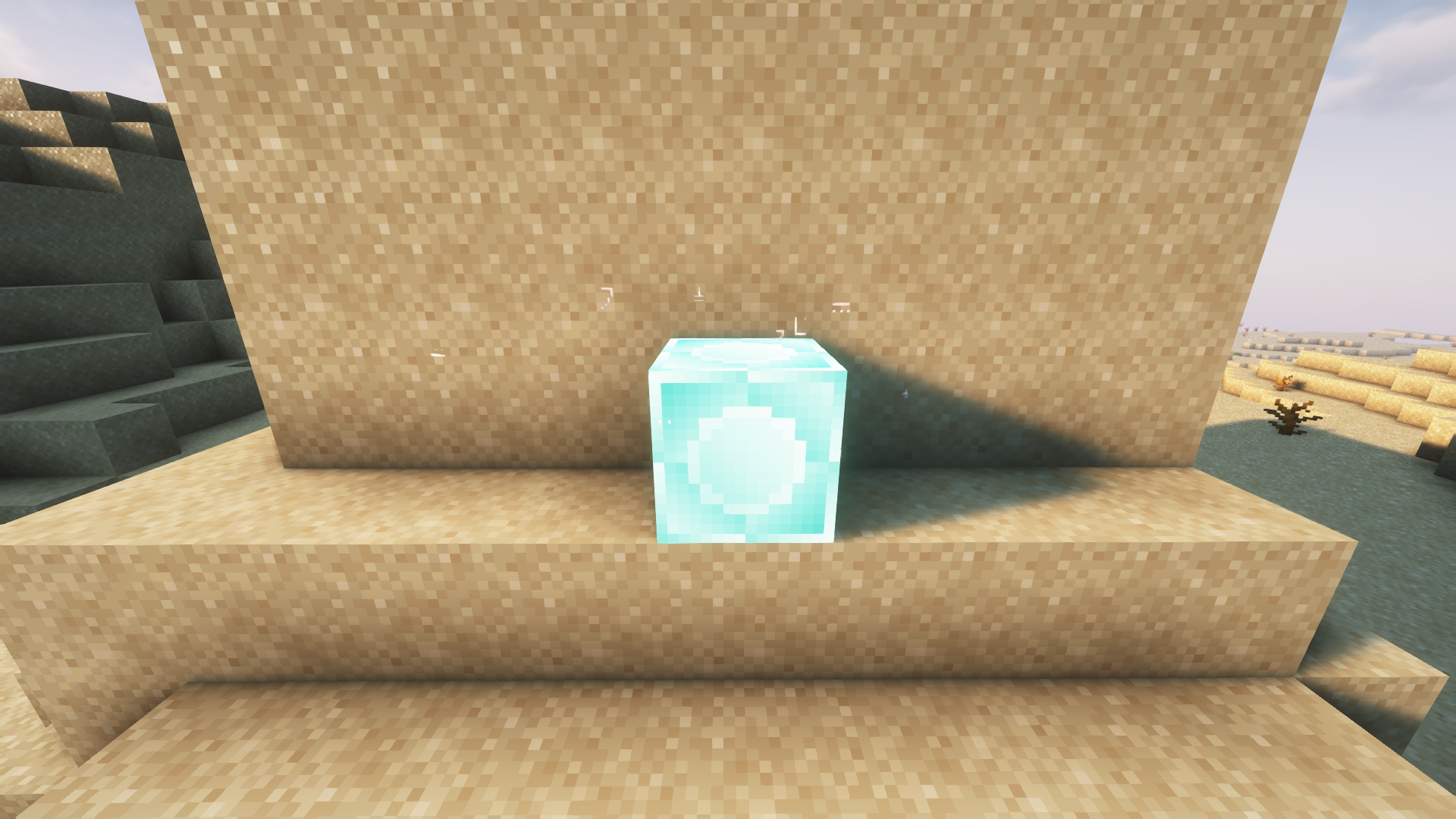
ConquestCraft introduces a new feature that allows players to claim territories using a special block indestructible called the Domain Block. This block has three states: Inactive, Unclaimed, and Claimed, each represented by its respective color: Gray, Blue, and Red.
THIS MOD DOES NOT PROTECT ANY BUILDING AGAINST DESTRUCTION!
Domain Block States:
- Inactive (Gray): The block is not in use and cannot be claimed.
- Unclaimed (Blue): The block is available for claiming.
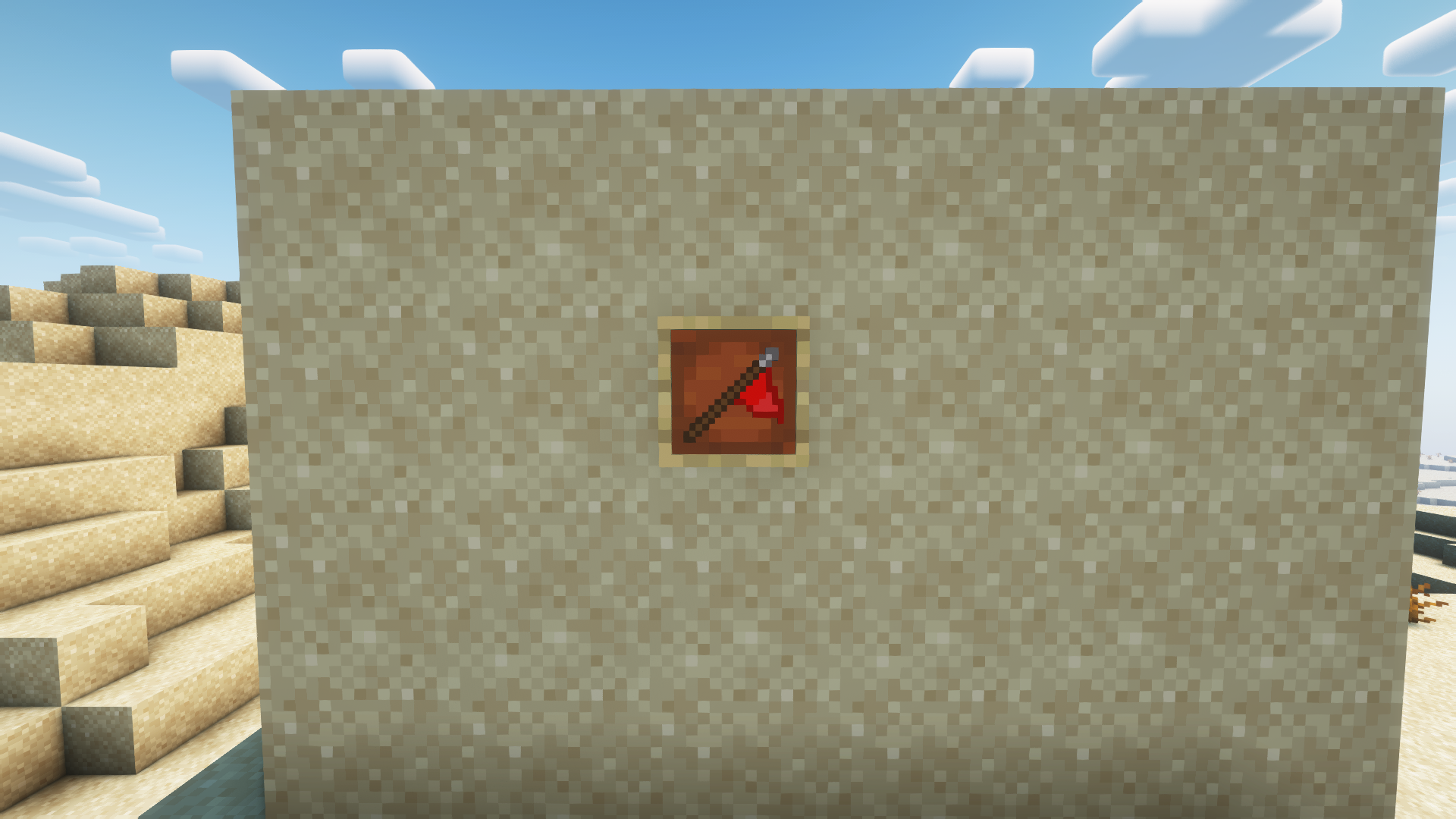
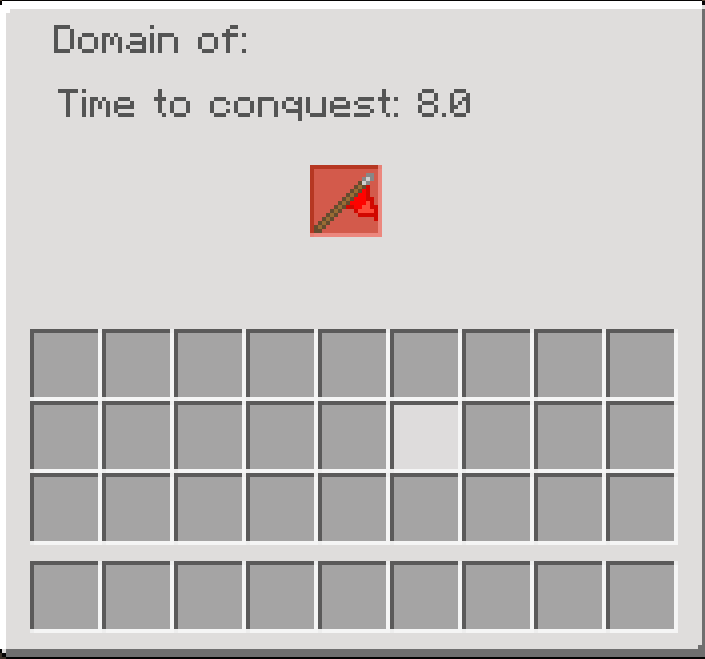
- Claimed (Red): The block is claimed by a team, but can be stolen.
Claiming a Domain Block:
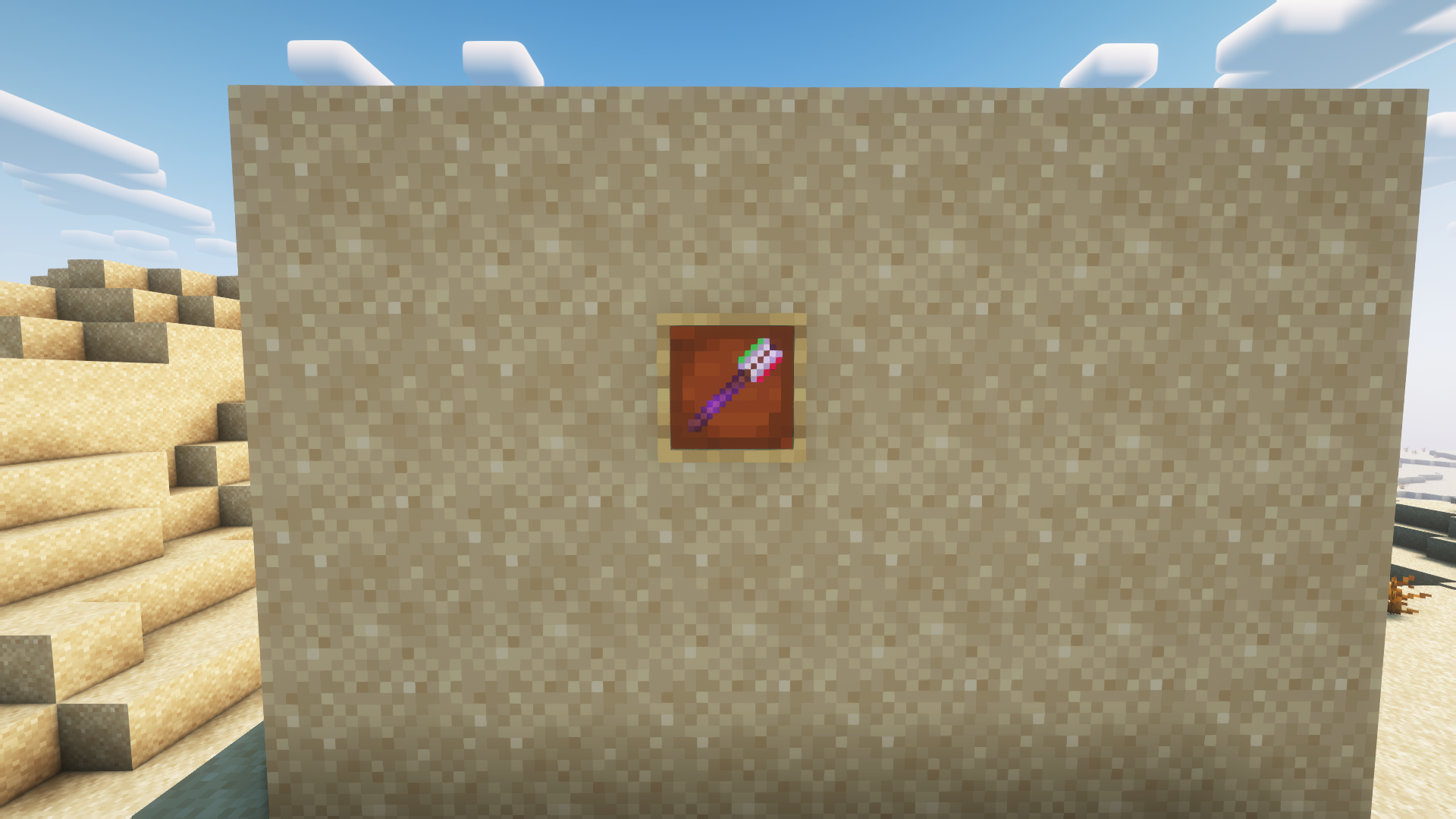
To claim a Domain Block, players need a team flag, which can be obtained using the following command
/getflag teamName
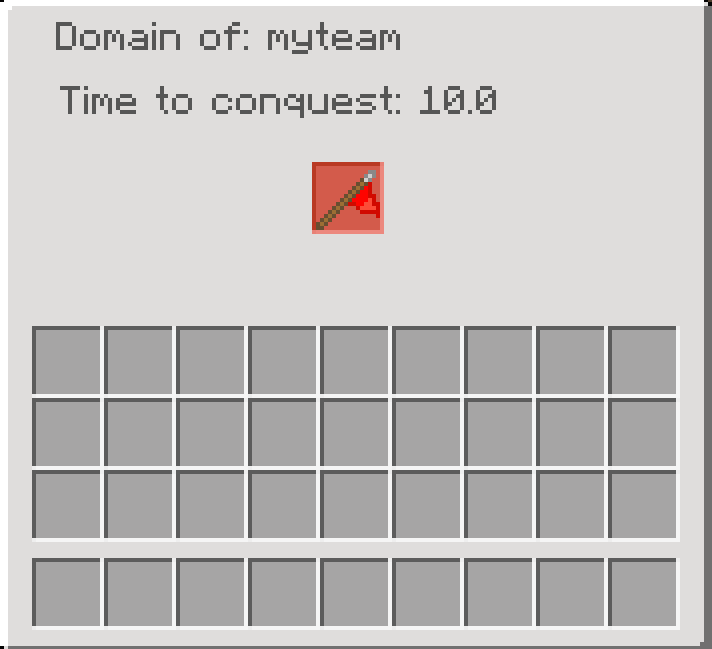
When a flag is placed in the slot of an unclaimed Domain Block, a 10-second countdown will begin. Once the countdown reaches zero, the Domain Block will be claimed by the team indicated by the flag. The block will now be in the claimed state, displaying the team name in its interface. Although a Domain Block is claimed, other teams can place their flag to restart the countdown and potentially take over the block.
Inactive Mode:
A Domain Block can be set to inactive mode using the Domain Tool, which is available only through commands or in creative mode.
Configuration Menu:
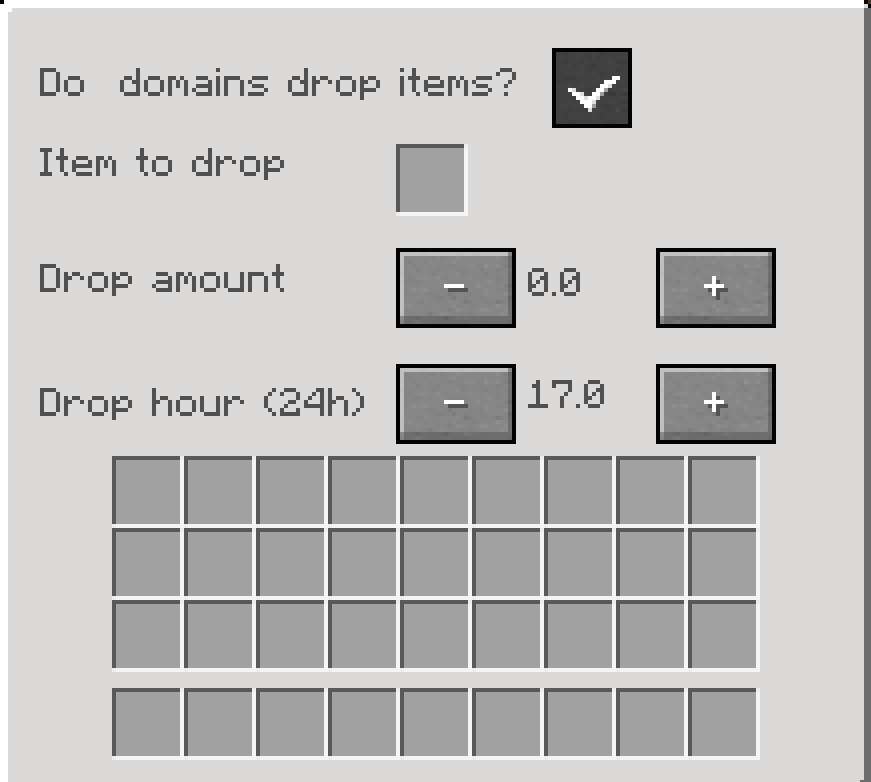
Using the command /ConfigConquestCraft, players can access the configuration menu where they can enable a game rule for Domain Blocks to drop a type of item in a certain quantity at a specific hour of the day (real time). Changes are saved automatically upon closing the interface. However, Domain Blocks can only drop items at the selected hour (regardless of the minute) and only once per day.
1.1 version:
Added command to enable a multiplier of the reward./domaintier numTier X Y Z
the numTier parameter will be the amount that will multiply the reward, for example a tier 2 domain, will give the double of the reward item.
- Edition: Minecraft Java
- File type: .jar
- Minecraft versions listed: 1.16.5, 1.20.1, 1.19.2
- How to install: Install the matching mod loader (Forge, Fabric or NeoForge) for your Minecraft version. → Download the .jar. → Put it in the .minecraft/mods folder and launch that loader profile.
- Where to get it: Opens on CurseForge — not every file is mirrored on our own servers.
Install steps are the general flow for this file type — How to install Minecraft Java mods & modpacks walks through it step by step.
- Ships as ConquestCraft 1.0 1.20.1.jar — drop this file into the mods folder
- Download size: 3.4 MB
- Download link checked 18 Oct 2026 — working
These come from our own check of the pack file, not from the source page.