Re:Entity Outliner
Java mod listed for Minecraft 1.20–1.21. Downloads from the MC Java Mods app on Android.
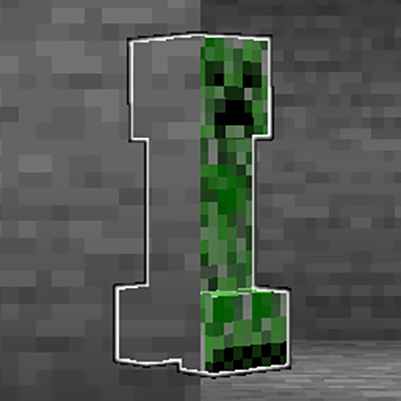
A clientside entity xray mod that allows you to select entity types to outline, making them visible through obstructions at any distance.
I don't know my version or loader
Re:Entity Outliner
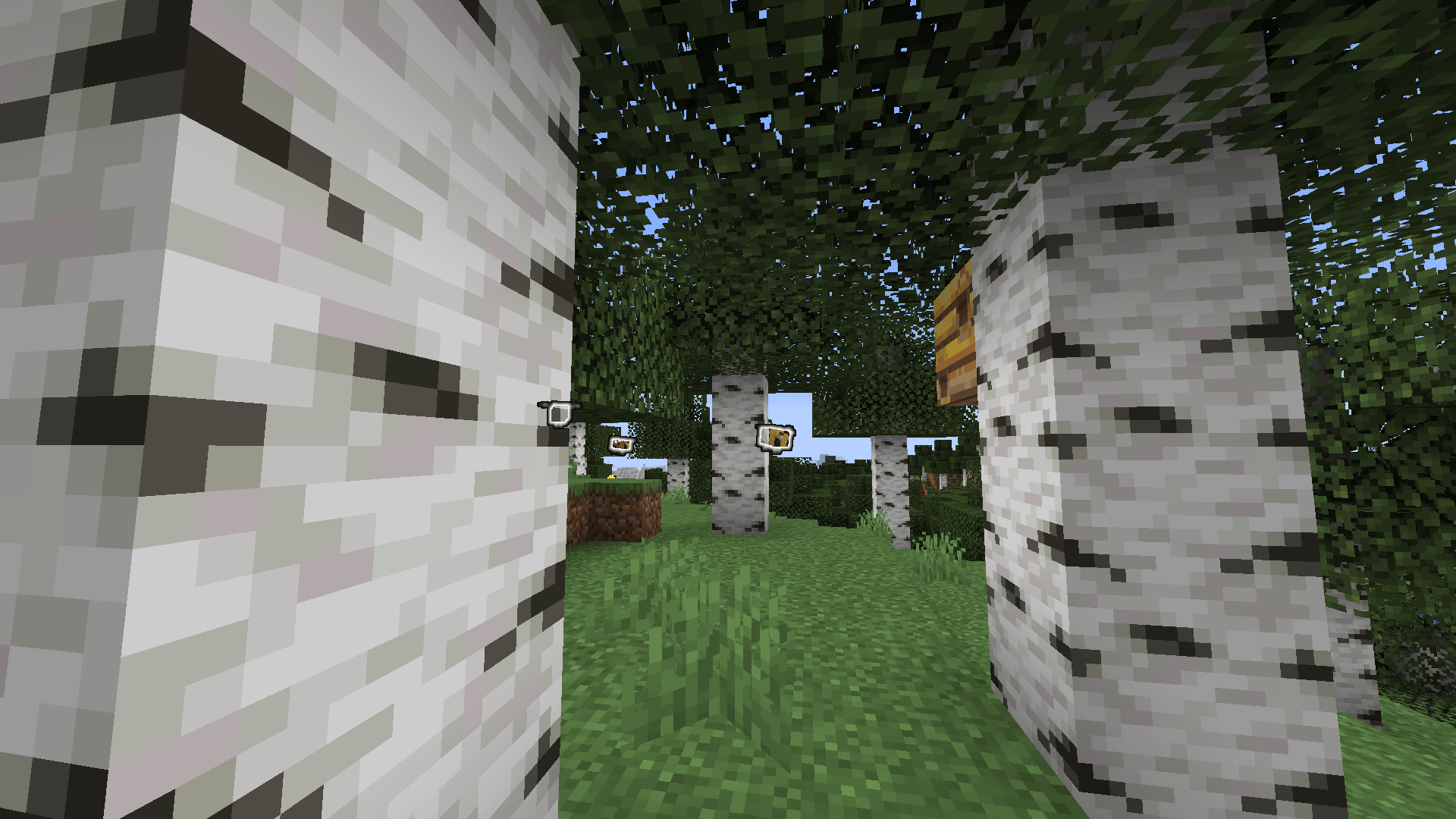
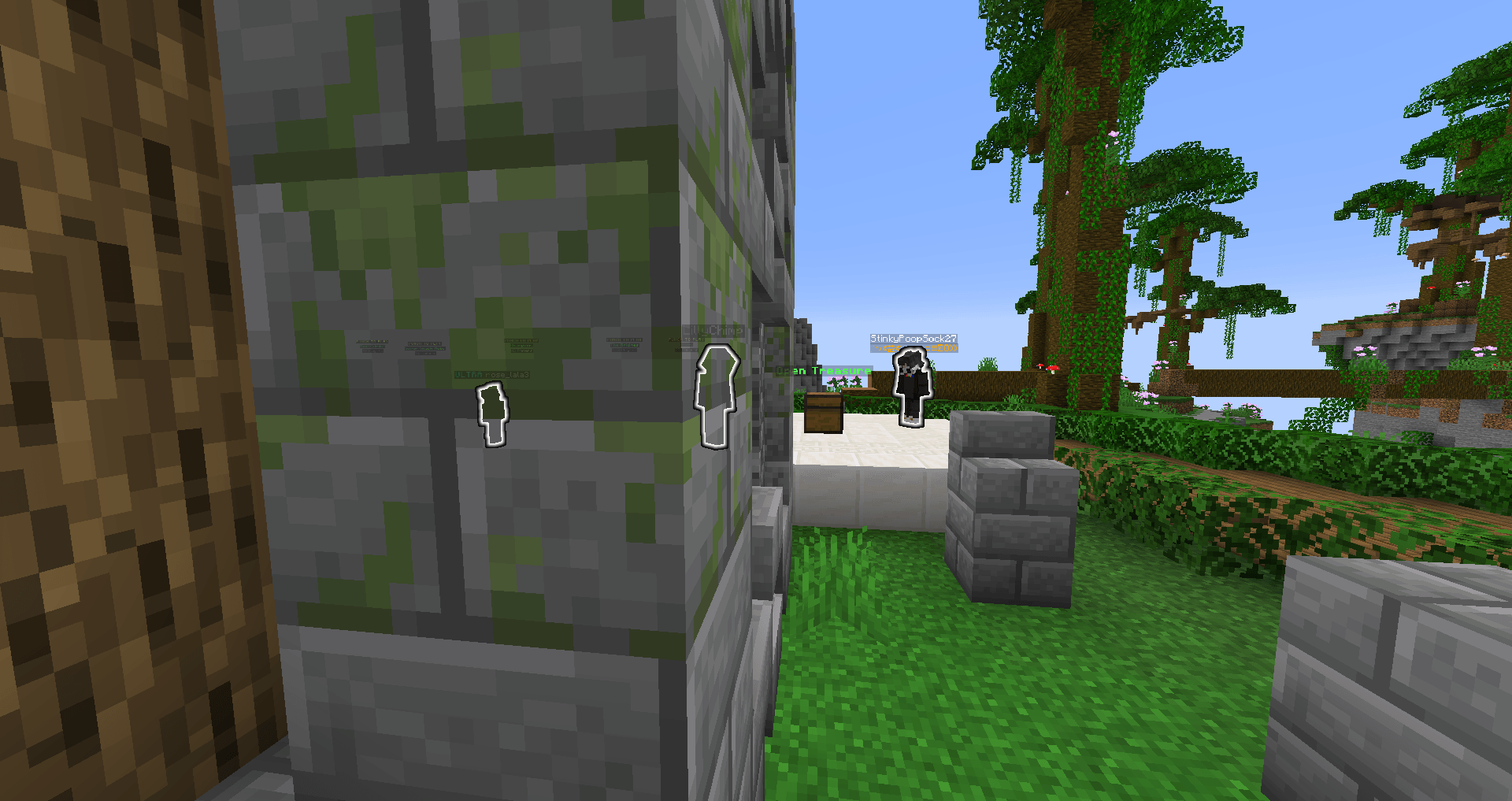
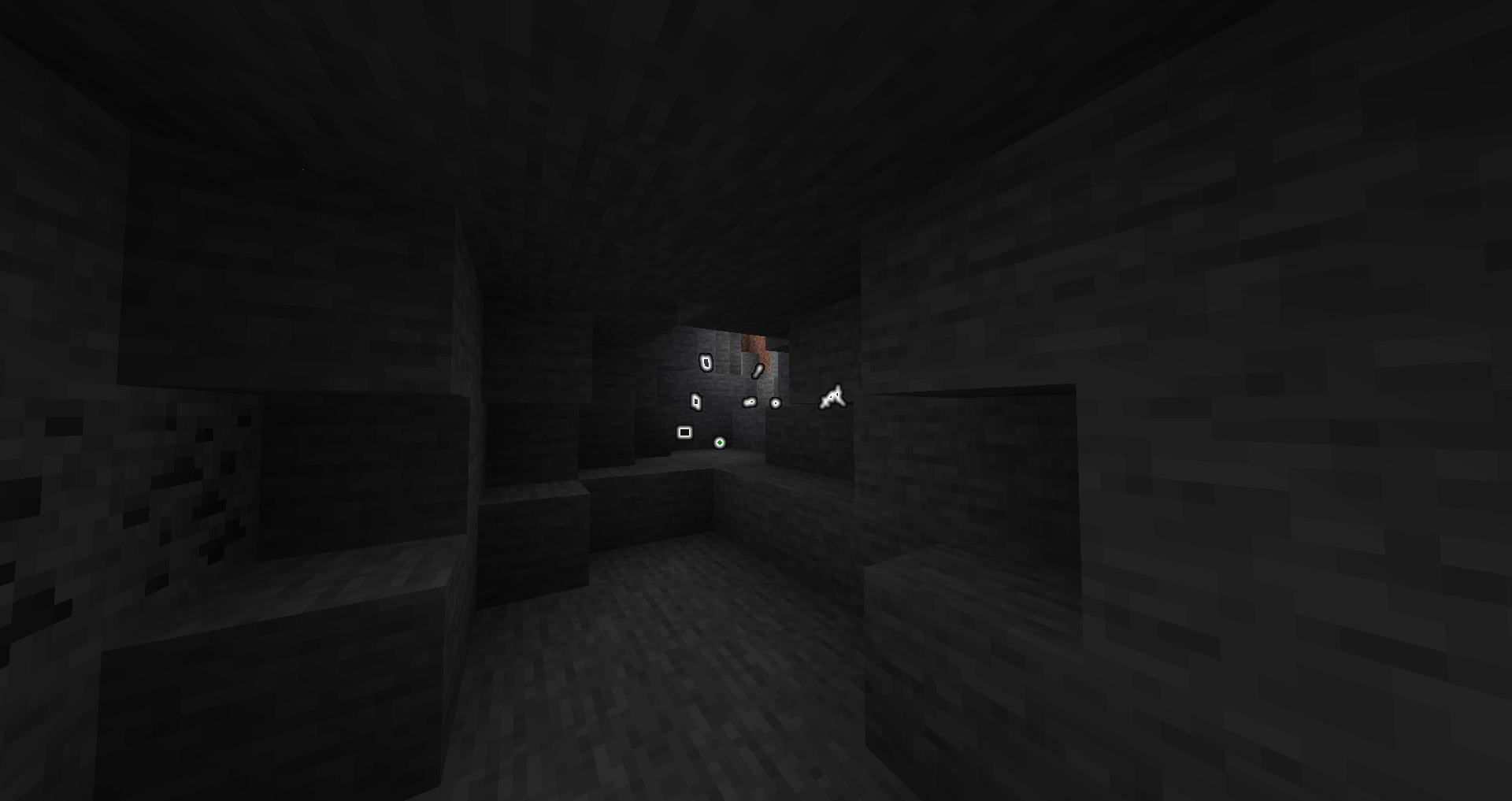
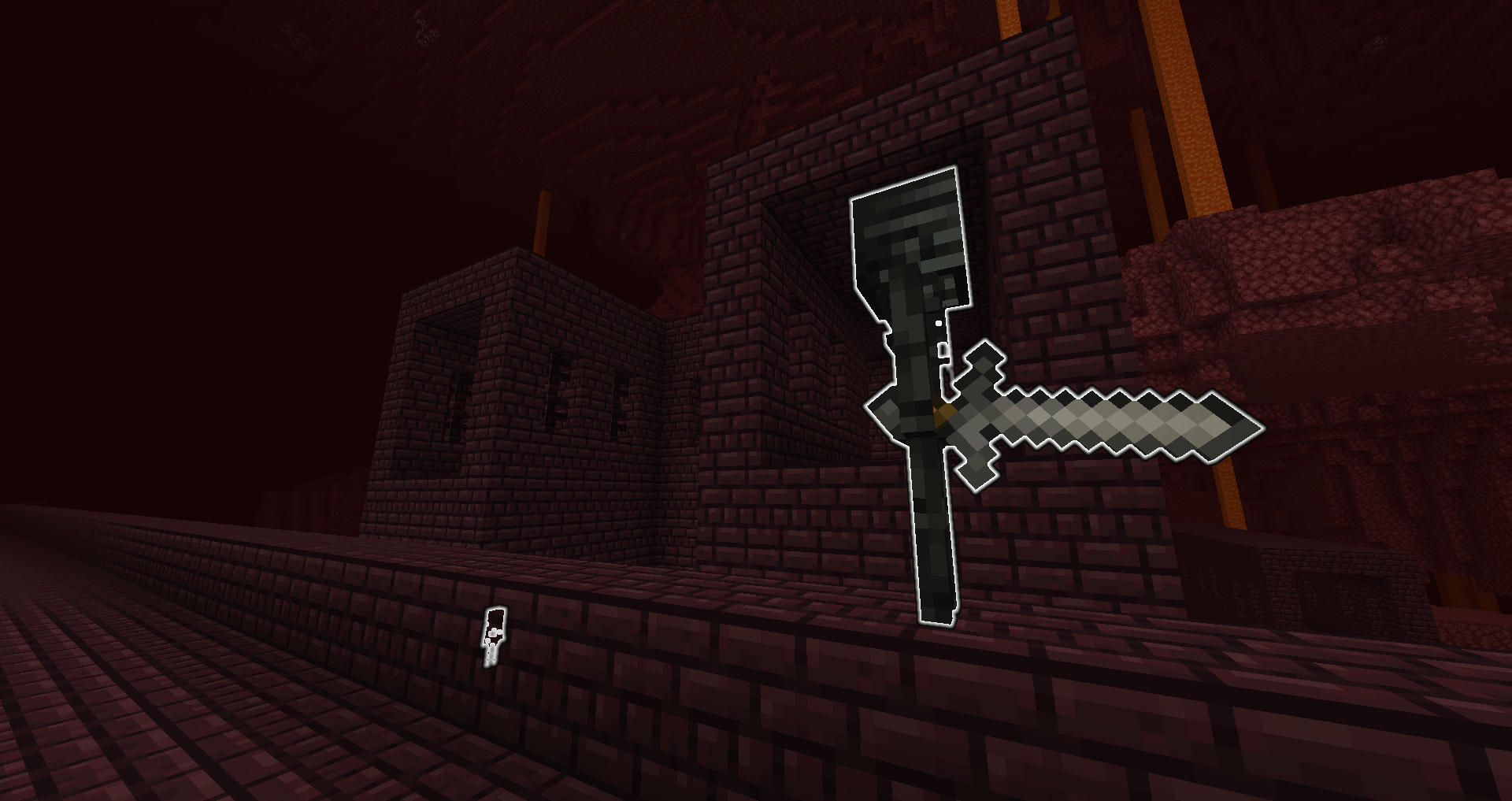
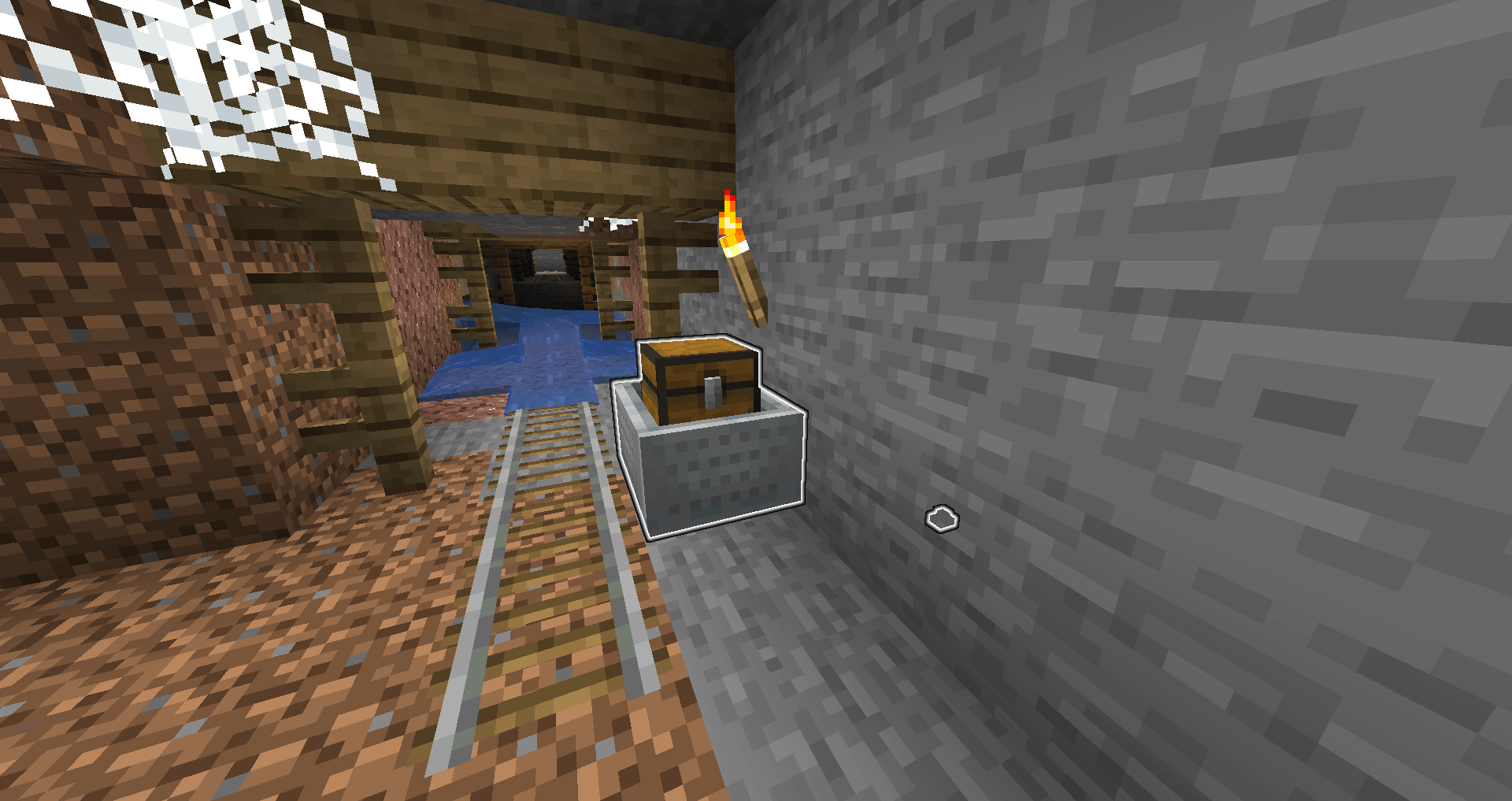
Re:Entity Outliner is a clientside mod that allows you to select entity types to outline, making them visible through obstructions like a entity xray / entity ESP / wallhack) at any distance (by using a glowing effect).


New : Forge and NeoForge mod versions (1.21.8+)
For players on older versions, the mod is now also available for Forge 1.20.1
For older fabric versions, Re:Entity Outliner is a continuation of adamviola's initial mod : https://www.curseforge.com/minecraft/mc-mods/entity-outliner
Why Use It?
This mod will help with:
- Finding passive mobs by outlining them.

- Finding unlit caves by outlining zombies, creepers, skeletons, and spiders.

- Fighting other players by outlining players.

- Finding your death location by outlining items and experience orbs.

- Wither skeleton skull hunting by outlining wither skeletons

- Finding mineshaftsby outlining cave spiders and minecarts with chests.

And many more!
Features
Entity Selector

This screen allows outlining of any entity in the game. There's a search bar for narrowing down entities and buttons to organize the results by entity category, deselect all entities, and toggle on/off the outlines. Entities added by other mods do appear in the results.
For the technically inclined, the search works using a precomputed hashtable that maps a string prefix to a corresponding list of results. The lists of results are computed for all prefixes that correspond at least one entity type.
Controls for toggling the outlines and opening the selector

Custom keybinds are provided to open the entity selector and toggle the outline. The outline can also be toggled via a button inside the entity selector.
Installation
On Fabric :
- Install Fabric
- Drop the Fabric API jar into the mods folder
- Drop the Re:Entity Outliner FABRIC .jar into the mods folder
On NeoForge : (from 1.21.8+)
- Install NeoForge
- Drop the Re:Entity Outliner NEOFORGE .jar into the mods folder
On Forge : (for 1.20.1 or from 1.21.8+)
- Install Forge
- Drop the Re:Entity Outliner FORGE .jar into the mods folder
License
MIT. Feel free to use this mod in any modpack.
- Edition: Minecraft Java
- File type: .jar
- Minecraft versions listed: 1.21.11, 1.21.9, 1.21.10
- How to install: Install the matching mod loader (Forge, Fabric or NeoForge) for your Minecraft version. → Download the .jar. → Put it in the .minecraft/mods folder and launch that loader profile.
- Where to get it: Opens on CurseForge — not every file is mirrored on our own servers.
Install steps are the general flow for this file type — How to install Minecraft Java mods & modpacks walks through it step by step.
- Ships as ReEntityOutliner-forge-1.21.11-25.4.0.2.jar — drop this file into the mods folder
- Download size: 52 KB
- Download link checked 27 Sept 2026 — working
These come from our own check of the pack file, not from the source page.