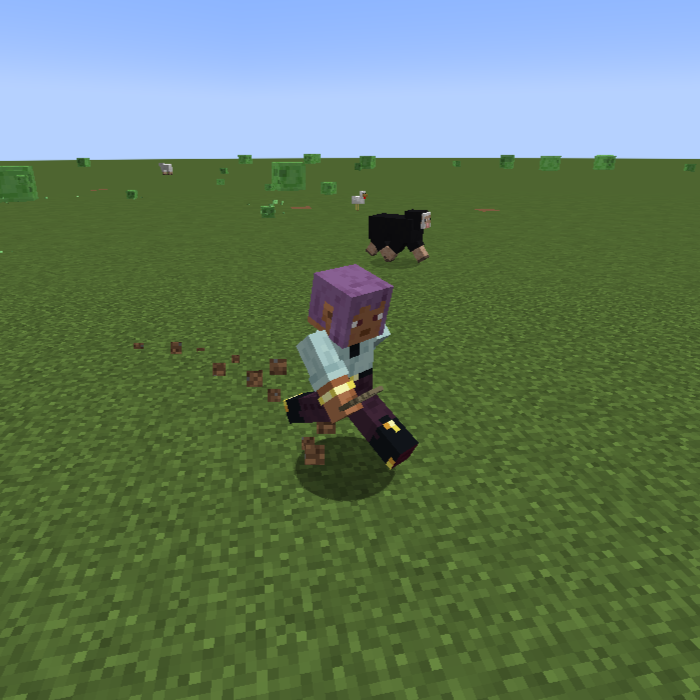
Open Third Person
Java mod listed for Minecraft 1.20–1.21. Downloads from the MC Java Mods app on Android.
I don't know my version or loader
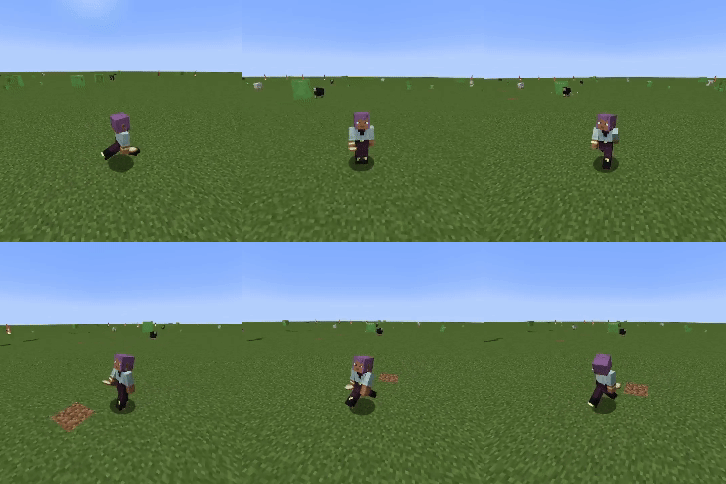
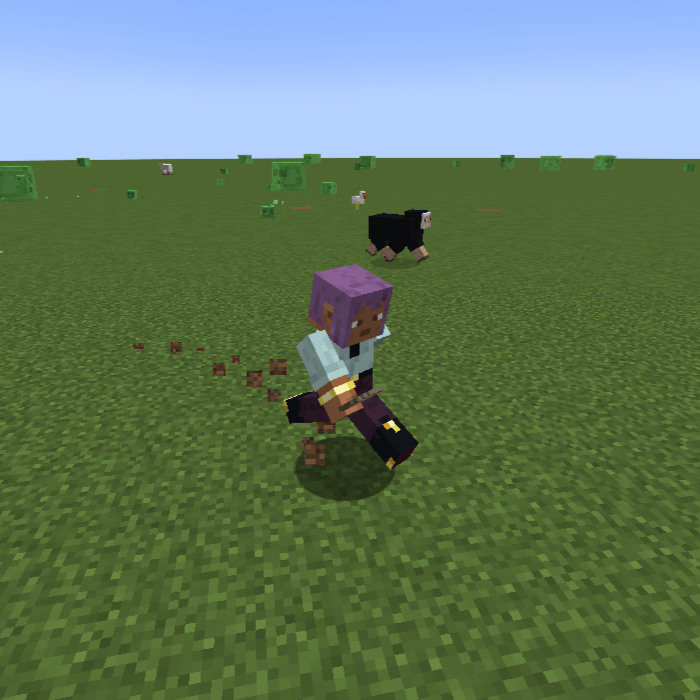
Open Third Person is an open source enhancement for the third person camera.
Locked Free Camera
When in third person, you are able to move the camera around freely while holding the middle mouse button (can be rebound). This lets you position the camera exactly where you want it without interfering with the normal movement controls.

Cardinal Camera
The cardinal mode allows to move in 8 directions using the regular movement keys. Your player will automatically face the way you're moving. Using the camera button (default middle mouse) will force your player to look where your camera is looking.

Smooth Transition and Separate Vehicle Camera

Config Options
- camera: VANILLA, LOCKED_FREE, CARDINAL
- ride_camera: VANILLA, LOCKED_FREE, CARDINAL
- smooth_transition: Smoothly transition between normal and ride camera
- cam_sens: Changes the sensitivity for moving the camera around
- cam_dist: Changes the distance the camera is from the player
- cardinal_global: Uses 8 compass directions if true. False uses 8 directions based on the current direction the player is facing
- cardinal_auto_look: Left and right clicks move your player to look in the camera direction
- Edition: Minecraft Java
- File type: .jar
- Minecraft versions listed: 1.20.1, 1.20.2, 1.20.3
- How to install: Install the matching mod loader (Forge, Fabric or NeoForge) for your Minecraft version. → Download the .jar. → Put it in the .minecraft/mods folder and launch that loader profile.
- Where to get it: Opens on CurseForge — not every file is mirrored on our own servers.
Install steps are the general flow for this file type — How to install Minecraft Java mods & modpacks walks through it step by step.
- Ships as openthirdperson-1.20.1-1.0.0.jar — drop this file into the mods folder
- Download size: 23 KB
- Download link checked 27 Sept 2026 — working
These come from our own check of the pack file, not from the source page.