More Sprouts+ MCreator Mobs
Java mod listed for Minecraft 1.16–1.20. Download on the author's site.
About MCreator Sprouts+ More Sprouts Mobs original Credit: Related to Mystical World and Roots Mobs This is Sprouts Evolution custom the Sprouts Mobs…
⬇ Download on CurseForge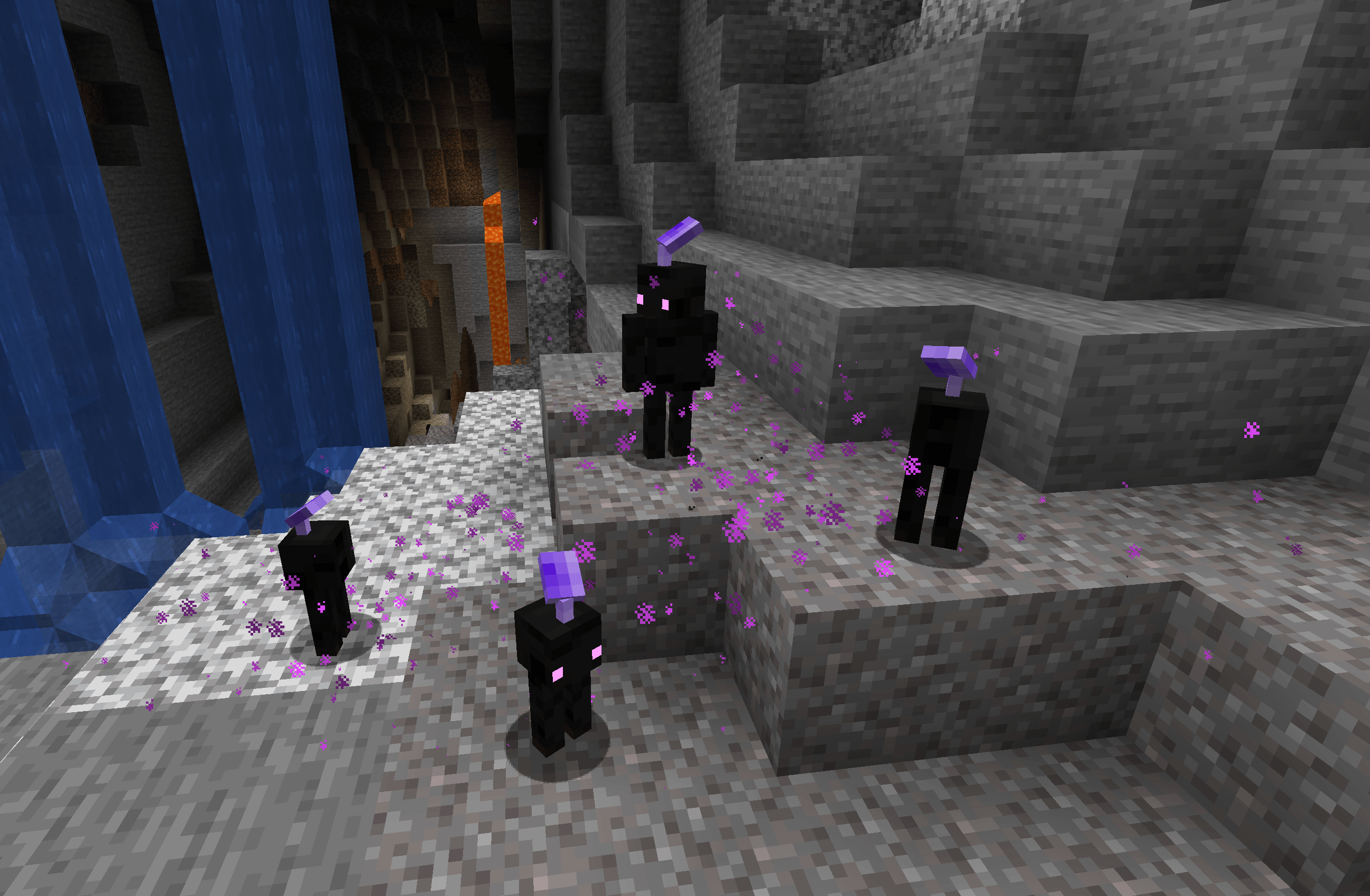
About
MCreator Sprouts+ More
Sprouts Mobs original Credit:
https://www.curseforge.com/minecraft/mc-mods/roots
https://www.curseforge.com/minecraft/mc-mods/mystical-world
Related to Mystical World and Roots Mobs
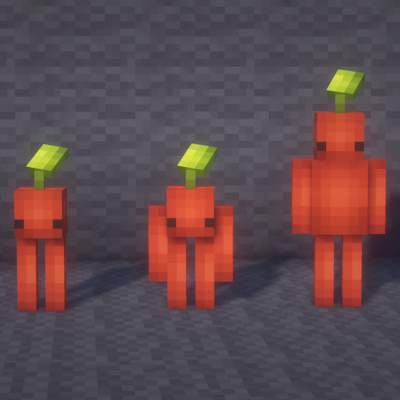
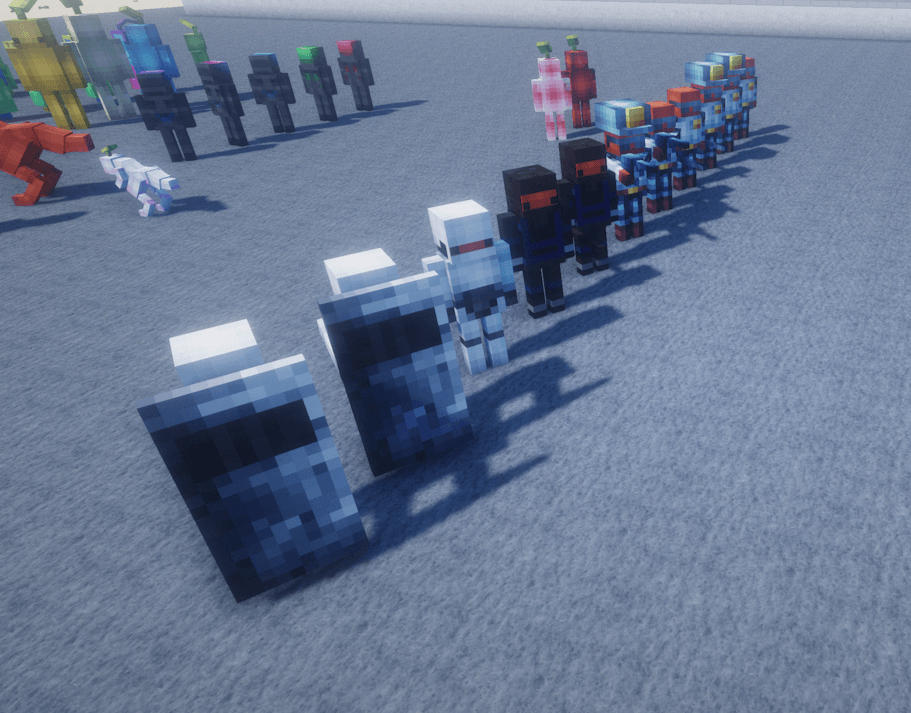
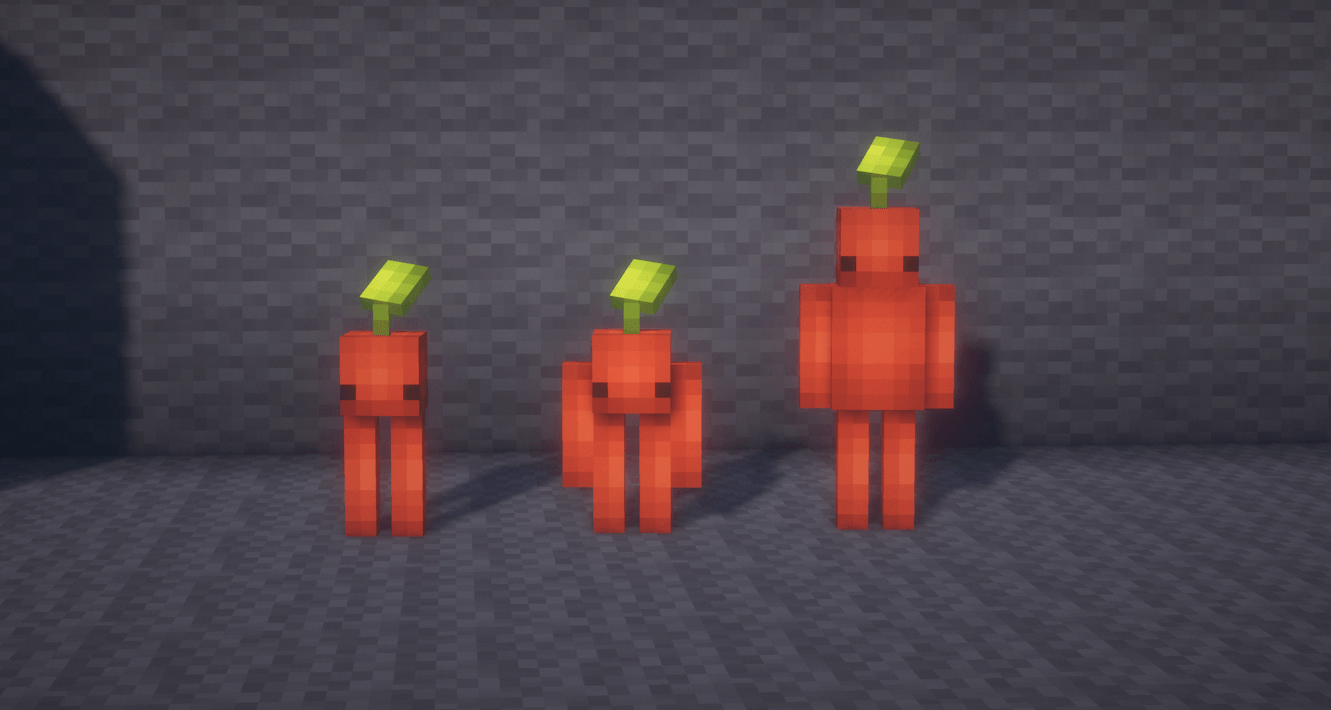
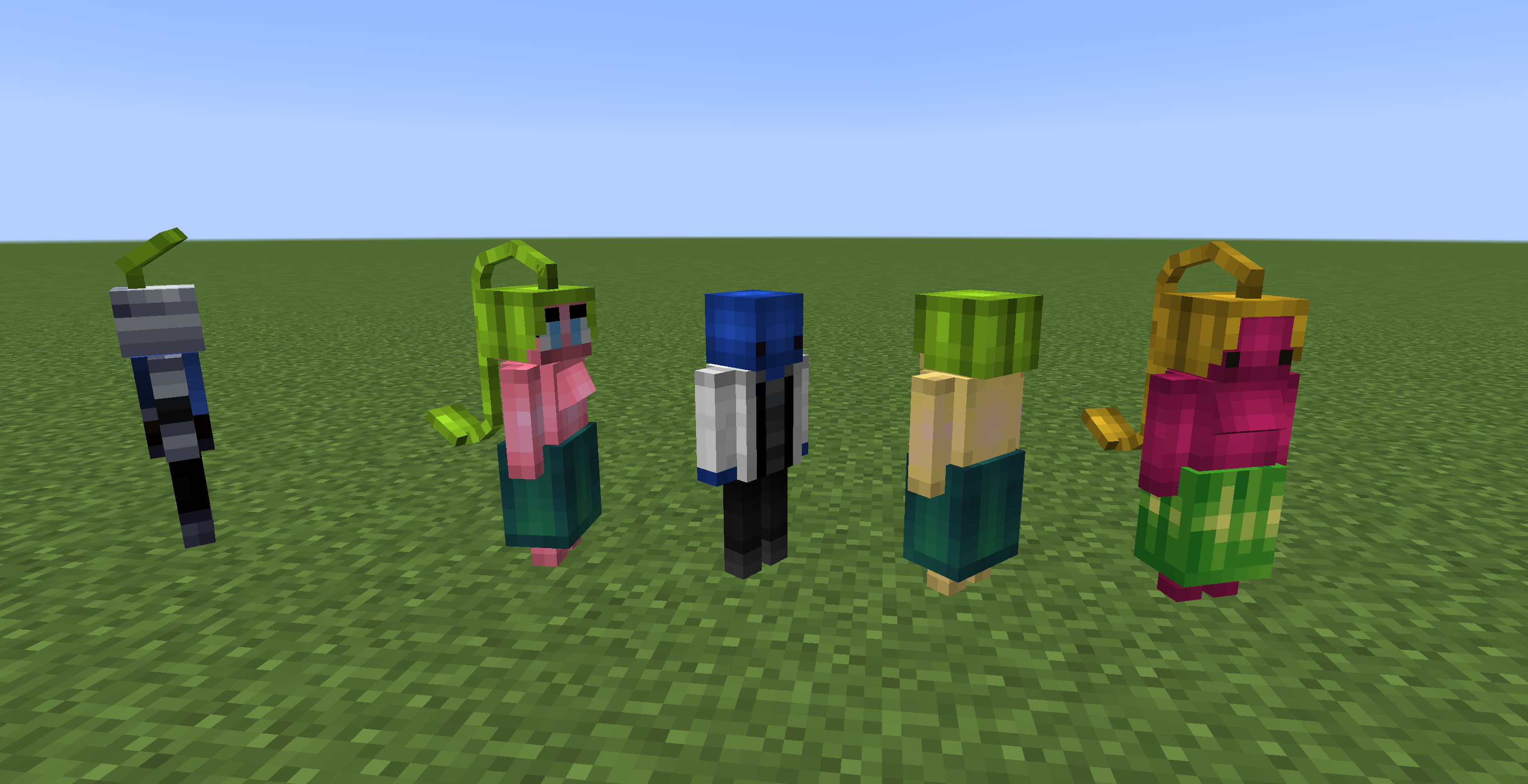
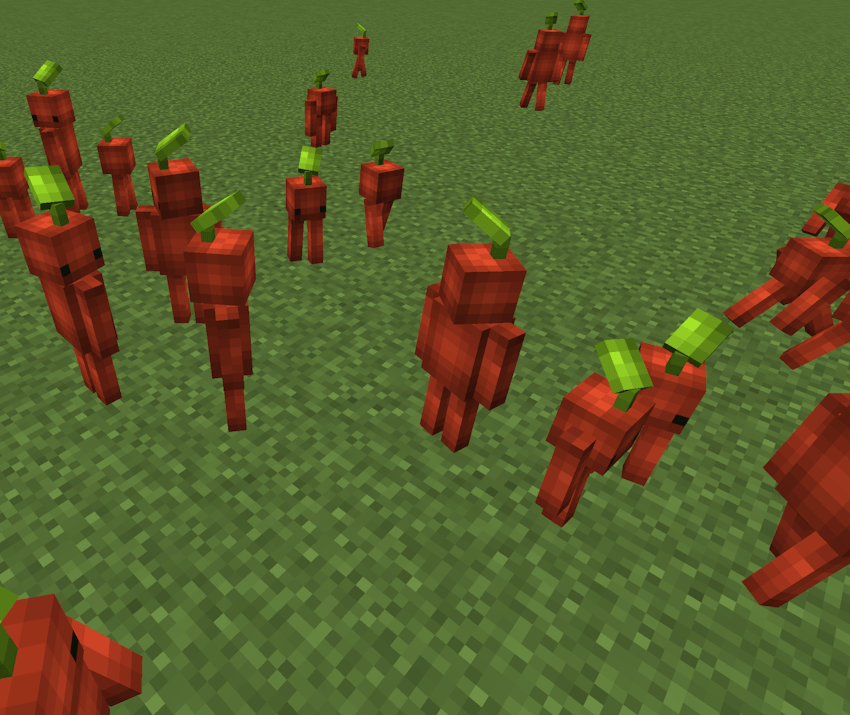
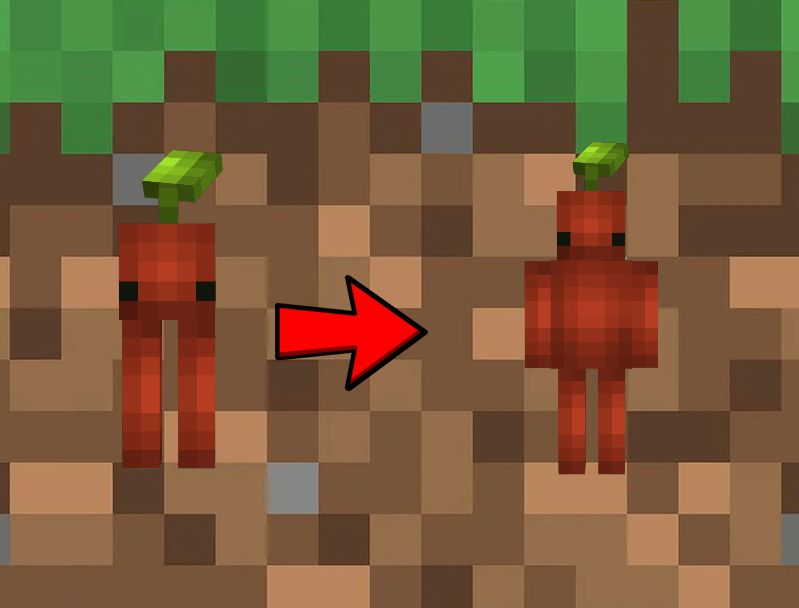
This is Sprouts Evolution custom the Sprouts Mobs evolved into humanoids!
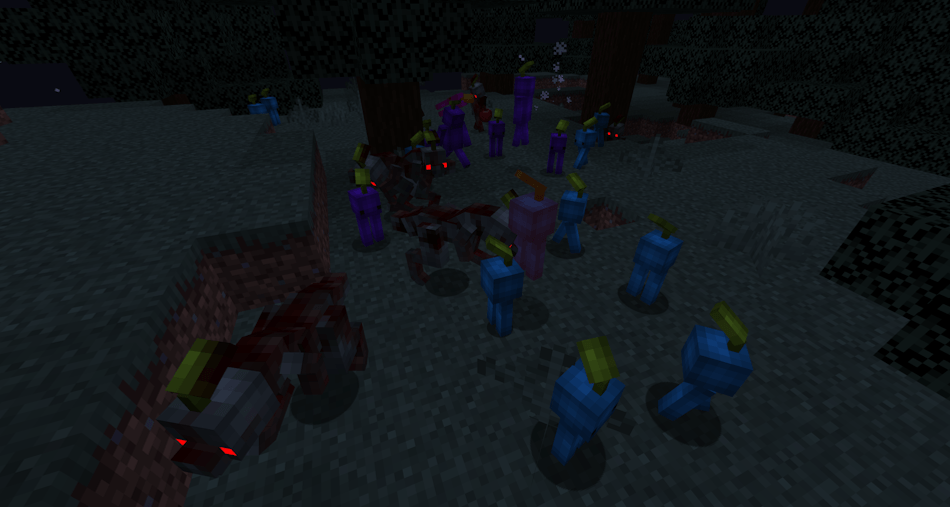
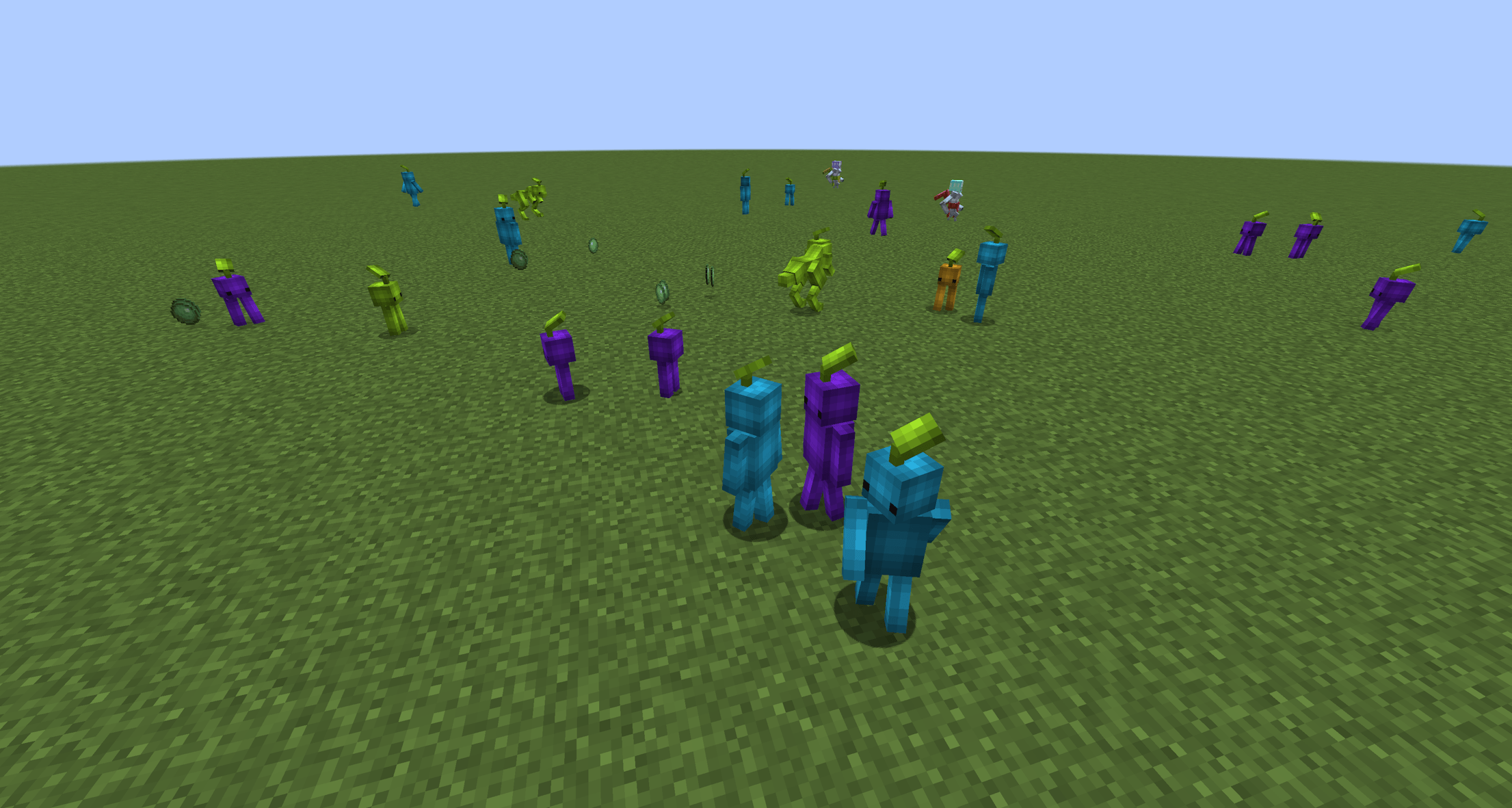
They are intelligent beings and can help you to attack monsters if you feed them with using apples and when you give apples to sprouts they will reproduce to more sprouts and became your pets.
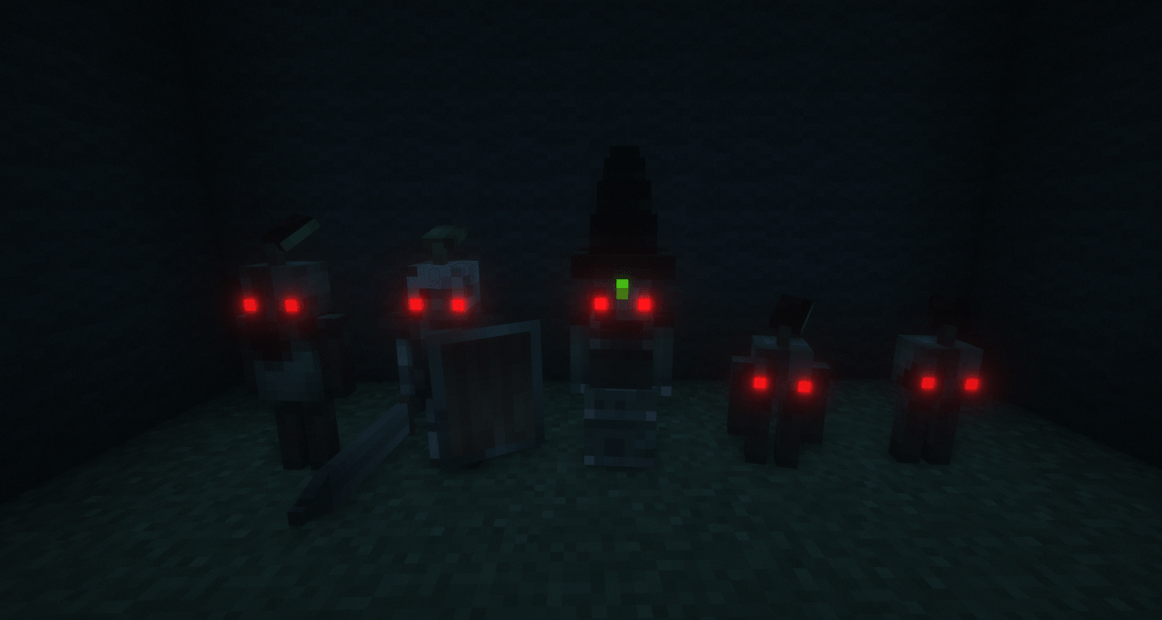
Added Zombie Sprouts and Knight Sprouts and also the Sprouts with Bow
More Sprouts+
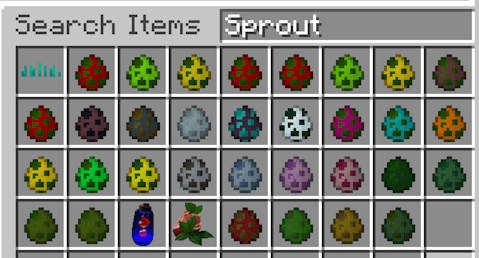
All Sprouts Spawns More+
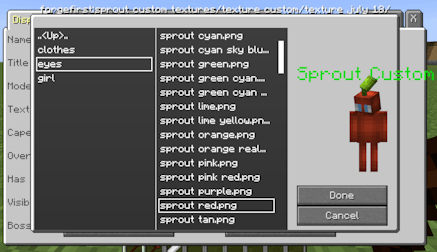
Must Download 1.12.2 https://www.curseforge.com/minecraft/mc-mods/more-sprouts-mcreator/files/5663611
https://www.curseforge.com/minecraft/mc-mods/custom-npcs/files/all?page=1&pageSize=20&version=1.12.2 for more Skins
The Zombies with Texture glowing on BSL and other Shaders on 1.12.2 is here with Optifine Texture Glowing

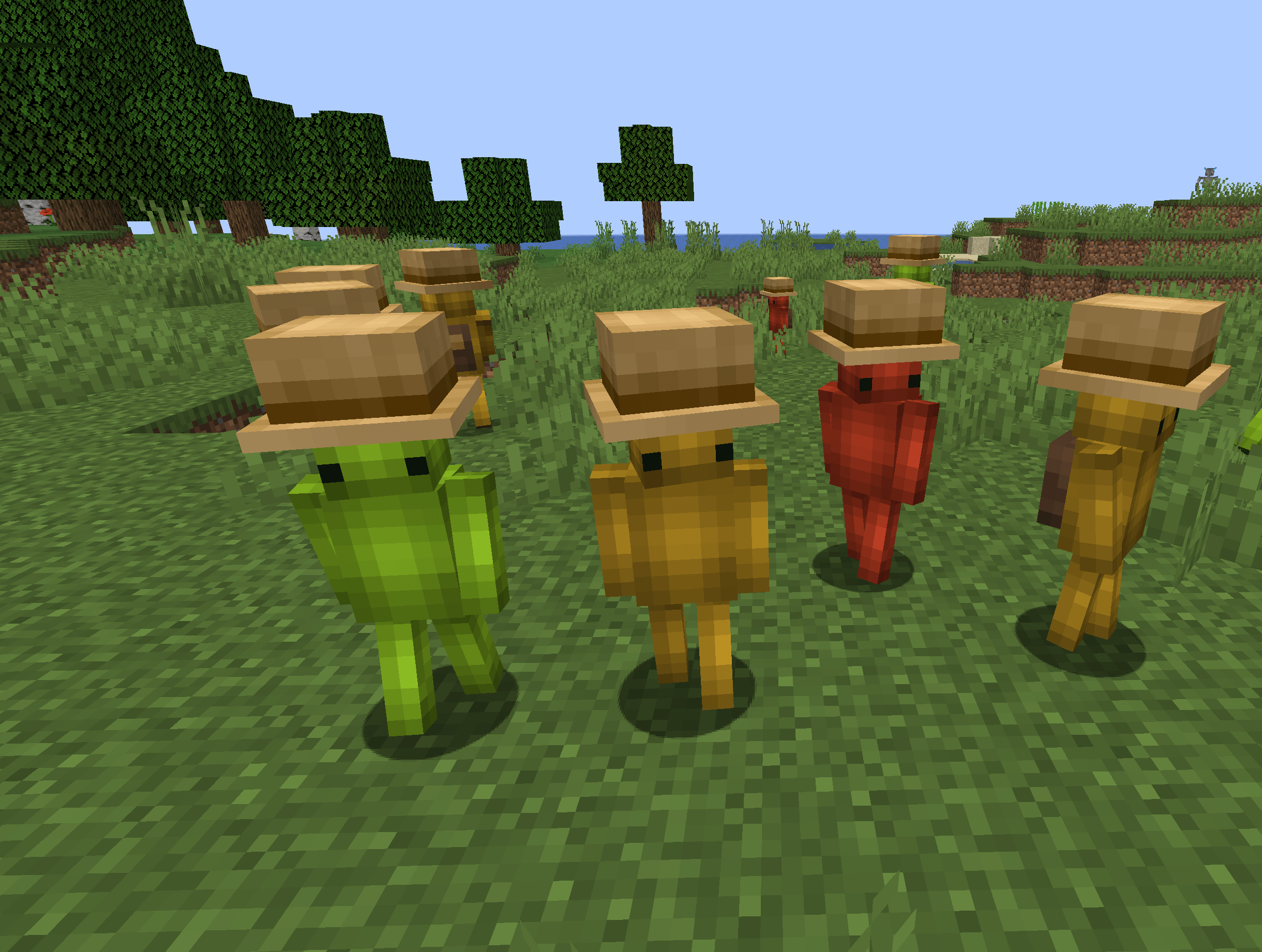
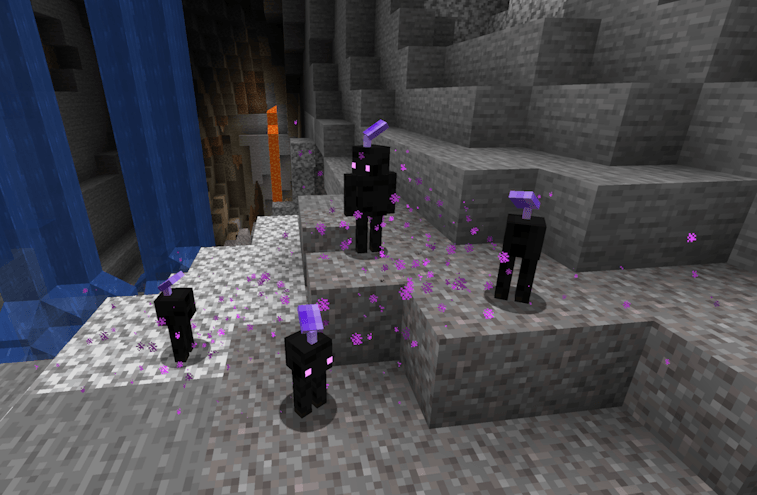
Endersprouts added and the Sprouts Backpack has been added
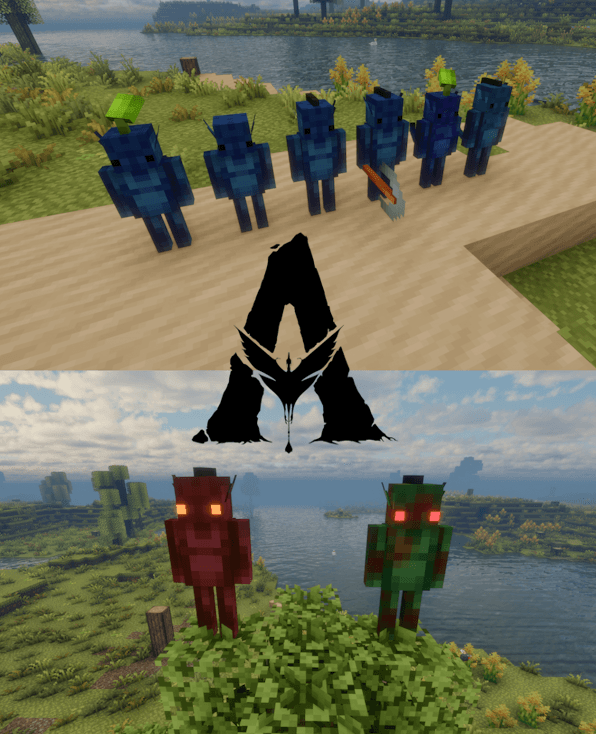
Added Na'vi Sprouts in 1.6.0V and 1.4.0V Versions! 1.19.2 / 1.20.1 / 1.12.2 AVATAR
Random Creatures
- Edition: Minecraft Java
- File type: .jar
- Minecraft versions listed: 1.20.1, 1.19.2, 1.16.5
- How to install: Install the matching mod loader (Forge, Fabric or NeoForge) for your Minecraft version. → Download the .jar. → Put it in the .minecraft/mods folder and launch that loader profile.
- Where to get it: Opens on CurseForge — not every file is mirrored on our own servers.
Install steps are the general flow for this file type — How to install Minecraft Java mods & modpacks walks through it step by step.
More Sprouts+ MCreator Mobs is a free Minecraft Java mod. Compatible with Minecraft 1.20.1, 1.19.2, 1.16.5, 1.18.2. Downloaded 6,226 times (via CurseForge). Download it and open it directly in the game.