
Steve Empire
Java mod listed for Minecraft 1.20. Downloads from the MC Java Mods app on Android.
⬇ Download on CurseForgeThe author built this one for Minecraft 1.20–1.20.1 on Forge. On other versions it may install and then do nothing.
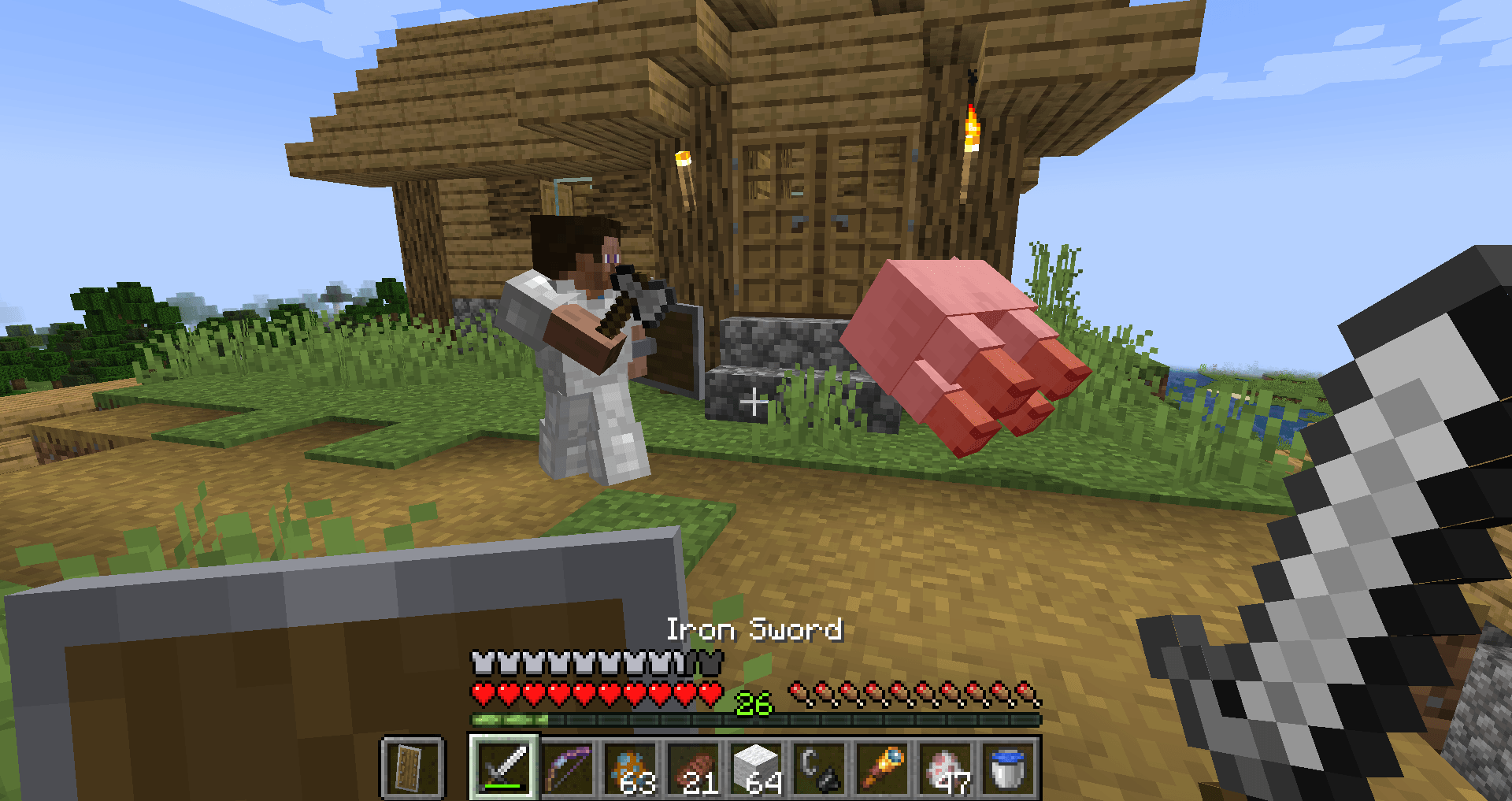
This mod introduces dynamic new enemies that fight like players, bringing a whole new level of difficulty and excitement to the game. Whether you’re looking for intense PvP battles or testing the strength of your base defenses, this mod will be perfect!
Key Features:
- Steve Warriors: These hostile foes will fight back like a player, jumping, strafing, and using combat strategies to defeat you. They can throw ender pearls, block arrows, eat golden apples when low, use potions, and more. This makes for an amazing, unpredictable, player-like combat that will test your PvP skills!
- Steve Engineers: This is the Steve Engineer, a new clever entity who targets your base. This invader will approach and attempt to break into your castle or base. Watch out, as he places TNT at your gates to let the Steve Warriors inside (or walls if he can’t reach the gates). Don't worry, he will not leave massive craters in your land, as only select blocks can be destroyed in the explosion. The Warriors and Engineer are also smart enough to run away from the blast zone, making sure they don't get injured!
- Steve Outposts: As you sleep, beware of Steve Outposts spawning near your base. If you don’t destroy the outpost by the next night, a small army of Steve Warriors will be summoned to breach your defenses.
Summary: This mod is great for if you just want a PVP bot, or if you want some extra challenge to your world and test your base defenses.
Quick 30 sec video of my base being attacked
(the glass is so you can see the TNT, and the glowing effect was for testing and is now removed).
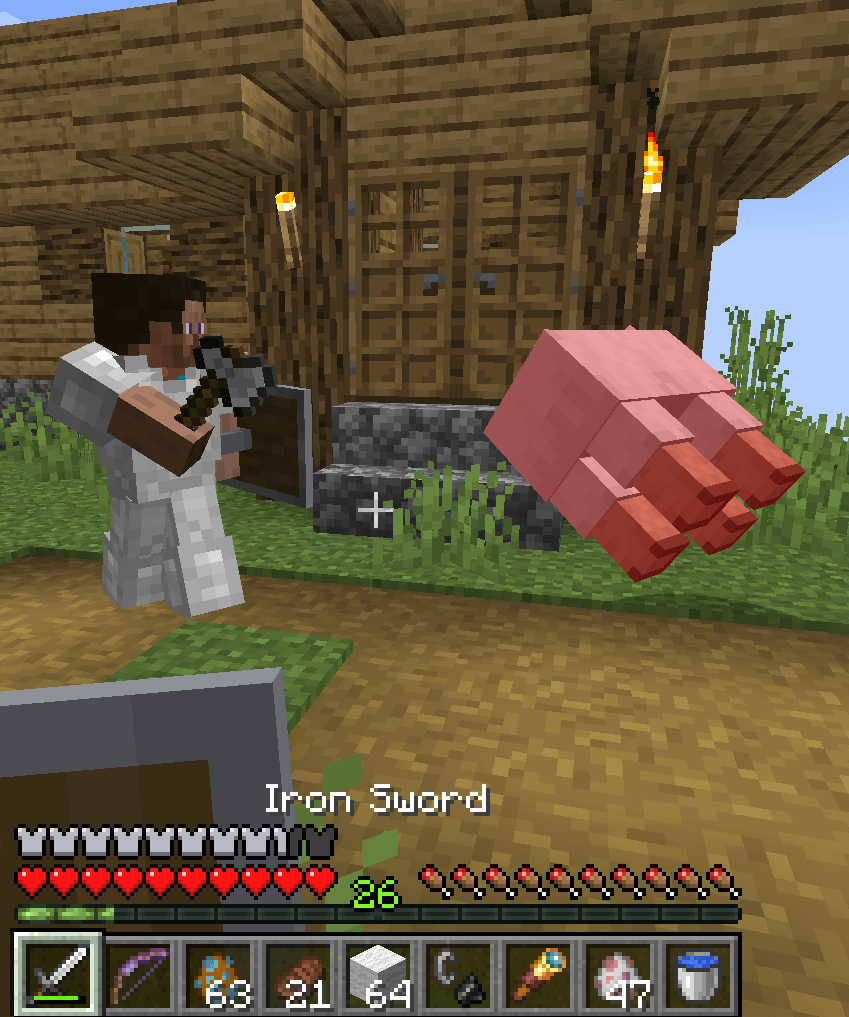
Steve attacking his natural born enemy: sheep.
Let me know of anything in the comments!
- Edition: Minecraft Java
- File type: .jar
- Minecraft versions listed: 1.20.1, 1.20
- How to install: Install the matching mod loader (Forge, Fabric or NeoForge) for your Minecraft version. → Download the .jar. → Put it in the .minecraft/mods folder and launch that loader profile.
- Where to get it: Opens on CurseForge — not every file is mirrored on our own servers.
Install steps are the general flow for this file type — How to install Minecraft Java mods & modpacks walks through it step by step.
- Ships as steveciv-1.0.1.jar — drop this file into the mods folder
- Download size: 2.8 MB
- Download link checked 18 Oct 2026 — working
These come from our own check of the pack file, not from the source page.