
ModsJava
Mekanism The Factory Must Grow Compatibility
Java mod listed for Minecraft 1.20–1.21. Downloads from the MC Java Mods app on Android.
I don't know my version or loader
Open the Minecraft launcher and look at the profile you play on — it names both, like fabric-loader-1.21.4. The version also shows in the bottom-right corner of the game's main menu.
No loader in the profile name? Then it's plain Minecraft, and these mods won't run — you need Fabric or NeoForge installed first.
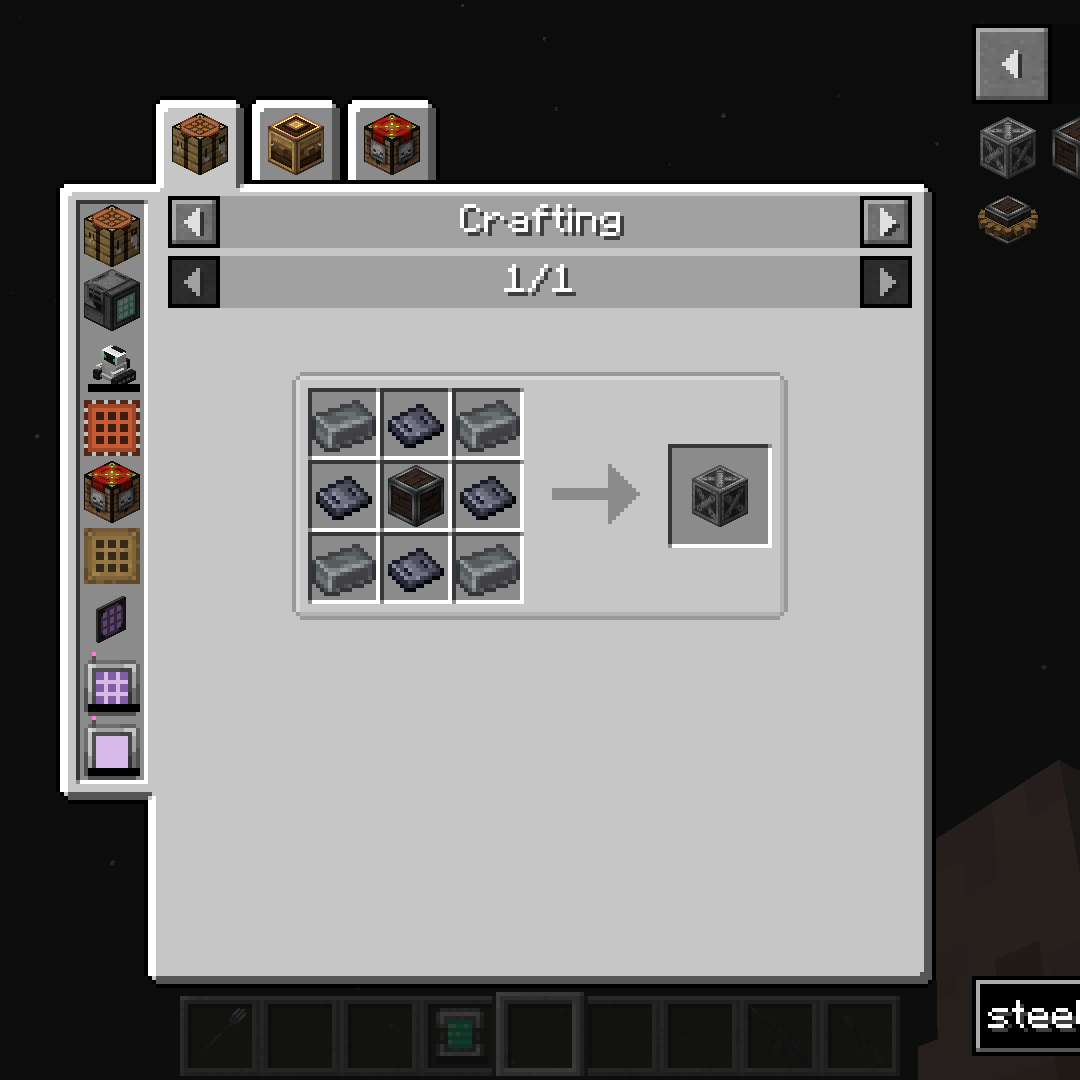
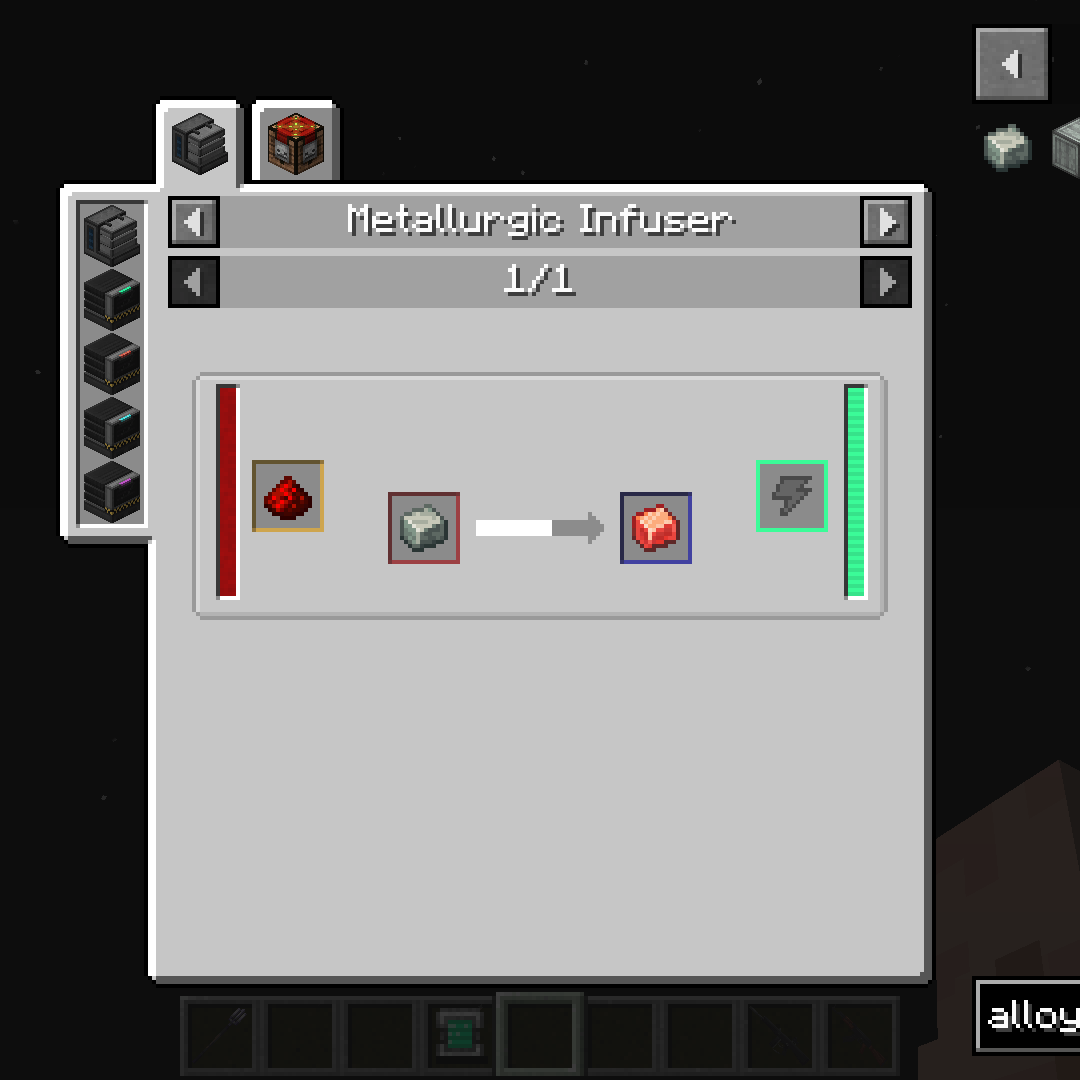
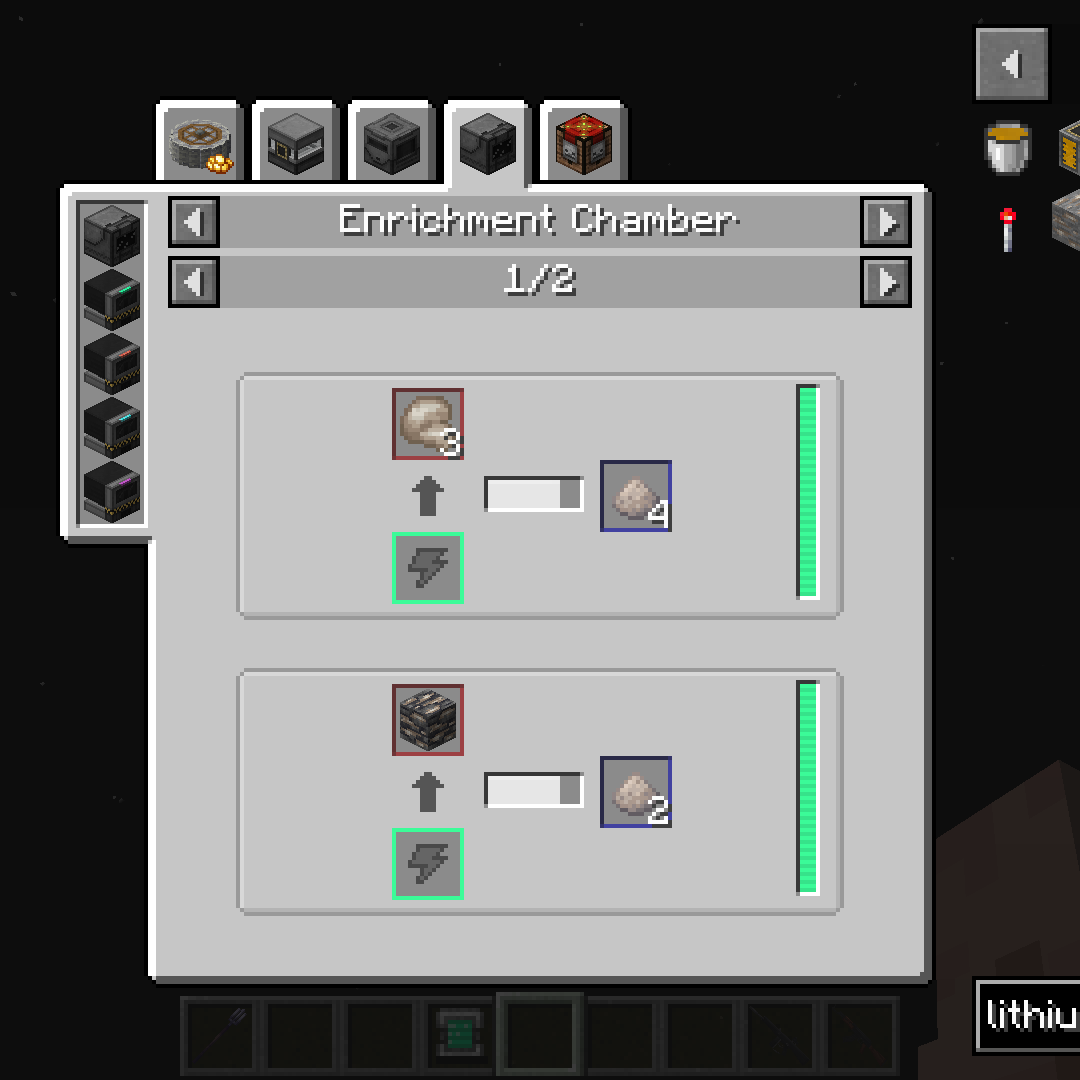

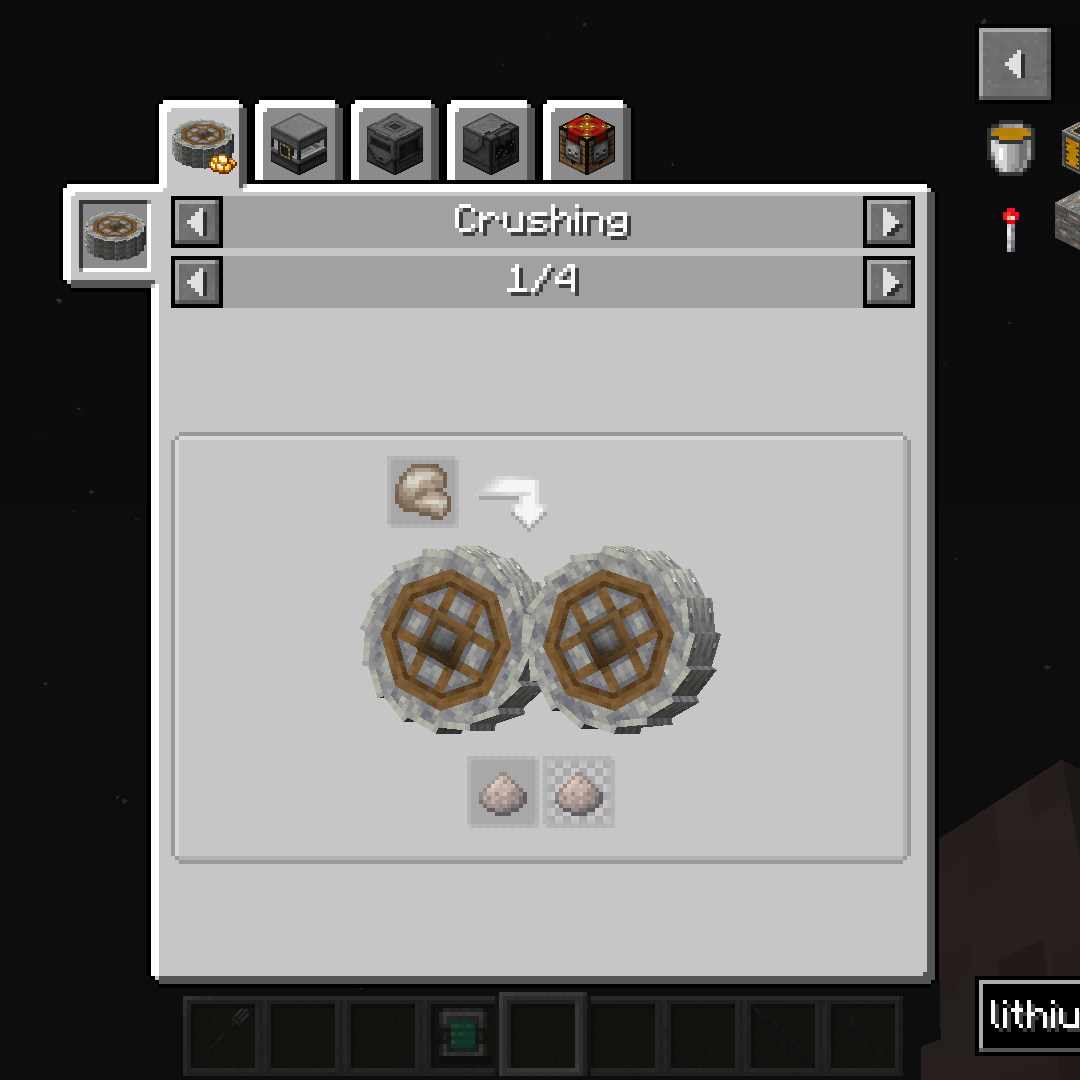
Adds/Changes 85+ recipes to improve compatibility between Mekanism and The Factory Must Grow:
- Removes duplicate Lead, Sulfur and Steel recipes and items
- Adds compatibility with Mekanism Lithium Dust and TFMG Lithium Ores
- Removes duplicate Steel Armor and Tools from Mekanism: Tools
- Also compatible with Mekanism: Generators
- Adds TFMG items (mostly Aluminum and Plastic) to Mekanism recipes
- To start with Mekanism, TFMG Steel production is required
- New recipes for Tier Installers
- Recipes not necessary for compatibility can be disabled in the config if you don't want them
JEI is highly recommended
Requires:
You can report bugs or share your suggestions on my Discord server or in the comments.
If you want to remove all unused duplicate items from JEI, put the folowing list of items in yourmodpackname/config/jei/blacklist.cfg file:
TFMG version below 1.0
mekanism:block_lead
mekanism:ingot_steel
tfmg:raw_lead
tfmg:lead_ingot
tfmg:sulfur_dust
mekanismtools:steel_helmet
mekanismtools:steel_leggings
mekanismtools:steel_chestplate
mekanismtools:steel_boots
tfmg:steel_pickaxe
tfmg:steel_sword
tfmg:steel_axe
tfmg:steel_shovel
tfmg:steel_hoe
TFMG version 1.0+
mekanism:ingot_lead
mekanism:nugget_lead
mekanism:ingot_steel
mekanism:nugget_steel
tfmg:sulfur_dust
tfmg:steel_pickaxe
tfmg:steel_sword
tfmg:steel_axe
tfmg:steel_shovel
tfmg:steel_hoe
Quick facts
- Edition: Minecraft Java
- File type: .jar
- Minecraft versions listed: 1.21.1, 1.20.1
- How to install: Install the matching mod loader (Forge, Fabric or NeoForge) for your Minecraft version. → Download the .jar. → Put it in the .minecraft/mods folder and launch that loader profile.
- Where to get it: Opens on CurseForge — not every file is mirrored on our own servers.
Install steps are the general flow for this file type — How to install Minecraft Java mods & modpacks walks through it step by step.
File checked by MCModsHub
- Ships as mekanism_tfmg_compat-1.0-1.20.1.jar — drop this file into the mods folder
- Download size: 89 KB
- Download link checked 27 Sept 2026 — working
These come from our own check of the pack file, not from the source page.