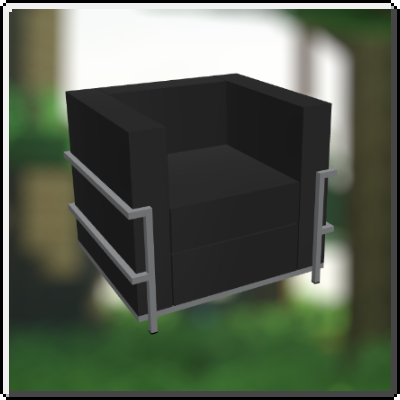
IdeaMineCreator's CraftArch
Java mod listed for Minecraft 1.20. Download on the author's site.
⬇ Download on CurseForge





 Information:
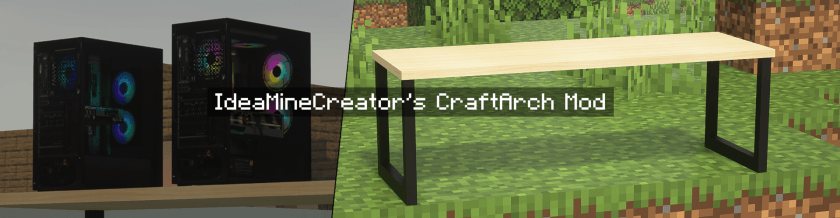
Welcome to IdeaMineCreator's CraftArch, the next generation of SoWatDiKhapVN's Modern Mod (the old and former name). Just like the legacy ones, you can decorate one of these realistic furniture room as well as your gaming room, etc. But unlike that, CraftArch aims to combine the new-looking modern models and vanilla-feel textures into the game (this things will be explained in the screenshots below!). Although it's almost look like the near RTX feel, this mod is really worth for all gamers depending on your configuration.
 It adds: Tables, chairs, sofas, gaming setup (and more).
 Requires: Optifine (only Forge users).
 Need Helpppp!
Join me on my Discord. You can ask me if some problems or errors that impact you while using my mod, I'll find and solve them. Otherwise, you can also make some suggestions to help me create together, which is importantly part of society as well as you'll get some updates and announcements.
I hope you enjoy using my mod, and don't hesitate to send screenshot on X (formerly Twitter) or Discord, or make you own showcases including my mod on social media. Thank you so much and have a wonderful day!
📷 Screenshots:
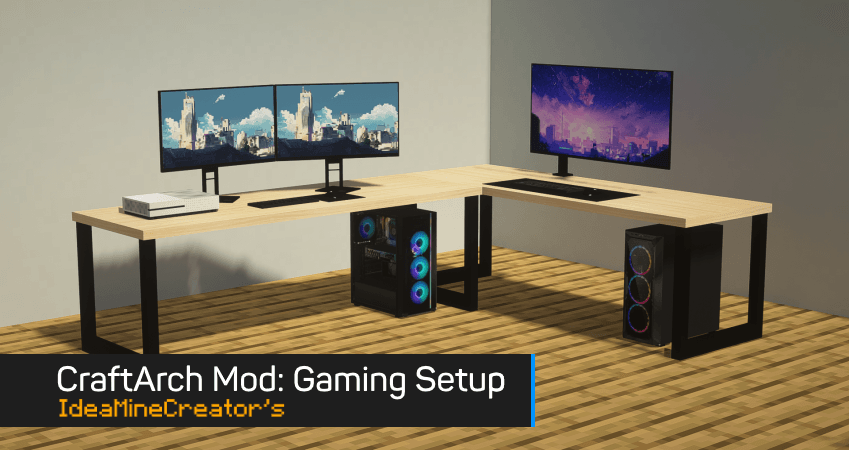
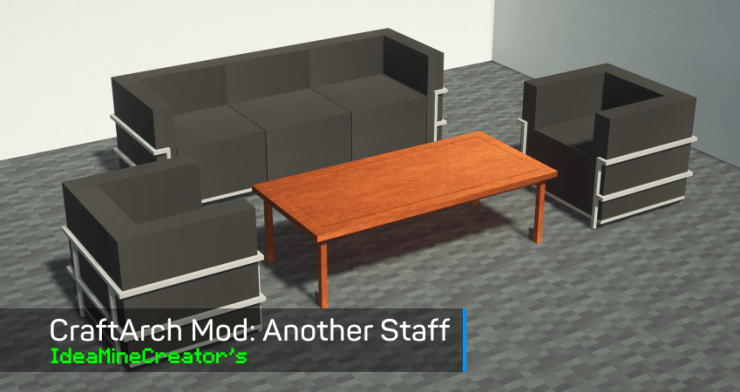
This mod made by IdeaMineCreator (NhatCKQ in Vietnamese) from MCreator. Do not re-upload my mod without permission!
- Edition: Minecraft Java
- File type: .jar
- Minecraft version listed: 1.20.1
- How to install: Install the matching mod loader (Forge, Fabric or NeoForge) for your Minecraft version. → Download the .jar. → Put it in the .minecraft/mods folder and launch that loader profile.
- Where to get it: Opens on CurseForge — not every file is mirrored on our own servers.
Install steps are the general flow for this file type — How to install Minecraft Java mods & modpacks walks through it step by step.
IdeaMineCreator's CraftArch is a free Minecraft Java mod. Compatible with Minecraft 1.20.1. Downloaded 1,946 times (via CurseForge). Download it and open it directly in the game.