Songs of War
Java mod listed for Minecraft 1.20–1.21. Downloads from the MC Java Mods app on Android.
I don't know my version or loader
Songs of War



This is a mod to add elements from Songs of War Animation.
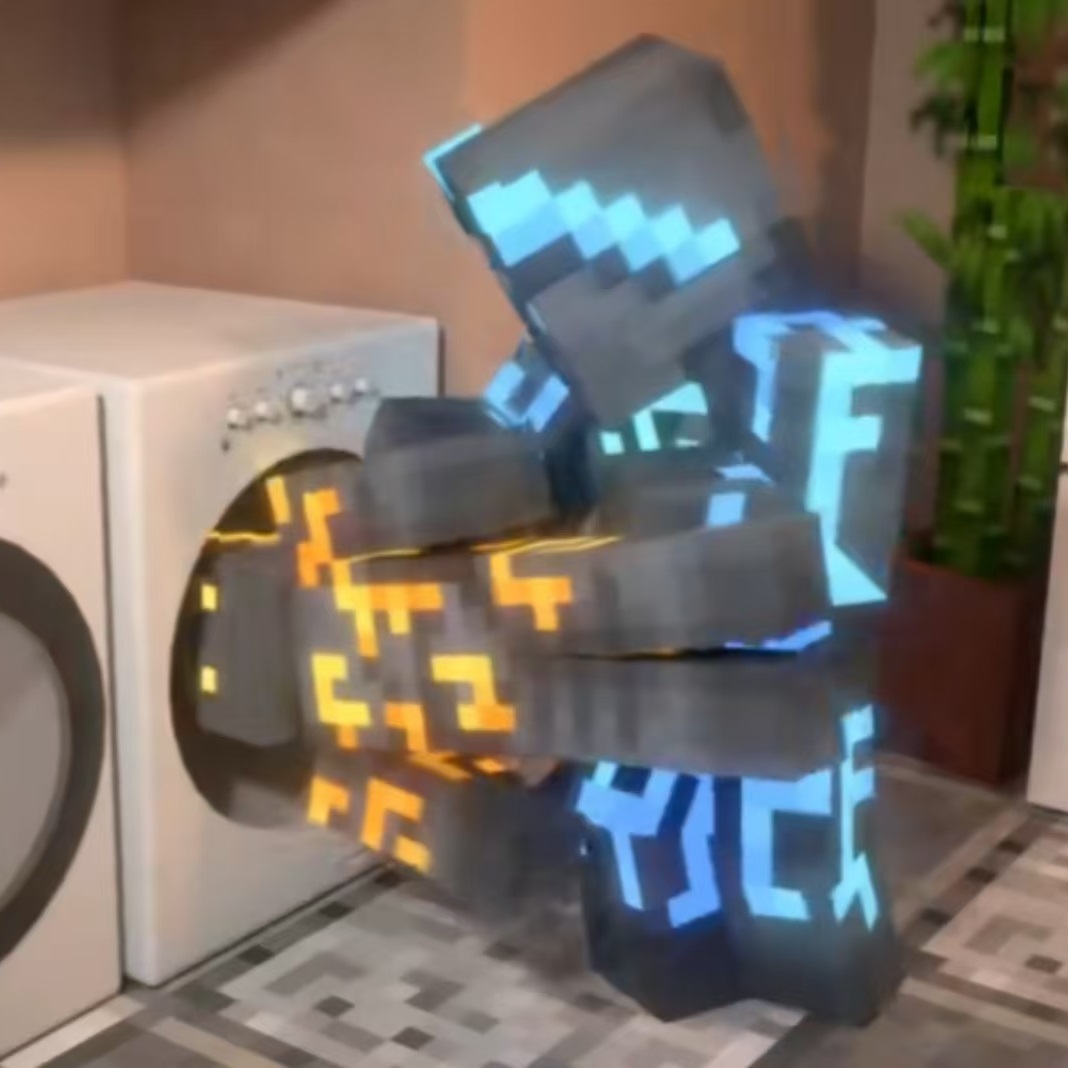
Put me into the washing machine like the logo if you meet any bugs.
Features
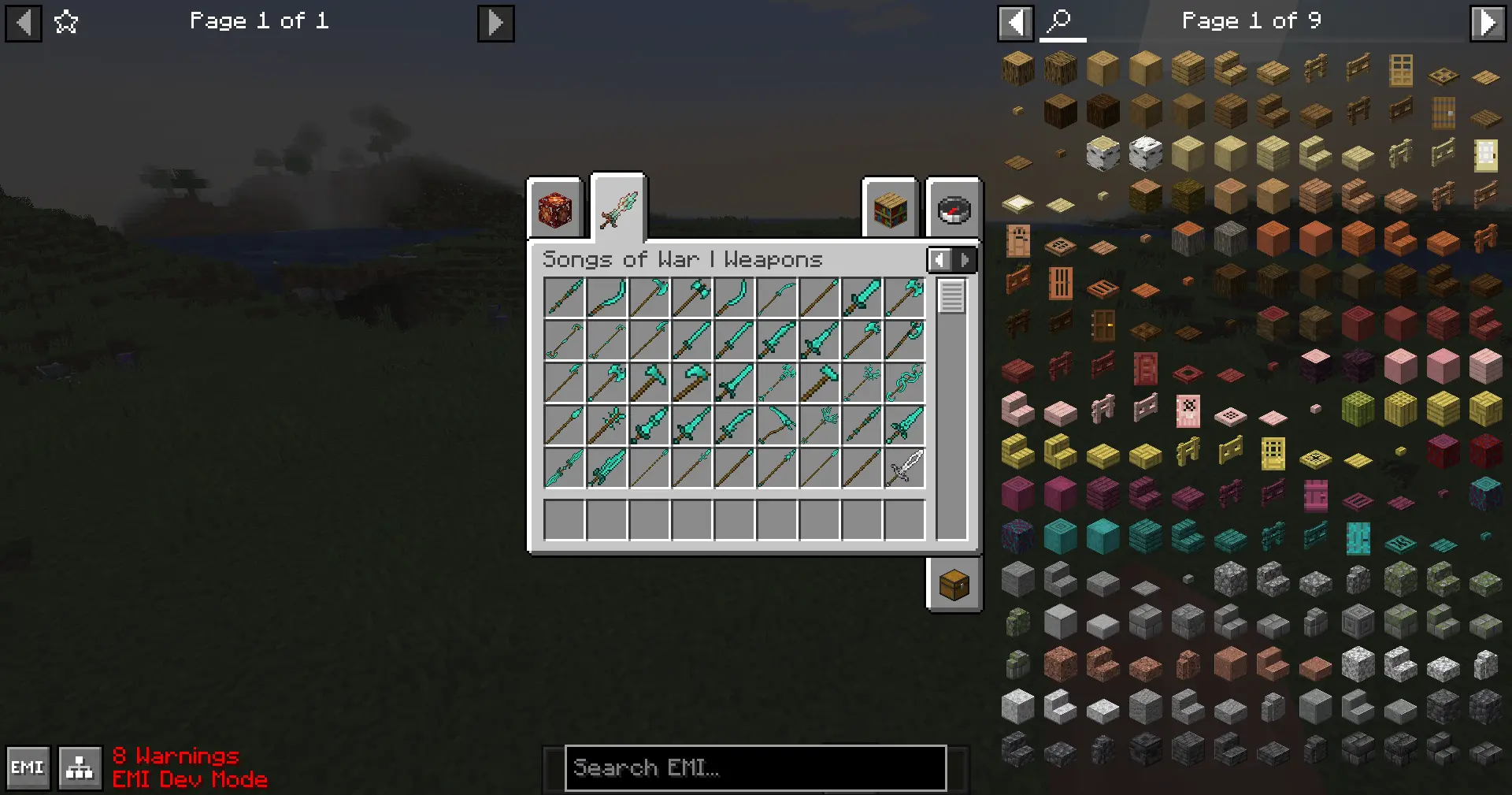
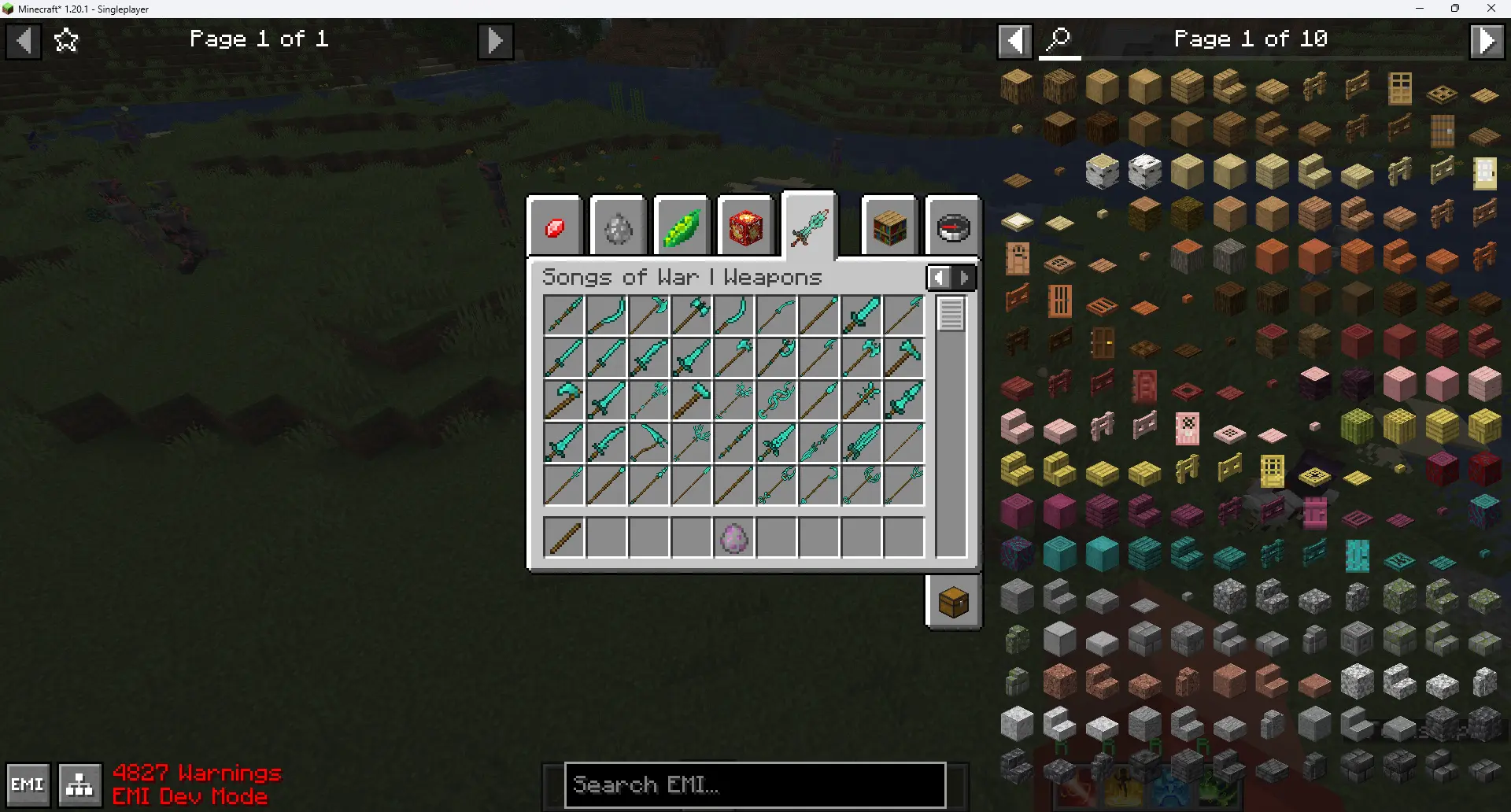
Various Weapons
All weapons in animation and variant.
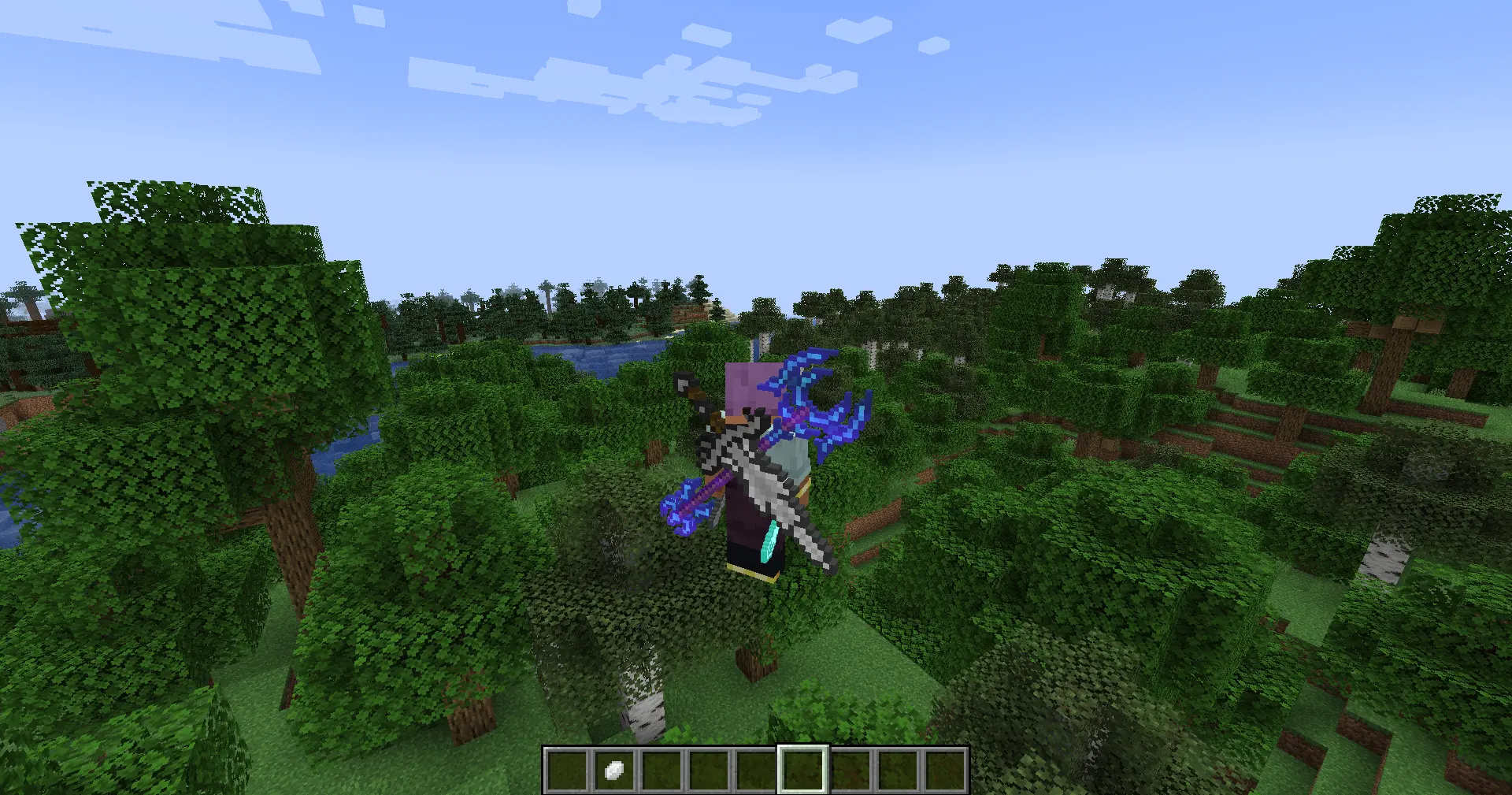
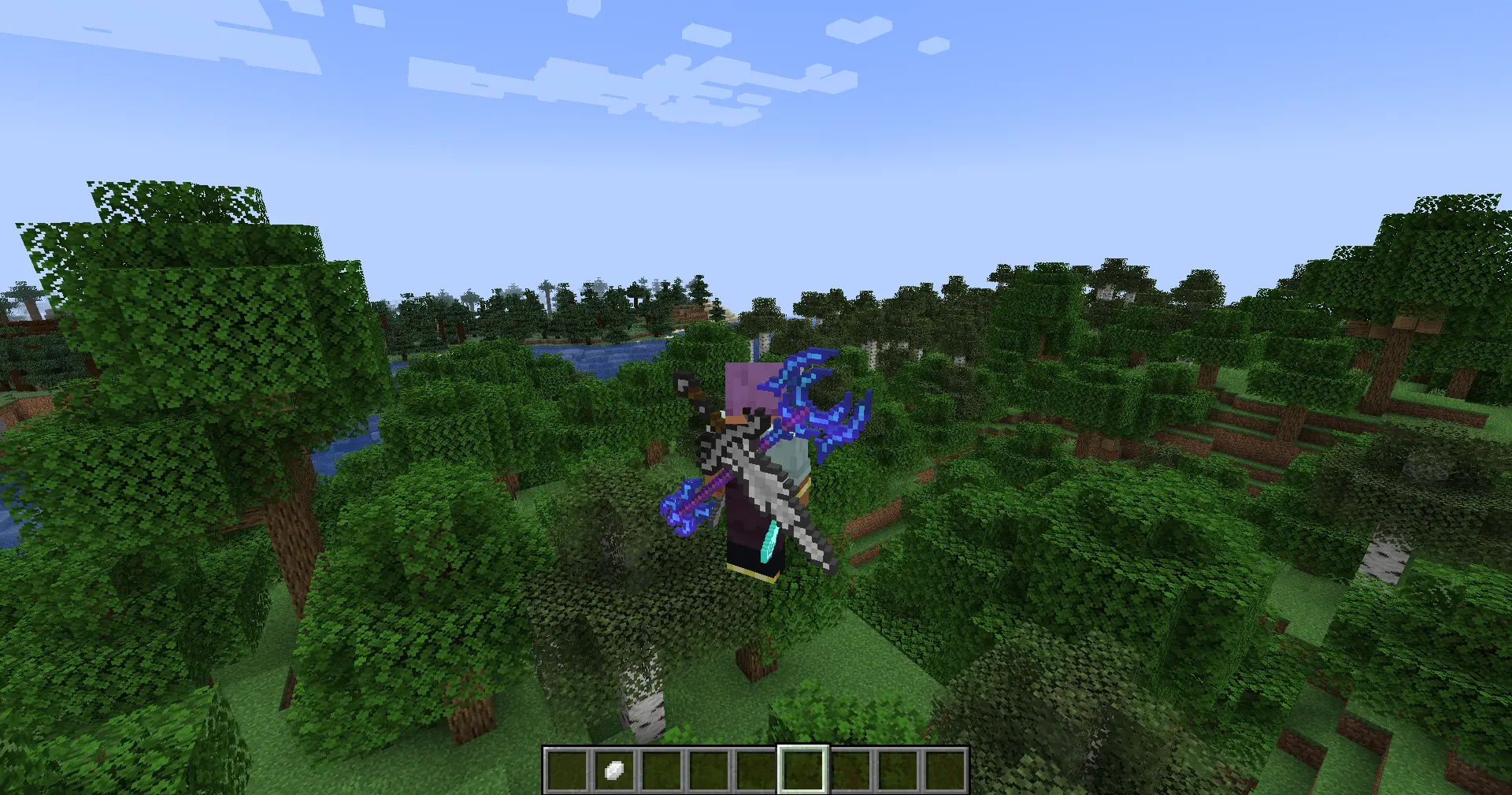
Back&Belt Item Render
Most weapon are wearable on back and belt. (Thanks for Curios and Trinkets)
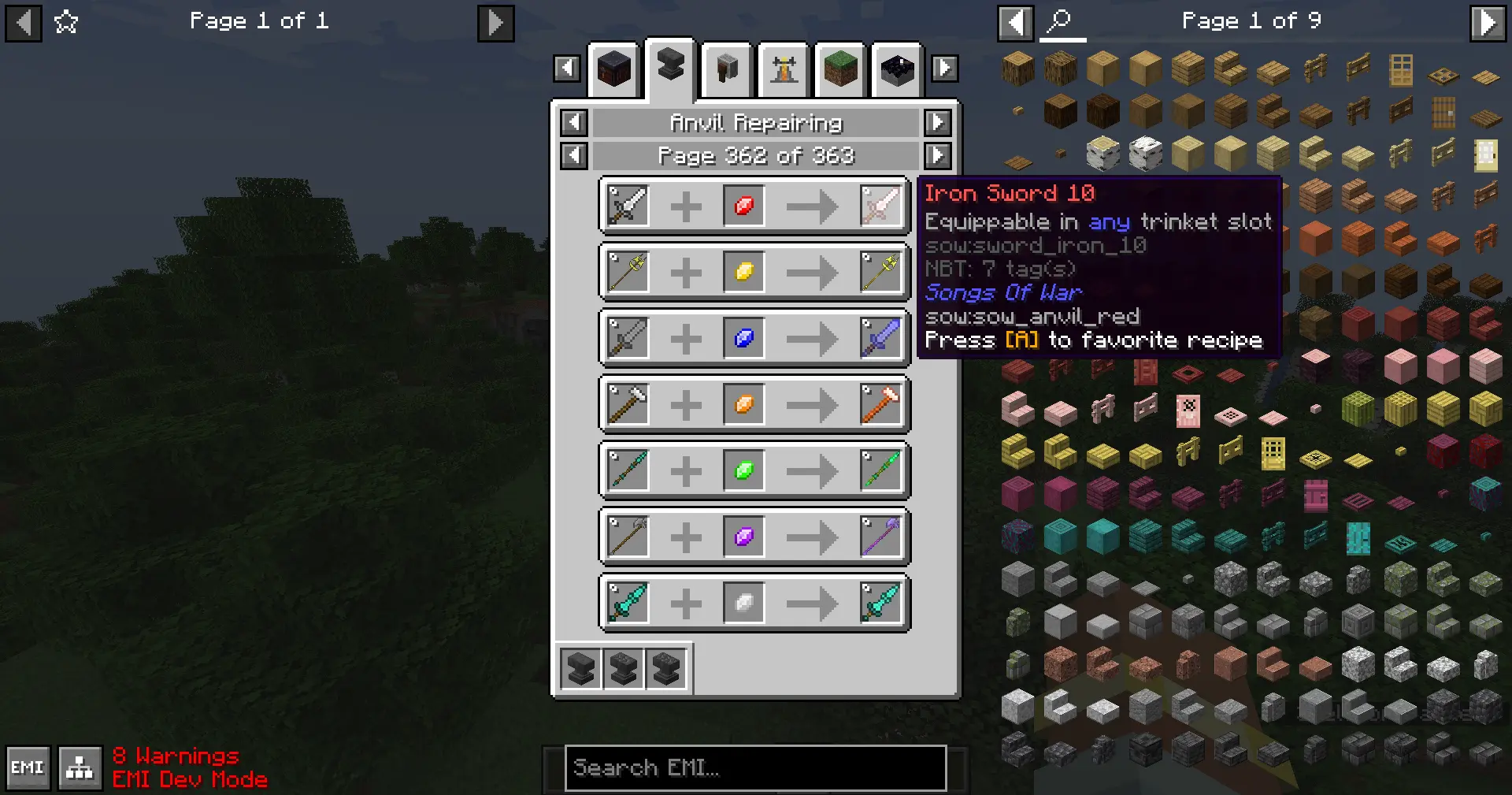
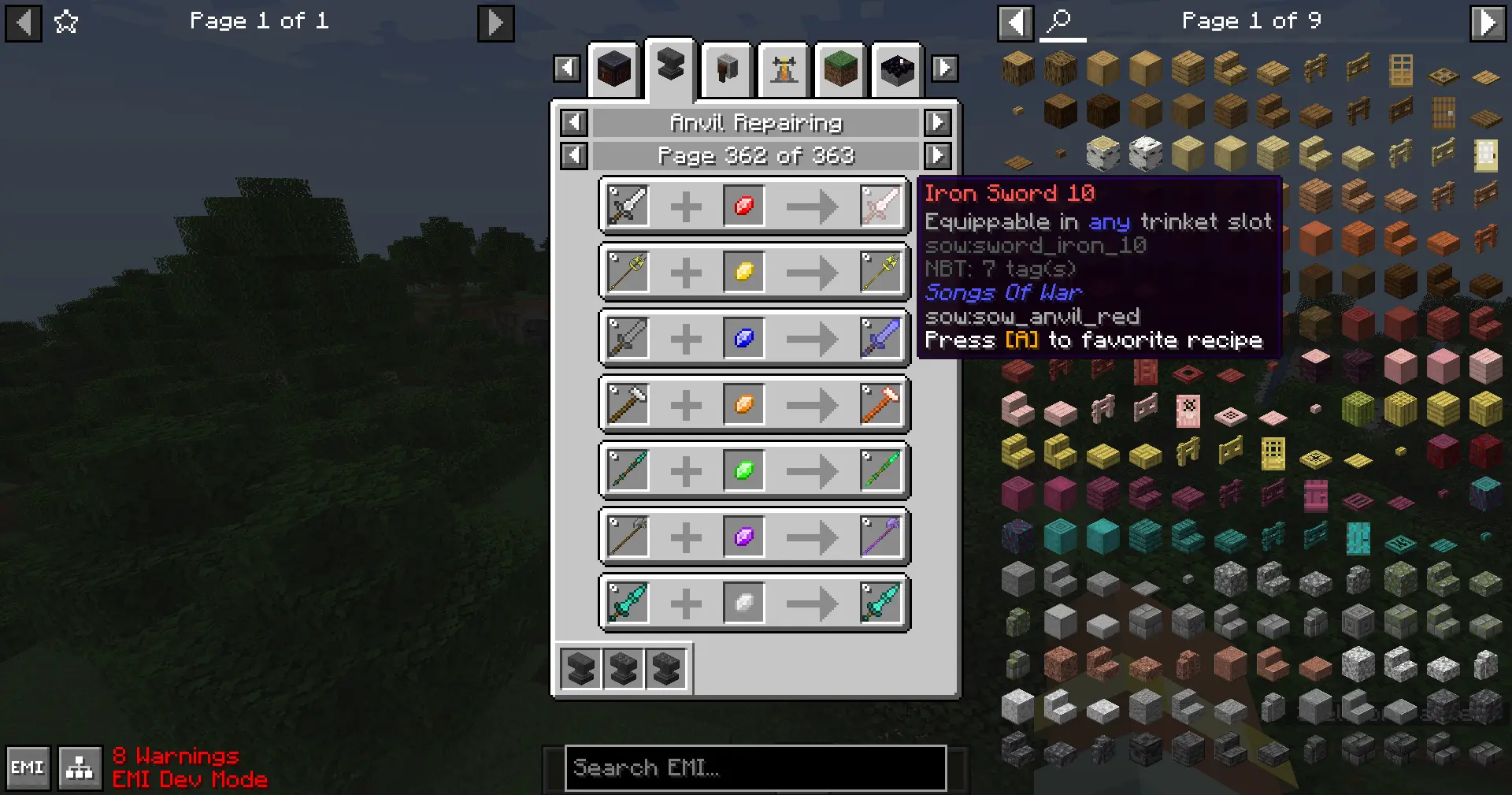
Upgrading Stone
Song Stone forging system allow you to upgrade your weapon and will receive colorful glint. (Require Reforge Stone
Mod)
Various Entities
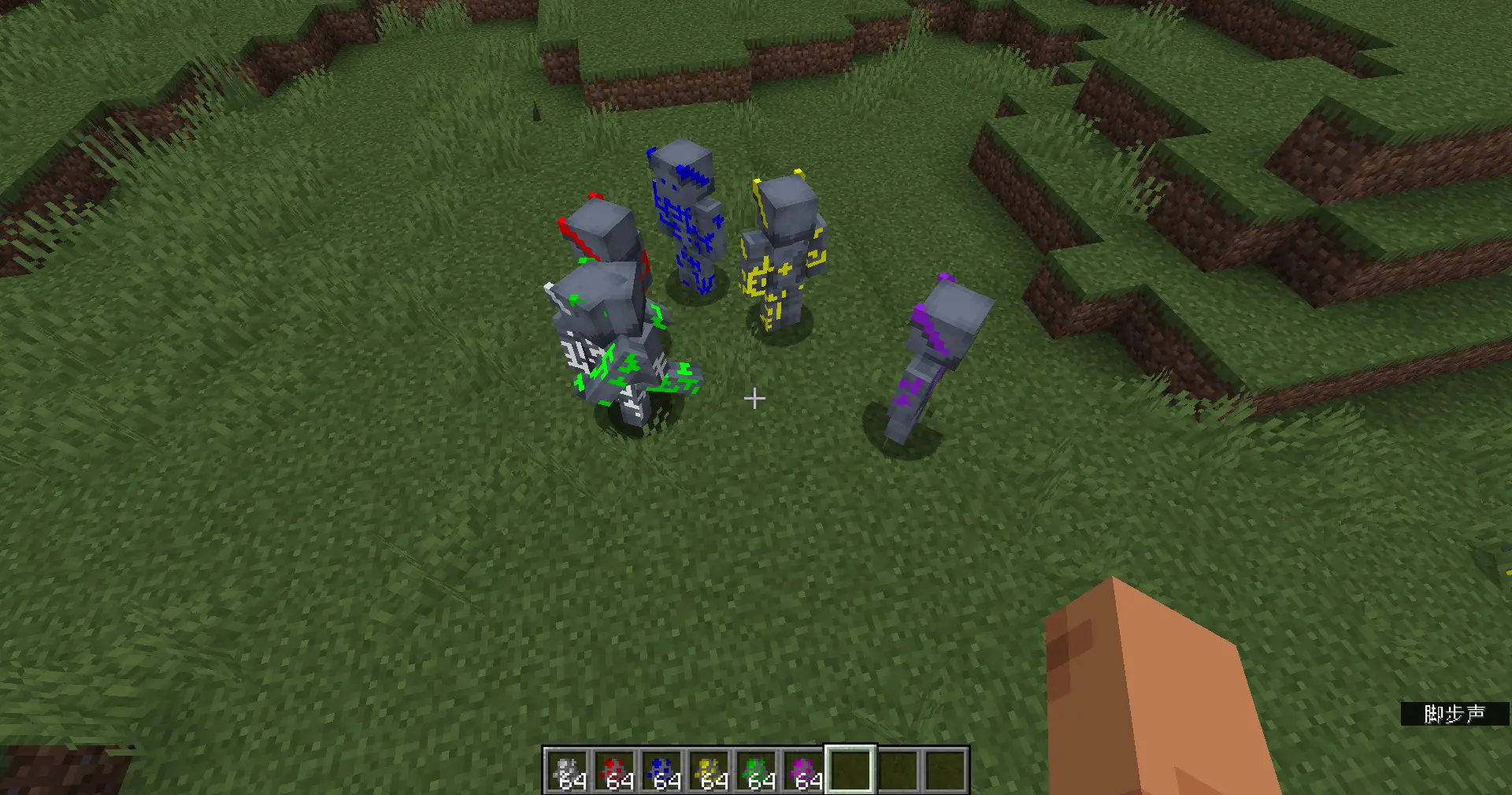
Add almost all characters in animation. Also, every ardoni have their own class and markers. You can also wear skulls and graves to change to their skins.
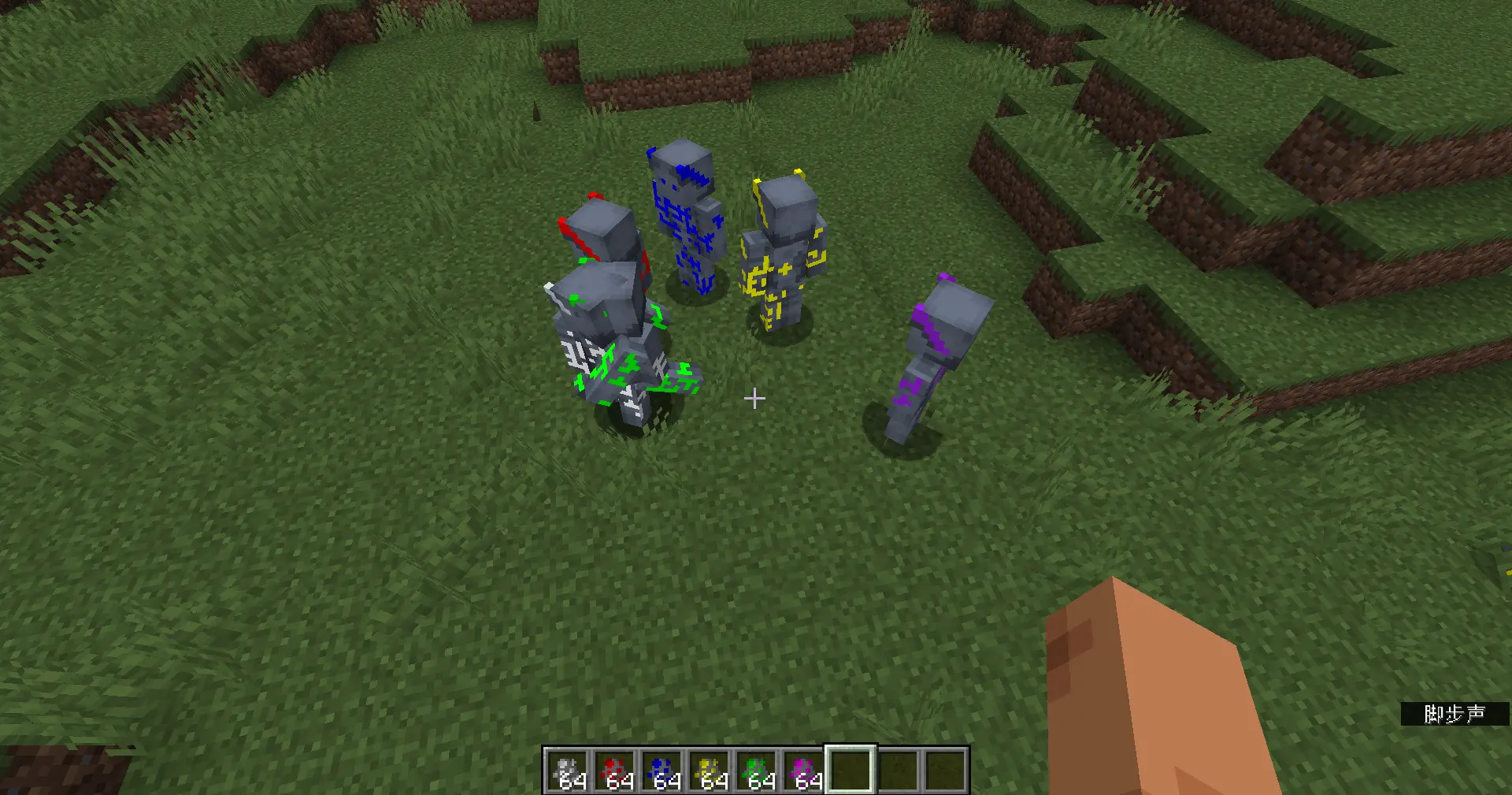
Known issue: A bit conflict with some EMF resource packs such as Detailed Animations.
Song Power System
Restore song power in animation.
<details> <summary>Obtain</summary>
You need to have access to song abilities/Ardoni Origin to use Song Stones!
There are chunks named Song Chunk in the world. Craft a Song Stone and when you in a song chunk, the color will
change.
Also, you can upgrade with Notes to detect specific song chunk. The color will half change if you near a song chunk
(default 2 chunks).
Ones you found a song chunk, you can place a note block and play it. It will drop Notes.
The count of Notes is 3-6. Ones all of them are dig out, the chunk is no longer a song chunk.
Finally, you can craft songs with Notes. Its power will randomize.
The song chunk will regenerate with 1 note per day (Invoke at midnight/18000 ticks).
</details>
<details> <summary>Usage</summary>
Admin command (Or single player)
/sow power enable/disable <player> to enable/disable access to song abilities.
Combine song cube
Mod will also extract a schematic file, you can use it with Litematica
Build a shrine structure below. Put song cube in the hole like how to do in Animation.
Then stand on the chiseled stone bricks, look at the song cube and sneak for 3s.
If everything is correct, the song cube will start spawning particles. After an explosion, the combination is completed.
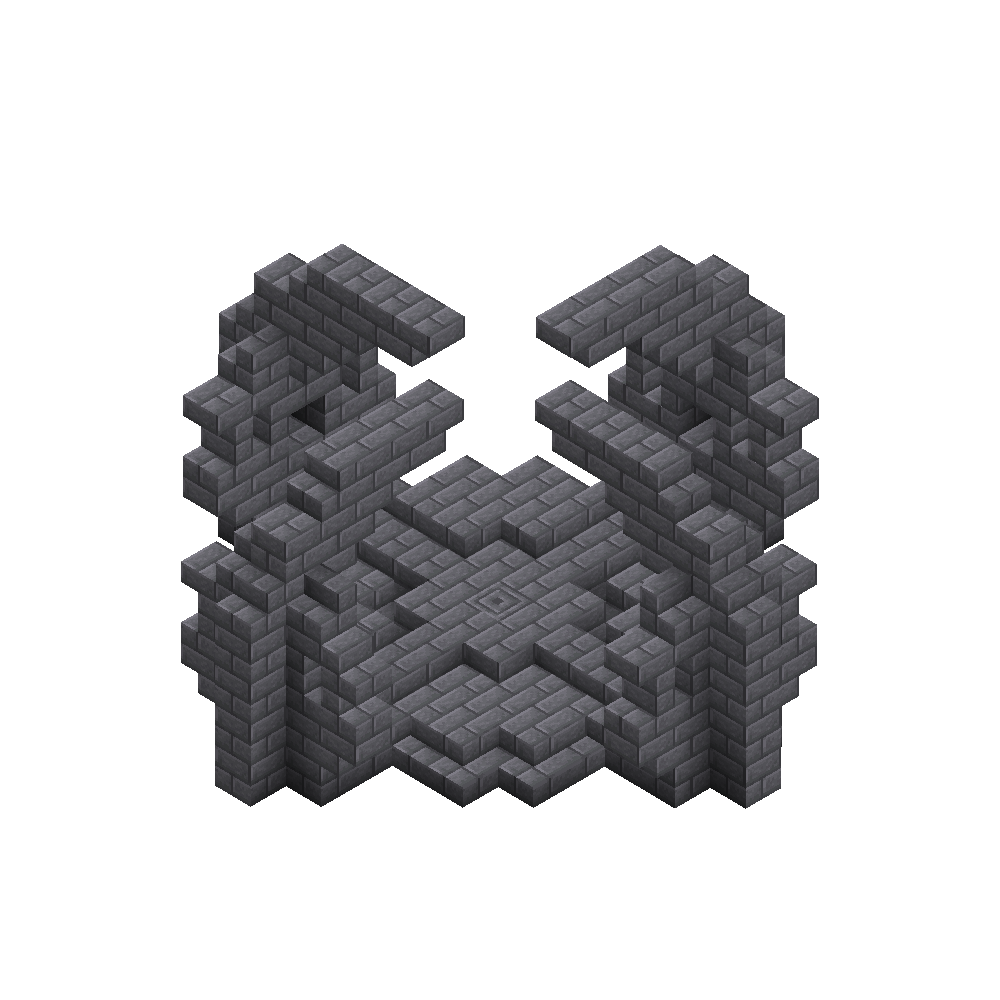
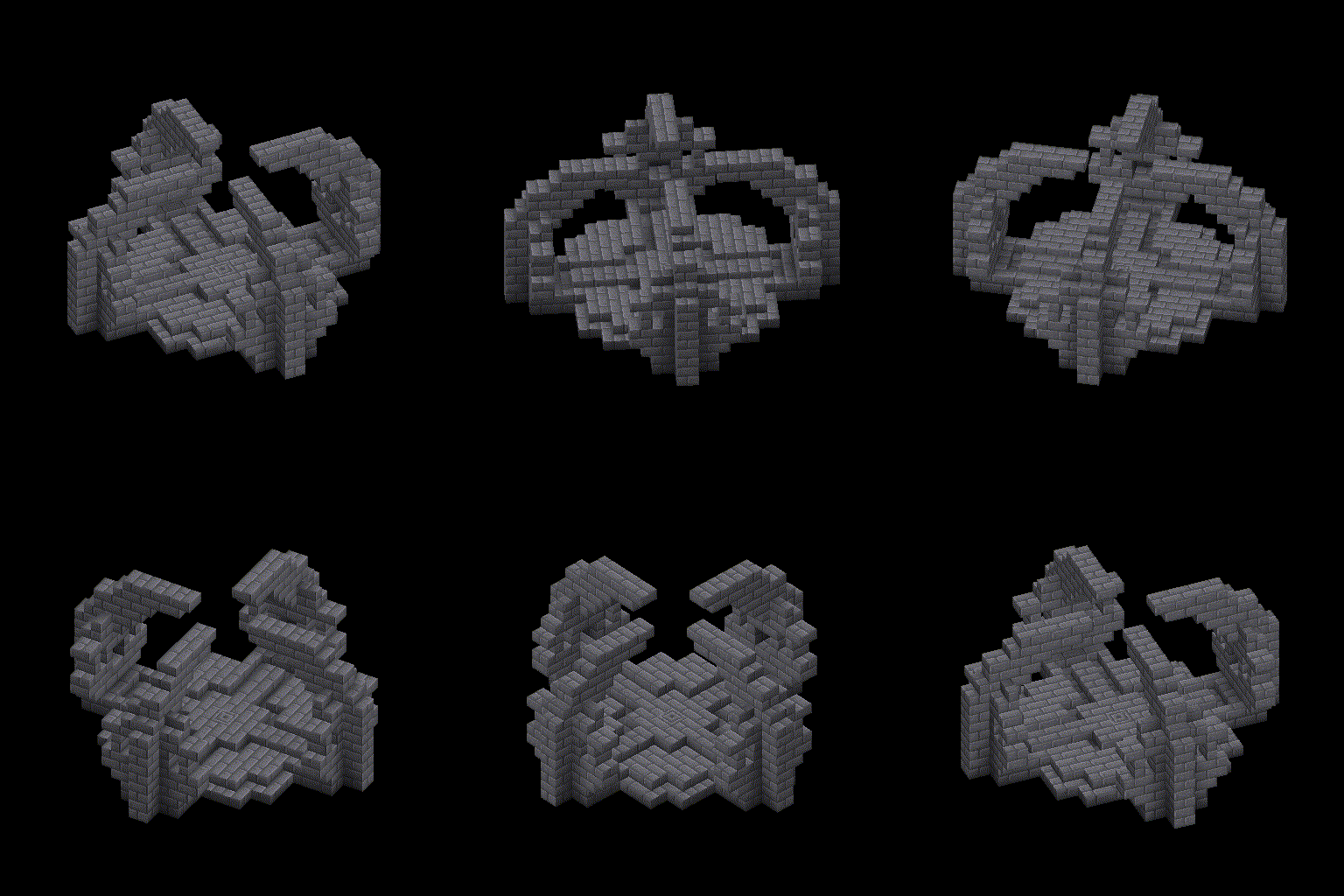
Note: 1.The stone bricks and stairs can be any kinds. (mossy/cracked ones, can change through datapack.)
2.If you already have one in that category, the previous one will be replaced into the hole.
</details>
<details> <summary>Currently Added Songs</summary>
Aggressium
HotKey: C
Damage will be multiple 1.5 when released with a weapon.
- Aggrobeam (Experimental): Activate a laser, which can damage targeted entities.
- Aggroblast: Push the entity you are looking at away and give damage.
- Aggrodetonate: Fire an explosive short laser.
- Aggroquake: Push entities around you away and damage them.
- Aggroshard: Fire a lot of shards.
- Aggroshock (Experimental): Generate lightnings.
- Aggrosphere: Fire a sphere and damage hit entity or create explosion.
- Aggrostorm (Experimental): Pull entities to you.
- Aggrovortex: Not complete yet.
Mobilium
HotKey: V
- Mobilibounce: Generate a fake platform and disappear in 5s. You can jump 3x higher on it.
- Mobiliburst: Teleport to the direction you see, also pull every entity on your way away.
- Mobiliflash: Teleport to the direction you see.
- Mobiliglide: Slow falling.
- Mobilileap: Jump boost and invulnerable to fall damage.
- Mobiliwings: Enable a fake elytra and into sliding mode. Press
Jumpkey to speed up.
Protisium
HotKey: B
- Protearmor: Add an armor, can reduce up to 20 damage(Configurable) in next damage.
- Protebarrier: Summon a large protect shield for 3s(Configurable).
- Proteclone: Summon a fake player entity, can block damage once.
- Proteheal: Heal 10 times with 1 health each.
- Protesphere (Recommend AttributeFix): Enable a protect shield and reduce 80% damage.
- Protepoint: Enable a fake shield.
Supportium
HotKey: N
- Supporekesis: Stop all entities related to aggressium songs in 20 blocks and explode them. (No damage)
- Supporoform: Smelt items. Also, this is the only way to gain ender knight armors in survival.
- Supporolift: Pull the entity you are looking at in 20 blocks.
- Supporospike: Push the entity you are looking at up.
</details>
Origins Support
This has been moved to Songs of Origins CurseForge | Modrinth
Farmer's Delight Support
Peas! Comes from the countryside!
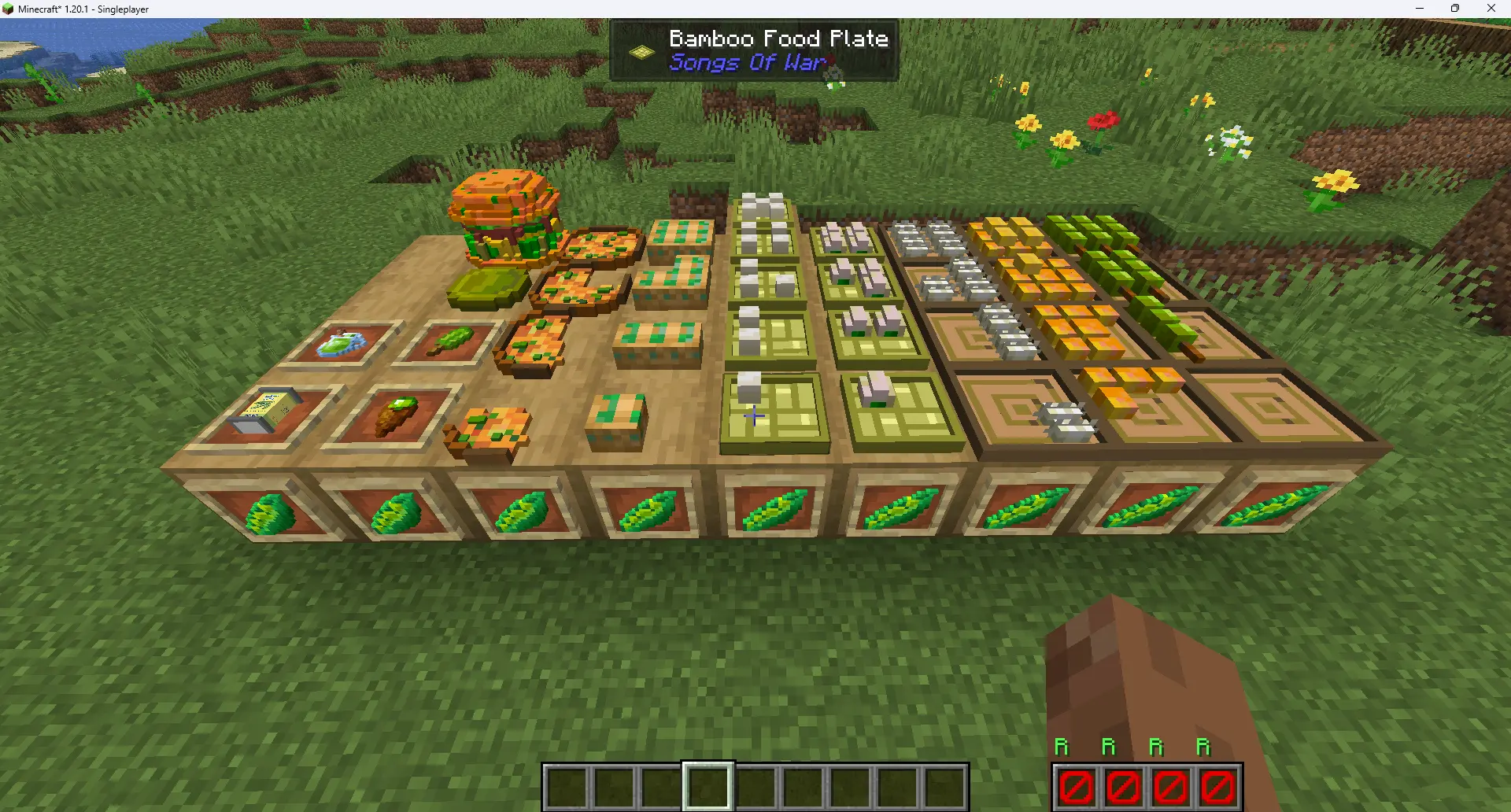
- Peas: Add peas crop which can grow.
- Peas burger, peas cake and other peas related food. (Also placeable)
- Peas Can: Meme item.
Mods Relations
Dependencies
Neptune: Provide base utilities.Jupiter: Provide config system.
Recommended to install
These mods are not mandatory to install, but they are recommended to gain better game experience.
Attribute Fix: FixProtespherearmor value leak.EMI: Check recipes.Farmer's Delight (Refabricated): Enable crafting recipe for Peas Delight items.Litematica: SoW Mod provide shrine schematic for it.Max Health Fix: Fix Ardoni Origin health problem.Reforge Stone: SoW Mod add reforge stones depend on this.Tips: SoW Mod provide quotes for it.Throwable: Throw weapons.Tooltips Reforged: Better tooltip display for song cubes.
License
All official textures from SQM (weapons&entities&sounds) are freely to use since they are already in public. But all other stuff are All Right Reserved.
You can freely use this mod in your modpack if you credit us somewhere. Distributing outside cf&mr need extra permission.
Questions & Official Game Server?
Join our Discord: https://discord.gg/NDzz2upqAk
- Edition: Minecraft Java
- File type: .jar
- Minecraft versions listed: 1.21.1, 1.20.1
- How to install: Install the matching mod loader (Forge, Fabric or NeoForge) for your Minecraft version. → Download the .jar. → Put it in the .minecraft/mods folder and launch that loader profile.
- Where to get it: Opens on CurseForge — not every file is mirrored on our own servers.
Install steps are the general flow for this file type — How to install Minecraft Java mods & modpacks walks through it step by step.
- Ships as SongsOfWar-0.10.6-fabric.jar — drop this file into the mods folder
- Download size: 10.6 MB
- Download link checked 27 Sept 2026 — working
These come from our own check of the pack file, not from the source page.