AMS Easy Coordinates
Java mod listed for Minecraft 1.20–1.21. Downloads from the MC Java Mods app on Android.
I don't know my version or loader
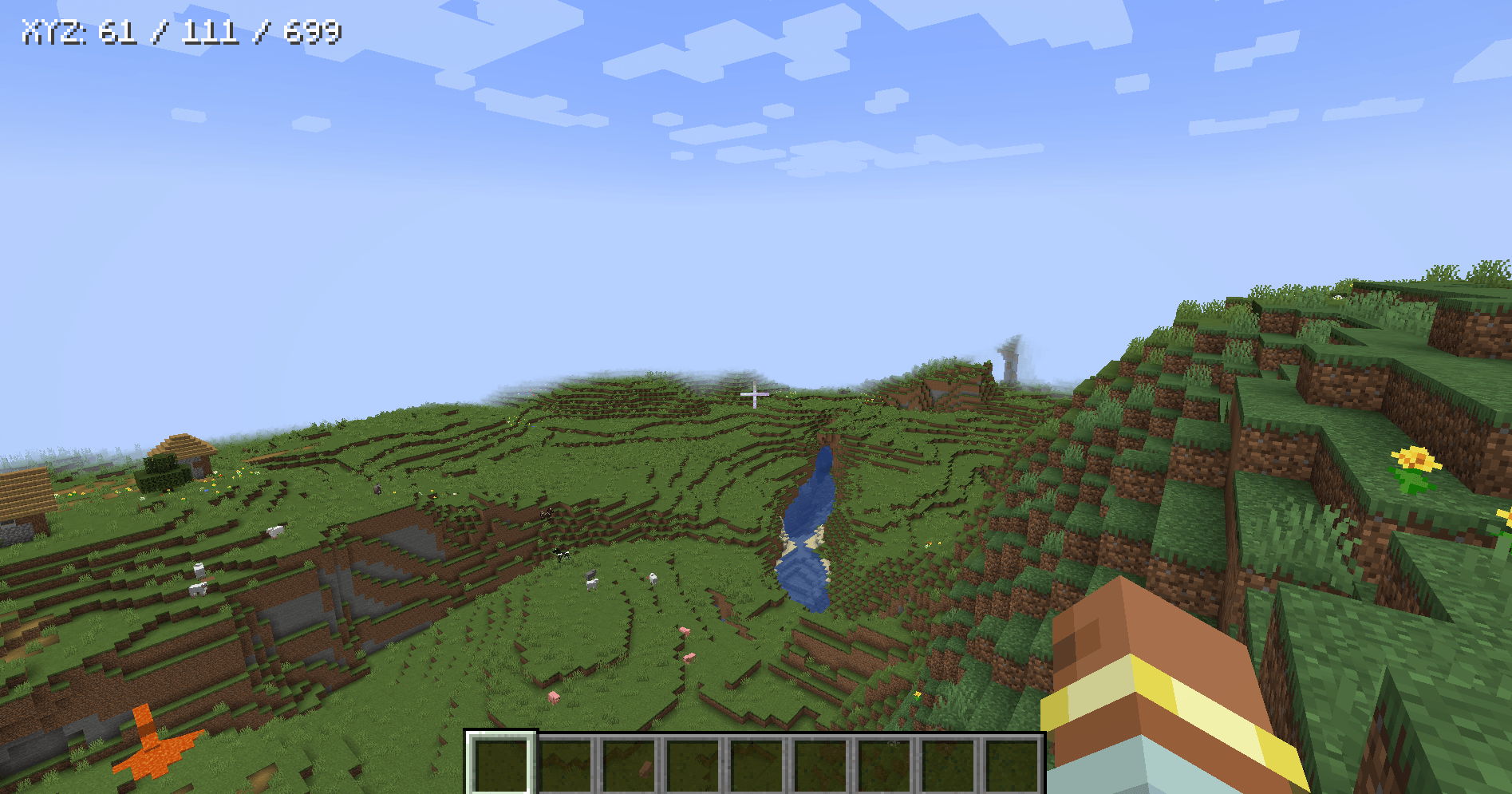

AMS Easy Coordinates gives you quick access to your in-game XYZ coordinates right on the screen. It also allows you to quickly share your coordinates with other players via chat.
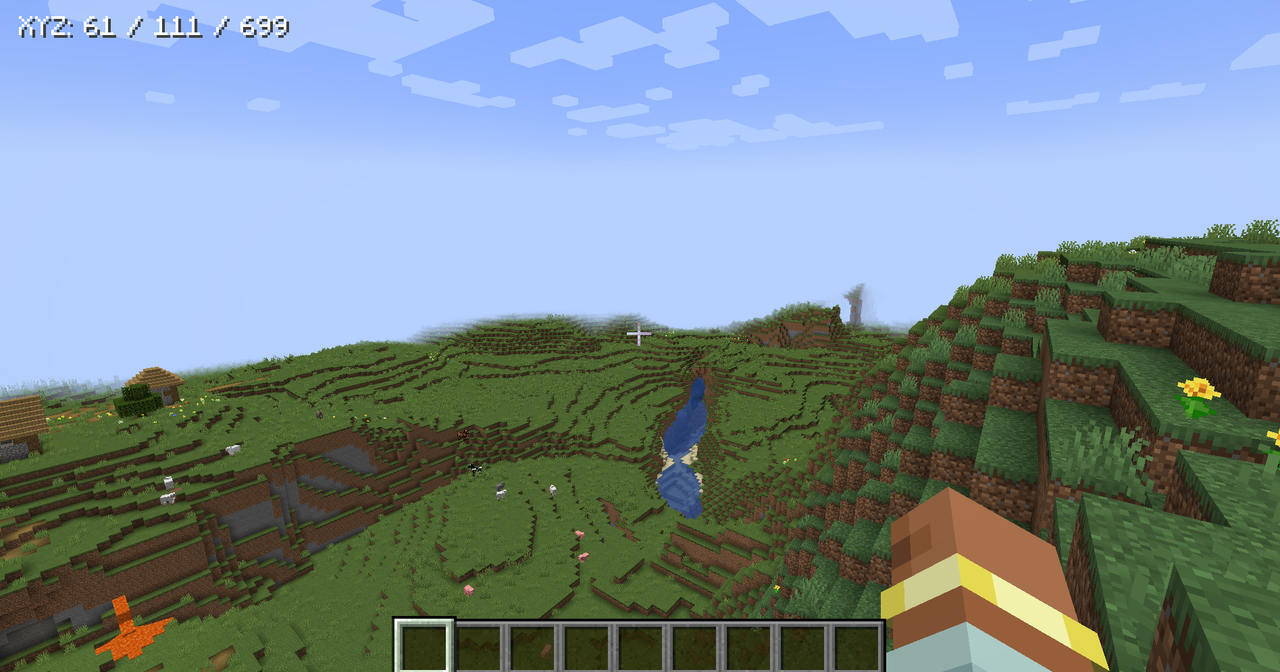
It is intentionally simple: no minimap, no waypoints, no server requirement, and no multiplayer chat spam. Toggle the display on or off, choose where it appears at the top of the screen, and adjust the text size through the generated client config.
Features:
- Client-side coordinates HUD.
- Toggleable display.
- Top-left, top-center, and top-right placement.
- Configurable text size.
- Hidden while the debug/F3 screen is open.
- No server install required.
Note:
Verions below 2.0.0 of AMS Easy Coordinates allowed players to share coordinates through chat. That feature has been removed on 2.0.0+ so this mod can stay focused on a clean client-side HUD. If you want multiplayer location pings, install AMS Pings, which is built for richer player, block, and item pinging.
If you enjoy this mod, consider supporting my work.
- Edition: Minecraft Java
- File type: .jar
- Minecraft versions listed: 1.21.1, 1.20.2, 1.20.5
- How to install: Install the matching mod loader (Forge, Fabric or NeoForge) for your Minecraft version. → Download the .jar. → Put it in the .minecraft/mods folder and launch that loader profile.
- Where to get it: Opens on CurseForge — not every file is mirrored on our own servers.
Install steps are the general flow for this file type — How to install Minecraft Java mods & modpacks walks through it step by step.
- Ships as ams-easy-coordinates-2.0.0.jar — drop this file into the mods folder
- Download size: 12 KB
- Download link checked 18 Oct 2026 — working
These come from our own check of the pack file, not from the source page.