TakeItOut (Take It Out)
Java mod listed for Minecraft 1.20–1.21. Downloads from the MC Java Mods app on Android.
Pick blocks directly from shulker boxes using mouse wheel, Litematica Easy Place, or right-click. Fully supports schematics and printers.
I don't know my version or loader
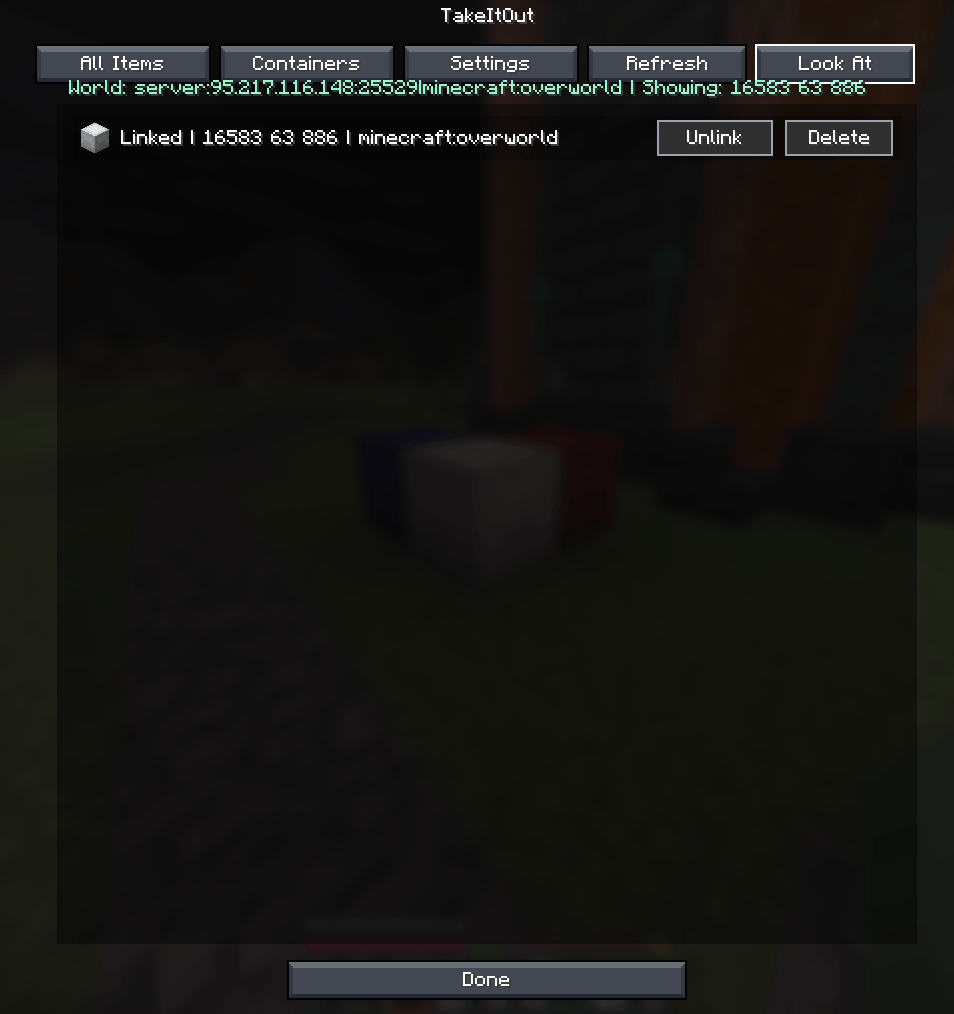
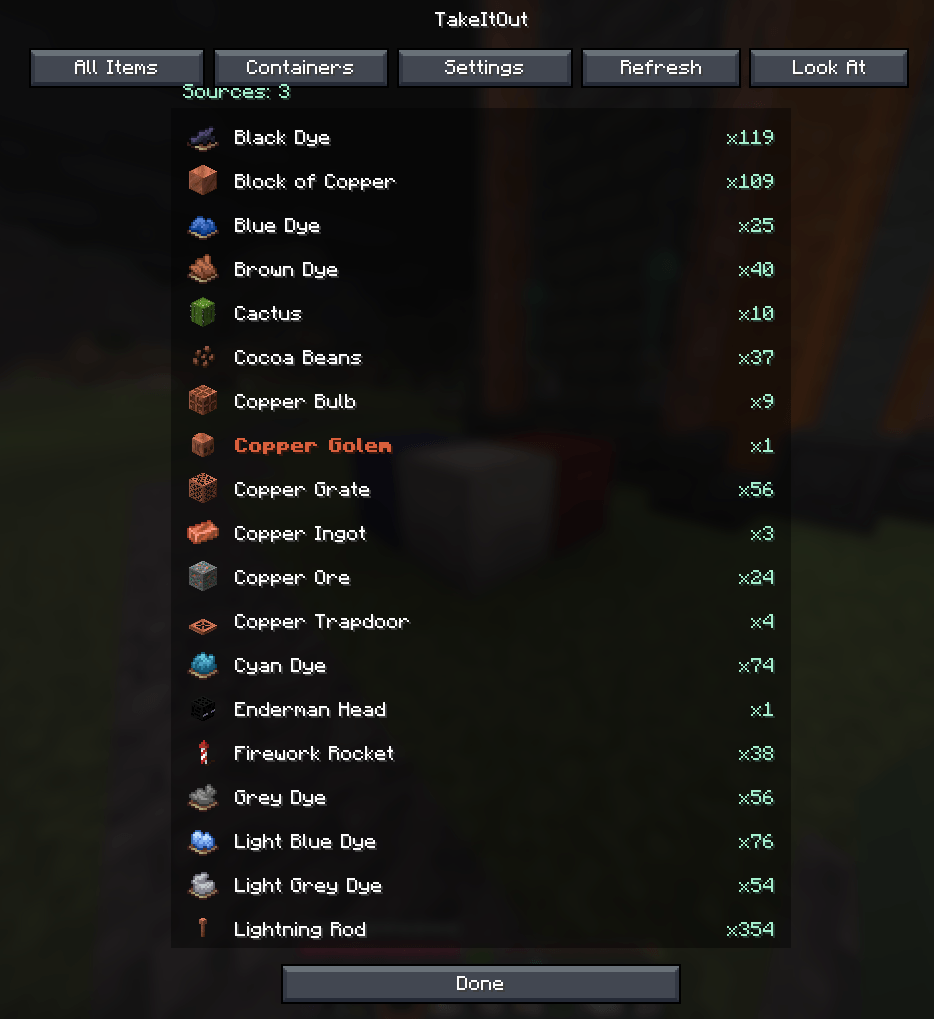
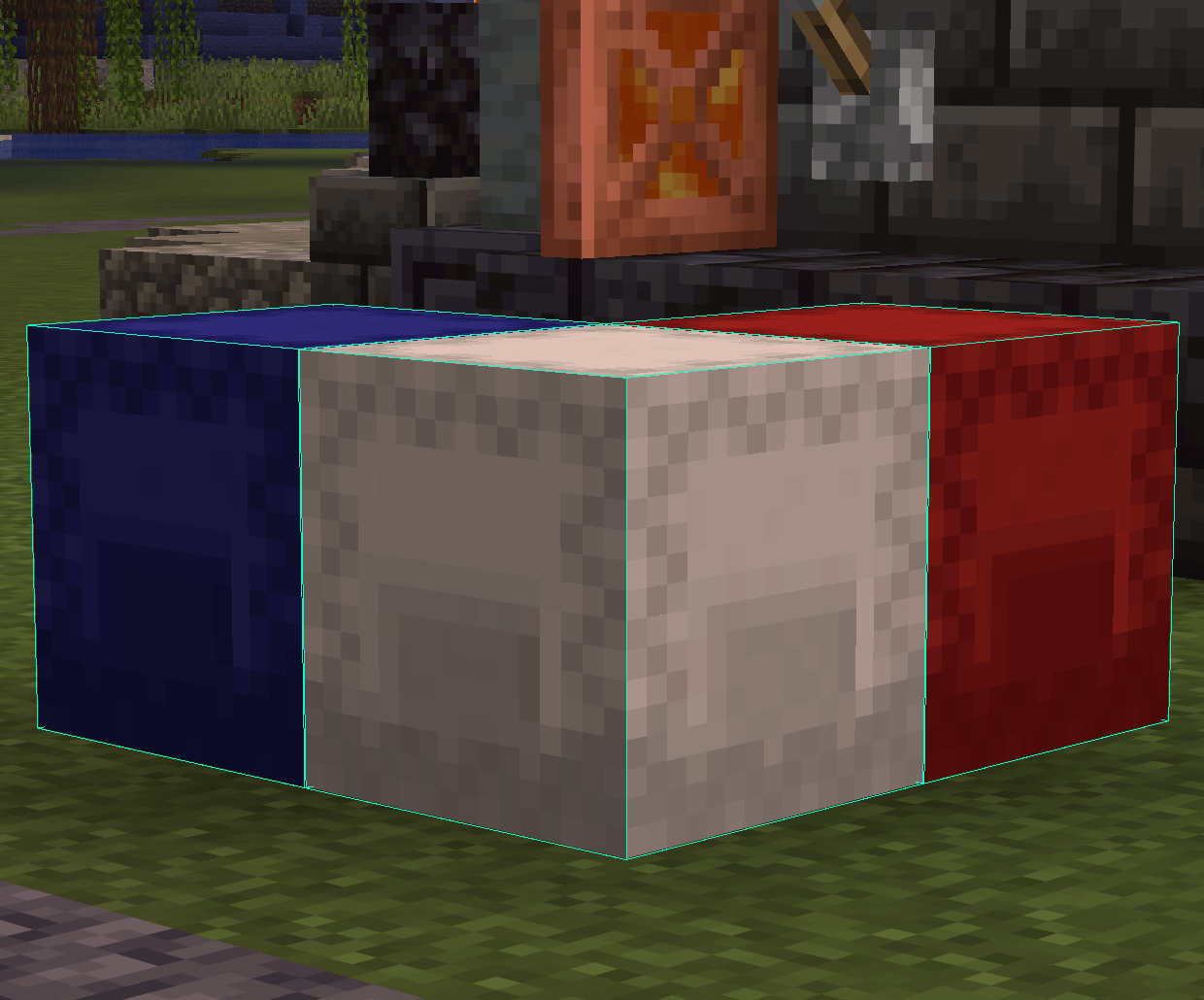
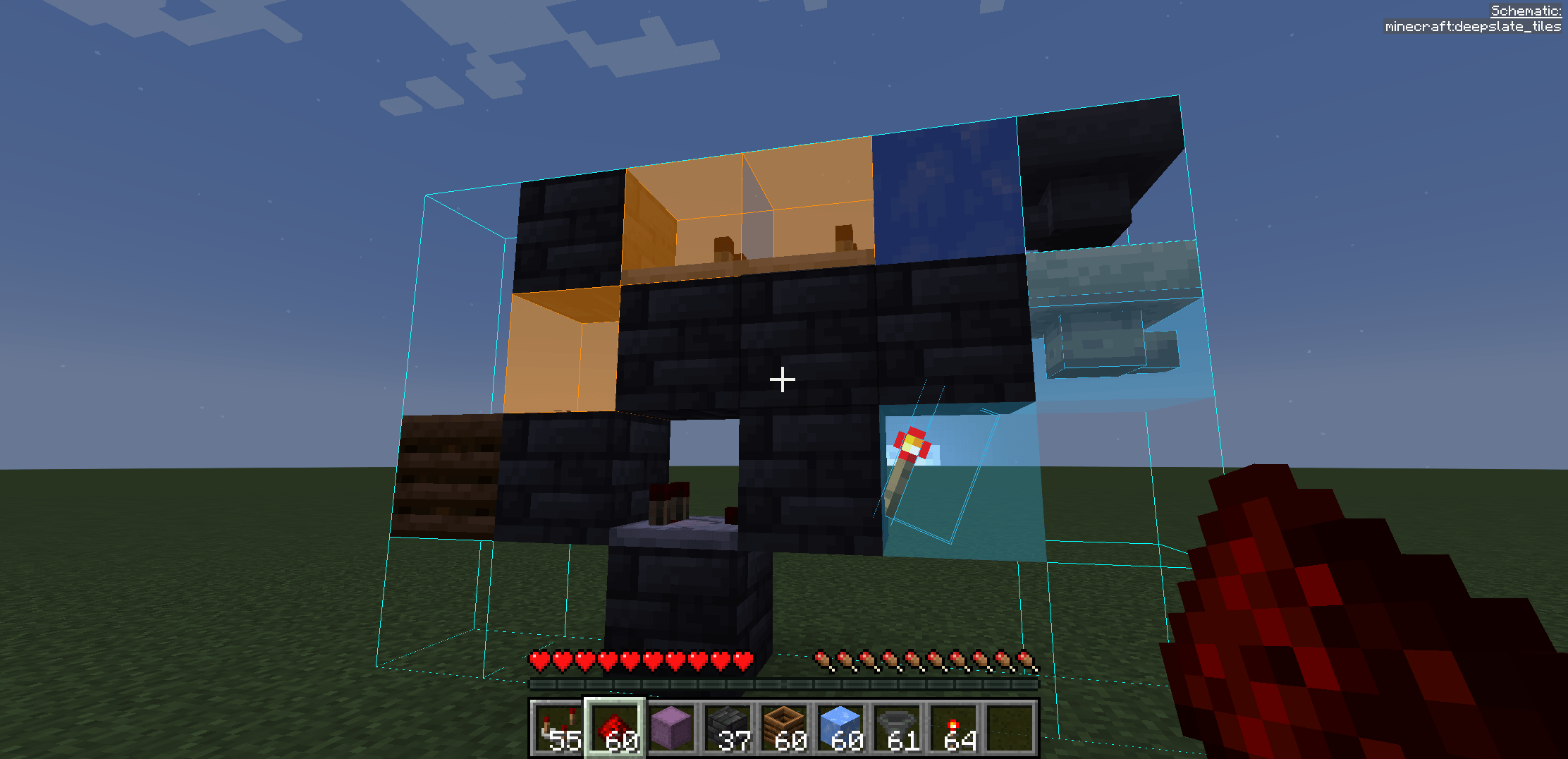

⚡ TakeItOut — Fast Shulker Block Picking + Easy Place
Pick blocks directly from shulker boxes — whether they’re in your inventory or placed in the world — using:
- the pick block key (mouse wheel)
- Litematica Easy Place (right-click in schematics)
- or regular right-click in schematics with Auto Take Out enabled
Build faster — whether you use Easy Place or place blocks manually.
💡 Perfect for Litematica users:
Works with both Easy Place and manual building — automatically supplying the correct blocks either way.
🎥 Building Demo

Fast building with Litematica using blocks directly from shulker boxes and linked containers.
✨ Features
📦 Pick blocks directly from:
- shulker boxes in your inventory
- linked world containers
🧱 Litematica Easy Place support
Right-click schematic blocks to auto-pick and place them exactly as defined by the schematic🖱️ Manual placement support (Auto Take Out)
Right-click in schematics to automatically take the required item while placing blocks normally⚡ Full support for Litematica schematics
🖨️ Compatible with:
- original Litematica printer
- litematica-printer (BiliXWhite fork)
🔄 Compatible with Tweakeroo Restock
🖱️ Pick block support — use the mouse wheel
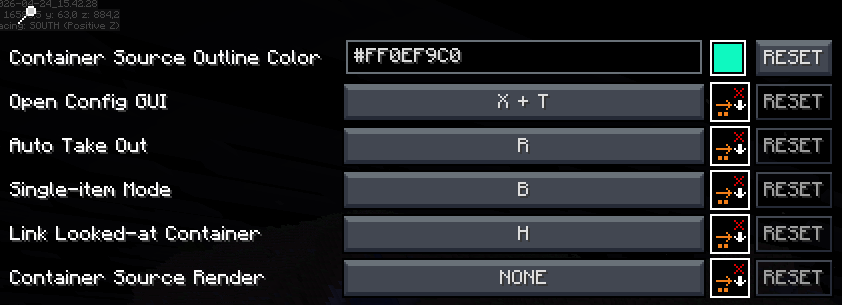
🔄 Auto pick mode (R)
📦 Extraction modes — SINGLE / STACK (B)
📁 Container Groups
Save, switch and share named container setups with other players on the server🌐 Server-side Shared Groups
Publish container groups to the server and let other players import them instantly📦 Box Selection Tool
Select a cuboid area to automatically link all containers inside it
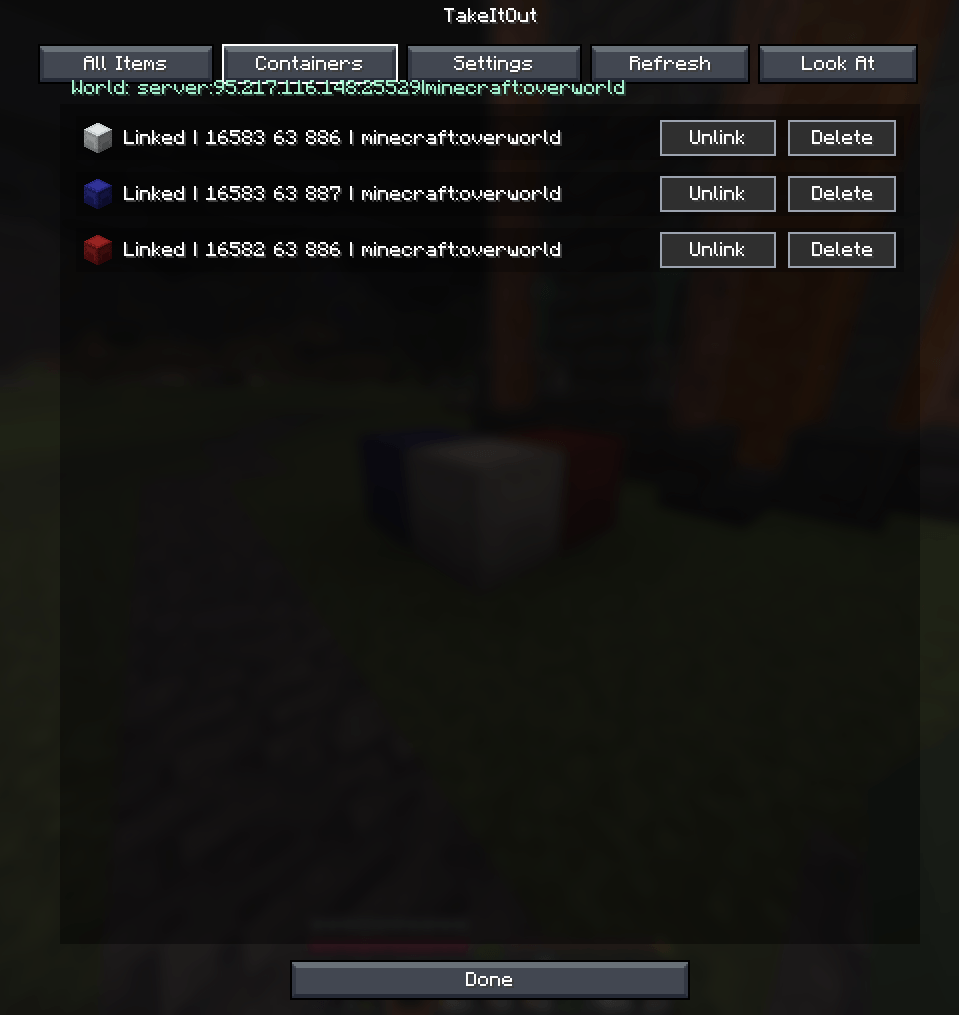
📦 Linked World Containers
Link containers using the H key.
Supported:
- shulker boxes
- chests
- barrels
Features:
- 🌐 Cross-container item access
- 🌍 Cross-dimension support
- 📊 Litematica material list integration
- 🟢 Linked container outline rendering
- 🧭 Container management UI
Additional functionality:
- 📁 Container Groups — save, switch and share setups
- 🌐 Shared Server Groups — publish groups for all players
- 🗑️ Dump Containers
- 📦 Box Selection — bulk-link containers in an area
- 🔍 Item search in All Items tab
- 🖱️ LMB = stack / RMB = single item
🆕 Recent Updates
- Added server-side shared container groups with import/remove support
- Added Box Selection mode for bulk container linking
- Improved Easy Place reliability after reconnect
- Correct block placement in water
- Better redstone wire matching
- Fixed stack merge overflow issues
- Tools no longer get moved into world containers accidentally
- Chat notifications for scan limits and restrictions
- Server option to disable All Items requests
⚠️ Compatibility Notice
Item Swapper
TakeItOut may conflict with Item Swapper because both modify item picking behavior.
Possible issues:
- incorrect item selection
- unexpected hotbar swaps
👉 Try disabling Item Swapper if issues occur.
🌐 Multiplayer
Install on the server or use the companion plugin for:
- Paper
- Purpur
- Spigot
- Bukkit
⚠️ Client Compatibility
Older TakeItOut client versions are not compatible with newer servers.
Please update the client to the latest version.
⚙️ Settings
Open the settings screen with:
- X + T
- Controls menu
- Mod Menu
🔗 Links
Discord: https://discord.gg/TR8tUk4WNF
Modrinth: https://modrinth.com/mod/takeitout
Support: https://ko-fi.com/maxbel
Made by Max Bel
- Edition: Minecraft Java
- File type: .jar
- Minecraft versions listed: 1.21.1, 1.20.1, 1.21.11
- How to install: Install the matching mod loader (Forge, Fabric or NeoForge) for your Minecraft version. → Download the .jar. → Put it in the .minecraft/mods folder and launch that loader profile.
- Where to get it: Opens on CurseForge — not every file is mirrored on our own servers.
Install steps are the general flow for this file type — How to install Minecraft Java mods & modpacks walks through it step by step.
- Ships as takeitout-1.1.21-26.1.2.jar — drop this file into the mods folder
- Download size: 302 KB
- Download link checked 27 Sept 2026 — working
These come from our own check of the pack file, not from the source page.